Can People on Instagram Tell When You Take a Screenshot?
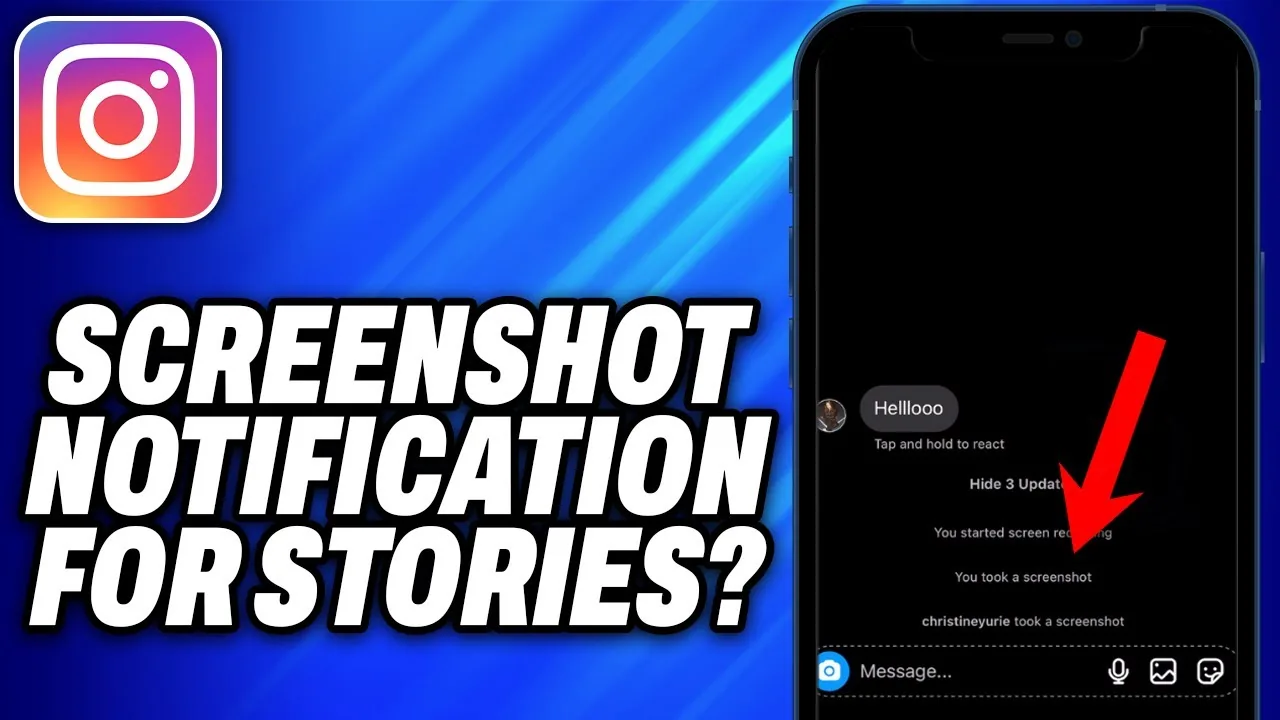
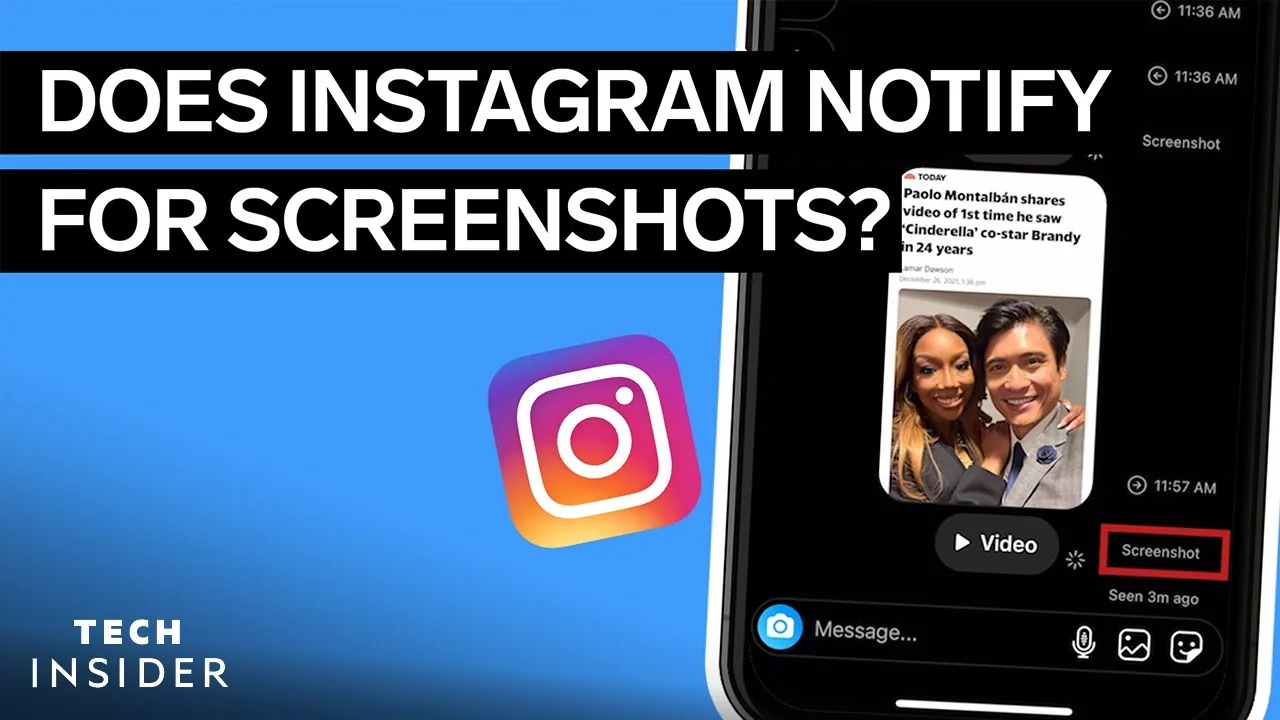
Only in one situation: if you screenshot or screen-record a disappearing (view-once) photo or video someone sent you in a DM, they get notified. Screenshotting a post, profile, or regular Story is invisible to them.
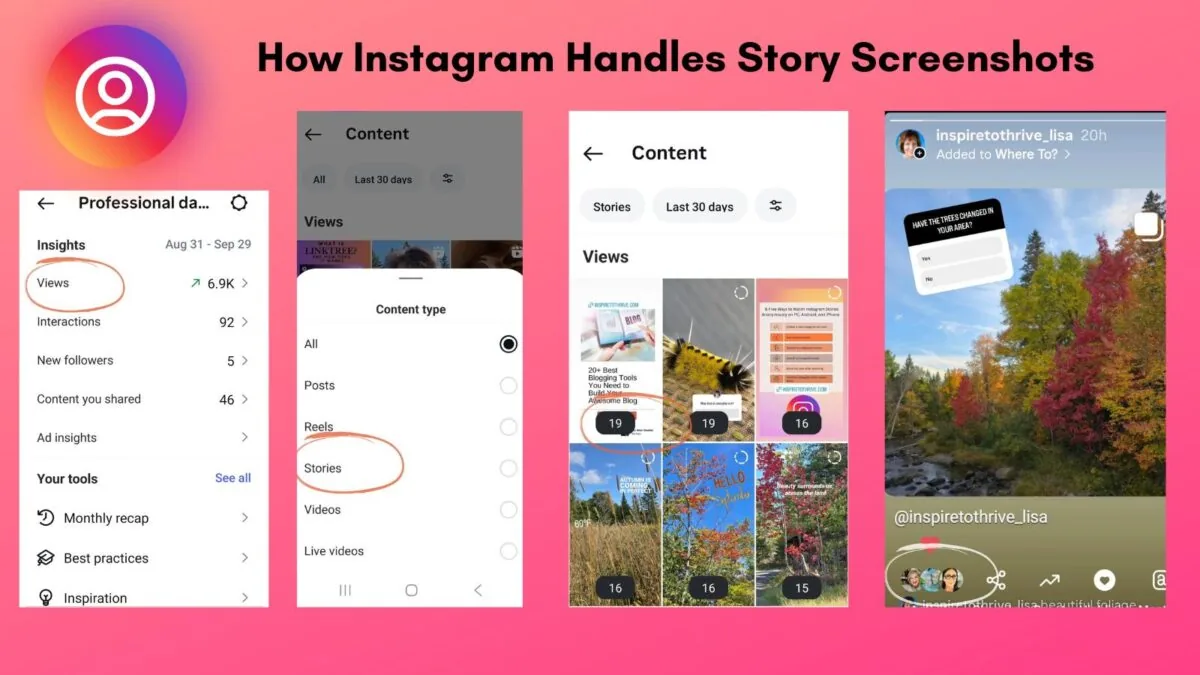
Short answer
People can only tell you screenshotted their content in one case: disappearing photos or videos sent through direct messages. Regular posts, profiles, and standard Stories give no indication a screenshot was taken.
Quick answer
It depends entirely on what you're screenshotting. For the vast majority of Instagram — feed posts, Reels, profile pages, and standard Stories — no, people cannot tell when you screenshot their content. There is exactly one exception: disappearing photos and videos sent in direct messages (the kind marked "view once" or set to disappear after viewing, plus replay clips). If you screenshot or screen-record one of those, Instagram notifies the sender that it happened.
Key takeaways
- Regular feed posts and Reels: no screenshot notification, period.
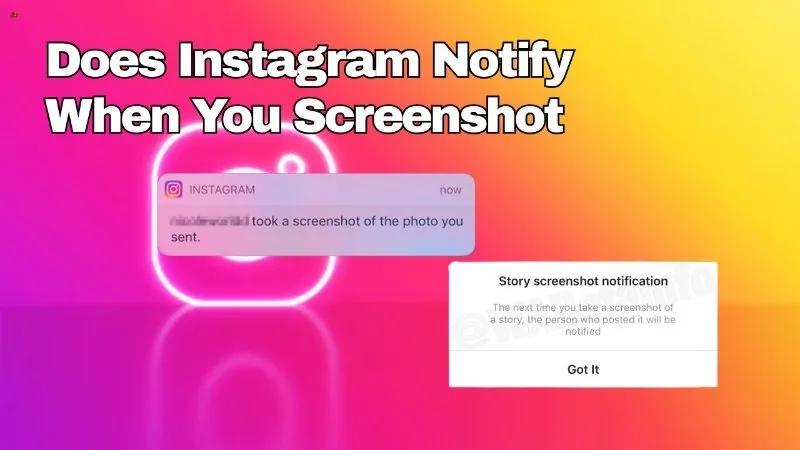
- Standard Stories (24-hour, not disappearing DM media): no screenshot notification as of 2026 — a similar feature was tested in 2018 and shelved.
- Disappearing DM photos/videos: screenshotting or screen-recording DOES notify the sender.
- Profile pages: unrelated to screenshots, and also not trackable in general (see the separate profile-view myth).
- Third-party apps claiming to detect or report screenshots on regular content have no real access to that information.
Where screenshot detection is real
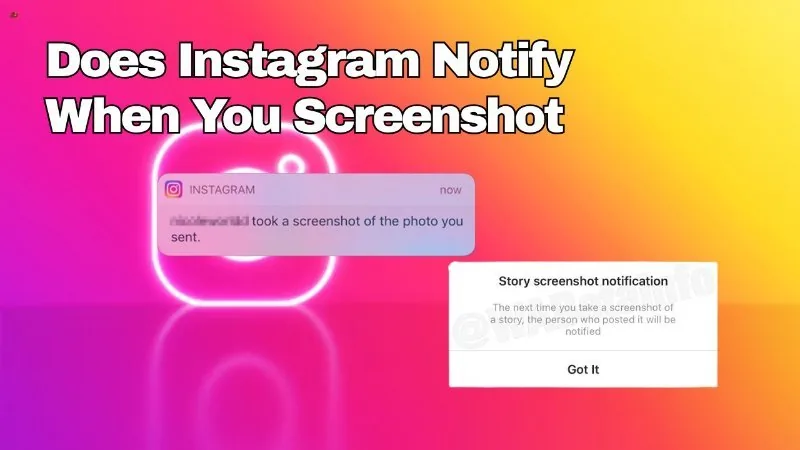
The one confirmed, functioning screenshot alert on Instagram lives inside Direct Messages, specifically for photos and videos sent with disappearing settings — media meant to be viewed once or a limited number of times ("allow replay"). If the recipient captures that content via screenshot or screen recording, the sender receives a notification inside the chat that it was captured. This mirrors a feature Snapchat popularized years earlier and is meant to preserve some accountability around content that's supposed to vanish.
Outside of that specific message type, this protection does not extend anywhere else in the app.
Where it isn't real
- Feed posts and carousels: you can screenshot any public or private post with no notice sent to the poster.
- Reels: same as feed posts — screenshotting a frame or clip is invisible.
- Regular Stories: Instagram briefly trialed a screenshot indicator for Stories around 2018, but it never rolled out widely and isn't part of the app today. Story views themselves are visible to the poster (they can see who watched), but that's different from being told someone specifically screenshotted it.
- Profiles: screenshotting someone's bio or grid has nothing to do with the screenshot-notification system at all, and profile visits aren't tracked in any form regardless.
- Regular (non-disappearing) DM photos and text: an ordinary photo or message sent in a chat, without disappearing/view-once settings, does not trigger a screenshot alert when captured.
Why the distinction matters
People often assume that because Instagram has some screenshot-detection capability, it applies universally. In reality, Meta built this specifically for ephemeral message content, where the entire point of the feature is that it's meant to be seen once and not preserved. Extending that same alert to public posts or Stories would require constant background monitoring of a very different kind, which Instagram has not built or announced.
Common mistakes to avoid
- Assuming a private, sensitive photo is "safe" from being saved just because it's a regular DM (non-disappearing) — there's no screenshot alert there, so nothing stops someone from saving it and you won't be told.
- Trusting apps that promise to alert you every time someone screenshots your public content — this isn't something Instagram allows third parties to access.
- Confusing the 2018 Story screenshot test with an active current feature; it isn't in the app in 2026.
Tips
- If you want a genuine screenshot alert on sensitive photos or videos, send them as disappearing/view-once media in a DM rather than posting them or sending them as a normal chat photo.
- Don't rely on the absence of a notification as proof content wasn't saved elsewhere — outside disappearing DMs, you'll simply never know either way.
- Keep your app updated and check Instagram's official Help Center for the current state of any privacy feature, since informal claims about "new" screenshot detection circulate frequently without basis.
Conclusion
People on Instagram can only tell you took a screenshot in one narrow case — disappearing photos and videos in direct messages. Everywhere else on the platform, including posts, Reels, profiles, and regular Stories, screenshotting leaves no trace anyone else can see.
Frequently asked questions
No. Screenshotting a feed post or Reel never generates a notification to the person who shared it.
Sources
Keep reading
More guides to grow your account.