How to Unblock Someone on Instagram (2026 Steps)
Unblock a user from Settings then Blocked accounts, or directly from their profile — both take under a minute but you won't auto-follow again.
Short answer
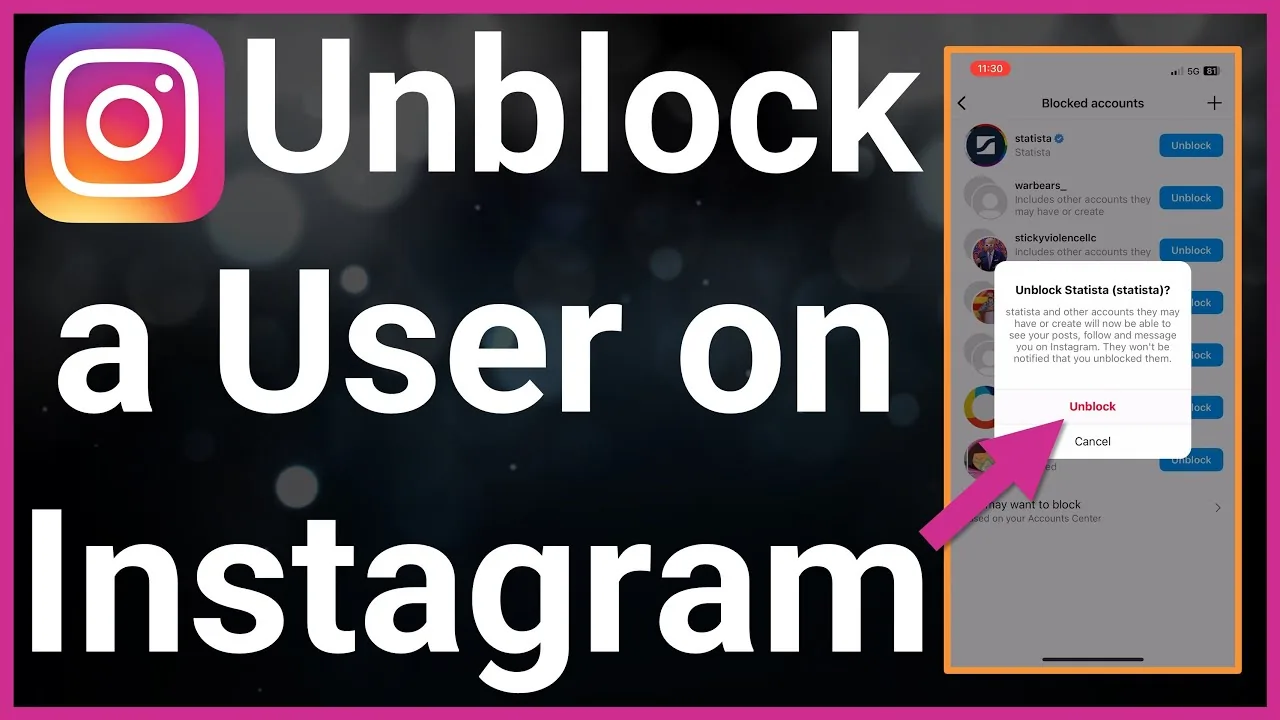
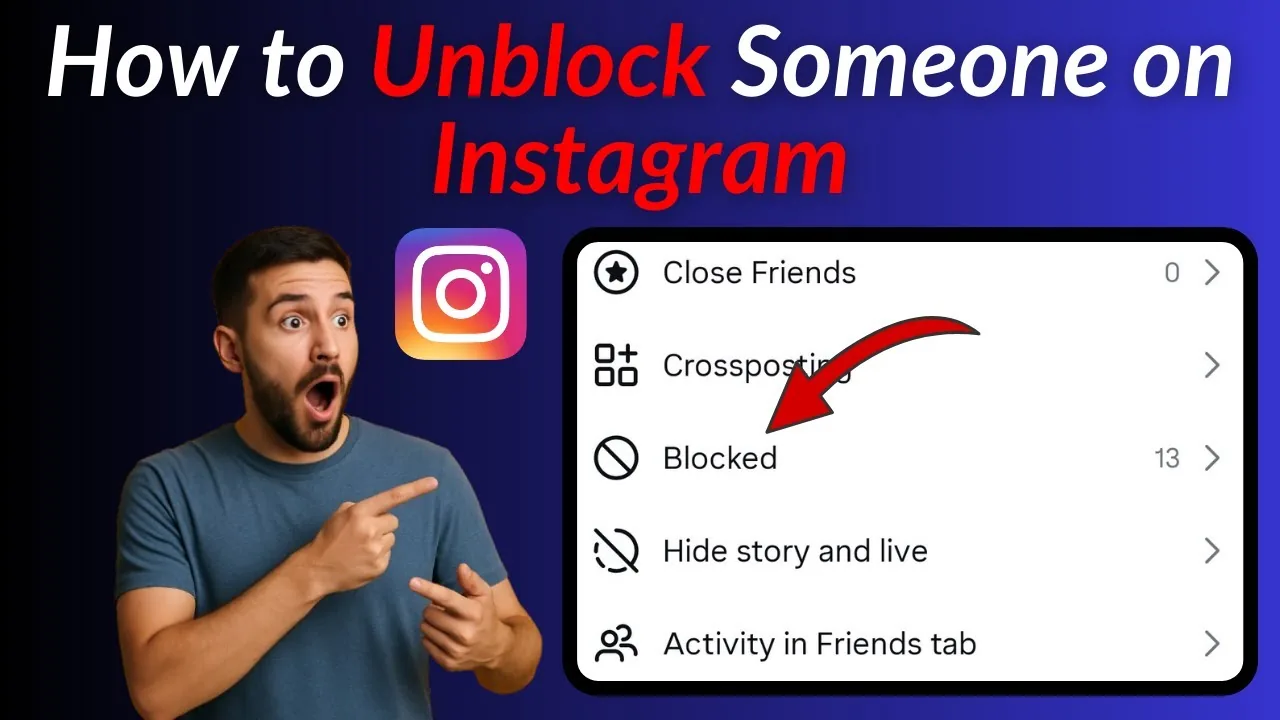
Go to Settings and privacy, then Privacy, then Blocked accounts, tap the person's name, and select Unblock. You can also unblock directly from their profile if you can still find it through search or a shared link.
Key takeaways
- Unblock from Settings and privacy, then Privacy, then Blocked accounts, or directly from their profile
- Unblocking does not automatically restore a follow relationship between you and the other account
- The other person is not notified when you unblock them
- Your old comments, likes, and tags don't automatically reappear after unblocking
- If you can't find someone to unblock, double-check the blocked accounts list rather than searching normally
- Blocking and unblocking work independently of muting, so check both if a fix doesn't seem to work
- If you're rebuilding a following after several unblocks, it may be worth reviewing how to get more followers on Instagram organically rather than relying on old connections
How do you unblock someone on Instagram?
Open the app, tap your profile picture, then the three-line menu, then Settings and privacy. Tap Privacy under How others can interact with you, then Blocked accounts, find the person you want to unblock, tap their name, and tap Unblock to confirm. Alternatively, if you can still navigate to their profile through search results or a shared link, tap the Unblock button directly on their profile page instead of digging through settings, which is the fastest route if you already know exactly who you're trying to reconnect with.
What happens immediately after you unblock someone?
They regain the ability to find your profile, send you a follow request if your account is private, and message you again if your DM settings allow it. However, you will not automatically follow each other again the way you did before the block, so both accounts need to follow each other from scratch if you want that relationship back. This is different from how a restricted account works, since restriction is a lighter-touch tool that never fully cuts off visibility in the first place.
Does unblocking bring back old likes, comments, or tags?
No, unblocking someone does not retroactively restore interactions that were removed or hidden while the block was active. Comments they made before the block typically remain, but any new engagement, tags, or mentions only resume going forward. If you're trying to rebuild a connection after unblocking, it helps to also revisit how you tag someone on Instagram since old tags may not have survived the block.
Will the person know I unblocked them?
No, Instagram does not send any notification when you block or unblock an account. The only way they'd know is if they happen to search for your profile again and notice it's now visible, or if you interact with their content in a way they'd naturally see, like liking a post. This is similar to how Instagram doesn't notify screenshots in most cases either — silence is the default behavior for many privacy actions.
Why can't I find someone in my blocked accounts list?
Double-check you're looking under Settings and privacy, then Privacy, then Blocked accounts rather than the regular search bar, since blocked profiles don't show up in normal search results from your account. If the person genuinely isn't listed, you may have muted them instead of blocking them, which is a separate and much lighter restriction; it's worth reviewing how to mute someone on Instagram to understand the difference before assuming a technical glitch.
How does unblocking compare to other reconnection options?
| Action | Restores follow | Restores DMs | Notifies the other person |
|---|---|---|---|
| Unblock | No, must re-follow | Yes, if settings allow | No |
| Remove a restriction | N/A, was never fully cut off | Yes, immediately | No |
| Unmute | N/A, was never hidden from them | N/A | No |
| Accept a follow request | Yes | Depends on privacy settings | Yes, via notification |
Should I unblock someone I blocked for harassment?
Generally no — unblocking is best reserved for situations like accidental blocks, resolved misunderstandings, or reconnecting with someone you blocked impulsively. If the original block was tied to harassment or unwanted contact, it's usually safer to leave the block in place, and if you're dealing with ongoing issues, learning what reporting someone on Instagram does is a more appropriate next step than unblocking.
Conclusion
Unblocking someone on Instagram takes under a minute through the Blocked accounts list or directly from their profile, and it's fully silent with no notification sent either way. Just remember it doesn't restore your previous follow relationship automatically, so plan to re-follow each other if that's the goal.
Frequently asked questions
Go to Settings and privacy, then Privacy, then Blocked accounts. This shows every account you've blocked and lets you unblock any of them individually.
Sources
Keep reading
More guides to grow your account.