How Do You Upload Gifs on Instagram?
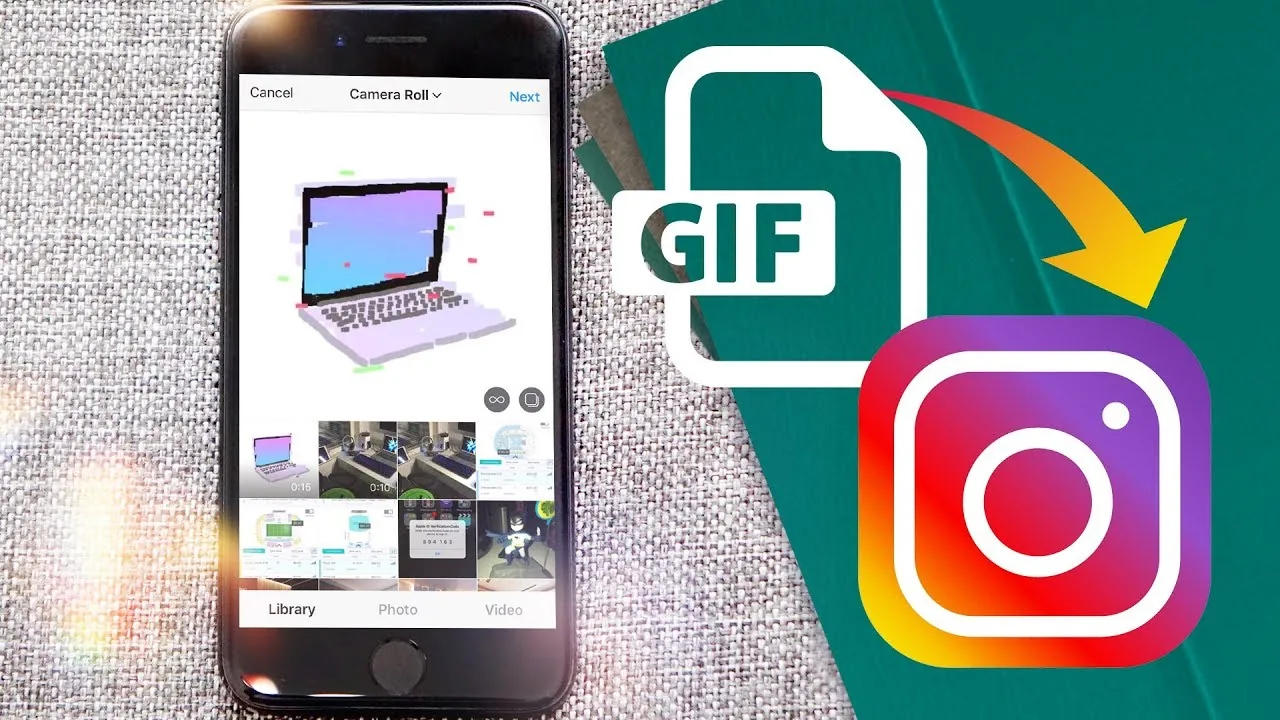
To make your own custom GIF searchable as an Instagram Story sticker, you upload it to GIPHY (not Instagram directly) with tags and a channel, wait for GIPHY's approval, and once live, anyone on Instagram can find and use it through the Story GIF sticker search.
Short answer
Since Instagram's GIF sticker search pulls entirely from GIPHY's library, getting your own custom GIF usable on Instagram means uploading it to GIPHY.com first with proper tags, going through GIPHY's approval process, and only then does it become searchable and usable by anyone through Instagram's Story sticker tray.
Quick answer
Instagram itself has no upload tool for adding your own GIF to its sticker library — that entire system is powered by GIPHY. To get a custom GIF you made searchable and usable on Instagram, you upload it directly to GIPHY.com (not Instagram), tag it accurately, and submit it for approval. Once GIPHY approves it, it becomes searchable through Instagram's built-in GIF sticker search in Stories, comments, and DMs, alongside every other GIF in that library.
Key takeaways
- Instagram's GIF stickers are entirely sourced from GIPHY — there's no separate Instagram-only GIF upload system.
- Uploading to GIPHY requires an account, and branded or business GIFs typically go through a stricter review process than personal ones.
- Approval isn't instant or guaranteed — GIPHY reviews submissions for quality, relevance, and content policy compliance before they become publicly searchable.
- Once live on GIPHY, your GIF becomes usable by anyone on Instagram (and other apps that use GIPHY, like Facebook and Twitter/X), not just your own account.
- For branded GIFs tied to a business or campaign, GIPHY offers a dedicated Brand/Business upload process with analytics on views and shares.
How to create and upload a custom GIF for Instagram
- Create your GIF using a video or photo editing tool — apps like GIPHY's own Create tool, Canva, or Adobe Express can convert a short video clip or looped image sequence into a proper .gif file.
- Go to giphy.com and create a free account if you don't have one.
- Click Upload, select your GIF file, and add a clear, descriptive title along with relevant tags people might search for.
- Submit it for review — GIPHY's moderation team checks for content policy compliance, quality, and relevance before approving public listings.
- Once approved, search for it yourself in Instagram's Story sticker tray to confirm it appears and behaves as expected.
Why the process runs through GIPHY, not Instagram
Meta partnered with GIPHY (which it also owns) to power the GIF search feature across Instagram, Facebook, and Messenger, rather than building a separate GIF hosting system for each app. This means one GIPHY upload can potentially surface across multiple Meta products, but it also means Instagram itself has no direct say or separate submission process — everything routes through GIPHY's own review pipeline.
Common mistakes to avoid
- Looking for a GIF upload button anywhere inside the Instagram app — it doesn't exist; the entire process happens on GIPHY's own website.
- Using vague or generic tags when uploading, which makes your GIF far harder for people to find through Instagram's sticker search.
- Expecting instant approval — GIPHY's review can take time, and not every submission is approved, especially if it resembles existing content too closely or violates content guidelines.
- Assuming a rejected or removed GIPHY GIF can simply be re-uploaded unchanged — address whatever caused the rejection (usually tagging, quality, or content policy issues) before resubmitting.
Tips
- If your goal is simply using existing GIFs rather than creating your own, see our guide on uploading a GIF on Instagram for the comment and DM search process.
- Brands running a specific campaign should look into GIPHY's dedicated Brand channel tools, which include performance analytics not available to standard personal uploads.
- Keep your GIF short, looping cleanly, and clearly readable at small sizes, since most people will see it shrunk down as a small Story sticker rather than full-screen.
Frequently asked questions
No, Instagram has no built-in upload tool for adding a new GIF to its searchable library. All GIFs used in Instagram's Story, comment, and DM search come from GIPHY, so uploading happens on GIPHY's own website instead.
Sources
Keep reading
More guides to grow your account.