Can You See Who Views Your Instagram Page?
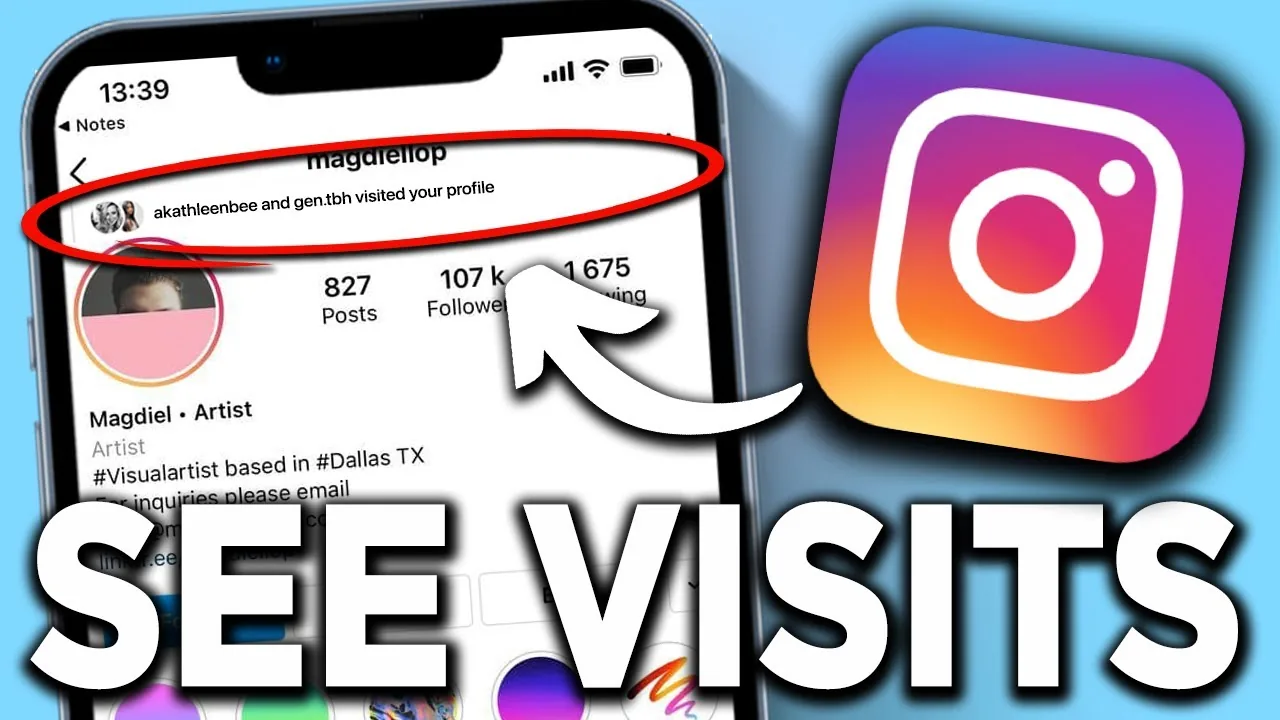
No — Instagram has no feature that identifies which accounts visited your profile page (what many people call their Instagram "page"); the closest thing that exists is aggregate profile-visit counts inside Insights for professional accounts, with no names attached.
Short answer
No — Instagram has no feature that identifies which accounts visited your profile page (what many people call their Instagram "page"); the closest thing that exists is aggregate profile-visit counts inside Insights for professional accounts, with no names attached.
Quick answer
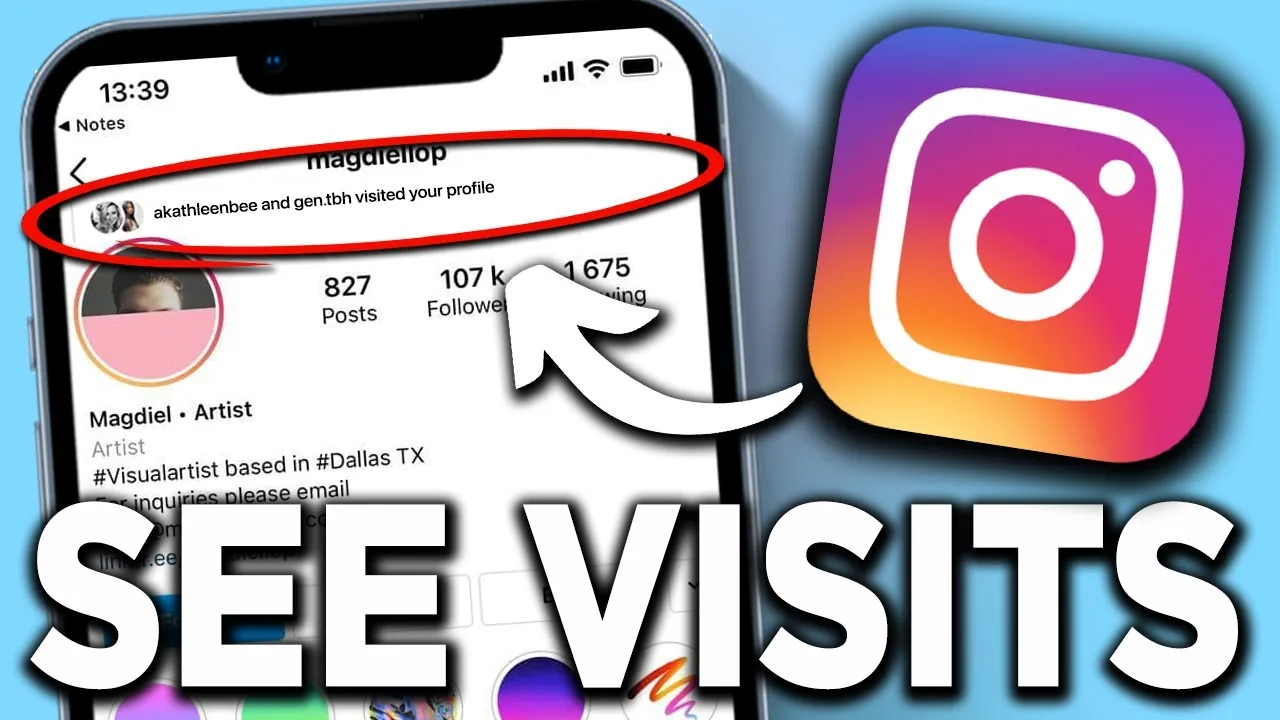
No. What people usually mean by their Instagram "page" is their profile — the screen showing your bio, grid, and Highlights. Instagram has never built a feature that shows the identity of accounts who visit that page, on personal accounts or professional (business/creator) accounts. The only visit-related data Instagram surfaces is an aggregate count of "Profile visits" inside Insights, available on professional accounts, and it never breaks that number down into a list of who those visitors were.
Key takeaways
- There is no profile visitor list on Instagram, regardless of account type or how many followers you have
- Professional accounts (business and creator) can see a total "Profile visits" number in Insights, but it's just a count, not names
- This is different from Stories, which do show a specific viewer list — profile pages never have gotten that treatment
- Apps or sites claiming to reveal "who viewed your Instagram page" always require your login and are not built by Instagram; treat them as scams designed to steal credentials
Why "page views" and "profile visits" get confused
Instagram doesn't use the word "page" in its own interface — that terminology carries over from Facebook, where a "Page" is a distinct object from a personal profile. On Instagram, everyone (personal, creator, or business) has a profile, and switching to a professional account doesn't turn it into a separate "Page" the way Facebook works. So when someone asks "can you see who views your Instagram page," they're really asking about profile visits, and the answer is the same across the board: no identity data is ever shown.
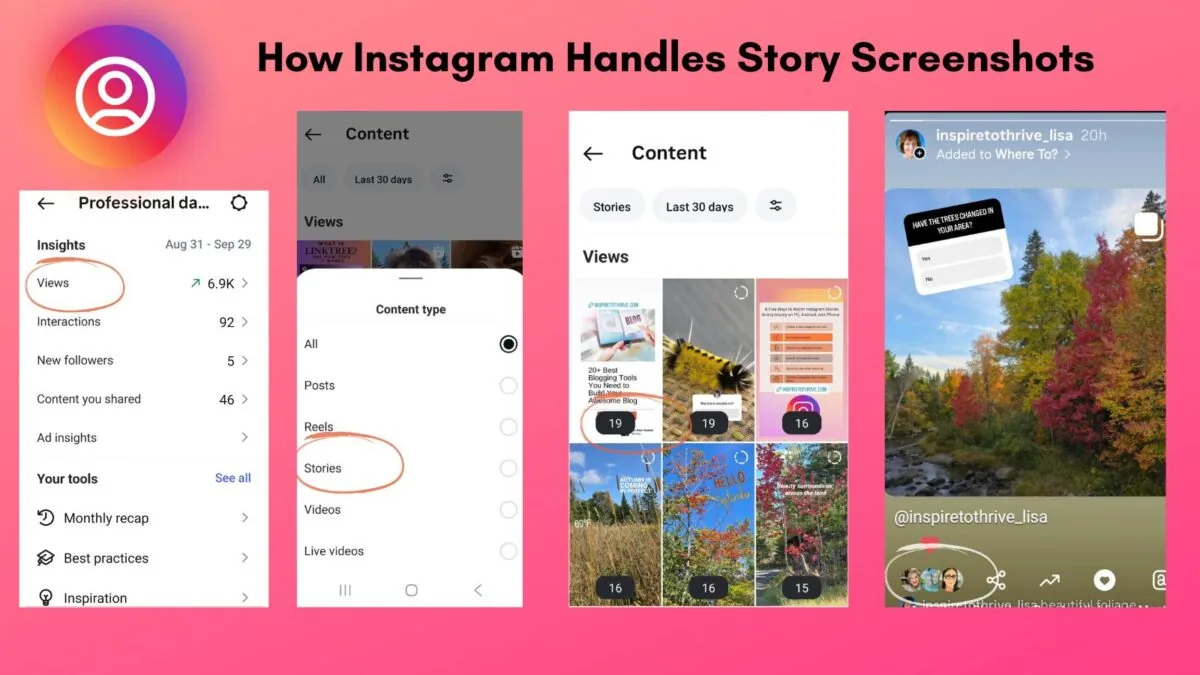
What professional accounts do get is a single number, under Instagram Insights, labeled "Profile visits" (sometimes shown as "Profile activity"), which counts how many times your profile was opened over a selected date range — 7 days, 30 days, or a custom window. It's an aggregate metric meant to help you gauge whether your content or bio is driving people to check out your profile, not a surveillance tool. Instagram does not log or expose which specific accounts contributed to that number, and there is no known workaround, official or otherwise, that recovers it.
How to check your profile visit count
- Switch to a professional account if you haven't already (Settings and privacy > Account type and tools > Switch to professional account)
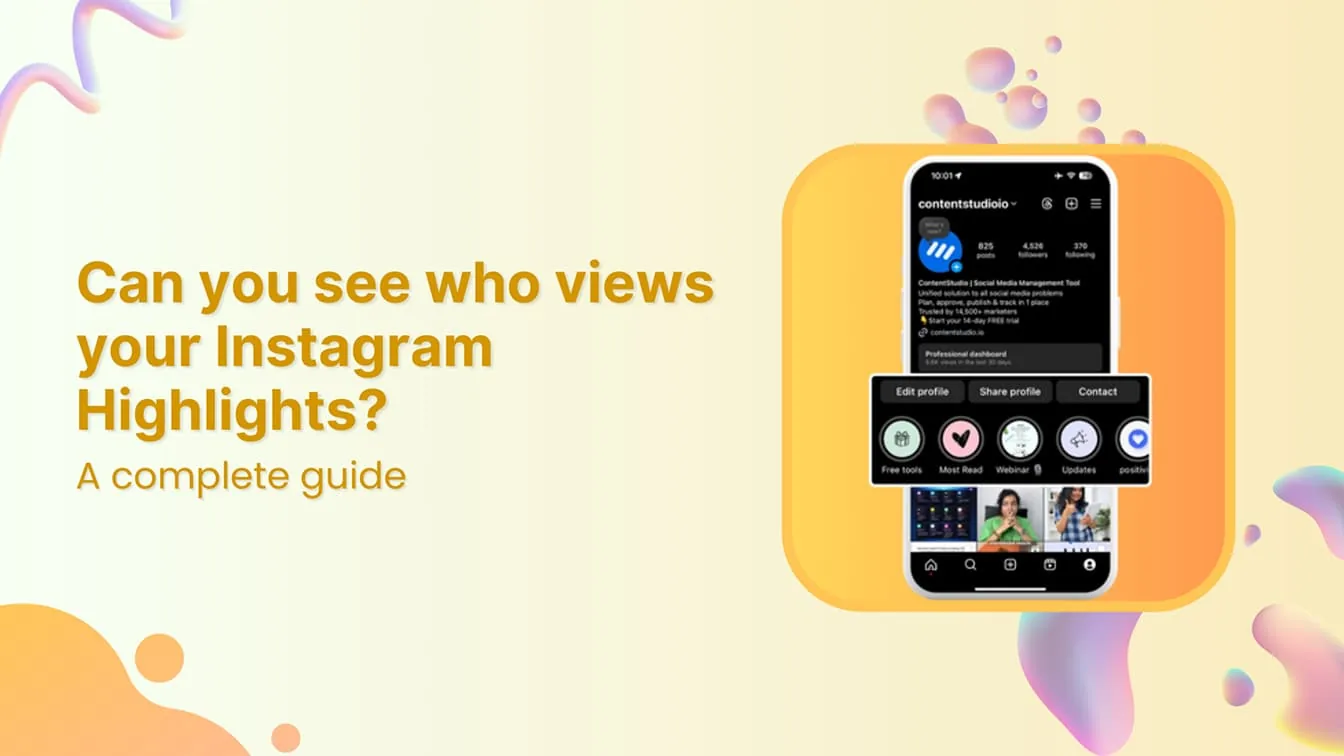
- Go to your profile and tap the menu icon, then tap "Insights" (or tap the "Professional dashboard" button if shown there)
- Under "Accounts reached" or the overview section, look for "Profile activity" or "Profile visits"
- Adjust the date range at the top to see visits over different time periods
Common mistakes to avoid
- Believing a specific follower "has been checking your page" based on gut feeling — there's no data source to confirm this
- Downloading third-party "profile viewer" apps, which almost always ask for your Instagram username and password and can lead to account compromise
- Confusing profile visits with Story views — Stories do show a name-by-name list, profiles never do
- Assuming a personal (non-professional) account has any visit tracking at all — it doesn't, not even an aggregate number
Tips for understanding your audience without viewer names
- Use Insights' "Accounts reached" and "Accounts engaged" breakdowns to understand who's interacting with your content, even without knowing who merely browsed your profile
- Pay attention to who likes, comments, shares, or replies to Stories — that's the closest legitimate signal you'll get to "someone was just looking at my content"
- If privacy is the underlying concern rather than curiosity, switching to a private account controls who can see your profile at all, which is a more useful lever than chasing visitor identities Instagram will never reveal
Frequently asked questions
Not really — most people use "page" informally to mean their profile screen. Instagram's official term is profile, and it has no separate Page object the way Facebook does.
Sources
Keep reading
More guides to grow your account.