How to See How Many Posts You've Liked on Instagram
Instagram doesn't show a total like count, but Your Activity lets you scroll through roughly your last 300 liked posts.

Short answer
Instagram doesn't display a running total of every post you've ever liked. Instead, go to your profile menu, tap Your Activity, then Interactions, then Likes, to scroll through roughly your 300 most recent liked posts in reverse chronological order.
Key takeaways
- Instagram has no counter that tells you the exact lifetime number of posts you've liked.
- Your Activity, found under Interactions, lists your recently liked posts in reverse chronological order.
- The list realistically covers around your last 300 likes, not your entire history.
- Posts that were later deleted by their creator won't appear even if you liked them.
- This feature is mobile-app only — the desktop site doesn't expose a liked-posts view.
- You can unlike posts directly from this list, which is handy for cleaning up your likes on Instagram footprint.
Does Instagram show a total count of posts you've liked?
No, there's no number anywhere in the app that tallies your all-time likes. Instagram only gives you a scrollable log of what you've liked recently, not a running total, so counting your entire history means manually scrolling and estimating rather than reading off a single figure.
Where do you find posts you've liked?
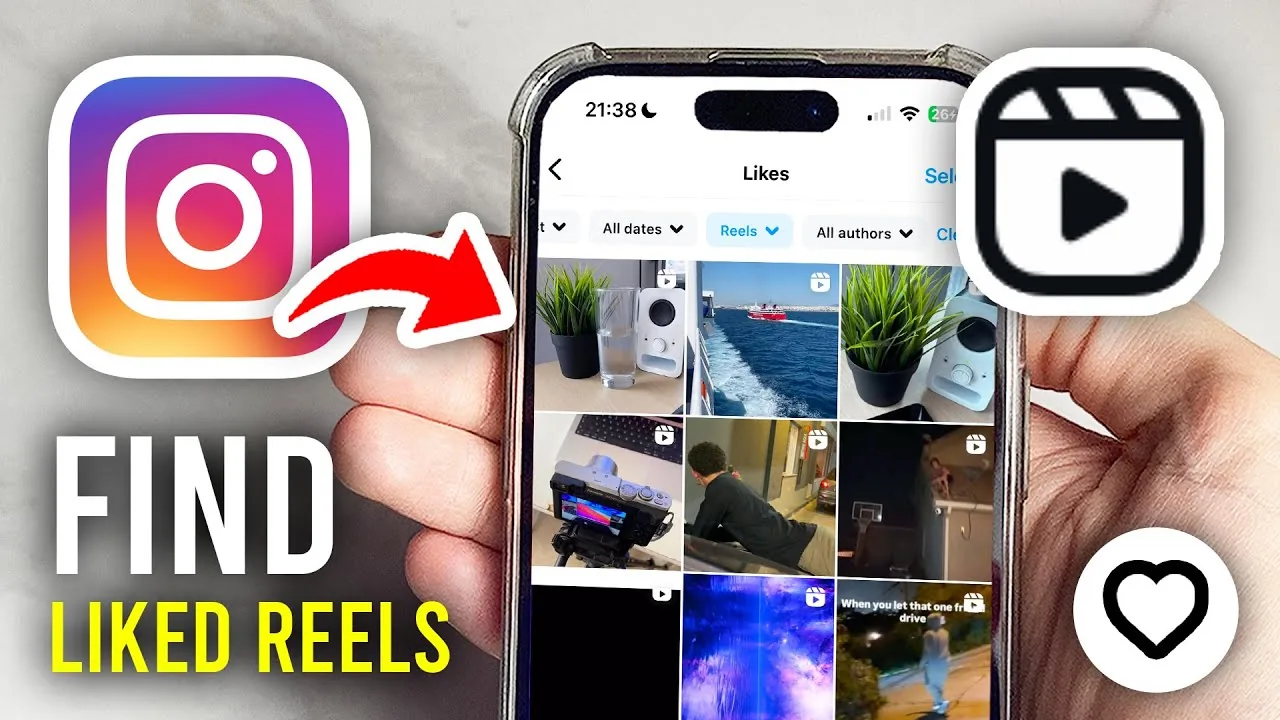
Open your profile, tap the menu icon in the top right, select Your Activity, then Interactions, then Likes. This pulls up every post you've liked recently, newest first, similar to how you'd check liked reels on Instagram through the same Activity hub.
How far back does the liked posts list go?
In practice, only around your last 300 liked posts. Instagram doesn't publish a hard cutoff, but users consistently report the list trailing off near that mark, so if you liked something a year ago in a heavy-scrolling habit, don't expect to find it easily.
Why is a post missing from my liked list?
The most common reason is that the original poster deleted it. Once a post is removed from Instagram, it disappears from everyone's liked history too, even though you technically still "liked" it at the time. Private accounts you've since unfollowed can also cause a post to stop displaying properly in the list.
Can you see liked posts on Instagram desktop?
No, this is a mobile-only feature. Instagram.com doesn't expose an Activity or Interactions menu with the same depth as the app, so if you're trying to audit your likes, you'll need your phone or tablet rather than a browser.
Can you unlike or manage posts from this screen?
Yes, tapping the heart icon next to any post in the Likes list removes your like instantly. This is useful if you're trying to declutter your activity, tighten your privacy, or simply stop an algorithm from over-indexing on old interests the way it does when shaping your Instagram algorithm recommendations.
| Question | Answer |
|---|---|
| Exact lifetime like count | Not available |
| Approx. history shown | ~300 most recent likes |
| Location | Profile > Your Activity > Interactions > Likes |
| Platform | Mobile app only |
| Can you unlike from the list | Yes |
If your goal is understanding your own engagement habits rather than a precise number, the Your Activity view is still the most useful tool Instagram gives you — pair it with a broader look at your Instagram activity and watch history for a fuller picture of how you're using the app.
Frequently asked questions
Instagram doesn't display an exact lifetime count anywhere in the app. The closest option is the Your Activity log, which shows roughly your last 300 liked posts rather than a full historical tally.
Sources
Keep reading
More guides to grow your account.