Instagram guides and how-tos
408 step-by-step Instagram how-tos. Filter by what you want to work on next.
 Tools & Privacy
Instagram Story Saver: Safe Ways to Save Stories (2026)
An Instagram story saver can safely archive your own Stories, but downloading others’ content raises privacy, copyright, and third-party app risks.
 Growth
Instagram Search Queries Optimization: The 2026 SEO Guide
How does Instagram search work in 2026? Learn where to put keywords in your name, handle, bio, captions, and alt text to rank in Instagram SEO.
 Tools & Privacy
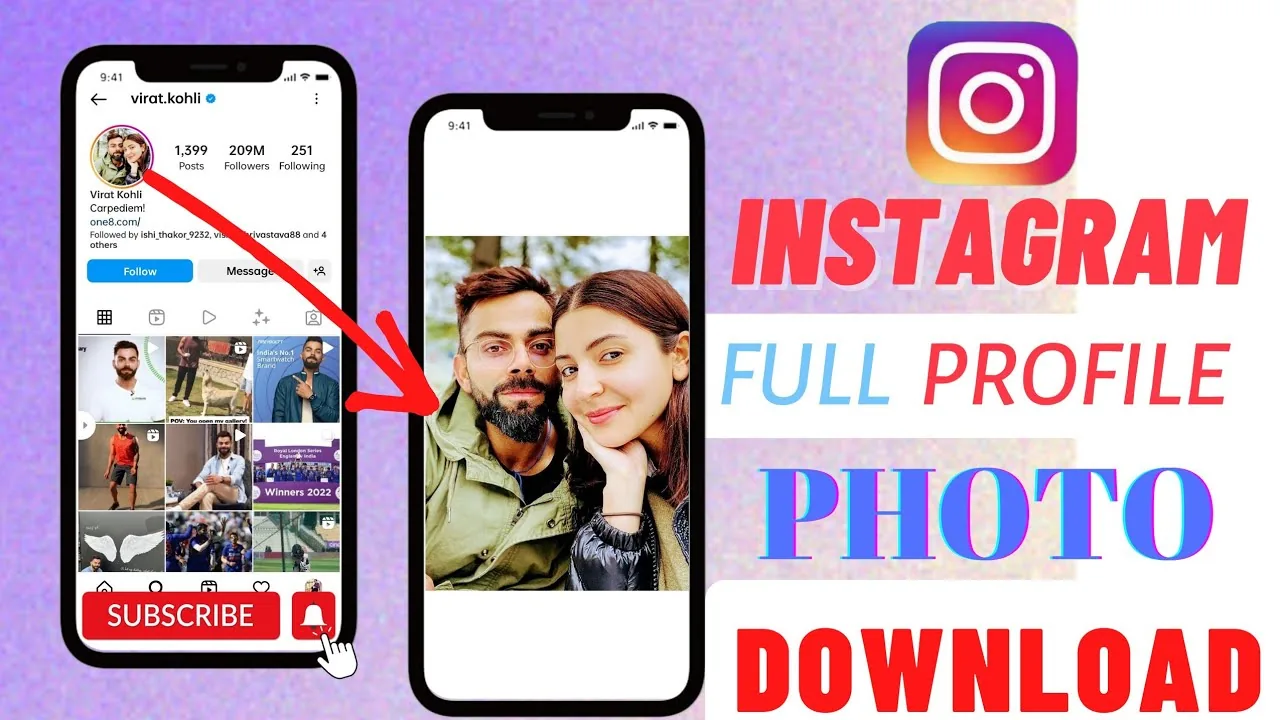
Instagram Profile Picture Downloader: Safe Ways in 2026
Want an Instagram profile picture downloader? Here is what those sites can really do, the real risks, and safer ways to view a DP full size in 2026.
 Tools & Privacy
Instagram Post Viewer: What Actually Works (and What's a Scam)
Can an Instagram post viewer reveal private posts? No—only public content is viewable. Learn the safe methods and warning signs of viewer scams.
 Tools & Privacy
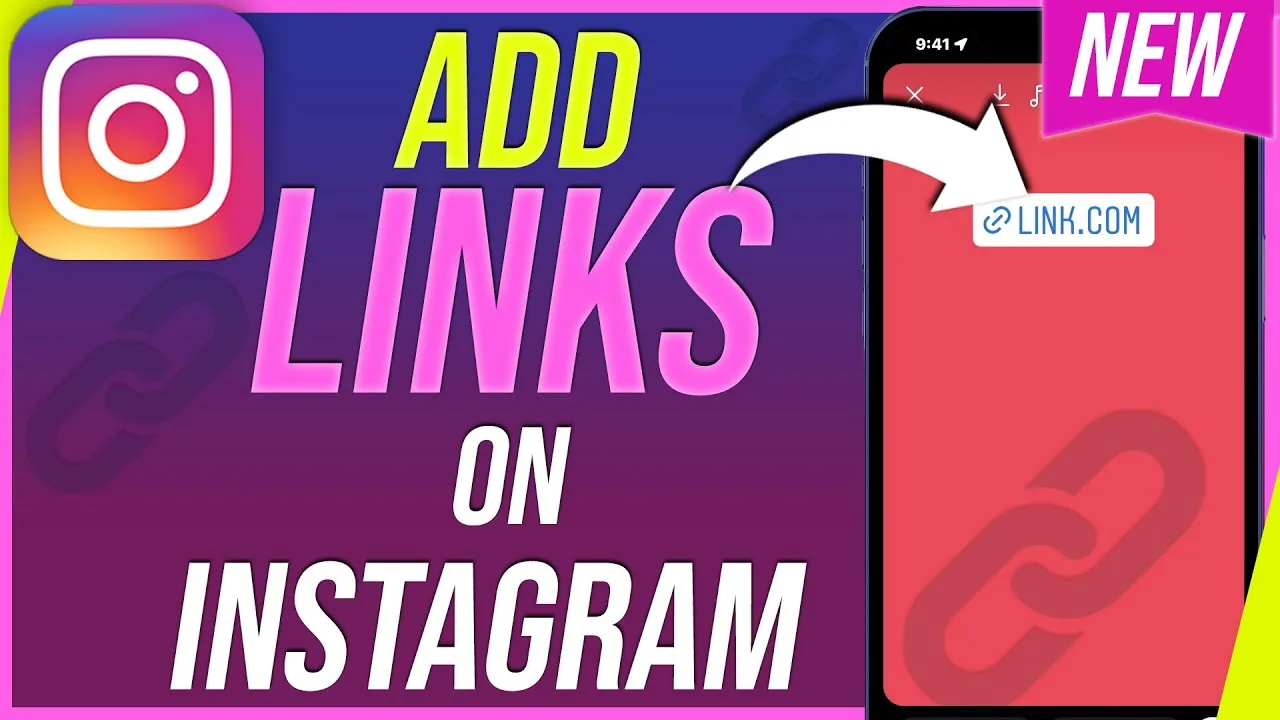
How to Add Links to Instagram Stories
Tap the sticker icon while editing a Story, choose the chain-link Link sticker, type or paste the URL, customize the display text, then place it anywhere on your Story before posting.
 Explainers
Instagram Customer Service Number 24/7: Does It Exist?
Is there an Instagram customer service number that works 24/7? No. Here are the real support channels and how to spot the phone-number scams.
 Content Strategy
How Can You Hack Instagram?
There is no legitimate way to hack an Instagram account — doing so is illegal and against Instagram's rules, and most "hacking" sites you'll find are phishing scams designed to steal your own login instead.
 How-To
How to Turn Off Read Receipts on Instagram in 2026
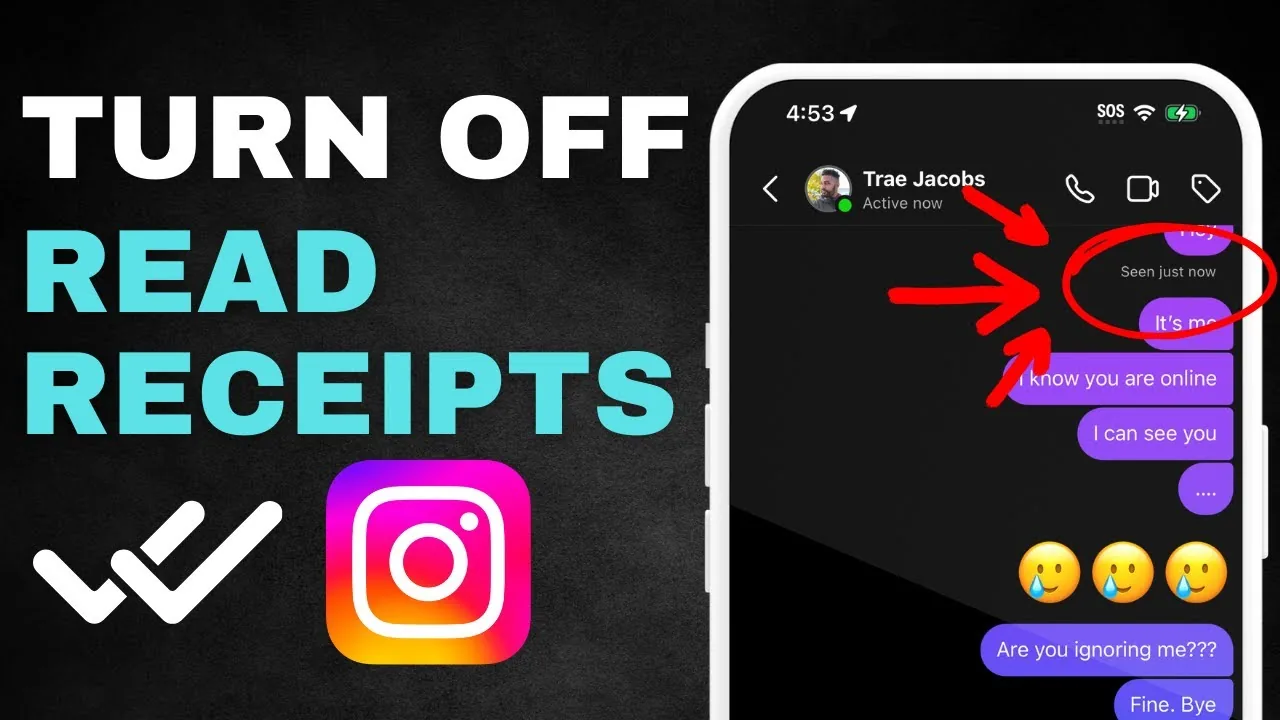
Learn how to turn off read receipts on Instagram for every DM or one chat, what the setting hides, and which activity signals remain visible in 2026.
 How-To
How to Turn Off Location on Instagram: Full 2026 Guide
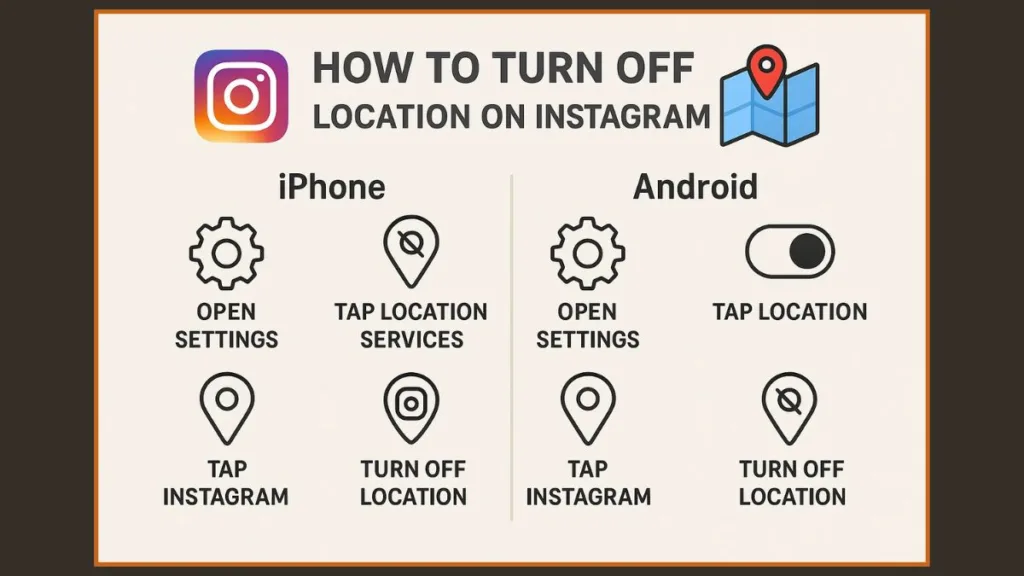
Learn how to turn off location on Instagram, disable Map sharing, block iPhone or Android location access, and remove geotags from existing posts.
 Reels
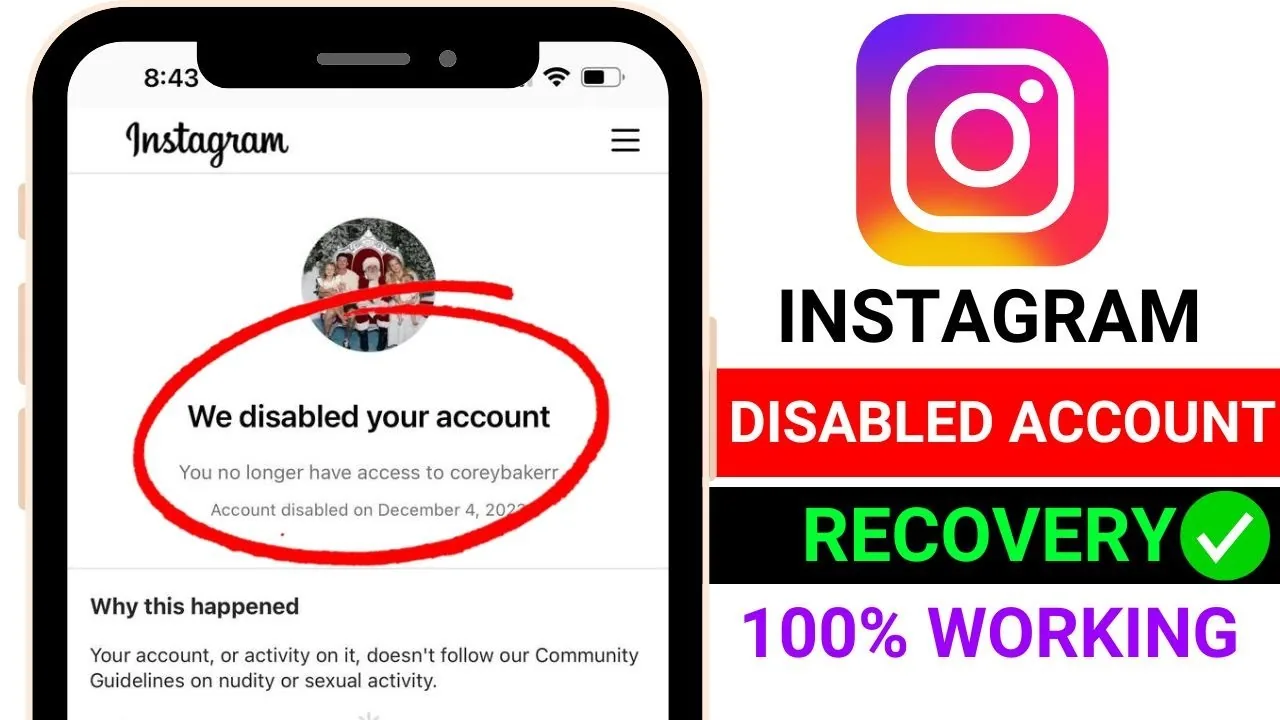
ReelsHow to Temporarily Disable Your Instagram Account
Temporarily disabling (deactivating) your account hides your profile, posts, and comments until you log back in - it's fully reversible and instant, unlike permanent deletion. Do it through Accounts Center > Personal details > Account ownership and control > Deactivation or deletion.
 Profile & Bio
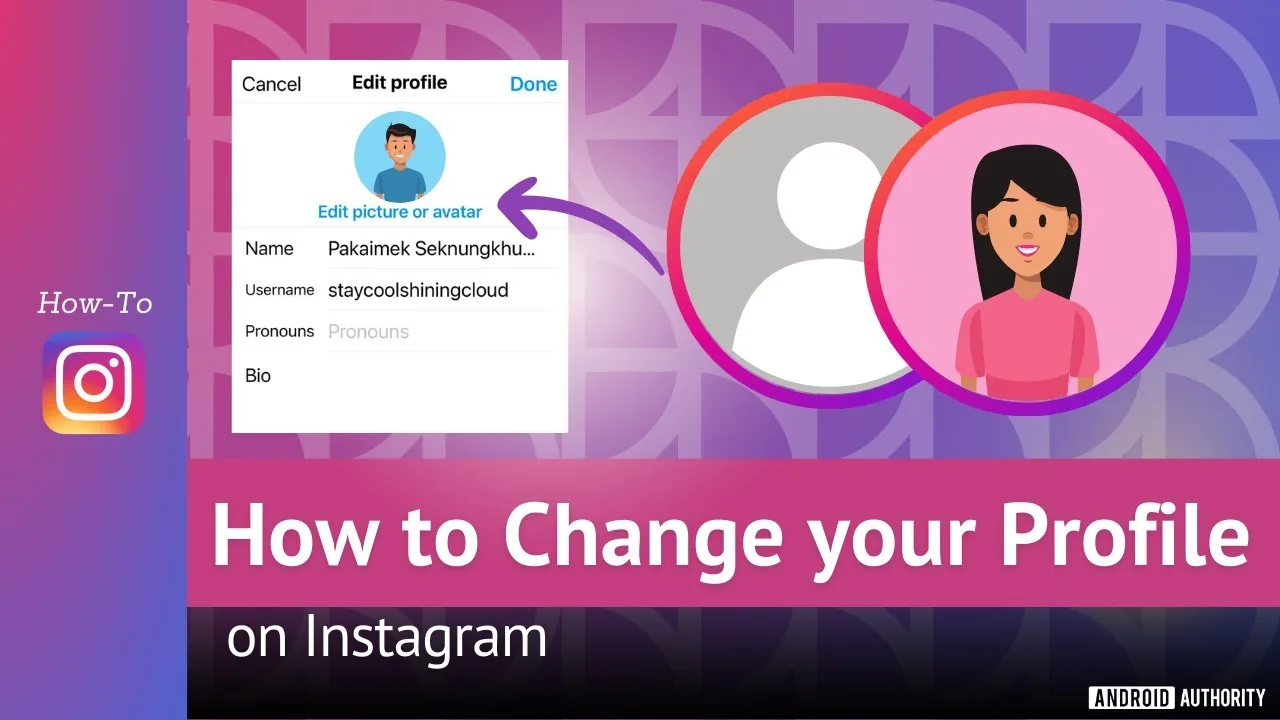
How Do I Change My Instagram Profile Pic?
Tap your profile picture, choose Edit profile, then Edit picture, and pick a new photo, take one on the spot, or import your connected Facebook photo - keep the subject centered since Instagram displays it in a circular frame.
 How-To
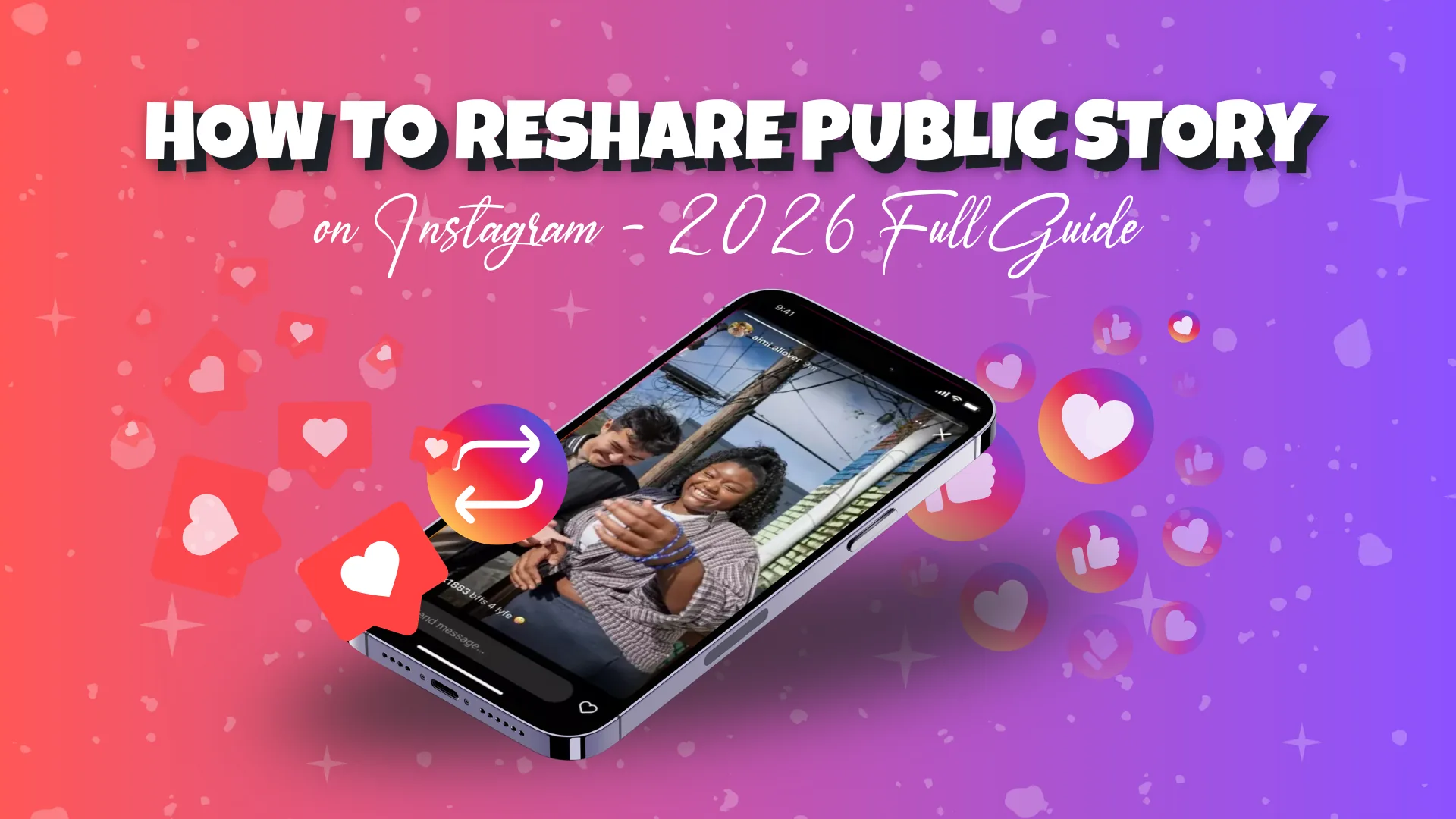
How to Reshare on Instagram in 2026 (Every Method)
How to reshare on Instagram in 2026: use the native Repost button, add posts and Reels to your Story, or send them in DMs, all with automatic credit.
 How-To
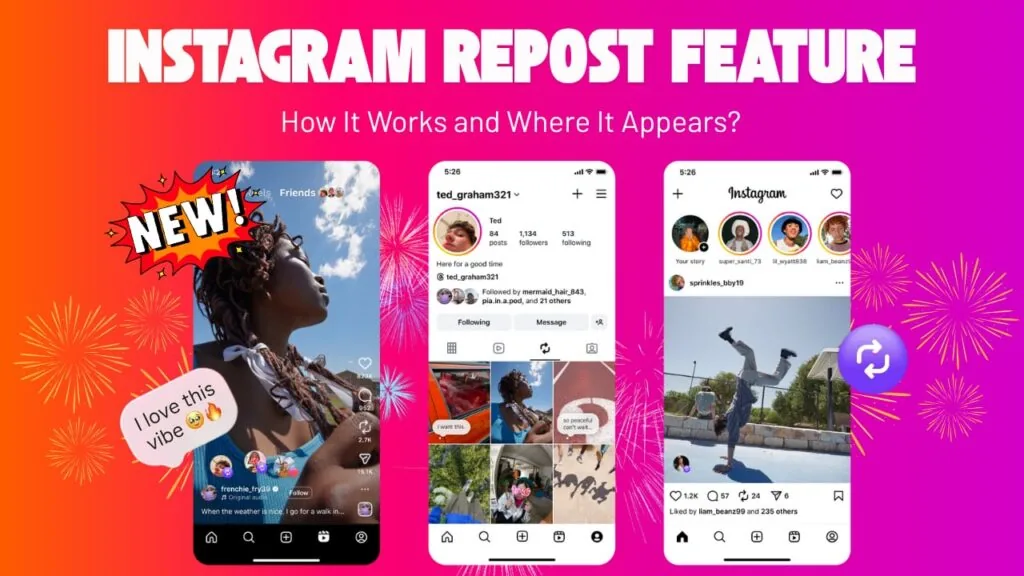
How to Repost on Instagram: Every Method for 2026
How to repost on Instagram in 2026: use the native Repost button for public feed posts and Reels, plus Stories, DMs, and manual reshares with credit.
 How-To
How to Mute Someone on Instagram (2026 Step-by-Step)
Learn how to mute someone on Instagram in 2026 - posts, stories, and notes - without unfollowing or blocking. No notification is ever sent.
 Monetization
How to Make Money on Instagram in 2026: 7 Real Ways
Learn how to make money on Instagram in 2026 through brand deals, affiliate offers, products, subscriptions, and Gifts, with realistic expectations.
 How-To
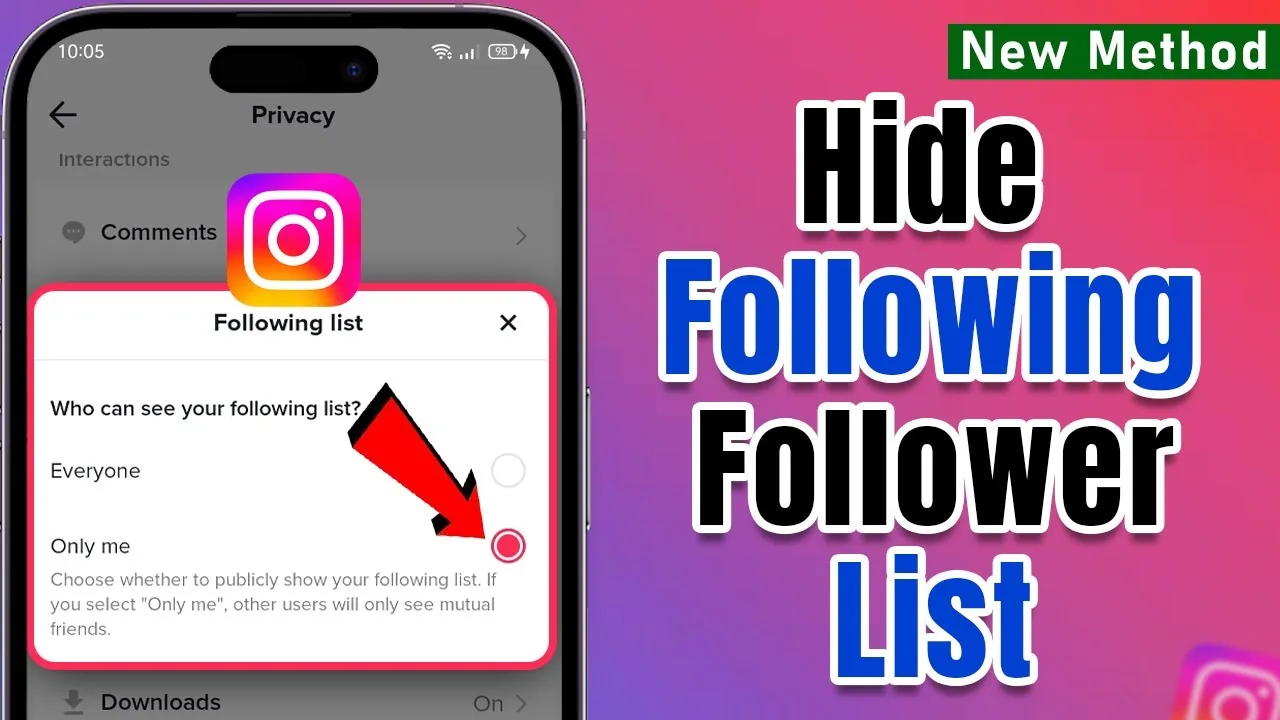
How to Hide Your Following List on Instagram in 2026
You cannot fully hide your following list on Instagram from approved followers. Learn what a private account, removal, and blocking actually hide.
 Tools & Privacy
How to Download Instagram Videos Safely: 2026 Guide
Learn how to download Instagram videos using native options, screen recording, or a data export while avoiding copyright, phishing, and malware risks.
 Explainers
How Do I Do Instagram Live?
To go live on Instagram, tap the plus icon, swipe to Live in the camera options, add a title, and tap Start Live Video — anyone you haven't blocked can join and comment in real time, and you can invite a guest or save the replay to your Stories afterward.
 How-To
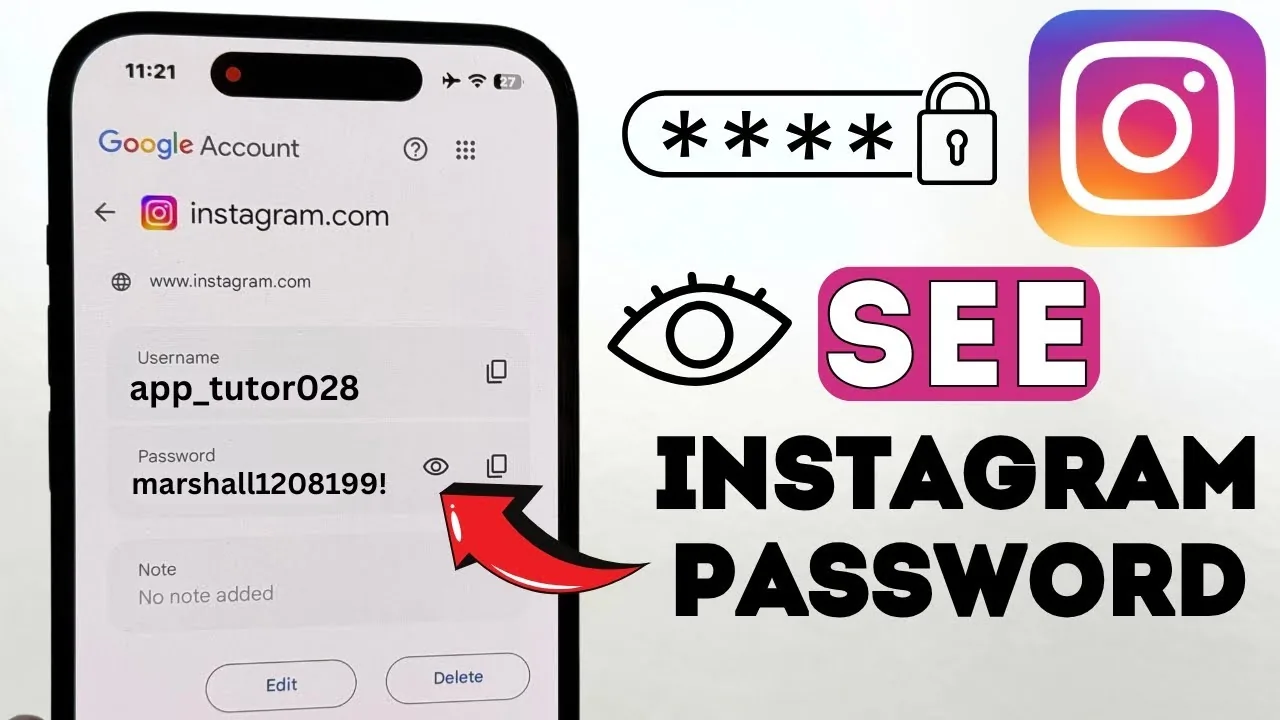
How Do I Find My Instagram Password?
Instagram never lets you view your existing password in plain text, even in your own account settings — if you've forgotten it, your only real option is to reset it via email, SMS, or your linked Facebook account.
 Tools & Privacy
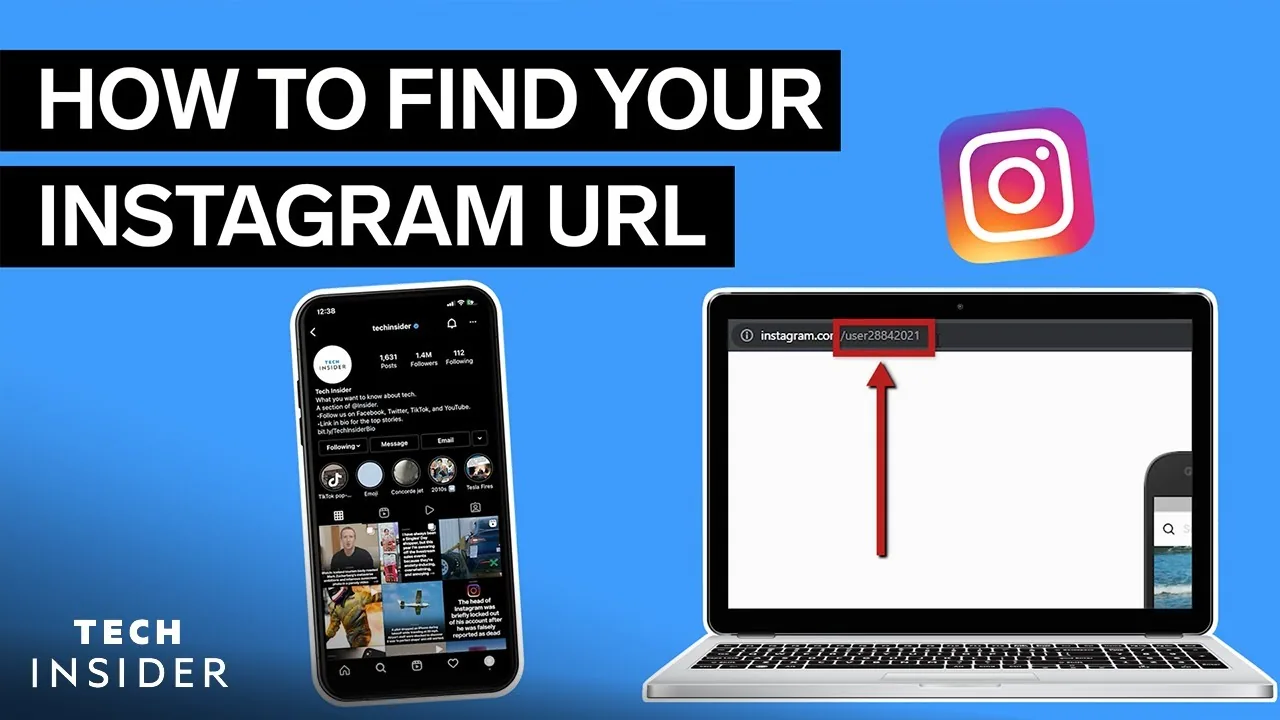
How Do I Find My Instagram Url?
Your Instagram profile URL always follows the pattern instagram.com/yourusername — find your exact username on your profile page (below your display name), or tap Share Profile > Copy Link from your own profile to get the full URL instantly without typing anything.
 How-To
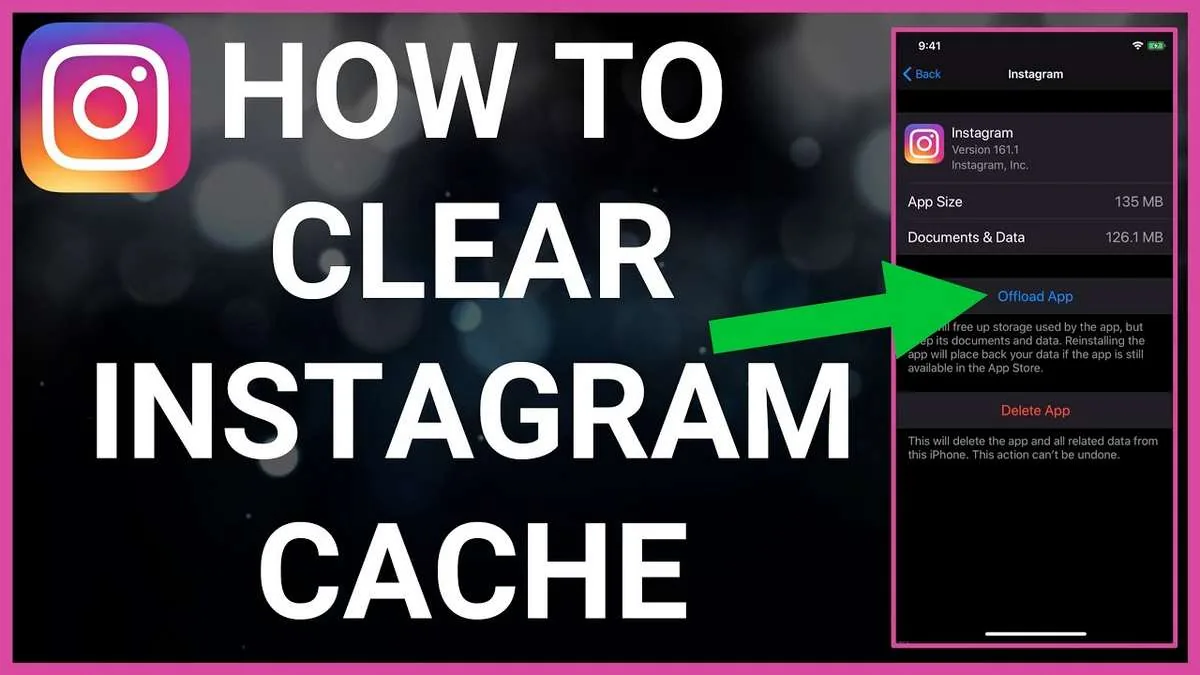
How Do I Erase Instagram? Account, Data, and Cache
How do I erase Instagram? Delete the account for permanent removal, or clear searches, cache, posts, and local app data separately.
 How-To
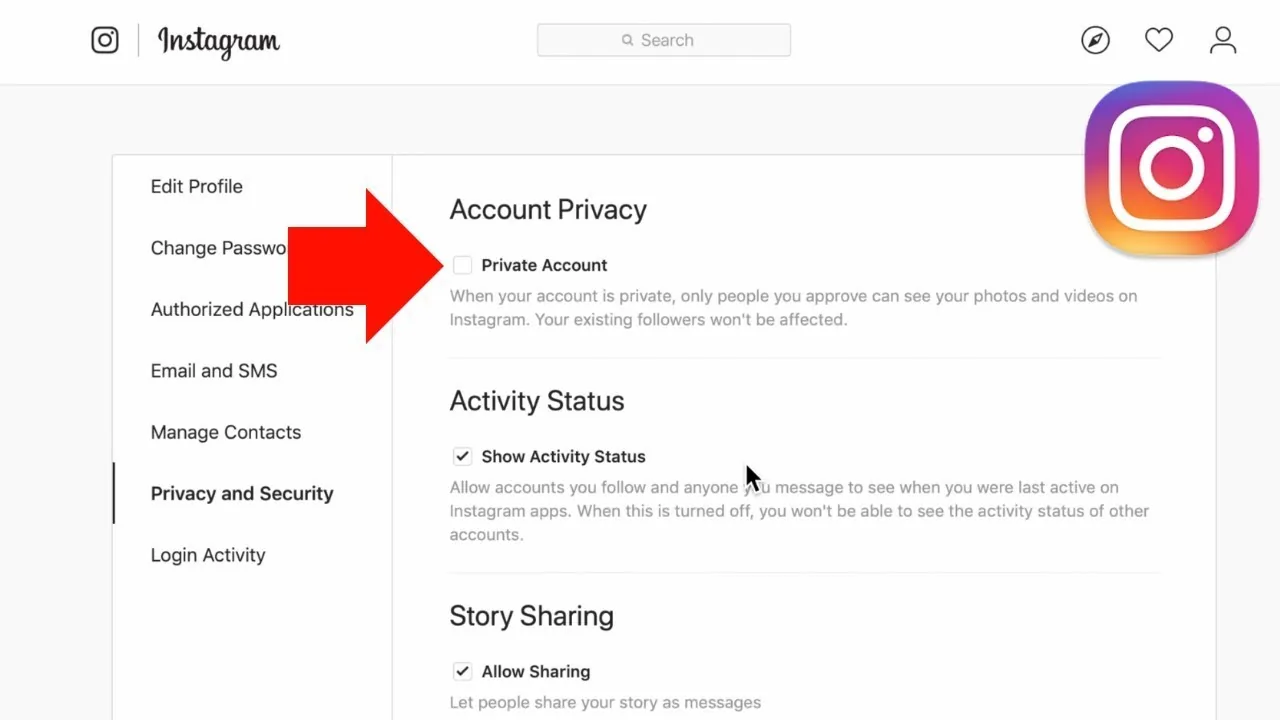
How to Make Instagram Private in 2026: Steps and Limits
Learn how to make Instagram private on phone or desktop, what approved followers can see, and which profile details always remain public.
 Tools & Privacy
Instagram Follow Tracker: Safe Methods, Risks & Facts
An Instagram follow tracker compares follower-list snapshots, but password-based apps create security and automation risks. Learn the safe export method.
 Tools & Privacy
Does Instagram Show Screenshots? 2026 Notification Guide
Does Instagram show screenshots? Not for Stories, posts, profiles, or regular DMs; disappearing DM photos and videos are the key exception.