How Do I Find My Instagram Url?
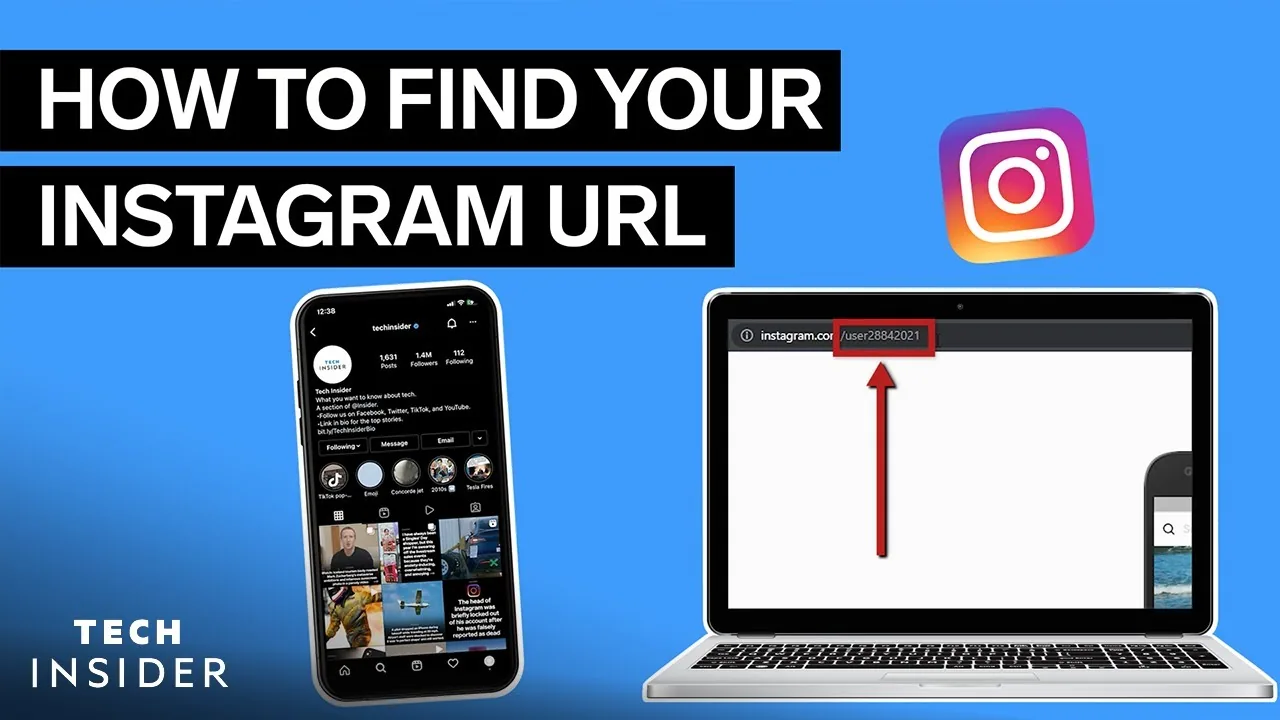
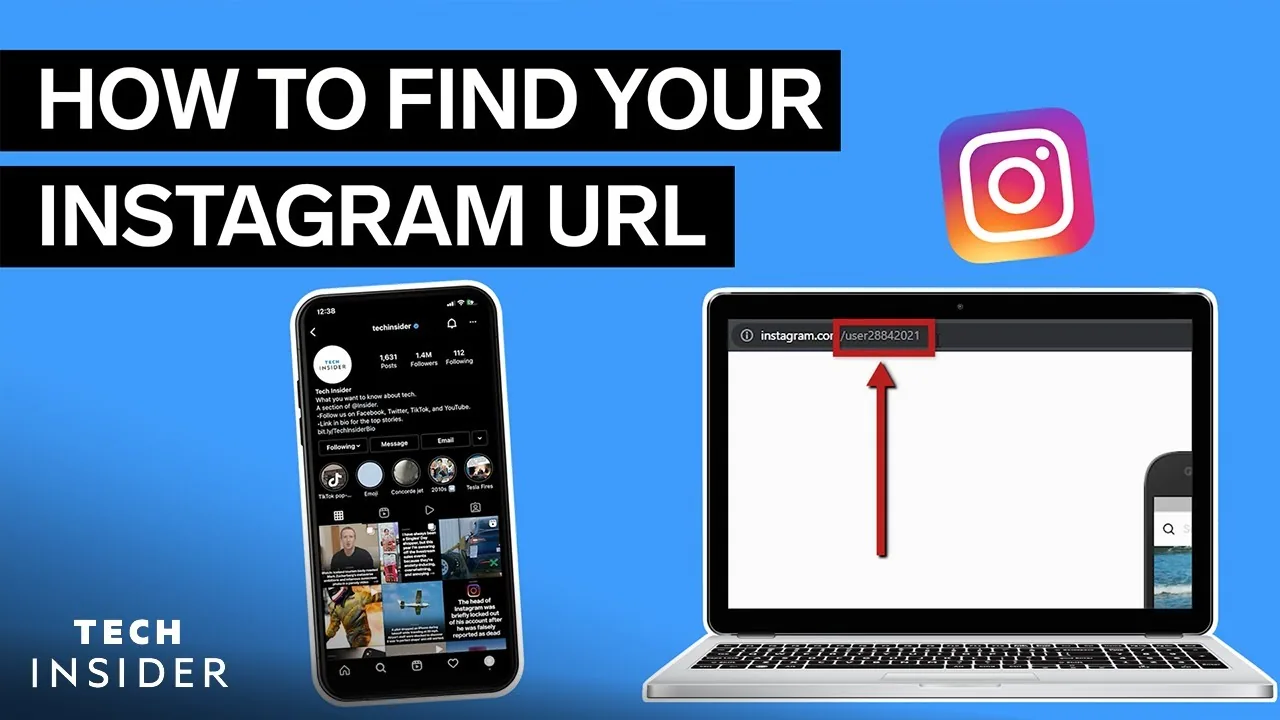
Your Instagram profile URL always follows the pattern instagram.com/yourusername — find your exact username on your profile page (below your display name), or tap Share Profile > Copy Link from your own profile to get the full URL instantly without typing anything.
Short answer
Every Instagram profile URL is instagram.com/ followed by your exact username — the fastest way to get the full, correct link is opening your own profile and tapping Share Profile, then Copy Link, rather than typing it out manually.
Quick answer
Your Instagram profile URL always follows one consistent pattern: instagram.com/yourusername. To get it without any guesswork or typos, open your own profile, tap the Share Profile button (or the three-line menu, depending on your app version), and select Copy Link — this instantly copies your exact, correctly formatted URL to your clipboard, ready to paste anywhere.
Key takeaways
- The URL is built directly from your username, not your display name — if your username is @jane_doe, your URL is instagram.com/jane_doe regardless of what your display name says.
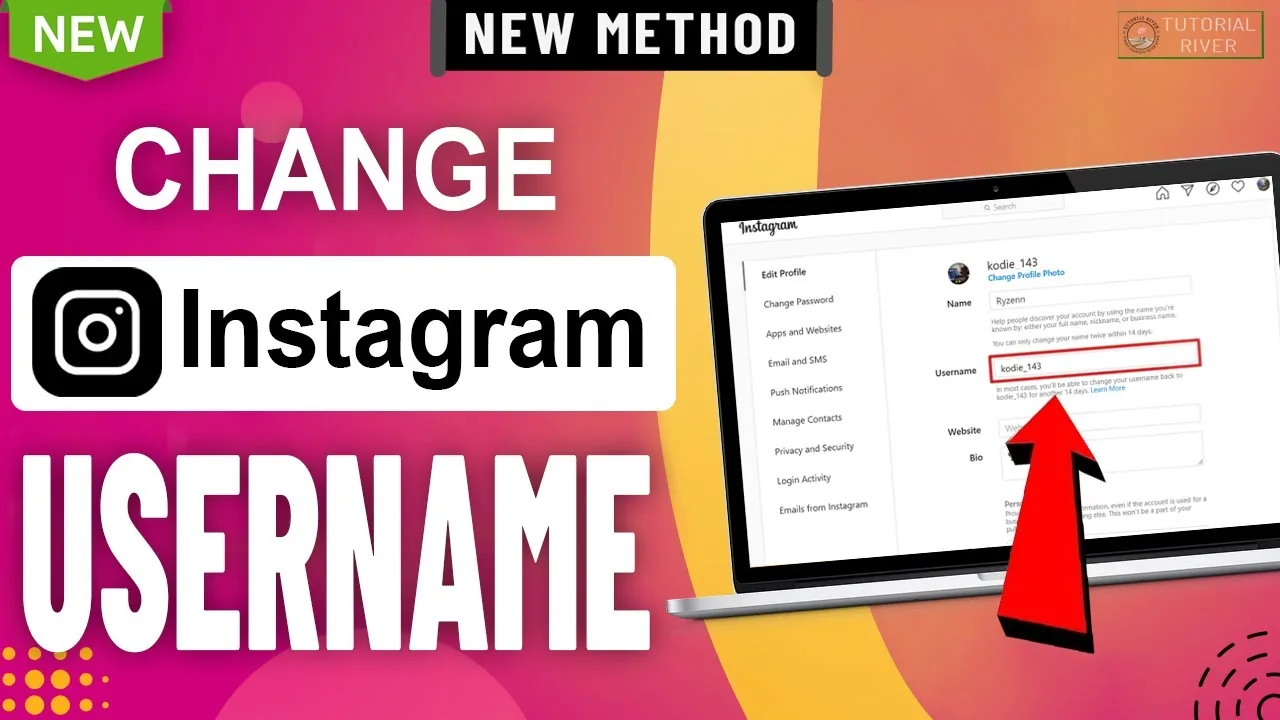
- Changing your username immediately changes your URL to match, and Instagram doesn't guarantee your old URL redirects anywhere afterward.
- The fastest way to get your exact URL is Instagram's built-in Copy Link option rather than manually typing it, which avoids typos or forgetting capitalization quirks (usernames are stored in lowercase regardless of how you type them).
- This same instagram.com/username format works for viewing anyone's public profile, not just your own.
- Business and Creator accounts don't get a different URL structure — the format is identical across personal, business, and creator account types.
How to find and copy your Instagram URL
- Open Instagram and go to your own profile.
- Tap Share Profile (usually below your bio) or the menu icon depending on your app version.
- Select Copy Link from the share sheet that appears.
- Paste it anywhere — a text message, another social profile, an email — and it will read as https://www.instagram.com/yourusername/.
If you just need to double-check your exact username rather than the full link, it's displayed directly below your display name at the top of your own profile.
Finding someone else's Instagram URL
The same method works for any public profile: open their profile, tap Share Profile (or the three-dot menu on their page), and select Copy Link. This is useful for adding someone's Instagram link to a website, email signature, or another platform's bio without manually typing their exact username.
Common mistakes to avoid
- Typing your display name instead of your actual username into a URL — the two are often different, and only the username works in the link structure.
- Forgetting that changing your username breaks any previously shared links using your old one, since Instagram doesn't guarantee automatic redirects from old usernames.
- Adding extra characters, spaces, or the wrong capitalization when typing a URL manually — usernames are case-insensitive in practice, but copying the link directly avoids any risk of a typo altogether.
- Assuming a private account's URL works the same as a public one for outside viewers — visiting the link for a private account only shows a follow request option, not their content, to anyone who doesn't already follow them.
Tips
- Use your copied Instagram URL as your link-in-bio destination on other platforms (TikTok, Twitter/X, YouTube) to make it easy for people to find you across platforms.
- If you're rebranding and changing your username, update any external links (website, email signature, other social bios) right after, since your old URL will no longer reliably lead to your profile.
- For finding someone whose exact username you don't know, our guide on finding someone's Instagram covers search strategies beyond just guessing usernames.
Frequently asked questions
It's always instagram.com/ followed by the account's exact username, such as instagram.com/yourusername — this format is identical for personal, business, and creator accounts.
Sources
Keep reading
More guides to grow your account.