Instagram Profile Picture Downloader: Safe Ways in 2026
Want an Instagram profile picture downloader? Here is what those sites can really do, the real risks, and safer ways to view a DP full size in 2026.
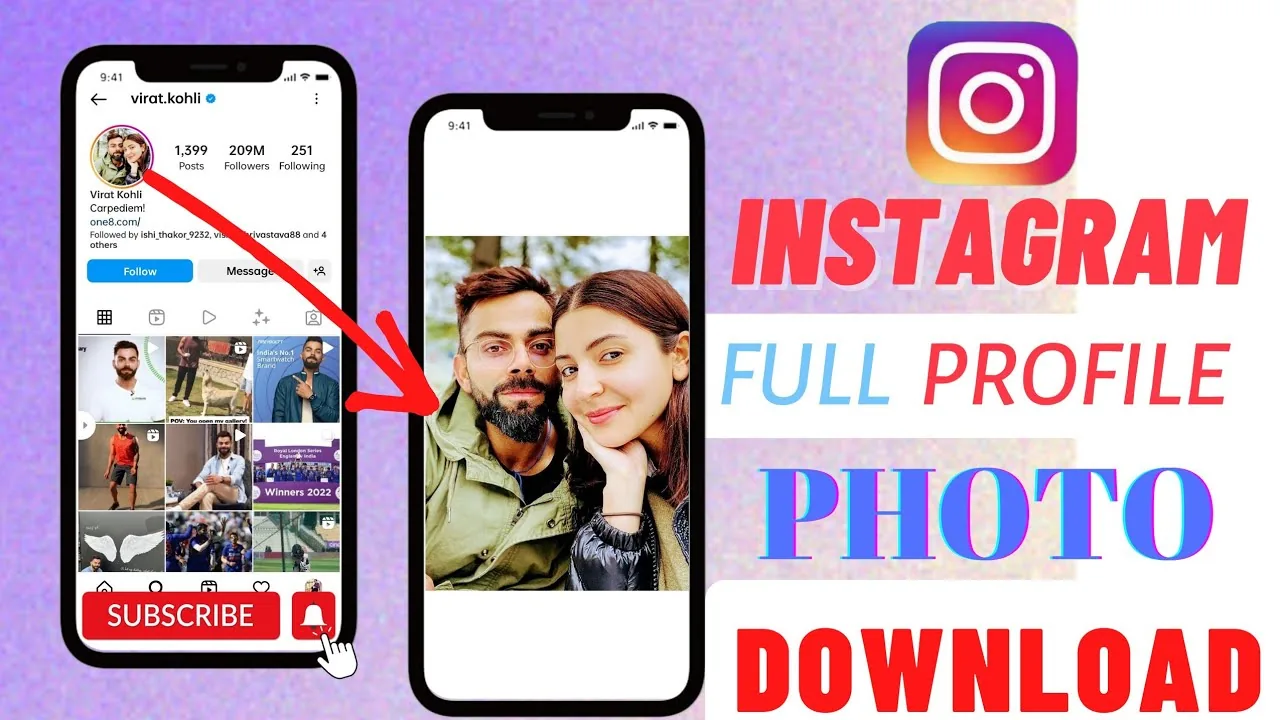
Short answer
Instagram has no universal profile-picture download button. For your own image, keep the original file; for another person's visible photo, a screenshot or direct permission is safer than a downloader site, and a private account's profile basics can remain public even though its posts are restricted.
Key takeaways
- Instagram has no universal profile-picture download button, and the image shown on a profile is a platform-rendered version rather than guaranteed access to the uploader's original file.
- A private account's profile photo, username, bio, links, and follower/following counts can remain public; private posts and full social lists are different.
- For your own photo, use the original file from your device or backup instead of extracting a compressed Instagram copy.
- For another person's image, ask for permission or use a screenshot only when appropriate; possession of a file does not grant reuse rights.
- Profile-picture downloader sites cannot unlock hidden private content and may add tracking, ads, phishing, or malicious downloads.
- Never provide an Instagram password, two-factor code, recovery code, session cookie, extension, or app install for a public profile image.
What is an Instagram profile picture downloader?
It is a site, app, or browser method that tries to save the profile image Instagram currently displays. It does not obtain a magical “original” or bypass account privacy.
Instagram generates and serves image renditions for its interface, and size or availability can change. A third-party page typically requests the same visible asset and republishes it, while collecting its own logs or showing ads. The Instagram profile viewer guide explains the same public-data limit.
Can you download an Instagram profile picture in full size?
You can sometimes save or capture a larger displayed rendition, but there is no guarantee it is the original upload or a fixed resolution. Claims that every account has a secret HD file are misleading.
For your own account, retrieve the source from your phone, photo library, cloud backup, or design project. For someone else's image, Instagram may let you expand the photo in the app, depending on current settings and rollout; otherwise a screenshot captures only what is displayed. Avoid relying on hard-coded pixel claims because Instagram can change its delivery formats.
What is the safest method?
For your own picture, use the original; for another person's visible photo, ask them for a copy or use a normal screenshot when permission and purpose make that appropriate. No downloader is required for basic reference.
A browser can sometimes open an image rendition separately, but CDN links may expire and developer tools are not a privacy bypass. Do not install an extension or paste account cookies to make the process easier. For video media, follow the safety guidance in how to download Instagram videos and save an Instagram video.
Which profile-picture methods are safe?
Methods that avoid credentials, software, and unknown operators carry less security risk.
| Method | What it provides | Main limitation | Risk |
|---|---|---|---|
| Original file from your device | Your own source image | Only available to you | Low |
| Ask the owner | Authorized copy and context | Owner may decline | Low |
| Screenshot visible profile photo | Displayed rendition | Cropped or lower quality | Low |
| Browser-opened rendition | Current served image | May require login or expire | Low–medium |
| Public downloader website | Repackaged visible image | Tracking and ads | Medium |
| Private-DP unlocker or login app | No legitimate hidden access | Phishing or malware | High |
The same caution applies to an Instagram post viewer, Instagram account viewer, and Instagram Story saver.
Can you see a private account's profile picture?
Yes, private status does not hide every profile detail: Instagram says certain information remains public, including the profile picture. Private mode limits shared posts and full followers/following lists to approved followers, but the numeric counts and profile basics remain visible.
A site may enlarge the publicly served avatar, but it cannot expose private posts or a hidden original. Read how to make Instagram private and followers-list privacy to understand what privacy settings actually change.
Can you stop people from enlarging your profile photo?
Instagram may offer a profile-photo expansion control on some accounts or app versions, but it should not be treated as universal protection. Check current privacy settings in the official app and use a profile photo you are comfortable displaying publicly.
A private account still shows the profile picture. If misuse is a concern, avoid sensitive imagery, keep evidence, and report impersonation or harassment through Instagram. There is also no native identity list of people who opened your profile; see does Instagram have profile views.
Is it legal to save or reuse a profile picture?
Copyright, privacy, publicity, and impersonation rules depend on the image, use, and jurisdiction; public visibility is not a reuse license. The photographer or another rights holder may own the image even when the person pictured posted it.
Ask permission before republishing, editing, using commercially, or creating an account with the image. Instagram's Terms prohibit violating other people's rights. Similar rules apply to no-watermark video downloads and anything you later post on Instagram.
How can you spot a downloader scam?
Leave if the service promises private-content access or asks for credentials, codes, payment, software, notification permission, or repeated verification. A visible public avatar does not require those steps.
If you already shared credentials, change the password in Instagram, enable two-factor authentication, review login activity, and remove unfamiliar connected apps. Delete unknown extensions or apps and scan the device after suspicious downloads.
Bottom line: A downloader can at most reproduce a profile image Instagram already serves. Use your own original, request permission for someone else's, and never exchange account security for a larger avatar.
Frequently asked questions
Instagram does not provide a universal download button for profile photos. Features and expansion controls can vary by account and app version.
Sources
Keep reading
More guides to grow your account.