How to Add Links to Instagram Stories
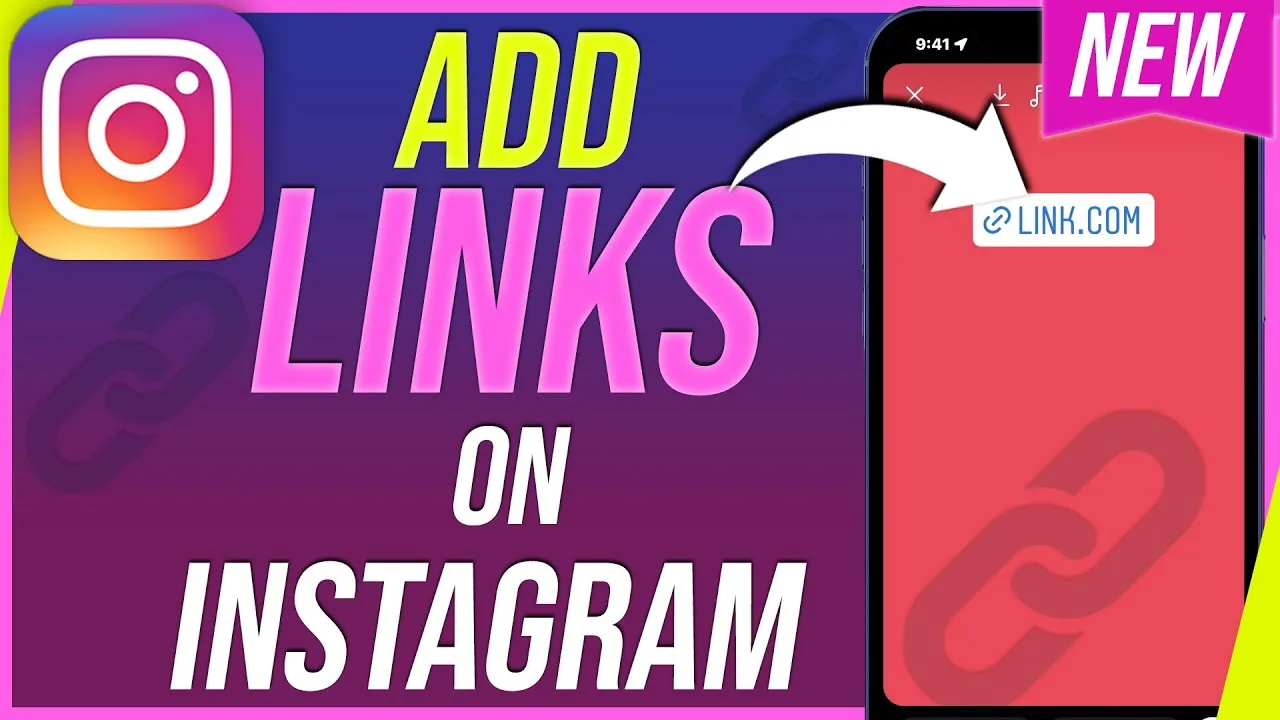
Tap the sticker icon while editing a Story, choose the chain-link Link sticker, type or paste the URL, customize the display text, then place it anywhere on your Story before posting.
Short answer
Tap the sticker icon while editing a Story, choose the chain-link Link sticker, type or paste the URL, customize the display text, then place it anywhere on your Story before posting.
Quick answer
Any Instagram account can add a tappable link to a Story using the Link sticker: open the sticker tray while editing a Story, tap the chain-link icon, enter the URL, edit the label text if you want, and drop the sticker wherever you like on the screen.
Key takeaways
- The Link sticker has been available to every account regardless of follower count since 2021 — you no longer need 10,000 followers to add links to Stories
- You can customize the sticker's visible text (e.g. "Shop now" or "Read the article") instead of showing the raw URL
- Reels captions and regular feed post captions still cannot contain a clickable link — links only work in your bio, in the Link sticker on Stories, and in paid partnership or ad placements
- Viewers tap the sticker to open the link in Instagram's in-app browser without leaving the app
- You can resize, recolor, and reposition the sticker like any other Story sticker
How the Link sticker works
The Link sticker is one of the sticker options in Instagram's Story editor, alongside things like polls, questions, and the music sticker. Because it's a sticker rather than a caption feature, it behaves like any other draggable element — you can shrink it, rotate it, or hide most of it behind other stickers or text as long as a tappable area remains visible. When someone views your Story, tapping the sticker slides up Instagram's built-in browser with your link loaded, so they never have to leave the app to visit the page. Instagram also tracks link sticker taps in Story insights (for professional accounts), showing you how many people tapped through.
Outside of Stories, the only other places a real clickable link can live on Instagram are your bio link field (which can point to a single URL or a link-in-bio tool like Linktree) and paid ads or branded content tags. A link typed into a caption, comment, or Reel description will just display as plain text — Instagram won't make it clickable.
Step-by-step
- Open the Instagram camera by swiping right from your feed or tapping the + icon and selecting Story
- Take a photo or video, or upload one from your camera roll, to start editing your Story
- Tap the sticker icon (the square smiley face) in the top toolbar
- Scroll the sticker tray and tap Link (the chain-link icon)
- Type or paste the full URL, including https://, then tap Done
- Tap the sticker text to edit the display label if you want something other than the raw link
- Drag the sticker to your preferred spot on the screen and resize it if needed
- Tap Your story (or Close Friends) to publish
Common mistakes to avoid
- Pasting a link without https:// and having it fail to attach properly
- Hiding the sticker completely behind text or media so viewers can't find anything to tap
- Expecting the same link to work if pasted into your caption instead of used as a sticker
- Forgetting that link stickers disappear after 24 hours along with the rest of the Story unless you save it to Highlights (the link still works in a Highlight)
Tips for success
- Use short, memorable display text on the sticker instead of a long raw URL
- Add a directional element like an arrow or "tap here" text near the sticker so viewers notice it
- Check Story insights afterward to see tap-through numbers if you have a professional account
- Save Stories with important links to a Highlight so the link stays accessible past 24 hours
Conclusion
Adding a link to an Instagram Story only takes the built-in Link sticker — no follower minimum, no special account type required. Just remember it's the only place besides your bio where a real clickable link can appear on the platform.
Frequently asked questions
No. Instagram removed the 10,000-follower requirement for the swipe-up link back in 2021 and replaced it with the Link sticker, which is available to all accounts.
Sources
Keep reading
More guides to grow your account.