How Do I Change My Instagram Profile Pic?
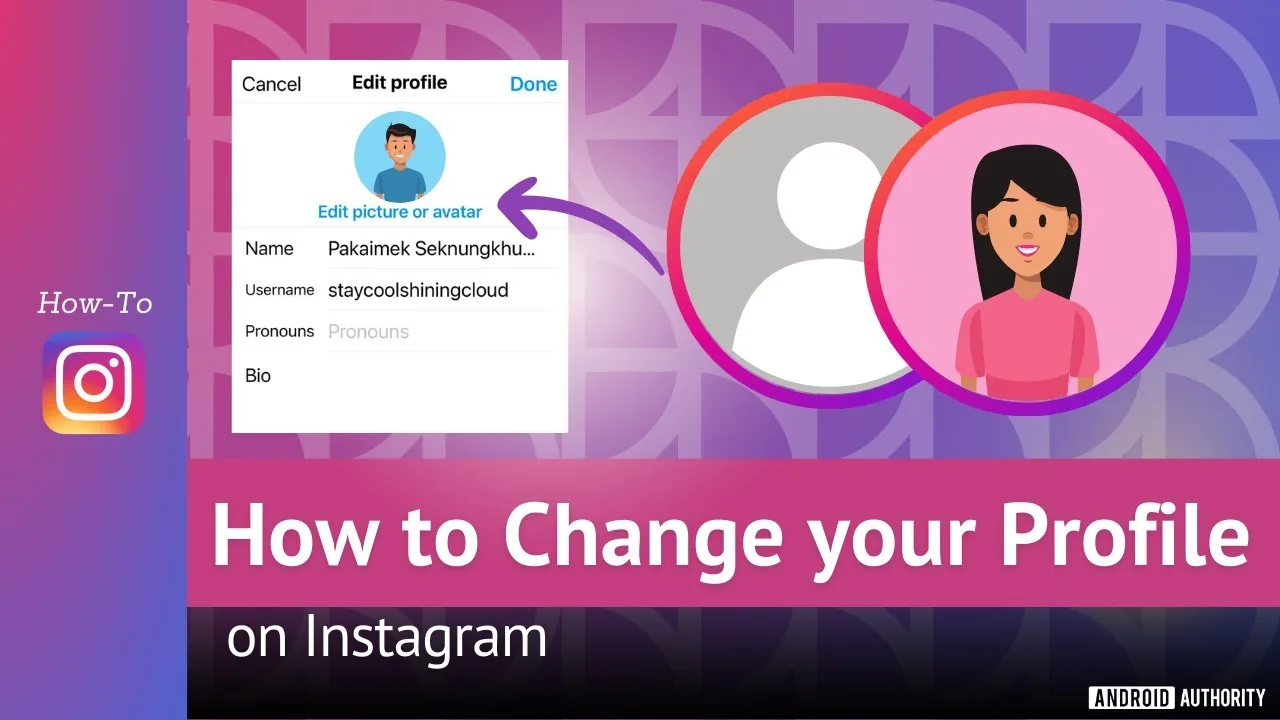
Tap your profile picture, choose Edit profile, then Edit picture, and pick a new photo, take one on the spot, or import your connected Facebook photo - keep the subject centered since Instagram displays it in a circular frame.
Short answer
Tap your profile picture, choose Edit profile, then Edit picture, and pick a new photo, take one on the spot, or import your connected Facebook photo - keep the subject centered since Instagram displays it in a circular frame.
Quick answer
Tap your profile picture or Edit profile on your own profile, then tap Edit picture or avatar. From there you can upload a photo from your device, take a new one, or import your connected Facebook profile photo. Since Instagram crops it into a circle everywhere it appears, keep your subject centered rather than close to the edges.
Steps on mobile
- Go to your profile and tap Edit profile
- Tap Edit picture or avatar
- Choose New profile photo (upload from your library), Take photo, or Import from Facebook
- Drag and zoom the image inside the circular preview
- Confirm to save
Steps on desktop (instagram.com)
- Click your profile icon, then Edit profile
- Click your current photo (or Change photo)
- Upload a new image file
- Adjust the crop and save
Quick tips for a clean result
- Use a square, reasonably high-resolution image so it doesn't look blurry once resized
- Center faces or logos, since the circular crop cuts off the corners of a square photo
- If you post as a brand, keep the same image across platforms for recognition
Common mistakes
- Uploading a tiny screenshot instead of a full-resolution image, which looks pixelated in the circular frame
- Placing an important detail near the corners of the photo, which gets cropped out by the circular display
- Expecting the change to hide from anyone - your profile picture remains publicly visible even if your account is private
Frequently asked questions
Tap Edit profile, then Edit picture, and choose a new photo, take one, or import from Facebook.
Sources
Keep reading
More guides to grow your account.