How to Download Instagram Videos Safely: 2026 Guide
Learn how to download Instagram videos using native options, screen recording, or a data export while avoiding copyright, phishing, and malware risks.
Short answer
The safest way to download an Instagram video is to use Instagram's Download option for an eligible public Reel, save your own draft or Live video, or export your own account data. For someone else's content, obtain permission and avoid downloader sites that demand an Instagram login, browser extension, payment, or software install.
Key takeaways
- Instagram can natively download eligible public Reels when the creator permits it, but the Download button is not available on every video.
- The Save bookmark keeps a post inside Instagram; it does not create a video file in your phone's gallery.
- Your own Reel draft can be saved to the camera roll, although music from Instagram's licensed library may be omitted.
- Screen recording is a practical fallback for authorized personal use, but quality, audio, notifications, and copyright still matter.
- Never enter your Instagram password or recovery code into a downloader site; credential theft and malicious redirects are common risks.
How can you download an Instagram video safely?
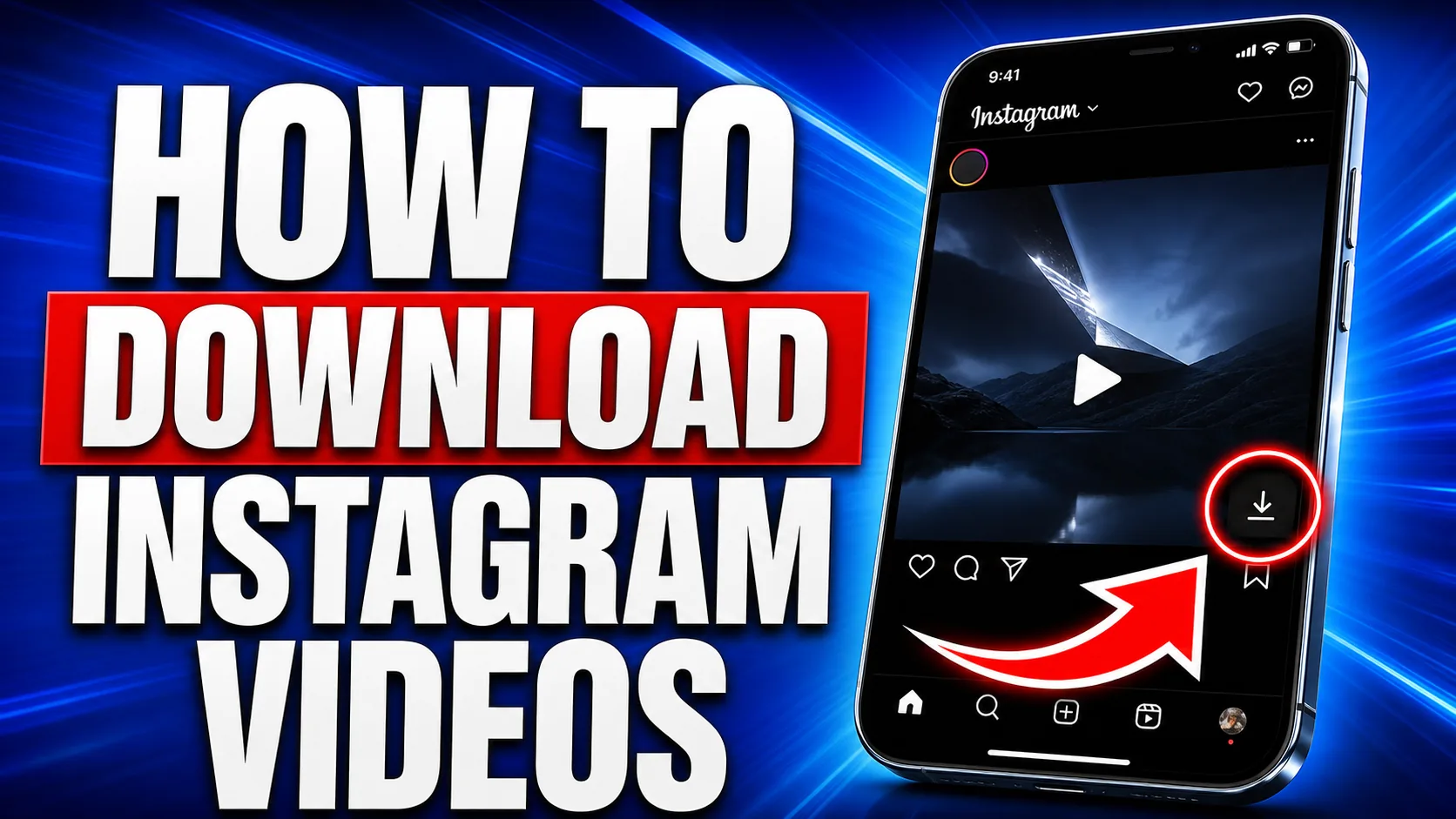
Use Instagram's native Download control when it appears, because that avoids handing a post URL or account data to an unknown service. Open an eligible public Reel, tap the share icon, and choose Download; the file should appear in your device's photos or gallery.
The creator can disable downloads, and private-account Reels are not eligible for public downloading. A native download may include attribution or a watermark, and licensed music can be unavailable. For a quick distinction between bookmarking and making a local copy, see the Instagram video saving guide. The no-watermark downloader safety guide explains why removing attribution is not automatically harmless.
Which Instagram video-saving method should you use?
Choose the least invasive method that matches your goal: bookmark for later viewing, download natively when allowed, export your own archive, or screen-record only with permission. A third-party downloader should not be your default.
| Method | Creates local file? | Best use | Main limitation or risk |
|---|---|---|---|
| Instagram Save | No | Rewatch inside Instagram | Post can disappear if removed |
| Native Reel Download | Yes | Eligible public Reel | Creator may disable it; attribution may remain |
| Save your own draft | Yes | Preserve original work | Licensed Instagram music may be omitted |
| Account data export | Yes | Back up your own uploads | Archive may take time to prepare |
| Screen recording | Yes | Authorized fallback | Lower quality; notifications and audio may appear |
| Unknown downloader site | Usually | No recommended use | Phishing, malware, tracking, pop-ups, or copyright misuse |
For Stories, consent and ephemerality add extra concerns; use the Instagram Story saver safety overview. Extracting only sound is a separate licensing issue covered in the Instagram-to-MP3 risk guide.
How do you save your own Instagram videos?
Save your own source file before posting whenever possible, or download a Reel draft from Instagram's creation screen. After editing the draft, tap Next and use the download control at the bottom to place it in your camera roll.
Instagram warns that music added from its music library may not be included in the downloaded draft. Keep the camera original and a separate edited master if the video is commercially important. After a Live broadcast ends, Instagram also offers Download video for your own Live, though comments and likes are not part of the saved video.
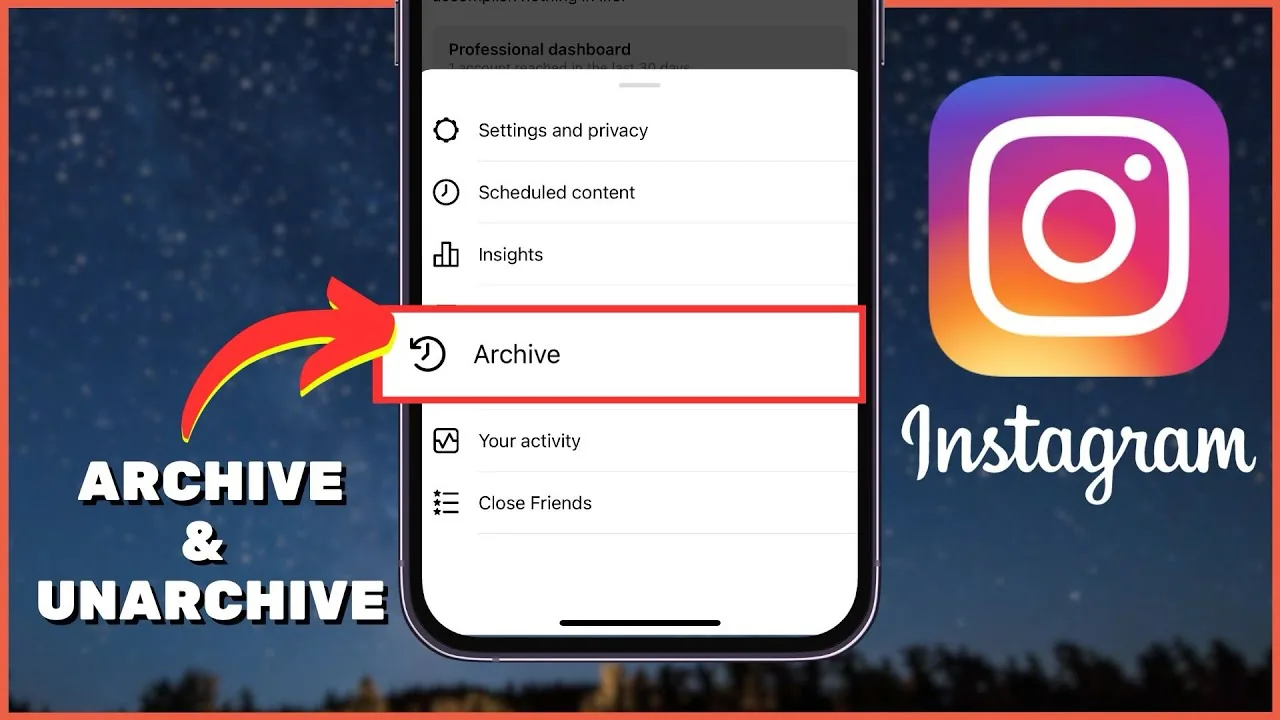
For a full account backup, go to Accounts Center, Your information and permissions, Export your information, then create an export to a device or external service. This is more dependable than treating Instagram as permanent storage. A clean upload workflow is outlined in the how to post on Instagram guide, while a weekly content batching system helps preserve organized master files.
Can you screen-record an Instagram video?
Yes, your phone can screen-record a video when no authorized download is available, but recording does not grant reuse rights. On iPhone, add Screen Recording to Control Center, start the three-second countdown, play the authorized video, then stop and trim the result; Android controls vary by device.
Turn on Do Not Disturb and test audio before capturing so private notifications are not embedded. Apple notes that some apps may block audio or video recording. Screen recording also captures the on-screen interface and may reduce resolution, so ask the creator for the original file when quality matters. If your actual goal is amplification rather than ownership, Instagram's credited native reposting methods or resharing options are usually better.
Is downloading someone else's Instagram video legal?
Downloading for later viewing and republishing are different acts, and permission is the safest rule for content you did not create. Instagram's terms prohibit violating another person's intellectual-property rights, and its copyright guidance says the safest posting practice is to share content you created yourself.
A public post is not automatically free for commercial use, editing, resale, or reposting. Ask the rights holder in writing, agree on where and how the clip will appear, credit them as requested, and retain the permission. Music, artwork, performances, and people depicted can introduce separate rights. Using Instagram's story repost workflow preserves platform attribution but still calls for respectful consent when the context is sensitive.
Why are third-party Instagram downloaders risky?
Third-party downloader sites can expose you to credential phishing, aggressive advertising, malicious redirects, unwanted extensions, and tracking. No legitimate download requires your Instagram password, two-factor code, recovery code, or remote access to your device.
Leave immediately if a page asks you to sign in with Instagram, install a configuration profile, enable notifications, download an unknown app, or complete surveys and payments. Do not use any service claiming it can fetch private videos; private access controls are not permission to bypass. Review connected apps in Instagram settings if you already authorized one, change a reused password, and enable two-factor authentication after suspected exposure. Similar warnings apply to profile-picture downloader sites and anonymous Instagram viewers.
What should you do when the Download button is missing?
Assume the video is not available for native download and use Save, request the original from the creator, or screen-record only when authorized. First update Instagram and check the share menu, but do not try to defeat a private account or the creator's disabled-download choice.
If it is your own video, look for the original in your camera roll, Reel drafts, Live archive, or account export. If it belongs to somebody else, send the post link or use a credited native share instead of copying the file. This keeps the creator attached to their work and avoids turning a small convenience into a security or copyright problem.
Frequently asked questions
Yes, if the creator allows downloads and Instagram shows the Download option in the Reel's share menu. Otherwise, save it in Instagram or ask the creator for the file.
Sources
Keep reading
More guides to grow your account.