How to Repost an Instagram Post Using the Repost Button
Instagram's native Repost button lets you share public posts and Reels straight to your feed with credit intact — here's exactly how it works.
Short answer
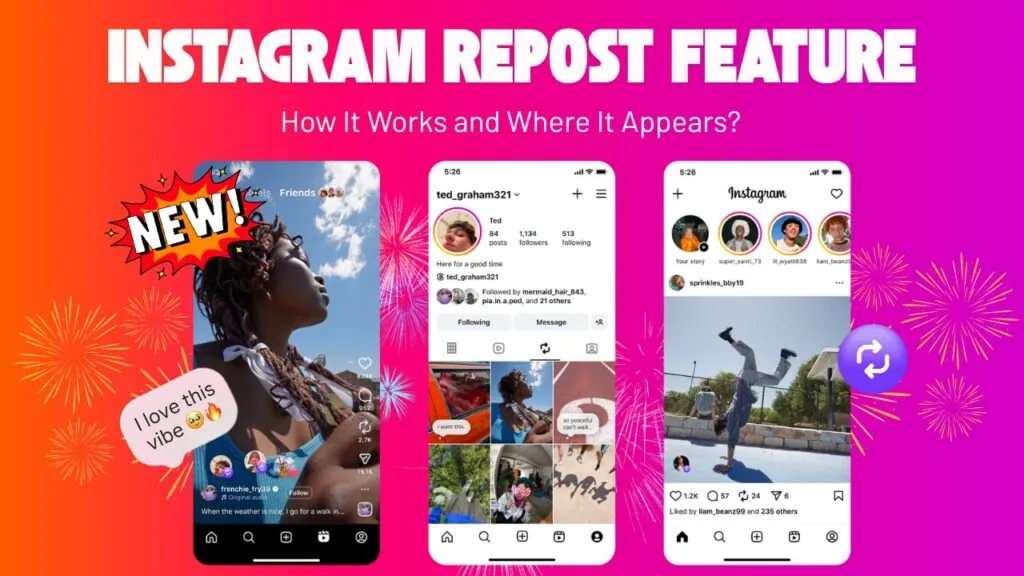
Instagram's built-in Repost feature, launched in August 2025, lets you tap the repost icon under any public post or Reel to share it to your feed and a dedicated Reposts tab while keeping the original creator credited. It only works on public content where the creator hasn't disabled reposting.
Key takeaways
- Tap the two-circular-arrows Repost icon under a public post or Reel, add an optional comment, then confirm
- Reposted content appears in your feed, your followers' feeds, and a dedicated Reposts tab on your profile
- The original creator stays automatically credited, unlike manual screenshot-and-repost methods
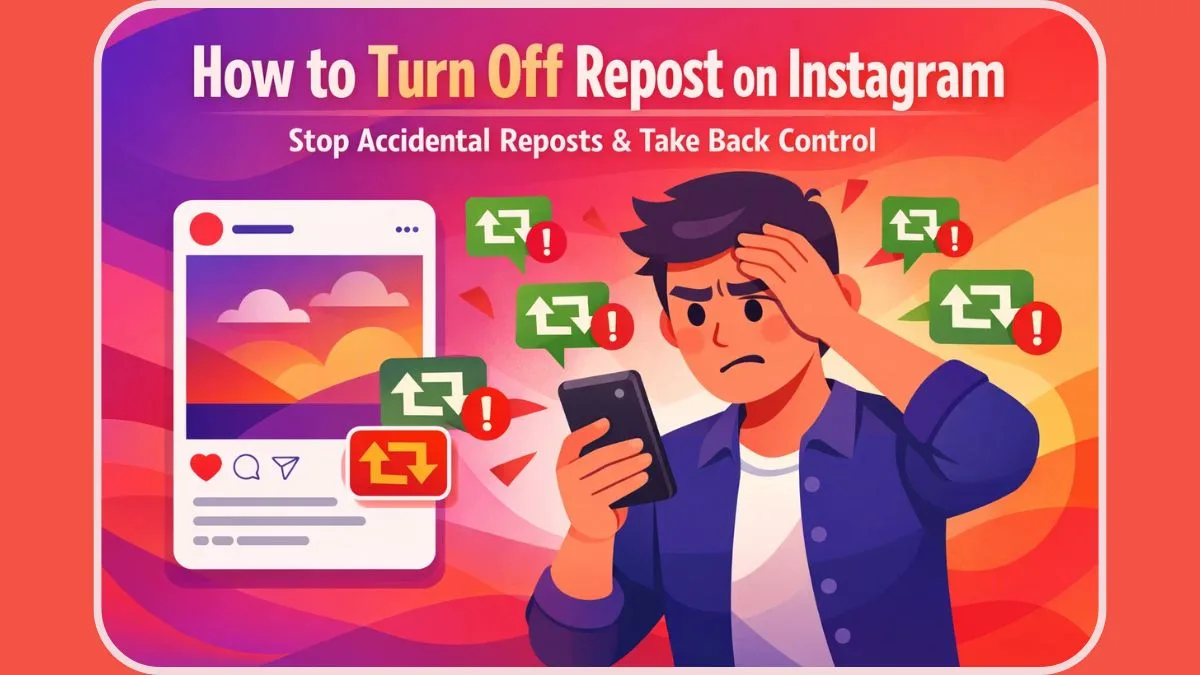
- The Repost button only shows on public accounts that have left reposting enabled for that content
- Private accounts and creators who disable reposting won't show the icon at all
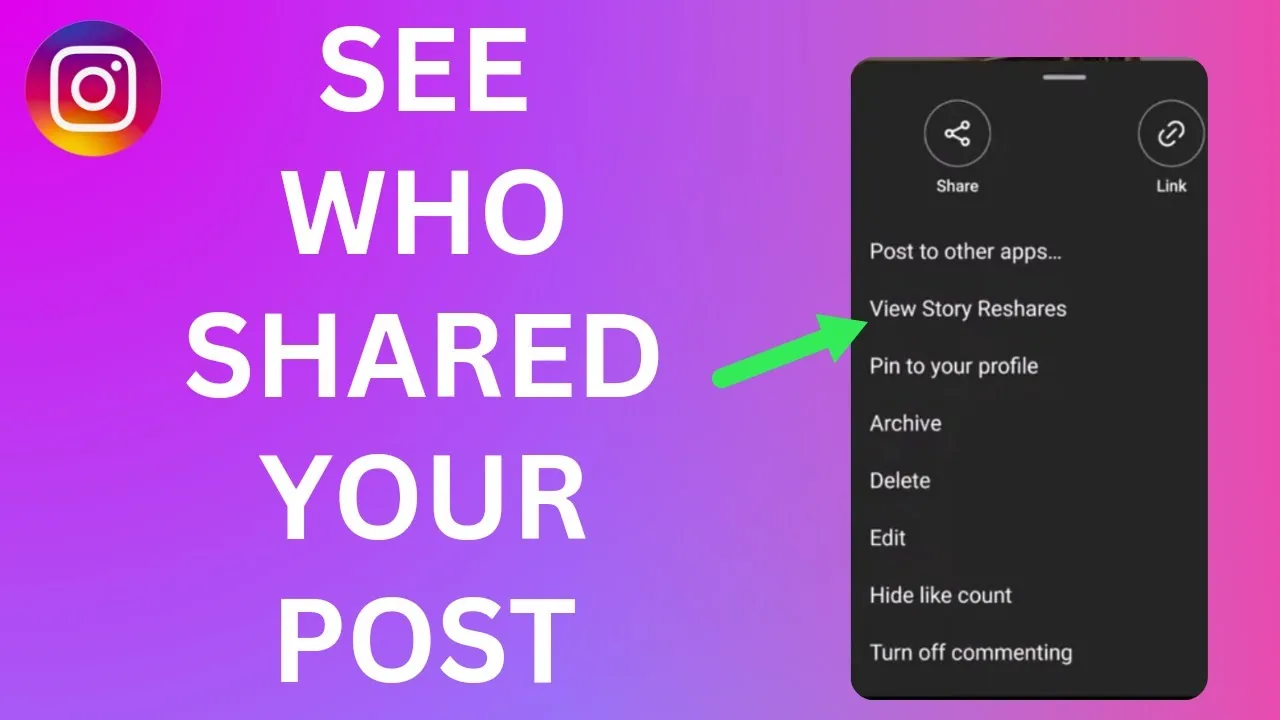
- For Stories specifically, use the paper-airplane share icon and select Add Post to Your Story instead
How do you repost a post on Instagram using the native feature?
Open the post or Reel, tap the Repost icon shown as two circular arrows beneath the caption, add an optional comment, then tap Repost to confirm. The content appears in your feed and your followers' feeds, plus a dedicated Reposts tab on your profile. This native flow launched in August 2025 and replaced most manual workarounds, similar to how making money on Instagram now depends more on native tools than third-party tricks.
Why doesn't the Repost button show up on some posts?
The icon only appears on public posts and Reels where the creator has left reposting turned on; private accounts never show it, and creators can disable reposting individually. Some music-licensed Reels are also excluded due to licensing. If you don't see the icon, ask the creator directly for permission, or check whether restricting an account on their end has affected visibility.
How do you repost an Instagram Story?
Stories work differently. Open the Story, tap the paper-airplane share icon below it, and select Add Post to Your Story; this only works if the original poster allows story resharing. This method is separate from the main Repost button and predates the 2025 native repost rollout for posts and Reels.
What happens to comments and likes on a reposted piece of content?
A repost keeps its own separate engagement — your repost gathers its own likes and comments distinct from the original post's numbers, though the creator's name and link stay attached. That's different from older duet-style or screenshot reposting, where original engagement stayed invisible to your followers.
Do you need permission to repost someone's content?
Not for public content using the native Repost button, since Instagram treats it as an in-platform sharing tool comparable to connecting Facebook to Instagram cross-posting, with credit built in automatically. Downloading someone's video and re-uploading it as your own post without native reposting is a different situation and generally does require explicit permission.
Can businesses use reposts as part of a content strategy?
Yes, many brands use native reposts to fill content calendars with user-generated content, since it needs no editing and keeps creators credited. Just make sure it's part of a broader plan — leaning entirely on reposts without original content can slow growth, an issue worth weighing alongside growing followers on Instagram organically.
| Content type | Repost method | Credit given | Restrictions |
|---|---|---|---|
| Public feed post | Repost icon (two arrows) | Automatic | Creator must allow reposting |
| Public Reel | Repost icon (two arrows) | Automatic | Some music-licensed Reels excluded |
| Story | Paper-airplane share icon | Automatic | Original poster must allow resharing |
| Private account content | Not available natively | N/A | Requires direct permission |
Frequently asked questions
How to Repost an Instagram Post?
Tap the Repost icon, two circular arrows, beneath any public post or Reel, add an optional comment, then confirm. It shares the content to your feed, your followers' feeds, and your Reposts tab with the creator automatically credited.
Is it safe to repost content this way?
Yes, the native Repost feature is built into Instagram and only works on public content the creator has left open to reposting, so it doesn't violate platform rules the way screenshot reposting sometimes can.
Does reposting work on both mobile and desktop?
The Repost button is primarily a mobile feature; Instagram's desktop site has more limited posting and sharing tools overall.
Do I need a business or creator account to repost?
No, personal, business, and creator accounts can all use the native Repost button on eligible public content.
What if I don't see the Repost icon on a post?
The creator likely disabled reposting, the account is private, or it's a music-licensed Reel excluded from the feature. Ask the creator directly instead.
Can I undo a repost after sharing it?
Yes, open your Reposts tab, find the item, and remove it the same way you'd delete a comment on Instagram or any other post.
Does the original creator get notified when I repost their content?
Typically yes, they receive a notification similar to a tag or mention letting them know their content was reposted.
Can I add my own caption when reposting?
Yes, the Repost flow includes an optional comment field where you can add your own reaction before confirming.
Is reposting the same as sharing to your Story?
No, reposting adds content to your main feed and Reposts tab, while sharing to your Story uses the separate paper-airplane icon and lasts only 24 hours, similar to how adding a link to your Instagram Story works through that same share menu.
Can brands legally repost user content without asking?
Only through the native Repost tool on public content where the creator allows it. Downloading and re-uploading someone's content manually as your own still generally requires their explicit permission.
Frequently asked questions
Tap the Repost icon, shown as two circular arrows, beneath any public post or Reel, add an optional comment, then confirm. It shares the content to your feed, your followers' feeds, and your profile's Reposts tab with the creator automatically credited.
Sources
Keep reading
More guides to grow your account.