How Do You Unblock People on Instagram?
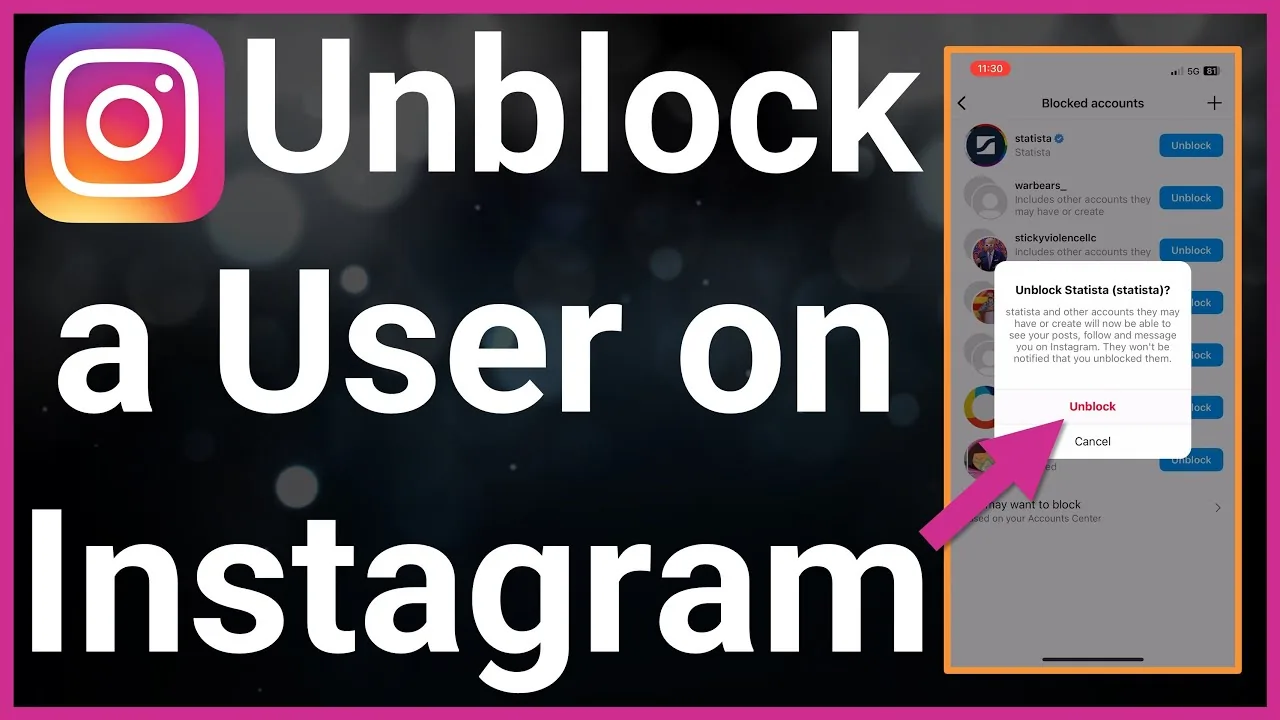
Go to Settings and privacy > Blocked accounts, find the person in the list, tap Unblock, and confirm — this restores their ability to find and view your profile, but any follow relationship you had before blocking them is not automatically restored and would need to be re-established.

Short answer
Open Settings and privacy > Blocked accounts, tap the person's name, select Unblock, and confirm — their ability to find and message you returns immediately, but you'll need to follow each other again from scratch since the old follow relationship isn't automatically restored.
Quick answer
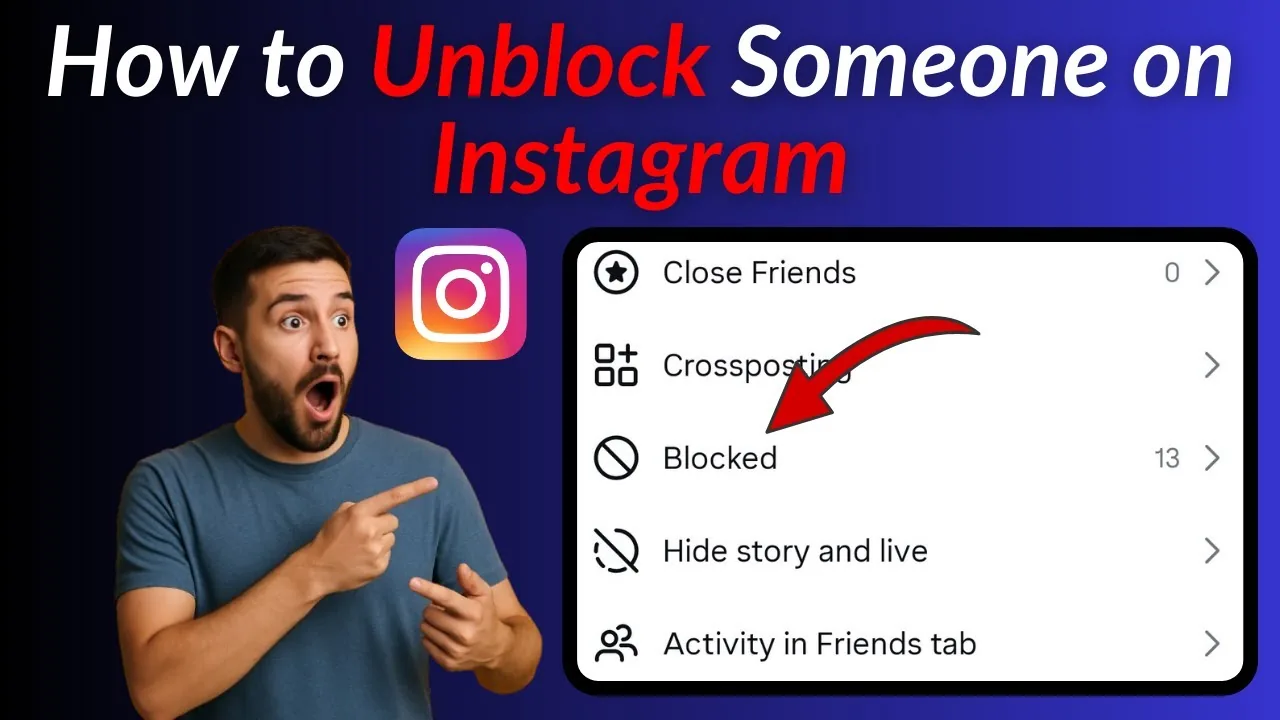
To unblock someone, go to Settings and privacy > Blocked accounts (or tap through their old profile if you still have a saved link to it), find their name in your list of blocked accounts, tap Unblock, and confirm. This immediately restores their ability to find your profile, see your posts and Stories, and send you messages — but it does not automatically restore any follow relationship you had before the block; you'd both need to follow each other again if you want that back.
Key takeaways
- The Blocked Accounts list under Settings and privacy is the most reliable way to find someone to unblock, especially if you can no longer find their profile directly through search.
- Unblocking takes effect instantly — there's no waiting period or confirmation delay.
- Following relationships aren't restored automatically; if you followed each other before the block, you'll need to follow one another again from scratch.
- The unblocked person isn't notified that you've unblocked them, just as they weren't notified when you originally blocked them.
- If you blocked multiple accounts belonging to the same person (a feature Instagram offers when you initially block someone), you'll need to unblock each one individually if you want to restore access to all of them.
How to unblock someone step by step
- Open Instagram and go to your profile.
- Tap the menu icon (three lines), then Settings and privacy.
- Scroll to Who can see your content or the privacy section and tap Blocked accounts (exact placement can shift slightly between app versions).
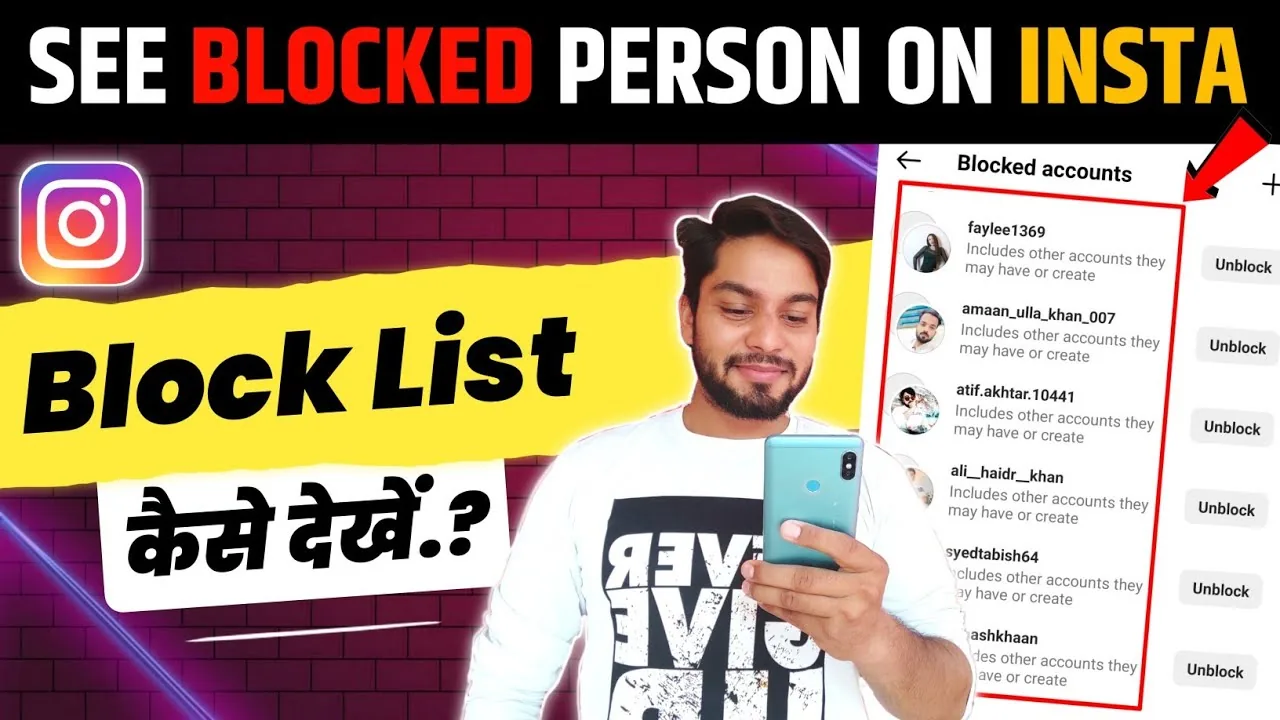
- Find the account you want to unblock in the list — you can search by username if the list is long.
- Tap their name, then tap Unblock, and confirm when prompted.
Alternatively, if you happen to still have a direct link or saved bookmark to their profile from before blocking, visiting it directly will show an Unblock option on their profile page as well.
What happens right after you unblock someone
The person regains the ability to search for and view your profile, see your posts, Stories, and Reels according to your normal privacy settings, and send you a new direct message. If you want to follow each other again, that has to happen manually — Instagram treats unblocking and re-following as two separate actions rather than one restoring the other.
Common mistakes to avoid
- Searching for the person's username directly, assuming an unblock option will appear there — if they're currently blocked, their profile may not surface easily in search, making the Blocked Accounts list the more reliable path.
- Expecting your old follow relationship to snap back into place after unblocking — you'll need to send or accept a new follow request as though starting fresh.
- Forgetting you blocked multiple linked accounts belonging to the same person — check the full Blocked Accounts list rather than assuming unblocking one covers all of them.
- Unblocking impulsively during a moment of reconsideration without thinking through whether the original reason for blocking still applies — it's easy to reblock if needed, but reflect on the original context first.
Tips
- If you're unsure whether you actually want full access restored, consider whether Restrict might be a better middle-ground option instead of a full unblock — see what restrict does on Instagram.
- Periodically review your Blocked Accounts list, since it's easy to forget who's on it over time, especially if you blocked several accounts during a specific incident months or years ago.
- If safety concerns prompted the original block, consider whether unblocking is genuinely the right call before proceeding, since it also removes any protective distance the block was providing.
Frequently asked questions
Go to Settings and privacy from your profile menu, then look for Blocked accounts (usually under a privacy or account section). This shows every account you've currently blocked, searchable by username.
Sources
Keep reading
More guides to grow your account.