How to Remove Instagram from Facebook: Unlink Your Accounts
A complete guide on how to remove Instagram from Facebook in 2026, manage Accounts Center, and unlink logins.
Short answer
Remove your Instagram account from your Facebook profile by accessing the Meta Accounts Center settings, navigating to Accounts, and selecting Remove on the target profile. This decouples cross-posting, shared logins, and asset synchronization between the two platforms.
Key takeaways
- Unlinking accounts is managed entirely through the Meta Accounts Center interface.
- Removing the link disables automatic story and post cross-posting between platforms.
- Unlinked accounts lose the shared login functionality and require separate passwords.
- Decoupling does not delete your posts, messages, or followers on either profile.
- Business pages and ads may require extra configuration after unlinking assets.
How can you remove Instagram from Facebook?
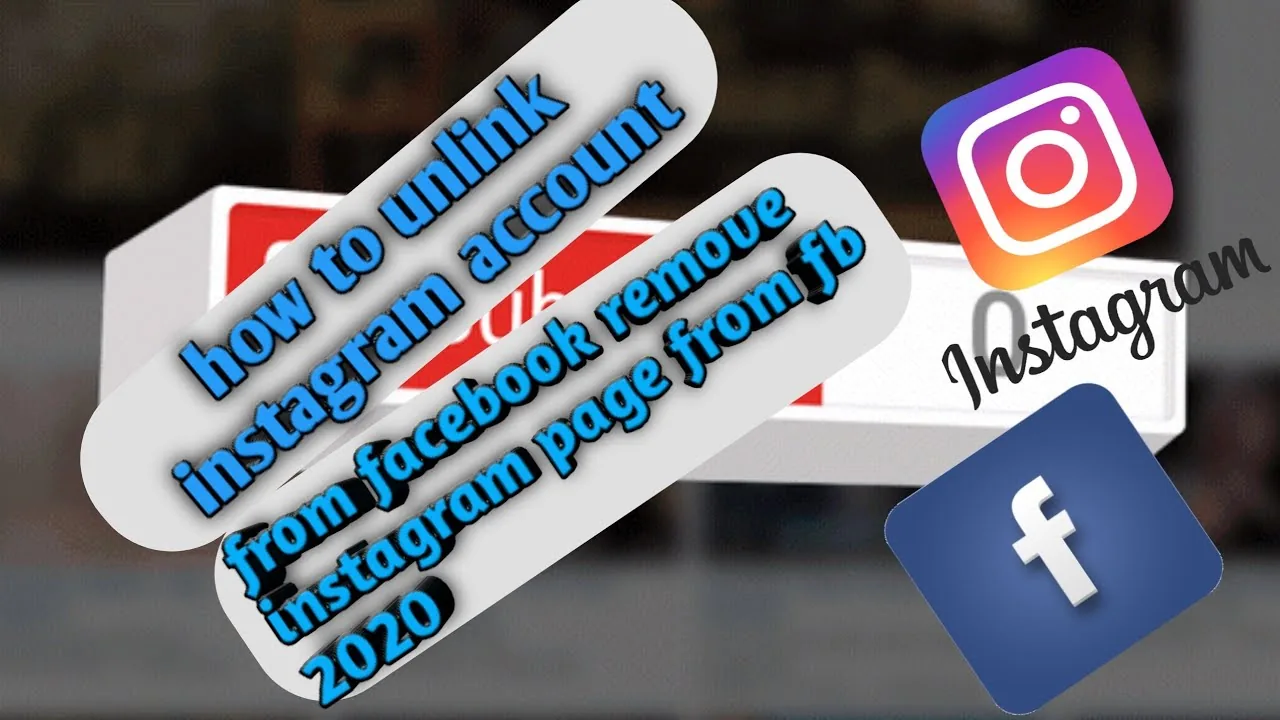
You can remove Instagram from Facebook by navigating to the Accounts menu inside the Meta Accounts Center and unlinking the profile. This stops the synchronization of login details and settings.
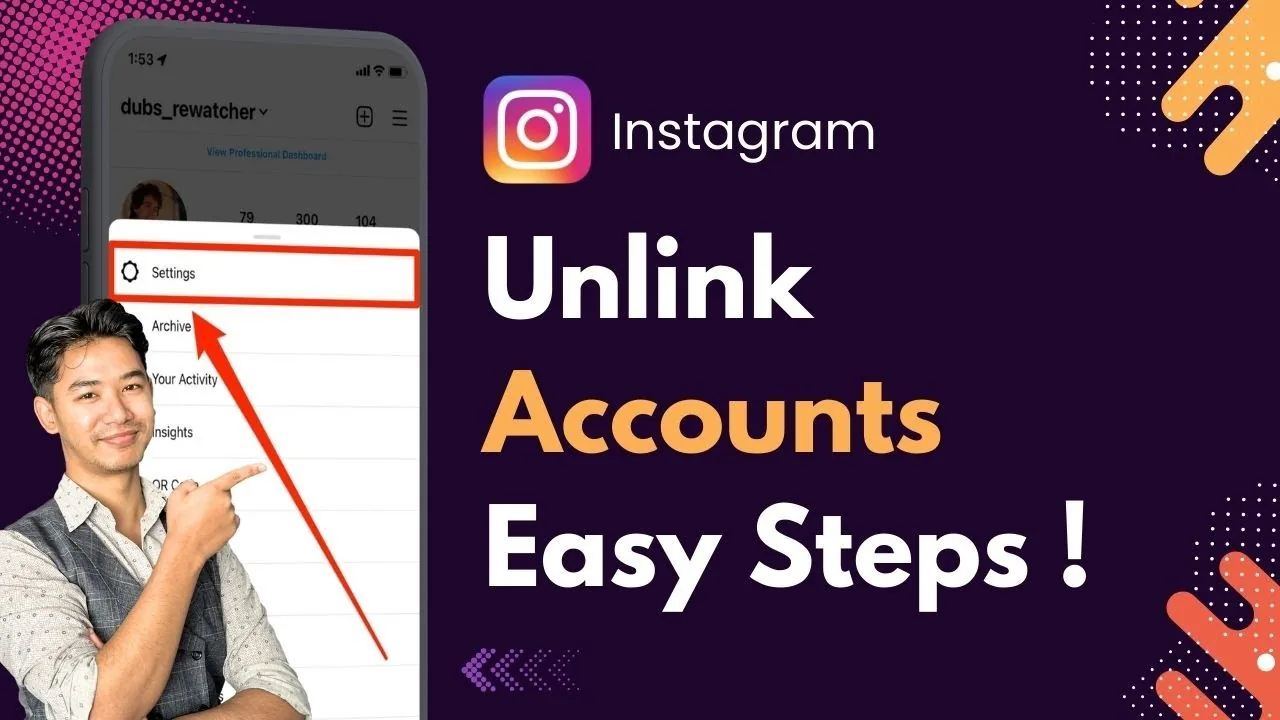
To begin, open either app, go to your profile menu, select Settings, and open Accounts Center. Under the Account Settings tab, click Accounts, find the Instagram profile you wish to remove, and click the Remove button. Confirm the action to finalize the process. If you want to check your privacy settings afterward, you can review how to secure your profile configuration natively.
Unlinking is useful for users who want to keep their professional and personal spaces separate. If you manage client work or run campaigns, you should review this decoupling before trying to repost on Instagram natively. It also ensures that other automated actions do not sync across profiles.
What happens when you unlink your accounts?
When you unlink your accounts, you disable shared logins, turn off automatic post synchronization, and separate your notifications. Each profile becomes an independent entity.
Unlinking does not delete your data or close your profile. If you decide that you want to delete a profile permanently, you must follow the how to delete Instagram account flow instead. For a short break, use the temporary deactivation process option. Unlinking simply removes the bridge between Meta's platforms, so actions taken on one platform do not trigger changes on the other.
| Feature affected | Linked behavior | Unlinked behavior |
|---|---|---|
| Login options | Single password logs into both | Separate passwords required |
| Cross-posting | Automated post sharing | Posts stay on the originating app |
| Profile updates | Synced name and avatar | Independent names and avatars |
| Ad management | Combined campaigns | Separate ad accounts required |
For users looking to clean their feed further, you can look into how to mute other accounts to hide unwanted posts. It is also a good practice to audit your safety by reading Instagram location settings guide to control GPS tags.
How do you unlink logins in Accounts Center?
To unlink logins, open Accounts Center, select Logging in with accounts, and choose to manage how you log into each account. This stops Facebook from automatically opening Instagram.
- Open Instagram on your mobile device or browser.
- Tap your profile picture, then select Settings and activity.
- Scroll down and open the Meta Accounts Center menu.
- Click Logging in with accounts under the Account settings header.
- Select Choose which accounts can log in to other accounts.
- Adjust the permissions or remove the shared link entirely.
This security setting prevents unauthorized takeovers if one of your accounts is breached. If you encounter bugs during this setup, you can clear app cache files on your phone to reset the app states. For publishing content, use how to post on Instagram to manage your uploads.
Why are some business assets locked?
Business assets are locked when your Instagram Business profile is tied to a Facebook Business Page or Meta Commerce Manager. Unlinking them in Accounts Center does not delete the business connection.
To remove a business connection, you must go to Facebook Page Settings, select Linked Accounts, and disconnect Instagram from there. This releases your ad catalogs, custom audiences, and shopping integrations. If you are auditing third-party tools, beware of scam viewer sites; read Instagram sitemap or account viewer for verification. You can also monitor your followers by researching how to see who unfollowed you manually.
Decoupling business assets is highly important for brand transitions. When configuring these pages, check platform notification systems; read does Instagram show screenshots or look into whether does Instagram have profile views for privacy limits.
Frequently asked questions
No. Unlinking does not delete your posts, media, or comments. It only stops the automatic sharing and sync features between the apps.
Sources
Keep reading
More guides to grow your account.