How to Unlink Instagram Accounts Safely (2026)
Separate Instagram profiles in Accounts Center, remove saved logins and stop cross-account sharing without accidentally deleting either account.
Short answer
To unlink connected Instagram profiles, open Accounts Center, review Accounts or Profiles and remove the intended connection or disable specific connected experiences. Also remove saved login information from the device if one-tap switching remains; unlinking is not the same as deleting an account.
Key takeaways
- Accounts Center manages connected experiences across Instagram, Facebook and Meta profiles.
- You can disable sharing or profile syncing without necessarily removing the whole account connection.
- Removing saved login information affects a device, not the online Instagram account.
- Unlinking profiles does not automatically delete posts, followers or messages.
- Confirm separate recovery credentials before removing a cross-account login path.
How do you unlink Instagram accounts?
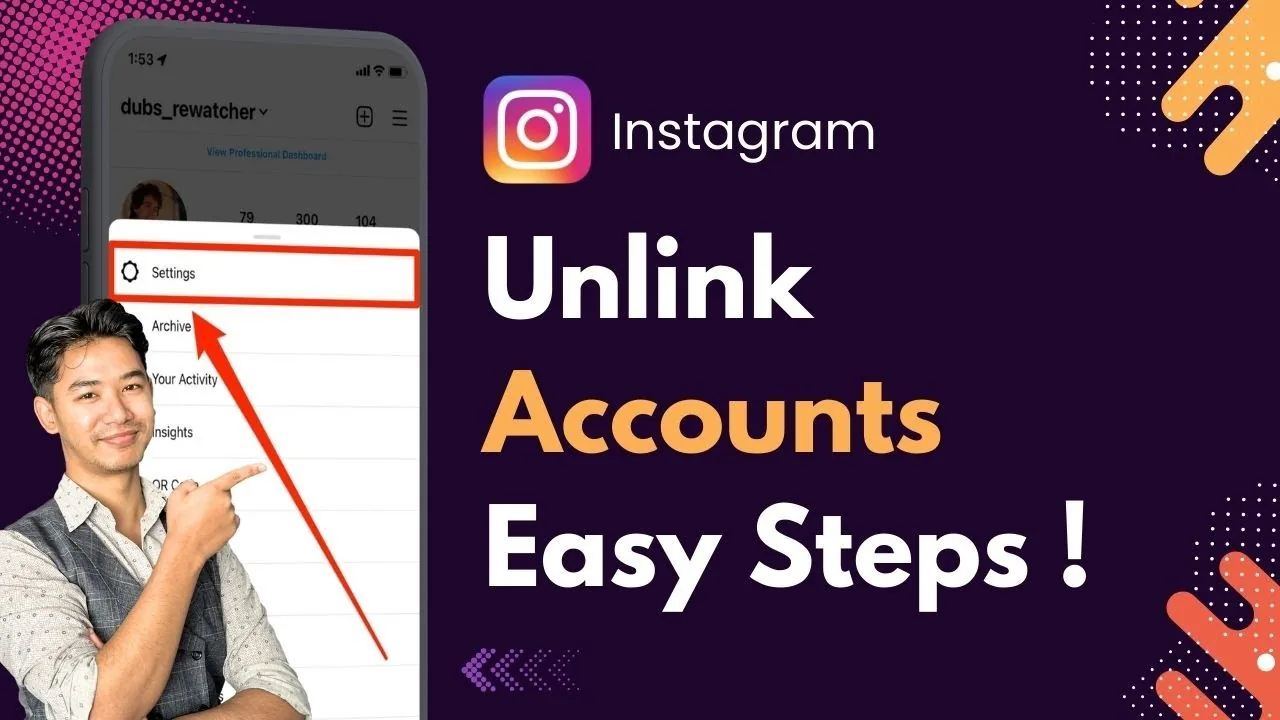
Unlink Instagram accounts by opening Accounts Center from Settings, reviewing the connected accounts or profiles and removing the intended account or turning off the specific connected experience. Read the confirmation because Instagram may describe separation, profile removal and deletion with similar language. If the goal is only to stop automatic sharing or profile syncing, disable that feature rather than removing the entire relationship.
For the neighboring workflow, use How to Delete Your Instagram Account before changing another setting. The related guide to How to Delete an Instagram Account Permanently explains the control users most often confuse with this one.
What should you do before unlinking profiles?
Before unlinking, confirm that each profile has a working email or phone number, a known password and its own two-factor method. A profile created through a connected login may need a separate password. Record business ownership and Page permissions. If one account is compromised, secure it first; disconnecting in panic can remove a convenient recovery path without ending the attacker’s active session.
- Open Instagram Settings and Accounts Center.
- Review connected accounts, profiles and connected experiences.
- Disable only sharing or syncing if that solves the problem.
- Remove the intended account connection and read the confirmation carefully.
- Test separate passwords, two-factor methods and saved device logins.
If your goal is broader account management, How to Disable Instagramin 2026 is the practical next step. You can compare the result with Instagram Customer Service Number 24/7: Does It Exist? so you do not solve the wrong problem.
Is unlinking the same as logging out or deleting?
No, unlinking changes relationships in Accounts Center, logging out ends a device session, removing saved login info removes one-tap access and deleting begins permanent account removal. These actions can appear close together in settings but have different outcomes. Unlinking should leave the Instagram profile and content intact unless a confirmation explicitly says otherwise. Never approve a deletion screen merely because you intended to stop cross-posting.
| Action | Primary effect | Deletes Instagram? |
|---|---|---|
| Disable cross-posting | Stops automatic sharing | No |
| Remove from Accounts Center | Separates connected experiences | No, unless stated otherwise |
| Remove saved login | Removes device shortcut | No |
| Delete account | Permanent removal process | Yes |
Use the narrowest action that achieves the intended separation.
For a safer fallback, follow How to Clear Instagram Cache on iPhone and Android instead of handing credentials to an unknown service. Creators should also review How to Make Instagram Private in 2026: Steps and Limits because the same choice can affect reach or presentation.
How do you stop one Instagram account logging into another?
Stop cross-account login by reviewing Password and security, saved login information and connected-experience settings for each profile. Remove the profile from the device login screen after logging out if it still appears. On Android, a related Google account can also cause saved options to appear. Test each profile in a private browser after separation and verify that its own password and two-factor method work.
- Verify independent login and recovery before unlinking.
- Do not confuse Remove from device with Delete account.
- Review business Page and ad permissions separately.
- End unfamiliar sessions after a compromise.
The platform behavior makes more sense alongside How to Know If Someone Blocked You on Instagram. For the privacy side of the decision, read How to Turn Off Active Status on Instagram and keep the two settings separate.
Why are the accounts still connected?
Accounts may still appear connected because automatic sharing, profile syncing, Facebook Page access, a saved device token or the same Accounts Center remains active. Check each layer rather than repeating the same removal. Clear instagram.com site data on a shared browser and review Page roles where business profiles are involved. Feature availability varies, so the account-removal screen may not look identical across devices.
- Check sharing, syncing and saved login as separate layers.
- Test each username in a private browser.
- Clear site data on shared web browsers.
- Use business shared access before removing an employee’s personal connection.
A complete setup also benefits from How to Turn Off Read Receipts on Instagram in 2026, especially after an app update. When this action changes what other people see, Instagram Profile Viewer: Can You See Who Viewed Your Profile? provides useful context.
How do teams separate Instagram access safely?
Teams should replace shared passwords with documented shared access or business permissions before unlinking a staff member’s personal profile. Assign a business-owned recovery email, at least two authorized administrators and an offboarding checklist. Confirm scheduled posts, inbox access, ad accounts and Facebook Page links separately. Accounts Center separation is one technical step; it does not automatically revoke every agency tool or former employee session.
Frequently asked questions
Open Accounts Center, review the connected profiles and remove the intended relationship or disable the specific connected feature. Read the confirmation carefully.
Sources
Keep reading
More guides to grow your account.