How to Delete Your Instagram Account (Permanently or Temporarily)
The exact 2026 steps to permanently delete or temporarily deactivate your Instagram account — plus what happens to your data and the 30-day grace period.
Short answer
To permanently delete Instagram, open Settings → Accounts Center → Personal details → Account ownership and control → Deactivation or deletion, choose Delete account, and confirm with your password. Deletion finalizes after a 30-day grace period; to keep your data, deactivate instead.
Permanent deletion vs. temporary deactivation
Instagram gives you two ways to step away, and they are very different. Deactivation temporarily hides your profile, photos, comments, and likes — everything returns the instant you log back in. Deletion permanently erases your account and all its content after a 30-day grace period. If you only need a break, deactivate. If you're done for good, delete. In 2026 both options live in the same place: Meta's Accounts Center.
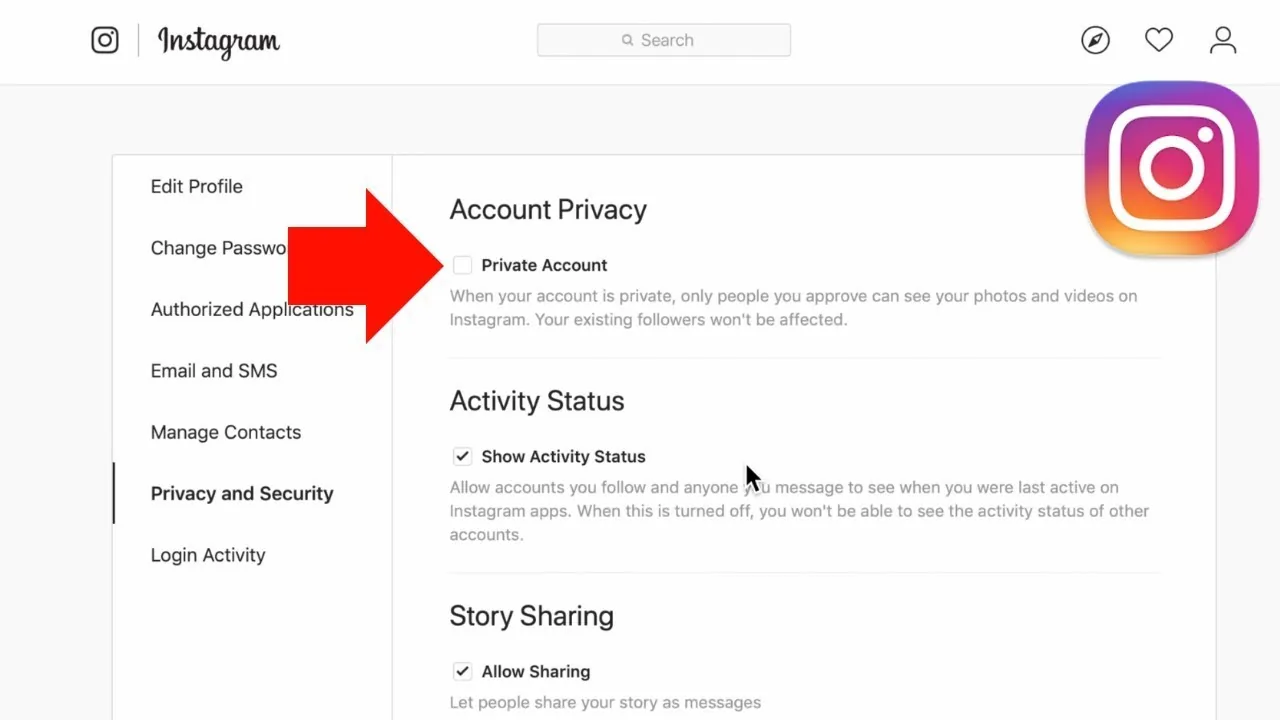
If privacy is your real concern, you may not need to leave at all — you can often just make your account private and hide your followers instead.
How to permanently delete your Instagram account
The path is identical on the iOS app, Android app, and web (instagram.com or accountscenter.instagram.com):
- Open Instagram, go to your profile, tap the menu (☰), and open Settings and privacy.
- Tap Accounts Center near the top.
- Select Personal details.
- Tap Account ownership and control.
- Choose Deactivation or deletion.
- Select the profile you want to delete.
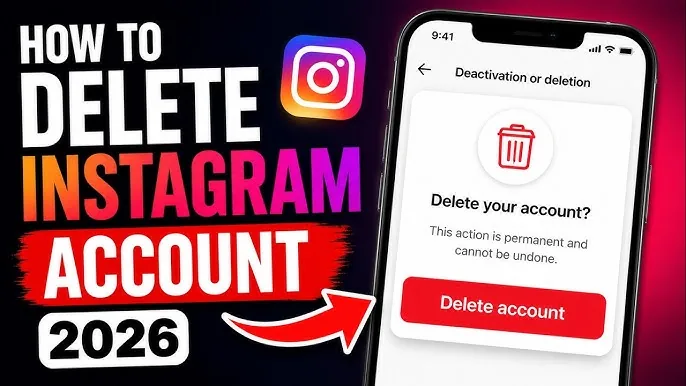
- Choose Delete account, then tap Continue.
- Select a reason if prompted.
- Re-enter your password to confirm.
- Tap Delete account to finish.
Your account is hidden immediately and scheduled for permanent removal.
How to temporarily deactivate instead
If you're not ready to lose everything, deactivate. Follow steps 1–6 above, but at the Deactivation or deletion screen choose Deactivate account instead. Confirm your reason, re-enter your password, and tap Deactivate account. Your profile, posts, and likes disappear from public view but nothing is erased. To come back, simply log in — reactivation is instant. Instagram generally lets you deactivate only once per week.
What happens to your data (the 30-day grace period)
When you request deletion, your account enters a 30-day grace period. During those 30 days your profile is hidden, but if you log back in, the deletion is automatically canceled and everything is restored. After 30 days without logging in, deletion becomes permanent and cannot be undone.
A few things persist: copies of your data may remain on Meta's backup systems for up to 90 days for legal and technical reasons (inaccessible to others), and direct messages you sent stay visible in recipients' inboxes, because those conversations also belong to other people.
Things to do before you delete
Deletion is irreversible after 30 days, so prepare first:
- Download your data. In Accounts Center → Your information and permissions → Download your information, request a copy in HTML or JSON. Large archives can take up to 30 days.
- Remove linked logins. If you use Instagram to sign in to other apps, set up alternate logins first.
- Cancel subscriptions tied to the account.
- Unlink Facebook in Accounts Center if you only want to delete Instagram.
Taking ten minutes to back up now prevents permanent regret later. If you're leaving to start fresh, our guide on writing a bio that converts will help your next account grow faster.
Frequently asked questions
Your account is hidden immediately, but permanent deletion only finalizes after a 30-day grace period. Some data may linger on backup servers for up to 90 days afterward.
Sources
Keep reading
More guides to grow your account.