How to See Who Unfollowed You on Instagram (2026)
Instagram has no built-in unfollower tracker in 2026. Here is how to see who unfollowed you safely by comparing your own data export.
Short answer
Instagram has no native unfollower tool in 2026, so the only safe way to see who unfollowed you is to search your Followers list manually or download your official follower data and compare two exports over time. Third-party tracker apps that ask for your password are the main risk, because they can steal credentials, violate Instagram's Terms of Service, and harvest your data.
Watching your follower count dip is frustrating, and the natural next question is: who left? The honest 2026 answer is that Instagram will not hand you a list, and no notification is ever sent. But two safe methods let you find out for free, while one popular category of app can get your account stolen or banned.
Key takeaways
- Instagram has no native unfollower feature and sends no alert when someone unfollows you, on either side.
- The safest method is downloading your official Followers and following data, then comparing a fresh export weeks later.
- Manual search inside your Followers list is instant and free but only practical for checking one suspected person at a time.
- Third-party trackers that ask for your Instagram password can steal your login, violate the Terms of Service, and get your account suspended.
- Any app claiming to show who viewed your profile is fabricating results, because Instagram exposes zero profile-visit data to anyone.
- Small, steady follower churn is normal as bots get purged, so tracking every departure wastes energy better spent on content.
Can you see who unfollowed you on Instagram?
Not directly, because Instagram has no native unfollower feature in 2026. There is no notification, badge, or hidden menu that names the person who left. Instead you find out indirectly, either by searching your Followers list for one specific username or by comparing two dated copies of your official follower data.
The two safe methods and the risky one break down like this:
| Method | Works? | Effort | Risk |
|---|---|---|---|
| Manual Followers-list search | Yes, one person at a time | Low, instant | None |
| Official data export comparison | Yes, tracks everyone | Medium, needs two exports | None |
| Third-party tracker app | Sometimes, often fake | Low | High: credential theft, ToS ban, data harvesting |
Stick to the first two rows. Understanding how the platform surfaces and hides signals is easier once you know how the Instagram algorithm works.
Why does Instagram have no unfollower feature?
Instagram has never built an unfollower tool because it is a deliberate design choice around emotional health and privacy. Following and unfollowing are meant to be low-stakes, pressure-free actions, so the platform notifies no one when a follow or unfollow happens on either side.
If everyone got an alert each time someone left, the app would feel far more confrontational. The same silent-by-design logic is why Instagram does not notify you when you screenshot a story. Annoying as it is, the missing feature is working as intended, and it is also why no legitimate app can magically reveal the data Instagram itself refuses to publish.
How do I check unfollowers manually without an app?
Search your own Followers list, which uses nothing but Instagram itself and never touches your password. If you suspect one specific person left, this is the fastest route:
- Open your profile and tap Followers.
- Type the username into the search bar.
- If they do not appear, they are no longer following you.
This costs nothing and carries zero account risk. The trade-off is that it only checks one account at a time, so it is impractical for auditing hundreds of followers at once. For that, use the data export below, and while you are at it, optimize your Instagram bio so new visitors convert into followers.
How do I download my follower data to compare unfollowers?
Download your Followers and following data from Instagram's Accounts Center, then request a second export later and compare the two. This is the gold-standard method because it uses only Instagram's own official data, tracks everyone at once, and never asks for a third-party login:
- Go to Accounts Center, then Your information and permissions, then Download your information.
- Request your Followers and following data.
- Save that export, then request a fresh one weeks later.
- Compare the two lists. Anyone in the older file but missing from the newer one unfollowed you in between.
This method exposes no credentials and is the single safest way to track unfollowers in 2026. It is not instant, but it is completely private and risk-free.
If your goal is privacy rather than tracking, you can also learn how to hide your followers on Instagram so nobody can audit your list the same way.
Are third-party unfollower tracker apps safe?
Most are risky and some are outright scams, so treat any app that asks for your Instagram password as unsafe. These trackers promise to automate the comparison and ping you the moment someone leaves, but that convenience comes with documented dangers:
- Credential theft. Apps that ask for your password can log into your account on their own servers. Some are fake fronts built purely to steal logins and lock you out.
- Terms of Service violations. Instagram's rules prohibit sharing your login with third-party apps, which can trigger action blocks, shadowbans, or permanent suspension.
- Data harvesting. Certain apps scrape and sell your email, phone number, and connected accounts to advertisers or unknown buyers.
- Automated actions. Some trackers quietly follow or unfollow accounts in the background, which alone can get you restricted.
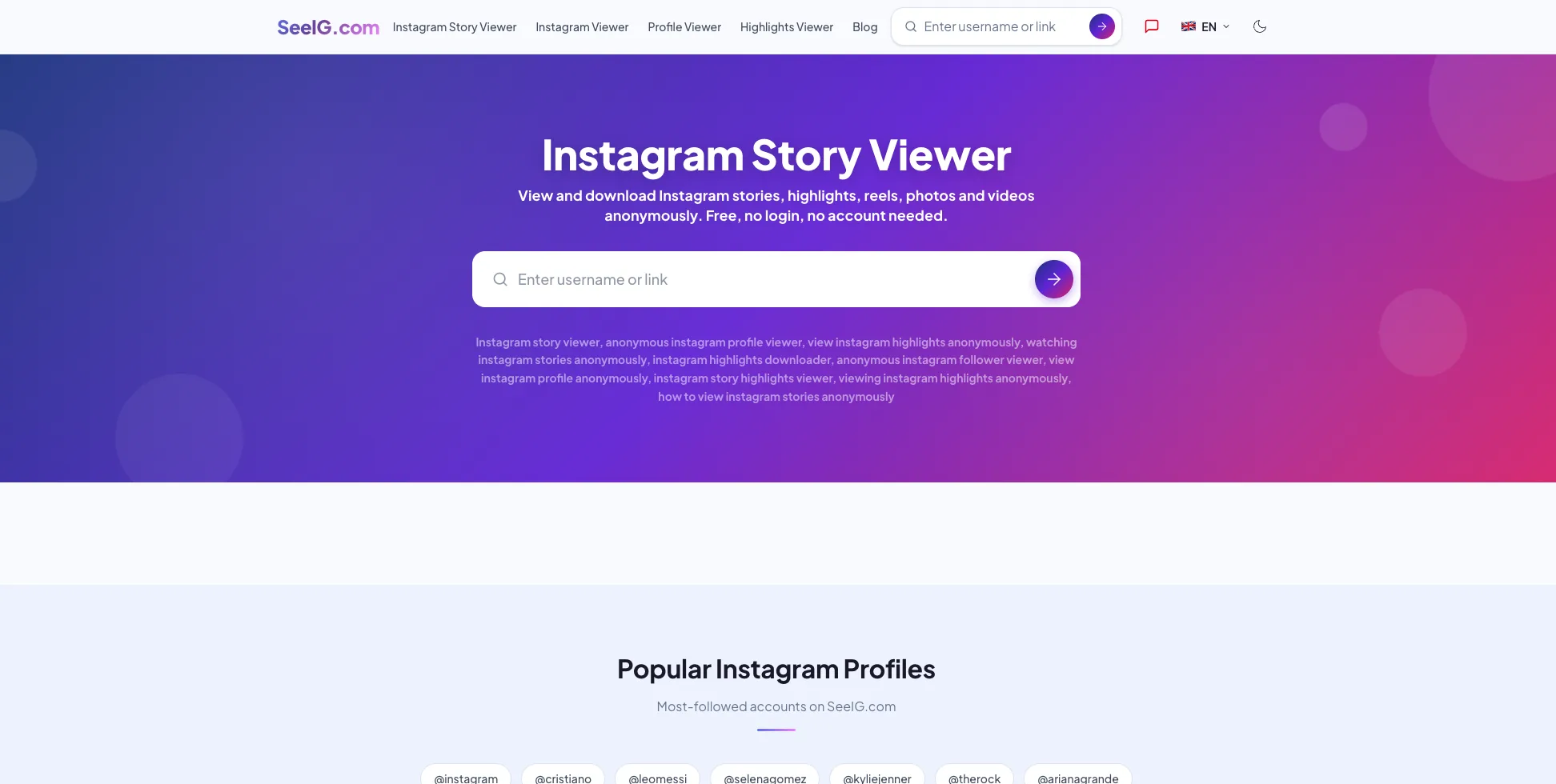
- Fake profile viewers. Apps claiming to reveal who viewed your profile are always fabricating results, because Instagram exposes no profile-visit data. Check the truth behind any Instagram profile viewer or Instagram highlight viewer claim before you trust it.
Security firms have documented phishing campaigns and data breaches tied to exactly this category of app, so the caution is not hypothetical.
How do I vet a follower app before trusting it?
Vet any tool ruthlessly before connecting it, and never enter your Instagram password inside a third-party screen. If you still want automation, run this checklist first:
- Never type your password into the app. A trustworthy tool uses official OAuth through Instagram's own login screen, not a password field inside the app.
- Check the developer and reviews. Look for a real company, a privacy policy, and recent specific reviews, not a wall of generic five-star praise.
- Read the requested permissions. If access goes far beyond follower lists, walk away.
- Search the app name plus scam or safe. A few minutes of searching surfaces most red flags.
- Prefer no-login analytics tools. The safest options never ask for account access at all.
When in doubt, fall back to the manual data-export method above, because no app is worth losing your account over. Privacy-minded readers can also watch Instagram Stories anonymously instead of installing shady apps.
Should I worry about losing Instagram followers?
Usually not, because small, steady follower churn is completely normal and not worth tracking obsessively. People clean up their feeds, interests shift, and inactive or bot accounts get purged constantly, so a little movement is a sign of a living audience rather than a failing one.
Obsessively monitoring who left fixates you on the wrong metric. Engaged, loyal followers matter far more than a raw count, so pour that energy into consistent content instead. Our beginner's guide to Instagram growth in 2026 and viral Reels hook formula cover how to attract followers who stick around, while a simple weekly content calendar keeps you posting at the best times to upload. Check occasionally if you must, then go make something worth following.
Frequently asked questions
Not directly, because Instagram has no native unfollower feature. You can find out by searching your Followers list for a specific username or by downloading your official follower data and comparing it to an earlier export.
Sources
- Instagram Help Center - Download Your Information
- Malwarebytes - Instagram users targeted in novel phishing campaign
- Bitdefender - Instagram scams in 2026: How to prevent common threats
- BlackFog - Instagram Data Breach: What Happened and How To Stay Protected
- NapoleonCat - Best Instagram Followers Apps in 2026 (and which to avoid)
Keep reading
More guides to grow your account.