Can You Mute Someone on Instagram Without Unfollowing?
Yes, Instagram lets you mute someone's posts, Stories, and messages separately without unfollowing them, and they are never notified.
Short answer
Yes, you can mute someone on Instagram by visiting their profile, tapping Following, then Mute, and choosing to silence their posts, Stories, or both without unfollowing them. You can also mute a conversation's message notifications separately, and the person is never notified either way.
Key takeaways
- Muting hides a person's posts and Stories from your feed without unfollowing them or notifying them
- Posts and Stories can be muted separately, so you can silence just one or both
- Message notifications can be muted independently through the Direct inbox
- You can still visit a muted account's profile any time to see their content directly
- Unmuting is instant and reverses the setting without any record left on either side
Can you mute someone on Instagram?
Yes. Go to the person's profile, tap the Following button, and select Mute from the menu that appears. From there you can toggle Posts and Stories independently, so you might mute their Stories but keep seeing their feed posts, or the reverse. This is different from a full block on Instagram, which cuts off contact entirely, whereas muting just quiets your own feed.
How do you mute just someone's Instagram Story?
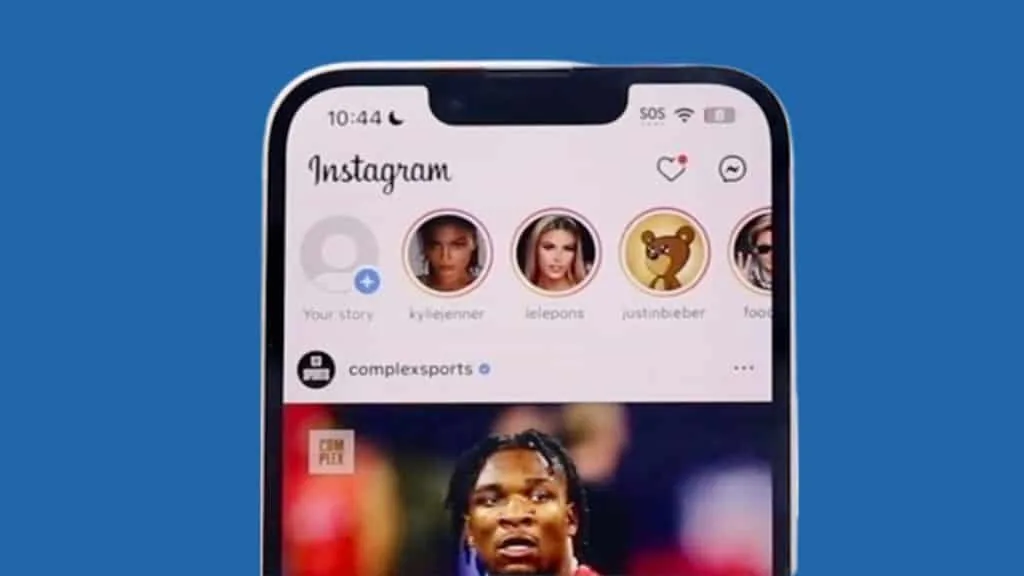
Press and hold their profile picture at the top of your feed, or tap the three dots inside one of their Stories and choose Mute. This is the fastest route if you only want a break from someone's Stories without touching their regular posts. It works well for accounts that post frequent Story updates but whose feed content you still want to see, keeping your experience closer to how you'd normally reset your Instagram feed without unfollowing anyone.
Can you mute someone's Instagram messages without muting their posts?
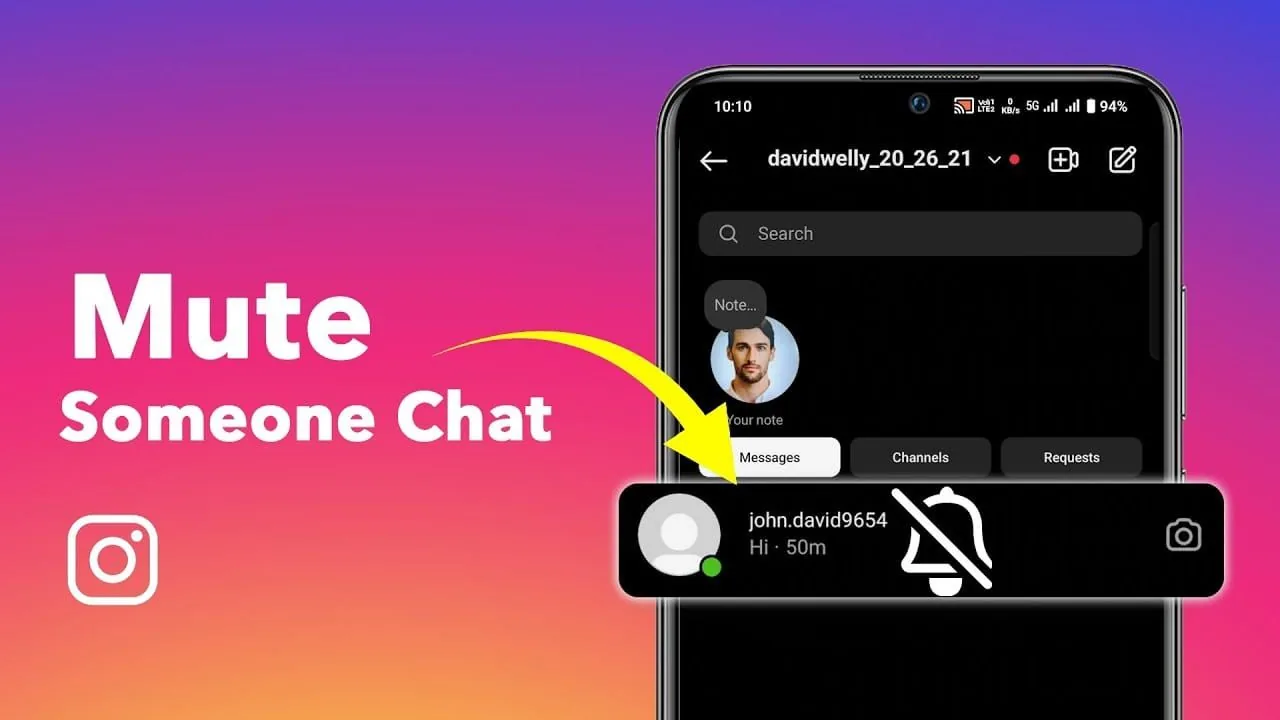
Yes, messaging mutes are handled separately from post and Story mutes. Open the conversation in Direct, tap the person's name or the info icon, and select Mute Messages to stop notifications for that thread, including calls. Their messages still arrive in your inbox, just without a push notification, which is useful if you want to check your Instagram DMs on your own schedule instead of being interrupted constantly.
Does the person know if you mute them on Instagram?
No, Instagram never sends a notification when you mute someone, and there's no visible indicator on their end. This is one of the biggest differences from blocking or restricting, both of which can eventually become apparent to the other person through changed interactions. If your goal is a quieter feed without any social friction, muting is built specifically for that, unlike more visible options such as choosing to restrict someone on Instagram instead. Many people use it for exes, coworkers, or oversharing acquaintances they'd rather not unfollow outright but also don't want dominating their daily scroll.
Can you still see a muted person's content on Instagram?
Yes, muting only affects your main feed and Story bar, not the person's actual profile. You can visit their profile any time and see their full post history, Reels, and Stories as normal, since muting is a feed filter rather than a visibility restriction. This makes it a good middle ground for accounts you don't want cluttering your daily scroll but still want to check in on occasionally, similar to managing who you follow versus unfollow when you want a cleaner but not permanent break.
| Mute type | What it affects | Where to set it |
|---|---|---|
| Posts | Feed content from that account | Profile > Following > Mute |
| Stories | Story bar updates | Profile > Following > Mute, or long-press avatar |
| Messages | DM push notifications | Direct conversation > info icon > Mute Messages |
Muting someone on Instagram is one of the least disruptive tools on the platform: it quiets your feed or inbox without unfollowing, blocking, or alerting the other person in any way.
Frequently asked questions
Yes, muting works independently of following. You stay connected and can still visit their profile, but their posts and Stories stop appearing in your feed and Story bar.
Sources
Keep reading
More guides to grow your account.