How Can I Get in Contact With Instagram?
Instagram has no general phone line or public support email — for tool and account problems you go through in-app Report a Problem, the Help Center, or Meta Business Suite depending on what's broken.
Short answer
Instagram has no general phone line or public support email — for tool and account problems you go through in-app Report a Problem, the Help Center, or Meta Business Suite depending on what's broken.
Quick answer
There is no general customer service phone number or email address for Instagram. What actually reaches a human (or a system that triggers a review) depends on what's wrong: broken tools go through in-app bug reporting, business-account issues route through Meta Business Suite, and enforcement problems (bans, restrictions) go through Account Status. Regular DMs to @instagram or public social posts do not get individual replies.
Key takeaways
- Instagram doesn't offer live chat, phone support, or a public support inbox for individual accounts
- The right contact path depends on the problem: a broken feature, a business tool issue, and a locked account each have separate flows
- Account Status in Settings is the main place enforcement decisions (bans, restricted reach, ad rejections) get explained and appealed
- Meta Verified and Meta Business Suite subscribers get somewhat faster, more direct support channels than free accounts
Where to actually go depending on your problem
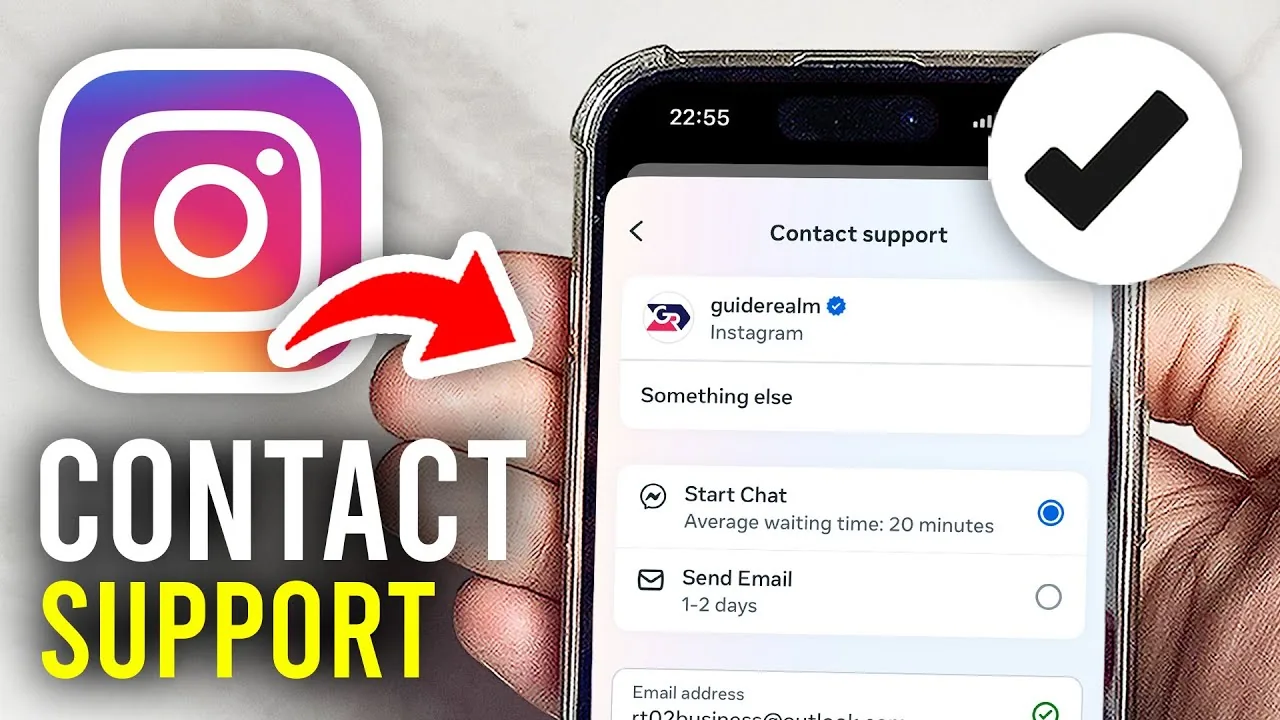
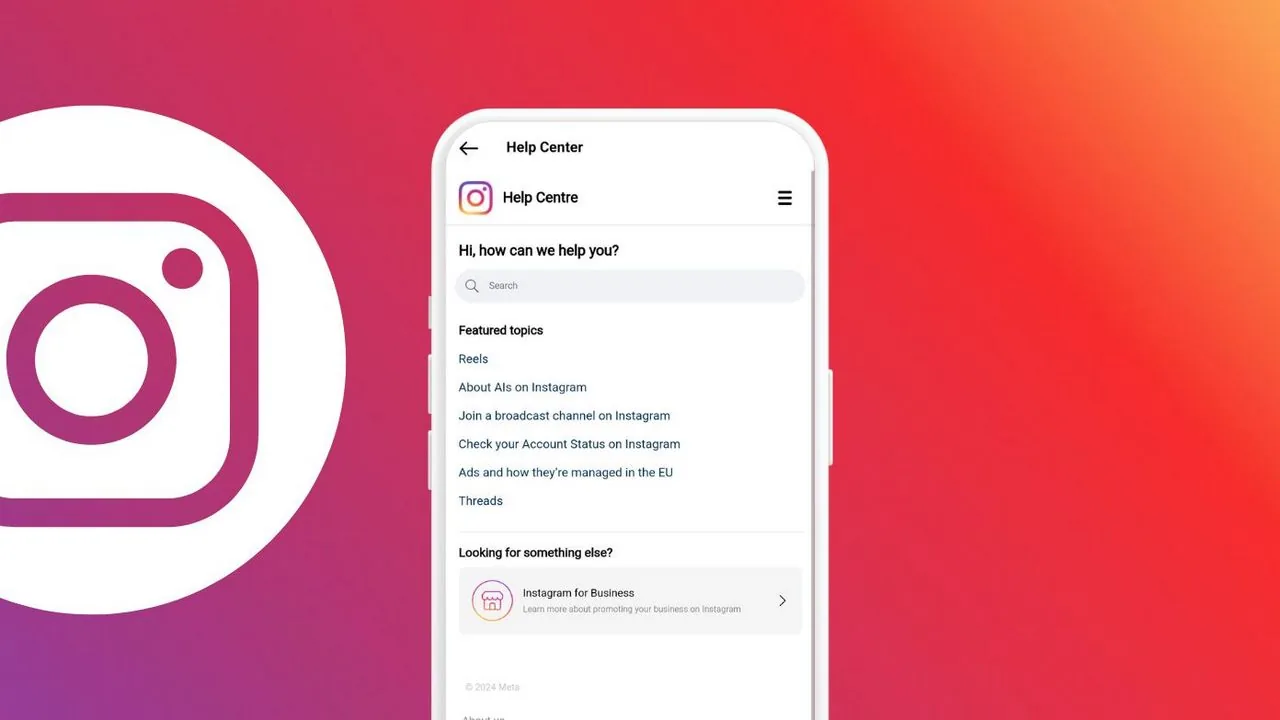
A tool or feature is broken (crashes, glitches, upload failures). Go to Settings > Help > Report a Problem inside the app. This sends device and account diagnostics straight to Instagram's engineering triage queue — it's the closest thing to a bug report ticket that exists for consumer accounts. You won't get a personal reply, but it's how widescale bugs actually get fixed.
You run a business or creator account and a professional tool is malfunctioning (ad account issues, Shop setup, catalog sync, WhatsApp/Instagram messaging integration). Use Meta Business Suite or Meta Business Help Center (business.facebook.com/business/help) instead of the consumer app. Business accounts connected to a Meta Business Portfolio can open a support case there, and some advertisers with active ad spend get access to live chat or callback support through Meta's business support team.
Your account was disabled, restricted, or a post/ad was rejected. Check Settings > Account Center > (your account) > Account Status first. This screen shows exactly what enforcement action was taken and why, and it's where you file an appeal — a generic support request won't do anything here.
You suspect a compromised account or want to report abuse. Use the in-app Report flow on the specific post, message, or profile, or help.instagram.com/contact/[numbers] hacked-account forms. This is different from general contact — it's a structured report, not a conversation.
You have a legal, safety, or press inquiry. These go through Meta's dedicated portals (law enforcement requests, press contacts on about.instagram.com) rather than the consumer Help Center.
Common mistakes to avoid
- Emailing addresses found on random blogs or forums claiming to be "Instagram support" — Instagram doesn't publish a general support email, and most of these are scams or defunct
- DMing the official @instagram account expecting a personal reply — it's not monitored for individual support requests
- Filing a generic "Report a Problem" when the real issue is an enforcement decision — those need to go through Account Status and its appeal flow instead
- Paying a third party that claims it can get you a "direct line" to Instagram support — no legitimate service can bypass Instagram's own systems
Tips
- If you manage a business account, verify your Meta Business Portfolio is properly set up — this often unlocks faster support tiers not available to personal accounts
- Screenshot error messages and note timestamps before submitting a report; Instagram's automated triage weighs specific reproducible details more heavily
- Meta Verified subscribers get access to a dedicated support channel inside the app under Settings > Meta Verified — worth checking if you're subscribed and stuck
Frequently asked questions
No. Instagram does not publish a general customer service phone number for individual users. Business advertisers with active spend sometimes get phone or callback support through Meta Business Suite, but this isn't available to typical personal accounts.
Sources
Keep reading
More guides to grow your account.