Can You See Who Views Your Instagram Highlights?
Yes, but only for a limited time: the viewer list attached to a Highlight is really the viewer list of its original Story, and Instagram doesn't keep detailed names visible forever once that Story has been archived for a while.
Short answer
Yes, but only for a limited time: the viewer list attached to a Highlight is really the viewer list of its original Story, and Instagram doesn't keep detailed names visible forever once that Story has been archived for a while.
Quick answer
You can see viewers for a Highlight, but it's important to understand what you're actually looking at. Instagram doesn't build a separate analytics system for Highlights. Instead, a Highlight is a bucket of Stories that would otherwise have expired after 24 hours. The "Seen by" list you find inside one is the same list the Story generated while it was live — Instagram is not running a second, ongoing tracker just because you pinned it to your profile.
Key takeaways
- The eye icon and "Seen by" list inside a Highlight are pulled from the original Story's data, not generated separately
- Viewer lists tend to be reliable for recently posted content and progressively less complete for Highlights built from Stories that are many months or years old
- Instagram has never published an official retention period for how long viewer names remain attached, so results can vary by account and by how the Story was archived
- Business, creator, and personal accounts all follow the same viewing mechanic — professional accounts simply get extra aggregate metrics layered on top through Insights
What actually happens when you tap "Seen by" on a Highlight
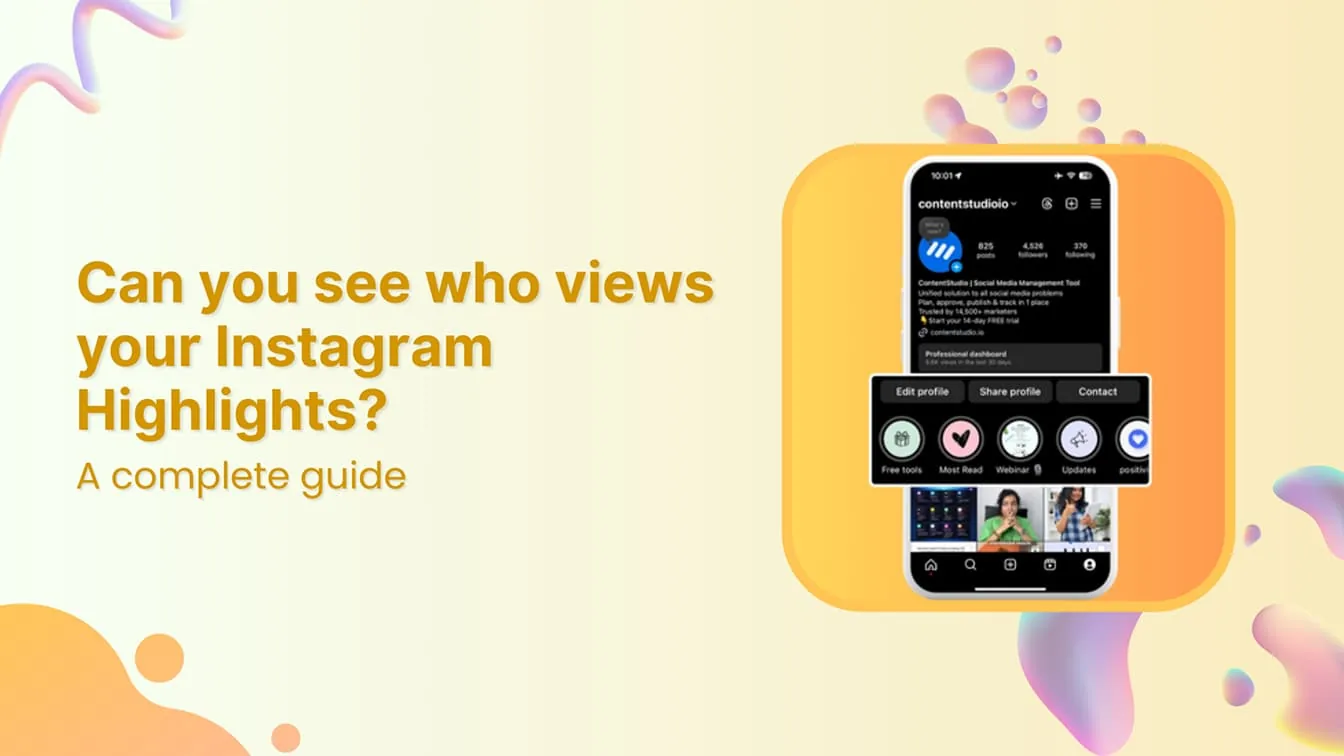
Open a Highlight, tap the clip, and swipe up (or tap the small "Seen by" text). What loads is a list of accounts, generally ordered with people you interact with most or who viewed most recently near the top. This is the exact same interaction pattern as viewing a live Story's viewer list — Instagram isn't distinguishing between "Highlight views" and "Story views" on the back end in any way it exposes to users.
The practical difference shows up over time. A Highlight created from a Story you posted yesterday will almost always show a full, accurate list. A Highlight built from a Story that's a year old, watched by new followers who've discovered your profile since, is much less likely to reflect those newer views in a detailed name-by-name list, and older names may drop off the visible list entirely. This isn't a bug — it reflects how Instagram's Story-viewer infrastructure was designed around the original 24-hour ephemeral format, and Highlights were bolted on afterward as a way to keep the content, not the tracking, alive indefinitely.
How to check who's viewed a Highlight
- Go to your profile and tap the specific Highlight cover
- Let the Story clip play, or pause it
- Swipe up from the bottom of the screen (or tap the "Seen by" indicator if visible)
- Scroll the resulting list — each clip inside a multi-clip Highlight has its own separate viewer list
- Note that this view is private to you as the account owner; nobody else can see this list, including people who appear on it
Common mistakes to avoid
- Expecting a running, up-to-date total the way Reels show a permanent play count — Highlights don't work like that
- Assuming zero or few names means zero or few people watched — it more often means the detailed list has aged out
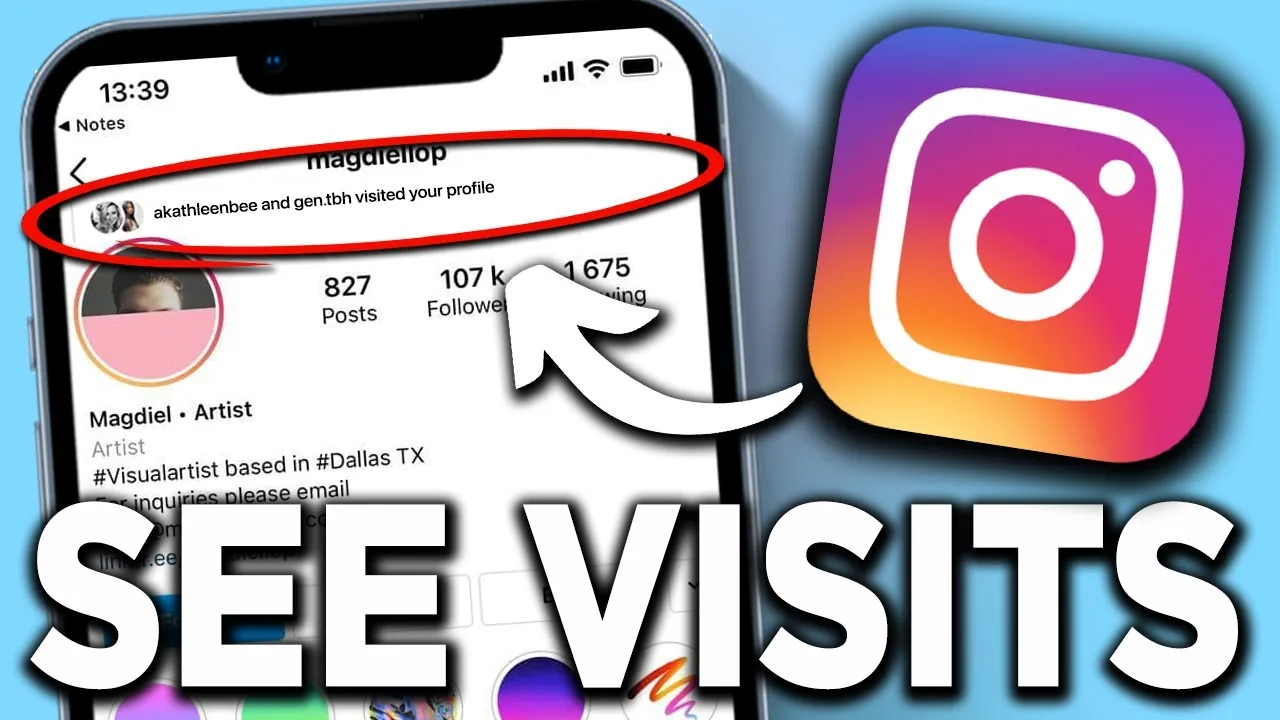
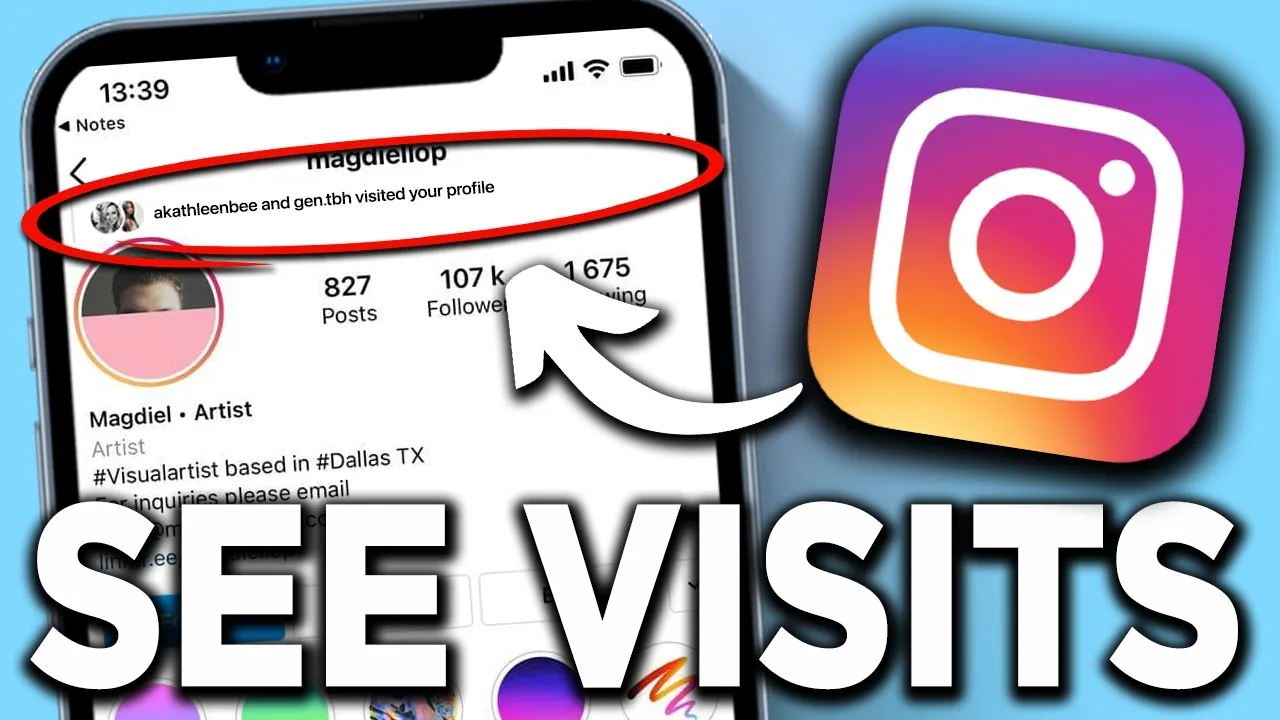
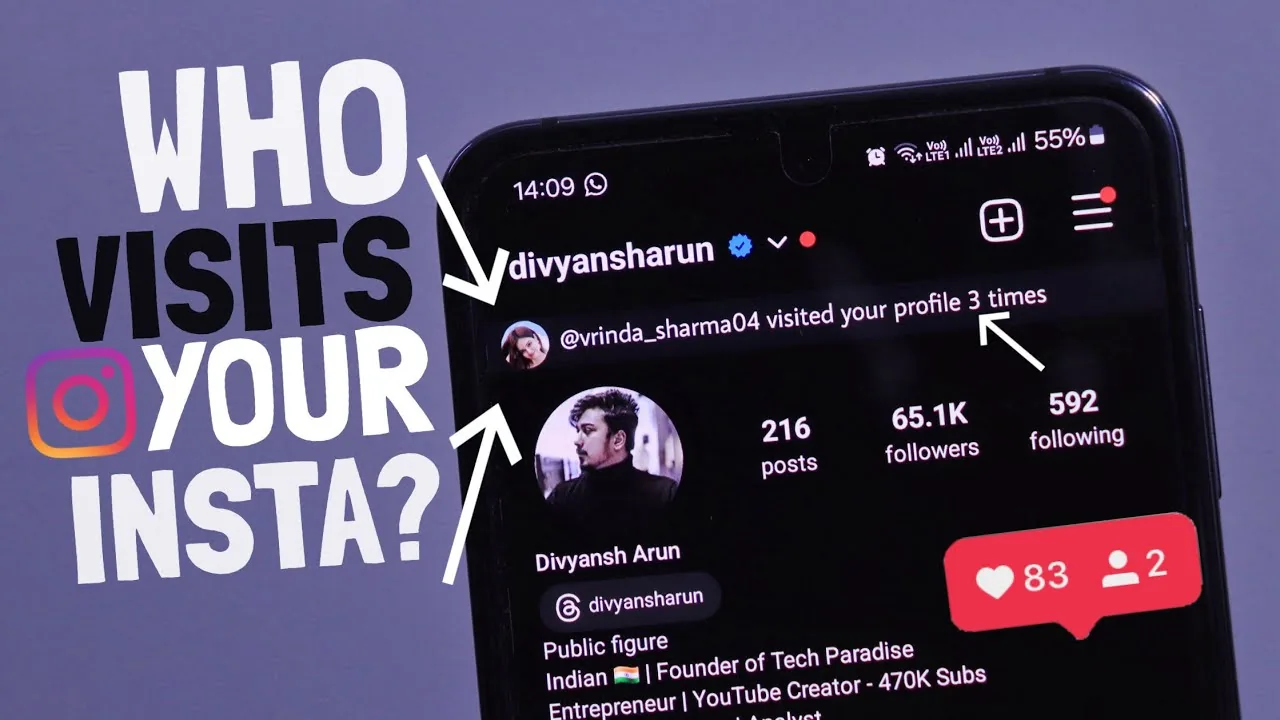
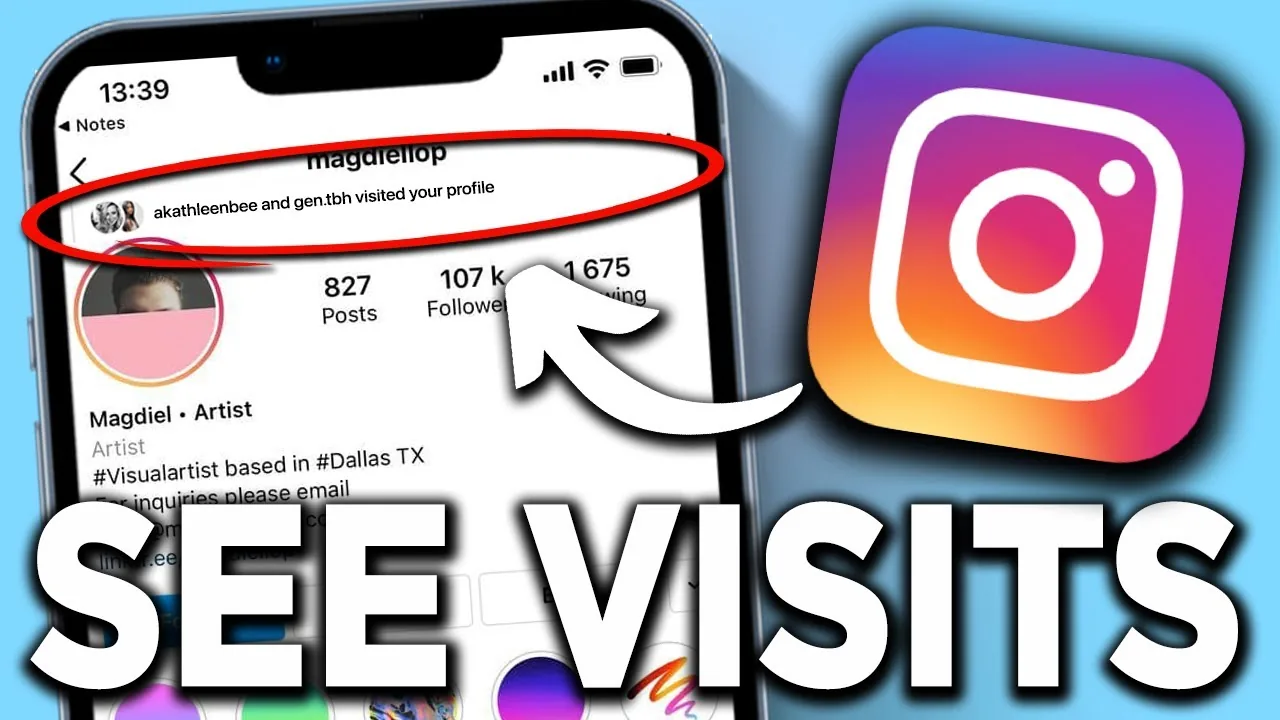
- Mixing this up with profile-visit tracking — Instagram still does not tell any account who has visited their profile page
- Paying for third-party "Instagram analytics" tools that claim to recover historical Highlight viewers; these require handing over your login and are not affiliated with Instagram
Tips for creators and business accounts
- If you need viewer identities for something time-sensitive (a contest, an announcement), check the list within the first day or two rather than waiting
- Rely on Instagram Insights for longer-term aggregate numbers (reach, interactions, replies) on Highlights, since those totals persist even after individual names disappear from the viewer list
- Keep in mind Insights data for Highlights is generally rolled into the Story metrics of the content it was built from, not tracked as a distinct "Highlight" category
Frequently asked questions
Yes. Instagram doesn't create separate tracking for Highlights — the list you see is inherited directly from the Story that was saved into it.
Sources
Keep reading
More guides to grow your account.