Can You Repost on Instagram? Native Repost Feature Explained
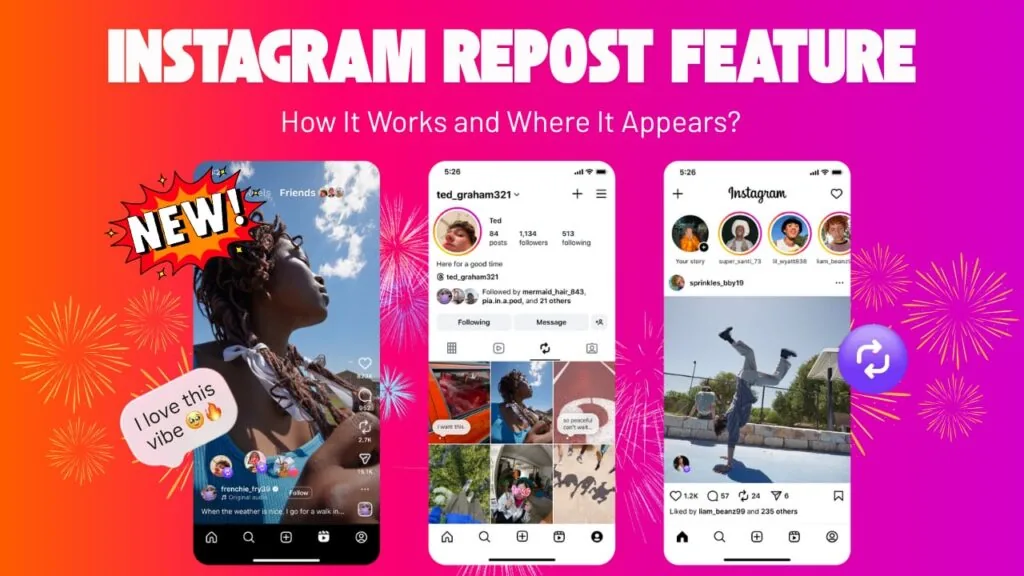
Yes, Instagram's built-in Repost button lets you share public posts and Reels with full creator attribution, no third-party app needed.
Short answer
Yes, Instagram has a native Repost button on public feed posts and Reels that keeps full credit to the original creator and files reposts into a separate tab on your profile. You can also share content to your Story or DMs if you want a faster, more temporary form of reposting.
Key takeaways
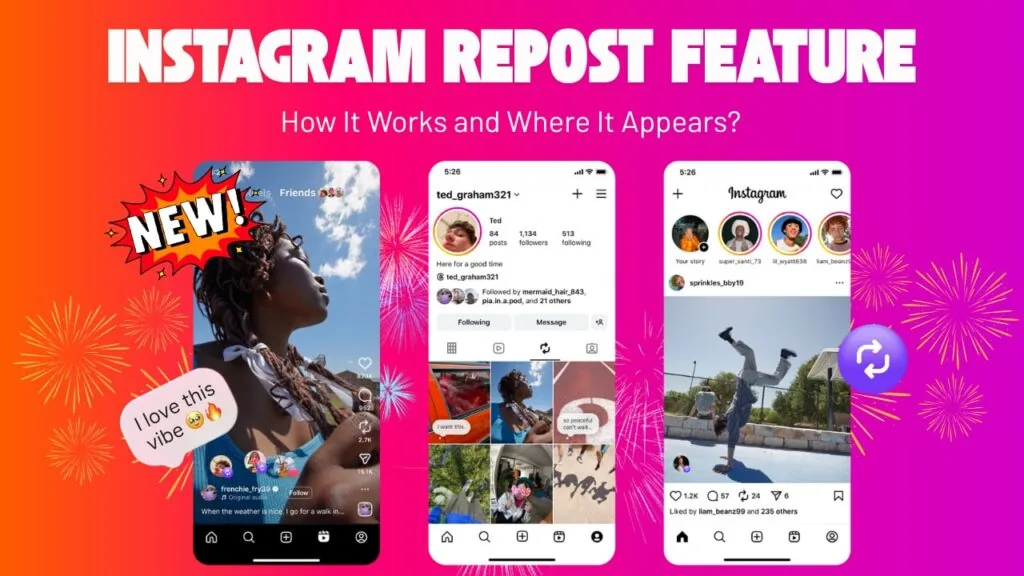
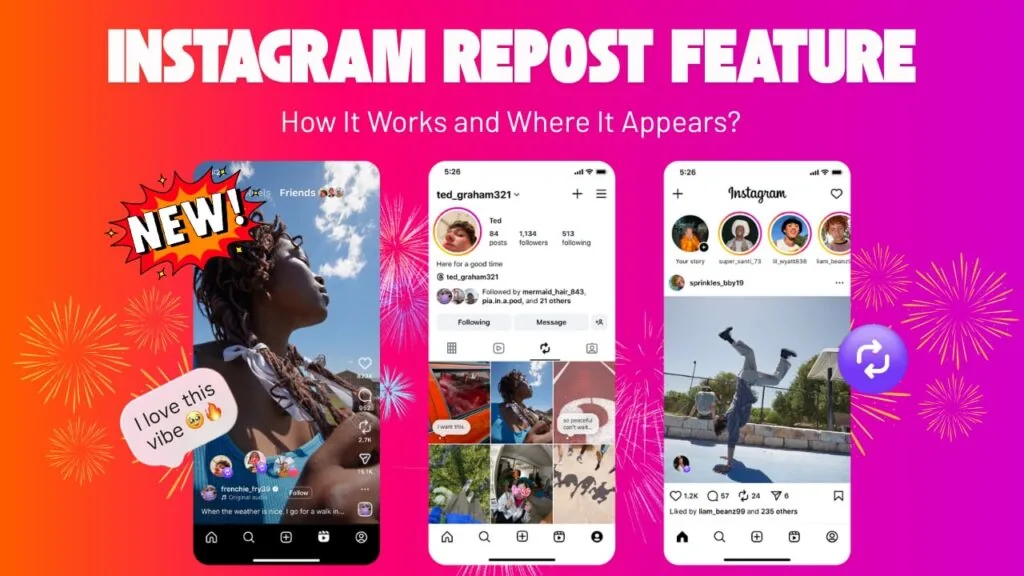
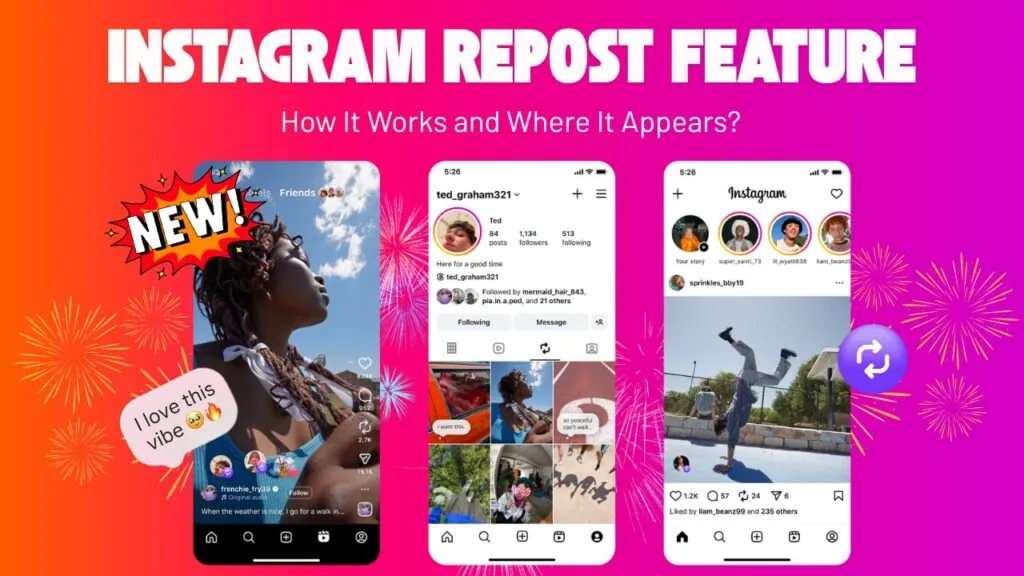
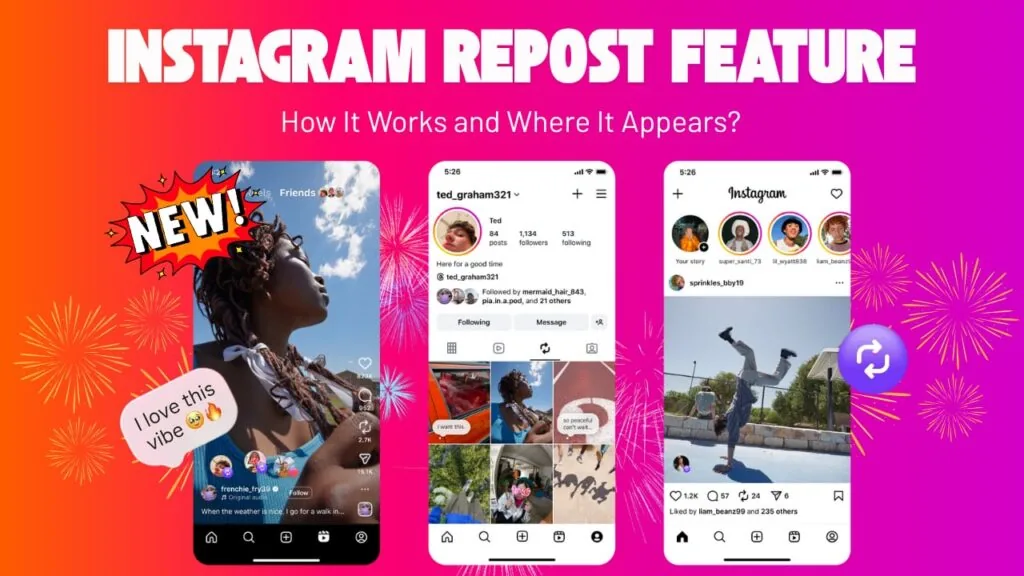
- Instagram added a native Repost button in 2025, located between the Comment and Send icons on public posts and Reels.
- Reposted content keeps full attribution to the original creator and appears in a dedicated Reposts tab, not your main grid.
- You can add a text comment to your repost before sharing it, similar to a quote-share.
- Sharing to your Story is still the fastest option, but it disappears after 24 hours instead of staying on your profile.
- You can remove a repost anytime by tapping the Repost button again on that same post.
- Reposting only works on public accounts and public content, which matters if you're trying to figure out how to see private instagram accounts.
How do you use the native Repost feature?
Tap the Repost icon on any public post or Reel, which sits between the Comment and Send buttons and looks like two arrows forming a square. If you want to add commentary, tap the text bubble near your profile picture at the bottom left of the post to type a caption, then tap Save to publish it. The repost then shows up in a separate Reposts tab on your profile rather than mixing into your main grid, so your original content and reposted content stay visually distinct, much like keeping a content calendar batch week organized by type.
Does reposting give credit to the original creator?
Yes, that's the core difference from screenshotting or downloading someone's content. The native repost keeps the original poster's username and profile link attached, and it explicitly won't let you repost private accounts' content, so attribution stays intact and no one loses credit for their post. This is safer and more transparent than older workaround methods that involved downloading instagram videos and re-uploading them as your own.
Can I undo or remove a repost after sharing it?
Yes, removing a repost is just as simple as adding one. Go back to the post you reposted, tap the Repost button again, and it will pull the share off your Reposts tab immediately. This is handy if you shared something and the creator later deleted or edited the original, since your repost otherwise stays linked to the live version of their content.
What if I just want to repost to my Story instead?
Sharing to your Story works for temporary, fast-moving reposts, and it's built into the same Send flow you'd use to reply to a dm on instagram or forward a post to a friend. When you share a post or Reel to your Story, Instagram automatically attaches a tappable sticker crediting the original creator, and the share disappears after 24 hours unless you save it to a Highlight.
How does native repost compare to other reposting methods?
| Method | Stays on profile? | Attribution | Duration |
|---|---|---|---|
| Native Repost button | Yes, in Reposts tab | Automatic, built-in | Permanent until removed |
| Share to Story | No, separate from grid | Tappable creator sticker | 24 hours (unless saved) |
| Screenshot and re-upload | Yes, in main grid | Manual, easy to lose | Permanent |
| Third-party repost apps | Yes, in main grid | Depends on the app | Permanent |
Can you repost someone's Reel the same way as a regular post?
Yes, the Repost button works identically on Reels and standard feed posts, as long as the account posting it is public. This makes it a straightforward option if you're trying to get more followers on instagram by amplifying trending content in your niche instead of only posting original material, since Instagram treats native reposts as legitimate engagement rather than duplicate content, and it pairs well with a broader growth push like learning how to grow followers on instagram organically rather than relying on reposts alone.
Frequently asked questions
Yes, Instagram has a native Repost button built directly into the app for public posts and Reels, so no external tool is required.
Sources
Keep reading
More guides to grow your account.