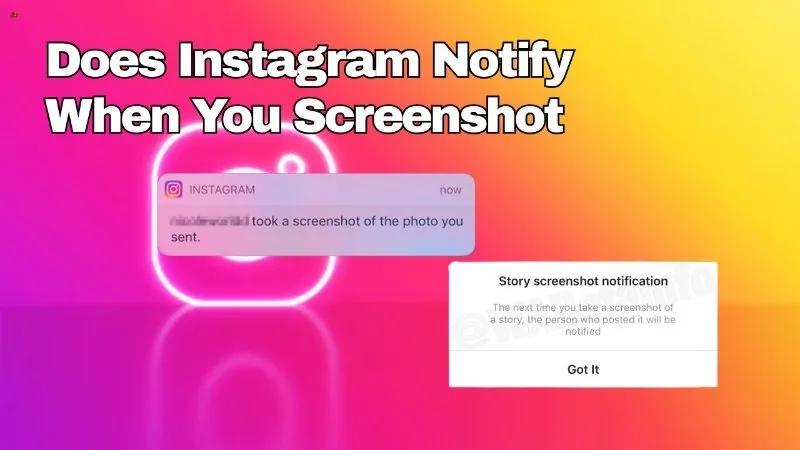
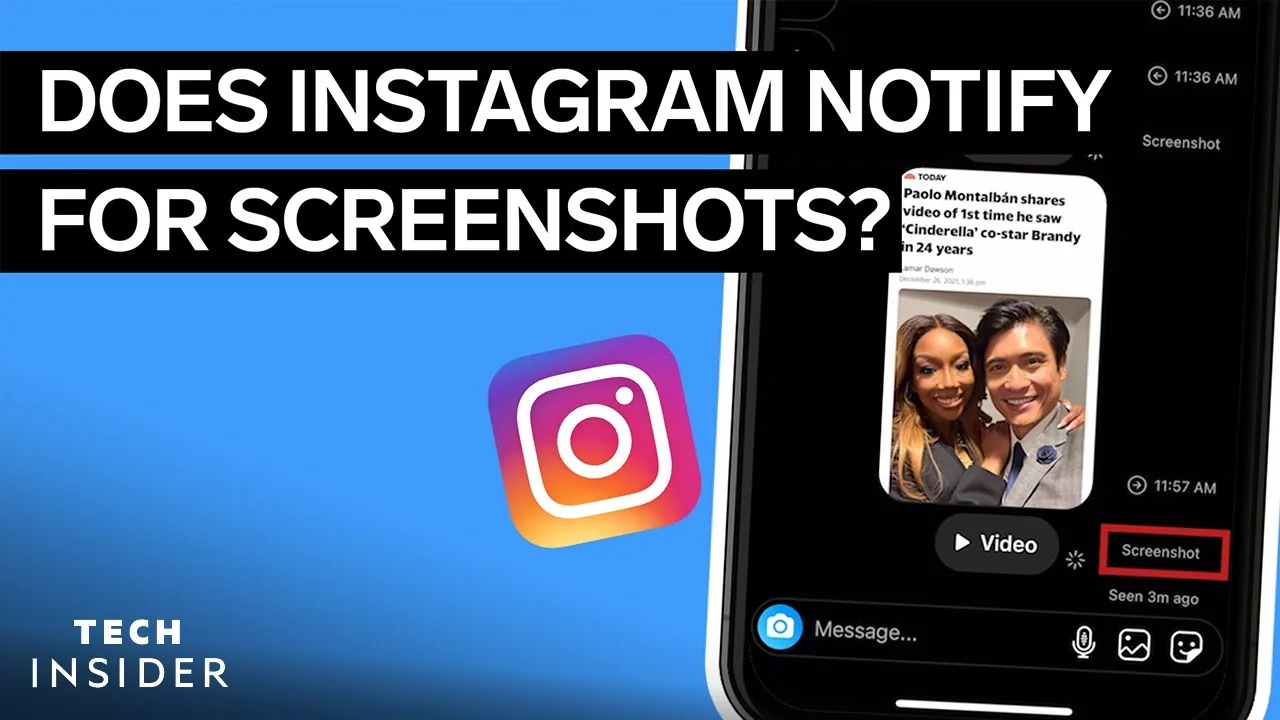
Does Instagram Notify When You Screenshot a Message?
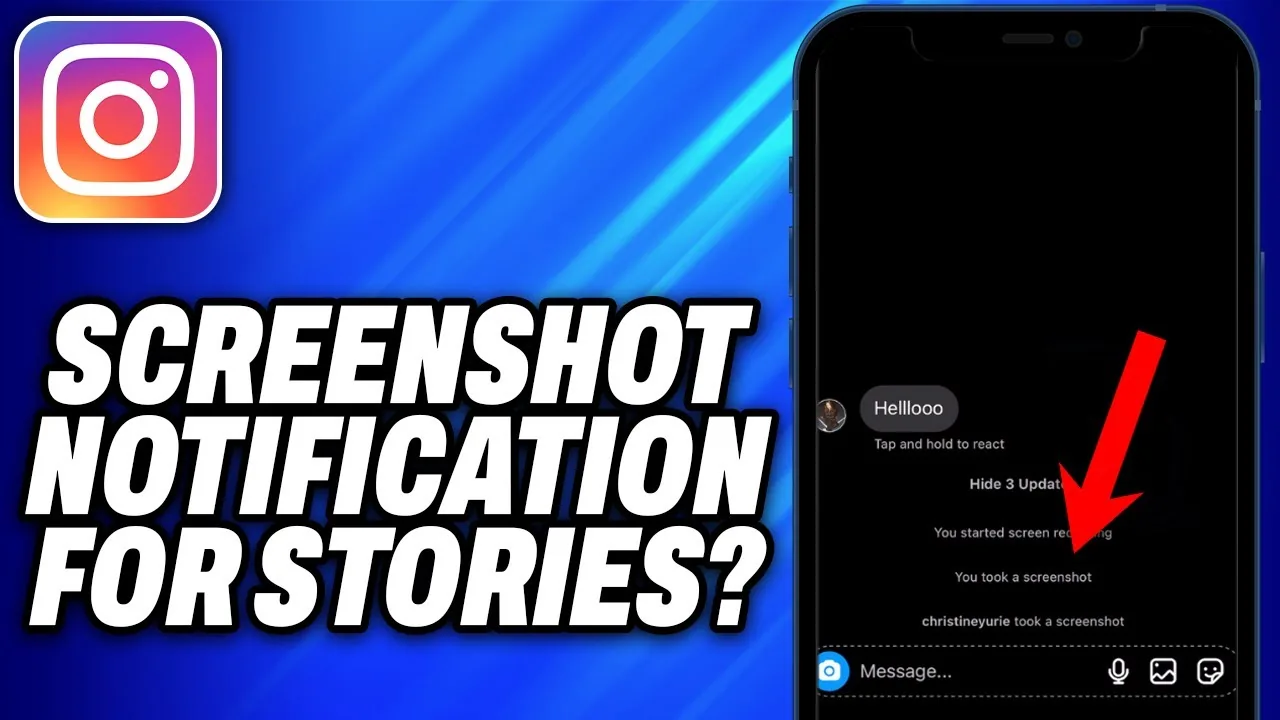
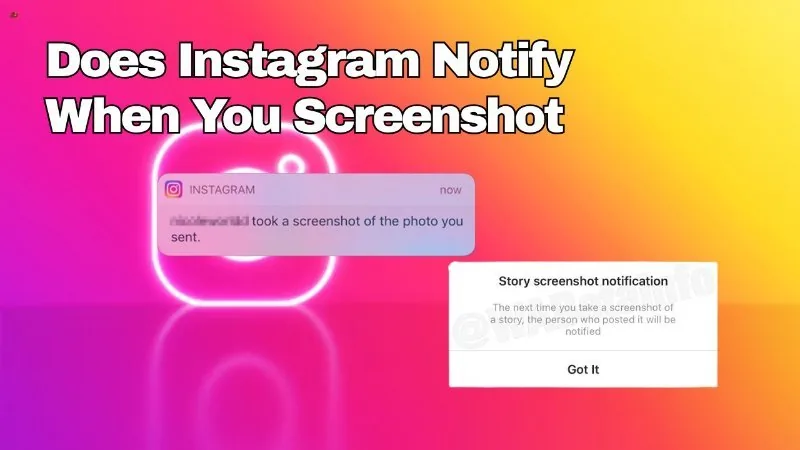
It depends what kind of message: plain text and standard photos in a DM thread can be screenshotted with no alert, but a disappearing (view-once) photo or video sent in chat does notify the sender if it's screenshotted or screen-recorded.
Short answer
The answer hinges on the message type: ordinary text and photos in Instagram DMs are not tracked, while view-once disappearing media is the one message format that does trigger a screenshot notification.
Quick answer
The word 'message' hides an important distinction. A plain text message, a normal photo, a voice clip, or a shared Reel in your DMs can be screenshotted freely — Instagram sends no alert. A disappearing photo or video sent with the view-once option is different: if the recipient screenshots or screen-records it, Instagram tells the sender it happened.
Key takeaways
- 'Message' can mean several different things on Instagram, and the screenshot rule only applies to one of them
- Plain text messages are never tracked for screenshots
- Standard (non-disappearing) photos and videos sent in a DM are also not tracked
- Disappearing/view-once photos and videos are the single exception that does notify on screenshot or screen recording
- Once a view-once message has been opened and closed, it typically can't be viewed again anyway, screenshot or not
Text vs photo vs disappearing media
Most people asking this question are really asking about one of three different scenarios, and the answer changes depending on which one applies.
If you mean a text message — someone typed out a sentence and sent it — there's no tracking mechanism at all. Instagram doesn't detect or report screenshots of text conversations, full stop.
If you mean a regular photo or video attached to a chat, the same applies. You can save it, screenshot it, or forward it, and the sender is never told.
If you mean a photo or video sent using the disappearing message / view once option, that's the one case where Instagram actively checks. The feature is built around the idea that the content is meant to be seen once and then gone, so Instagram added a notification specifically to discourage people from capturing it before it disappears. Screenshotting or screen-recording that specific type of message alerts the person who sent it.
Common mistakes to avoid
- Assuming any screenshot in a DM thread gets reported — only view-once media does
- Confusing a regular photo message with a disappearing one; they look similar in the chat but behave very differently
- Believing text conversations are ever monitored for screenshots — they aren't
- Assuming the rule has never changed; messaging privacy features do get updated by Meta over time
Tips
- If you want to send something and be alerted if it's captured, use the disappearing/view-once option rather than a normal attachment
- Don't rely on the absence of a notification as proof nothing was saved — regular messages can always be screenshotted quietly
- Keep the app updated, since Meta periodically adjusts how messaging privacy features are labeled and behave
Frequently asked questions
Only for one specific message type: disappearing (view-once) photos and videos. Regular text and standard photos sent in a DM are never tracked for screenshots.
Sources
Keep reading
More guides to grow your account.