Can You See Who Sent Your Instagram Post?
Yes — any post sent to you on Instagram arrives in a Direct Message thread labeled with the sender's username and profile photo, so there's no way to send a post anonymously. What Instagram does not show you is a full chain of everyone who has forwarded that same post onward after you received it.

Short answer
Yes — any post sent to you on Instagram arrives in a Direct Message thread labeled with the sender's username and profile photo, so there's no way to send a post anonymously. Instagram doesn't show a forwarding chain beyond that first sender.
Quick answer
Yes. Every time someone sends you a post through Instagram Direct, the message thread shows exactly who sent it — their username, profile photo, and a timestamp sit right above the shared post card. Instagram has no anonymous-sending feature, so if a post lands in your inbox, the sender's identity is never hidden from you. What you can't do is trace a post backward through multiple people — if your friend forwards you something they got from someone else, you only see your friend's name, not the original sender further up the chain.
Key takeaways
- Posts shared via DM always display the sender's username and avatar in the chat — there is no incognito or anonymous send option
- You only see the person who sent it directly to you, not everyone who has forwarded it further down a chain
- "Sent" and "Seen" are separate receipt states: "Sent" just confirms delivery, it does not mean the recipient has opened it yet
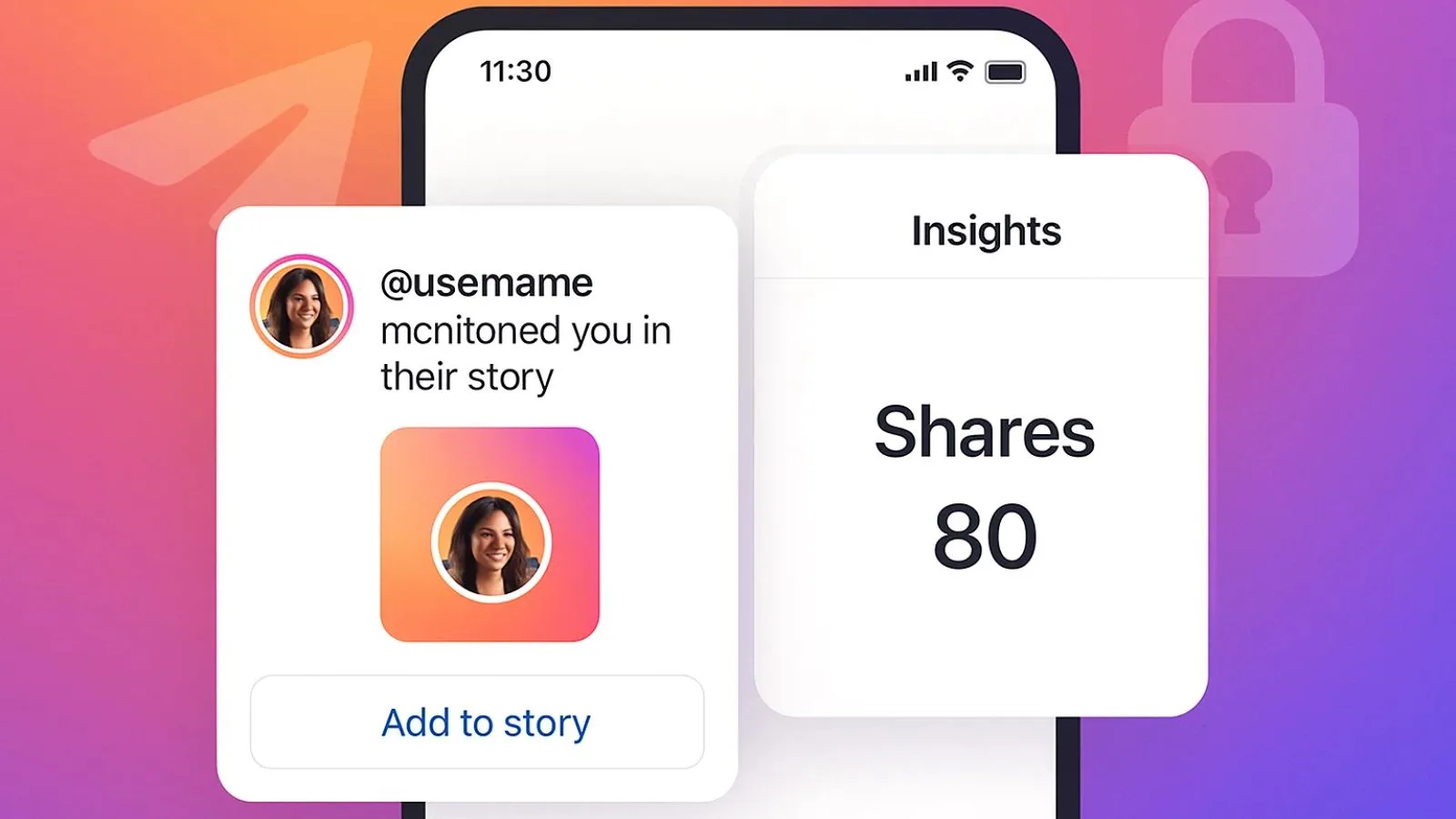
- If you're the original poster, Instagram does not notify you every time someone DMs your post to another user — that activity is private between the sender and recipient
- Disappearing/vanish-mode messages work the same way for identity — the sender is always visible while the chat is open, even though the content disappears after viewing
How sending and receiving posts actually works
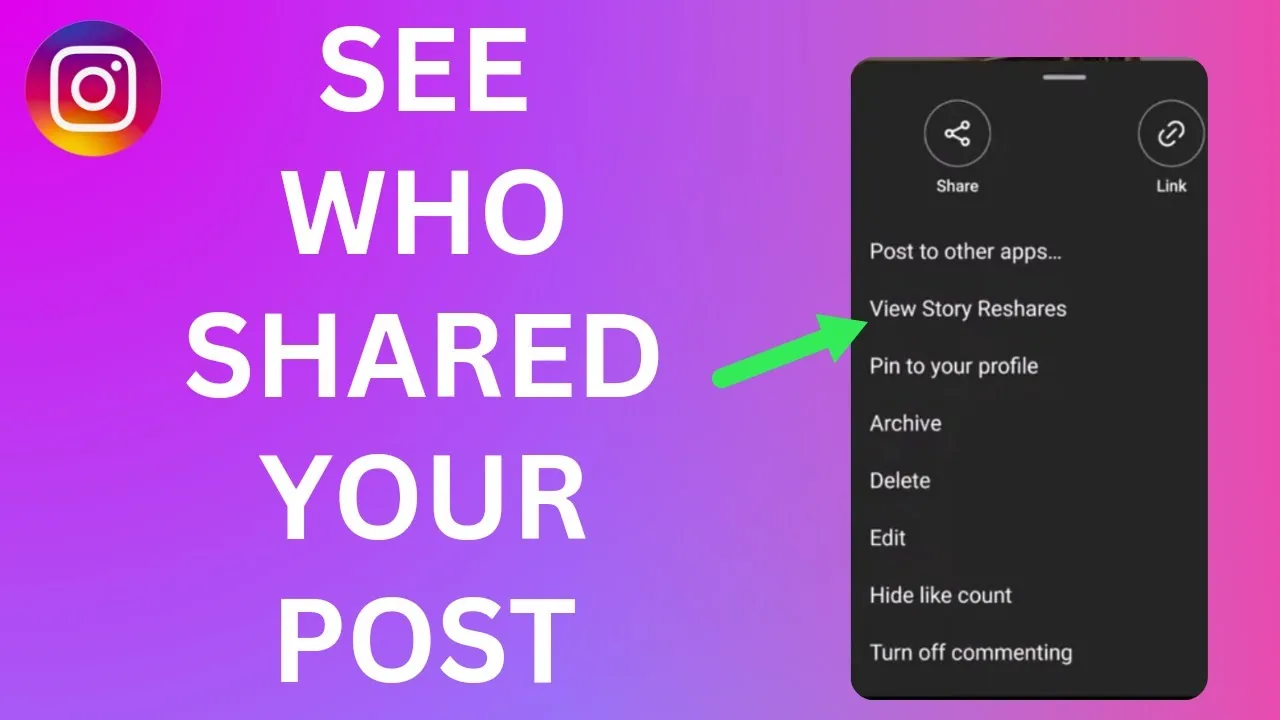
When someone taps the paper-airplane share icon under a post or Reel and sends it to you, Instagram drops a compact preview card into your existing DM thread with that person (or starts a new one). Above that card you'll always see their name exactly as it appears in your inbox list — there's no mechanism to strip that identity out. This is different from asking "who shared my post publicly," which is a separate, much more limited feature (see our companion guide on shared posts).
A distinction worth understanding is the "Sent" vs. "Seen" vs. "Shared" labels you'll notice in a thread:
- Sent appears the moment the message leaves the sender's device and reaches Instagram's servers — it doesn't mean you've looked at it
- Seen appears once you open the thread and the app registers that the message was displayed on screen
- Shared is the verb Instagram uses on the post/Reel itself to describe the action of sending it into a DM — it's not a separate receipt state, just how the app describes what happened
If you want to know whether a post you sent was actually opened, check for the "Seen" indicator (or the small circular profile photo that moves next to the last read message) rather than assuming delivery equals viewing.
What Instagram does not let you see
- A public log of everyone who has ever DM'd your post to someone else
- The original source of a post if it's been forwarded through two or more people before reaching you (you only see your immediate sender)
- Read receipts in group chats broken down by exact read time for each member (you get a list of who has seen it, but not precise timestamps per person)
Common mistakes to avoid
- Assuming a forwarded post's DM thread will show the original creator's name if it was re-sent by someone else — it won't, only your direct sender appears
- Confusing "Sent" with confirmation that the other person has read the message
- Believing third-party apps can reveal a hidden sender — Instagram's DM system doesn't expose sender identity to outside tools, and any app claiming to do so is either fake or a security risk
Tips
- If you can't tell who sent something, tap the thread itself — the sender's name sits at the top of the screen and above the shared content card
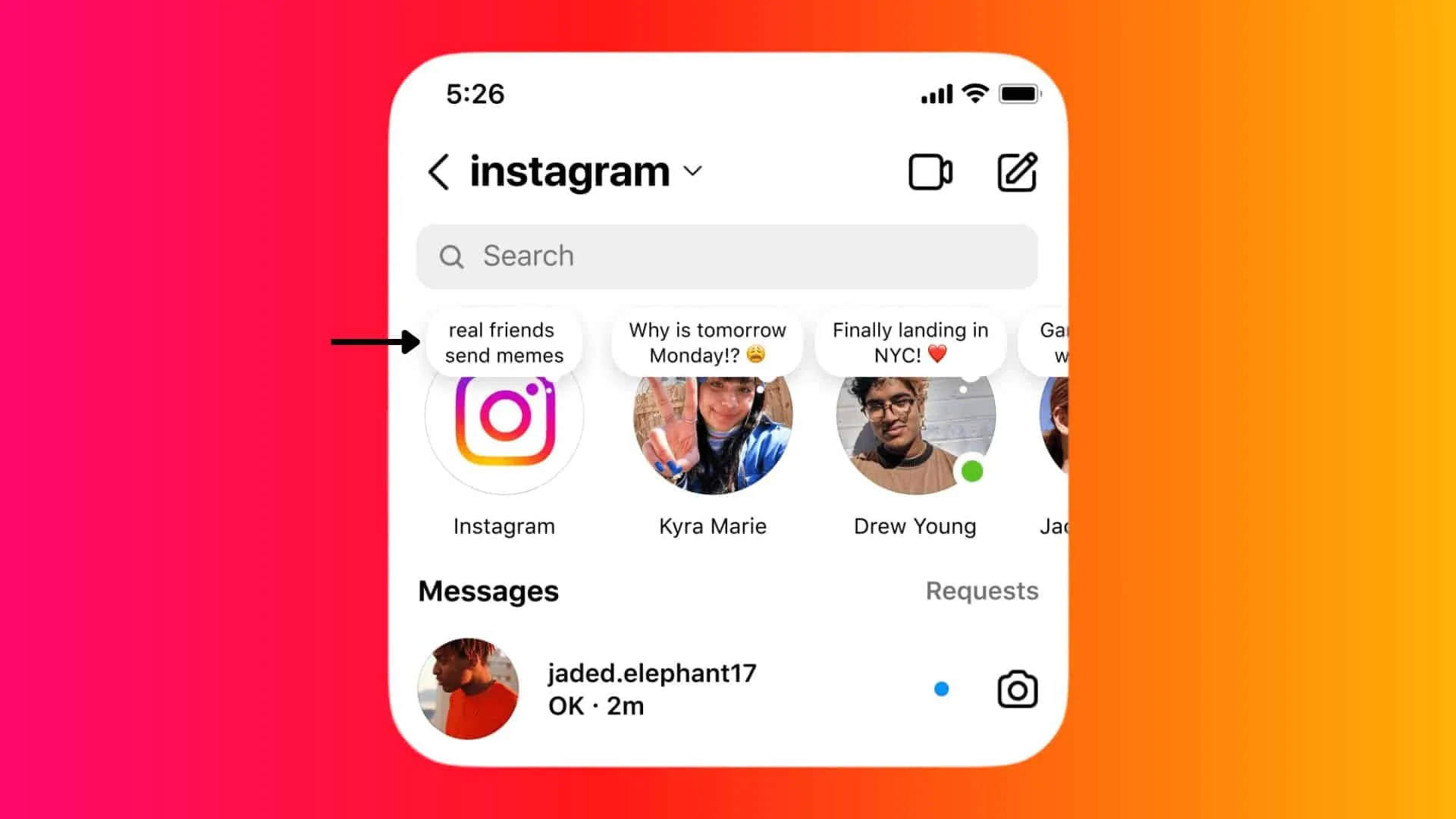
- Use the search bar inside Direct to find a specific conversation if a shared post got buried among other chats
- If an account you don't recognize sends you a post, check their profile before opening any links attached to it — this is a common vector for spam accounts
Frequently asked questions
No. Every DM, including shared posts and Reels, is tied to the sender's account and displays their username and profile photo in the thread. There is no anonymous or incognito sending feature on Instagram.
Sources
Keep reading
More guides to grow your account.