Can You Fast-Forward or Rewind Instagram Reels?
Instagram lets you fast-forward Reels by holding the screen edge, but there's still no dedicated rewind gesture. Here's what actually works.

Short answer
Yes, you can fast-forward Instagram Reels by pressing and holding either edge of the screen for 2x speed, but there is no dedicated rewind gesture yet. To rewatch a moment, restart the Reel or swipe back to the previous one.
Key takeaways
- Instagram added a native fast-forward feature that lets you press and hold either edge of the screen to skip ahead at 2x speed
- There is currently no dedicated rewind gesture built into Reels the same way
- You can still swipe back to the previous Reel or replay one from the start by tapping it
- Make sure your app is fully updated, since older versions won't show the fast-forward gesture at all
- Screen recording is a workaround for precise scrubbing but isn't an official Instagram feature
Can you fast-forward Instagram Reels?
Yes. Instagram rolled out a fast-forward feature that lets you press and hold on the right or left edge of the screen while watching a Reel, which plays the video at 2x speed so you can skip to the part you actually want to see. This is especially useful for longer Reels, since Reels can now run up to three minutes and not everyone wants to sit through the buildup.
Can you rewind an Instagram Reel?
Not with a dedicated rewind gesture the way you can fast-forward. Instagram hasn't confirmed a symmetrical rewind control, so your main options are letting the Reel loop back to the start on its own, tapping it to restart playback, or swiping down to revisit the previous Reel in your feed if you haven't scrolled too far. If you specifically need to rewatch a moment, restarting the whole Reel is usually the fastest route.
How do I use the fast-forward gesture?
Press and hold on either the left or right side of the screen while a Reel is playing. The video jumps into 2x playback for as long as you hold, then resumes normal speed the moment you release. This works the same whether you're watching Reels from your main feed, a profile, or saved Reels you've come back to later.
Why doesn't the fast-forward or rewind feature show up for me?
The most common reason is an outdated app version, since this is a newer feature that only rolled out in 2025. Update Instagram from your device's app store and restart the app. It's also possible the feature is still in a staged rollout, so not every account sees it on the exact same timeline even after updating.
Are there workarounds for scrubbing through a Reel?
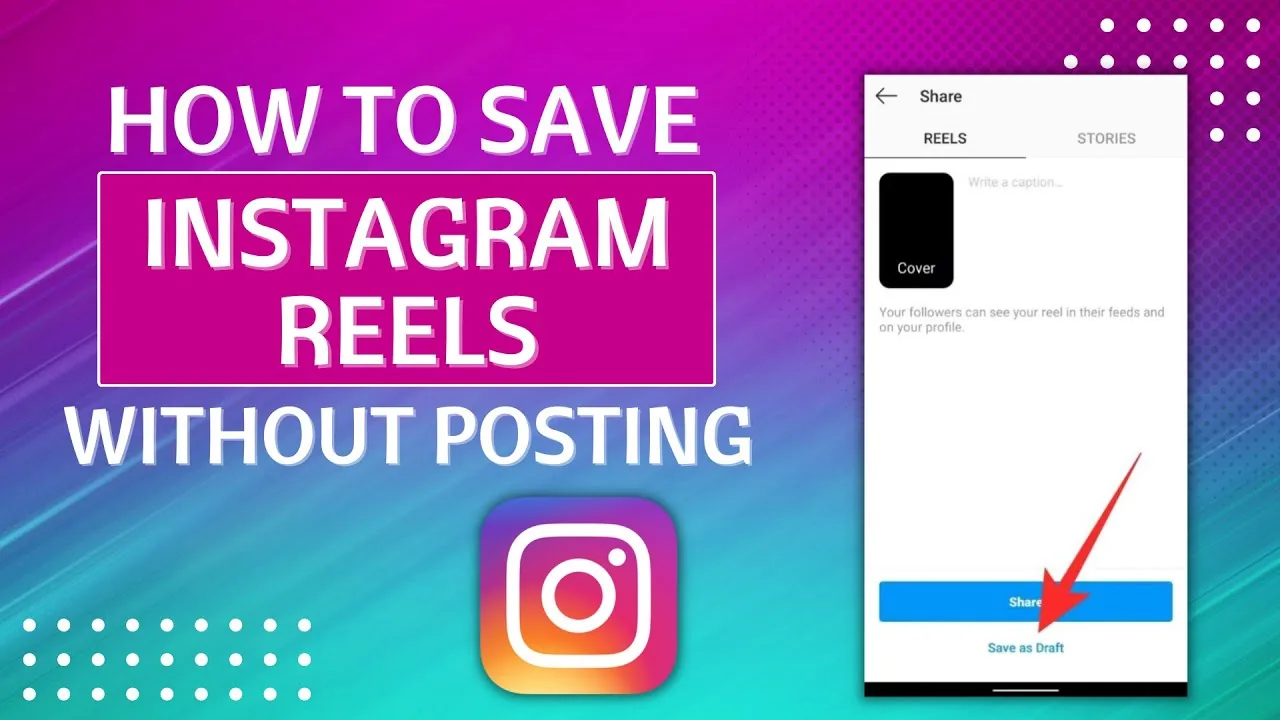
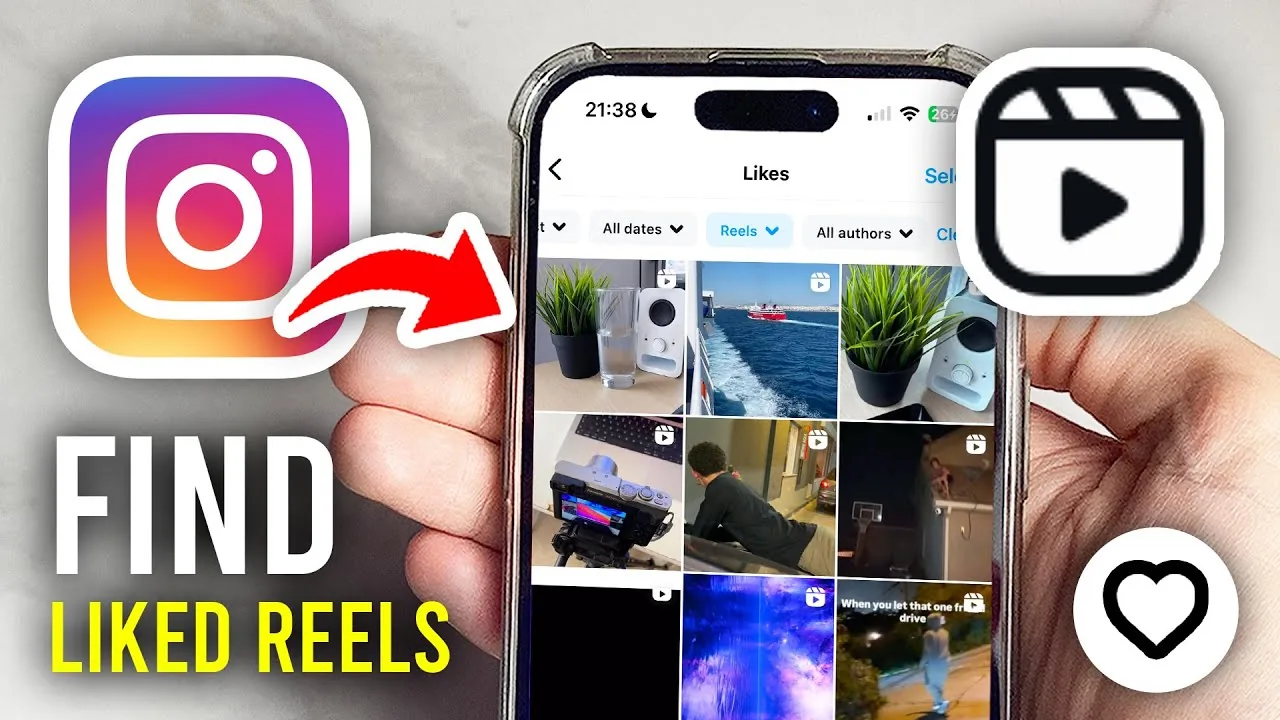
Some people screen-record a Reel to their camera roll, then use their phone's native video player to scrub back and forth freely, though this isn't an official Instagram capability and uses extra storage. If you just want to save a Reel to revisit later without screen recording, use Instagram's own save feature instead, which keeps the original quality and audio intact, or check your liked Reels if you already tapped the heart on it.
Does this feature work on all devices?
The fast-forward gesture works on both iOS and Android as long as the app is updated, but there's no equivalent on the desktop version of Instagram, where Reels playback controls remain more limited overall. If you're trying to study a Reel closely for its structure, pairing this with the viral Reels hook formula can help you notice what makes the first few seconds work.
| Action | Native gesture available? | How to do it |
|---|---|---|
| Fast-forward | Yes | Press and hold right or left edge |
| Rewind | No | Restart the Reel or swipe back |
| Scrub freely | No | Screen record as a workaround |
Conclusion
Instagram Reels now supports a genuine fast-forward gesture, press and hold either edge of the screen for 2x speed, but there's no matching rewind control yet. For now, restarting a Reel or swiping back to the previous one is the closest thing to rewinding.
Frequently asked questions
Yes, press and hold on the right or left edge of the screen while watching a Reel to play it at 2x speed and skip ahead.
Sources
Keep reading
More guides to grow your account.