Jordan Lee
275 published guides
 Explainers
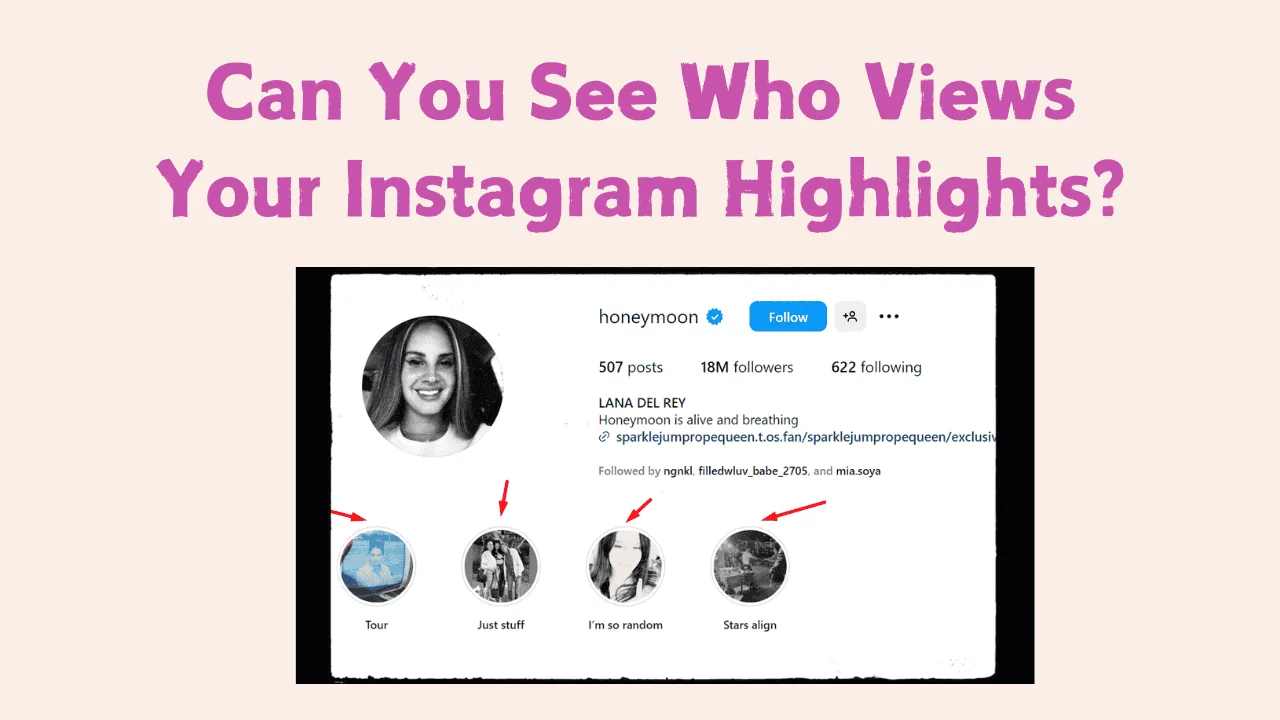
Can You See Who Views Your Instagram Highlights?
Yes, but only for a limited time: the viewer list attached to a Highlight is really the viewer list of its original Story, and Instagram doesn't keep detailed names visible forever once that Story has been archived for a while.
 Growth
Do Hashtags Work on Instagram?
Yes, hashtags still work as a discovery tool on Instagram in 2026, but their impact on reach has dropped significantly since 2018-2020 as the algorithm now leans on interest-based recommendation through Explore and Reels rather than hashtag-following.
 Explainers
Who Owns Instagram in 2026? Meta Ownership Explained
Who owns Instagram in 2026? Meta Platforms owns the app after Facebook acquired it in 2012. See the verified deal, founders, and leadership timeline.
 Explainers
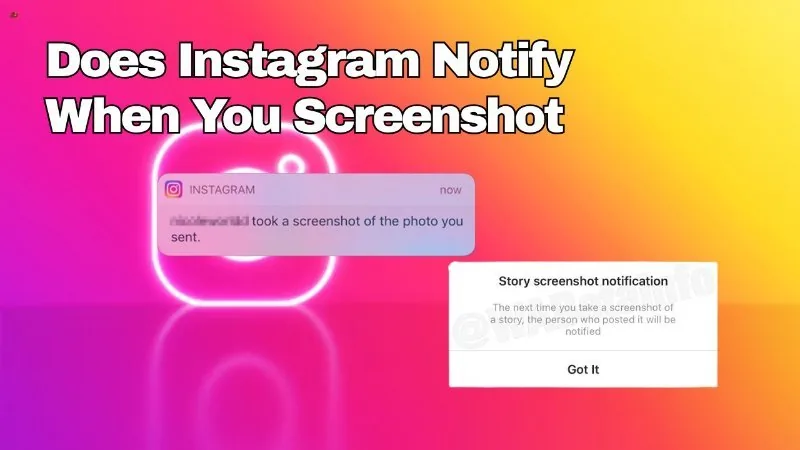
Does Instagram Notify When You Screenshot a Message?
It depends what kind of message: plain text and standard photos in a DM thread can be screenshotted with no alert, but a disappearing (view-once) photo or video sent in chat does notify the sender if it's screenshotted or screen-recorded.
 Content Strategy
Does Instagram Pay for Views?
Not in a simple per-1,000-views way like YouTube. Instagram monetization is spread across several separate programs — Reels bonuses (largely wound down in the US), ads revenue sharing on Reels, Subscriptions, Live Badges, and brand deals — and Meta has never published a fixed per-view rate.
 Explainers
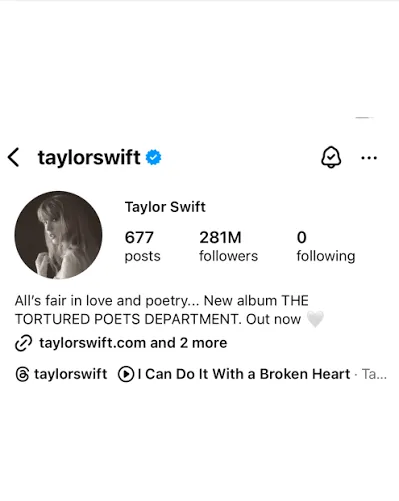
Taylor Swift Instagram: Official Handle and Followers
Taylor Swift's Instagram is @taylorswift, with about 274 million followers as of July 2026. Find the verified profile and learn what she posts.
 Explainers
Does Meta Own Instagram?
Yes. Meta (originally Facebook, Inc.) has owned Instagram since acquiring it in April 2012 for roughly $1 billion in cash and stock, and Instagram has operated as one of Meta's core "Family of Apps" ever since Facebook renamed itself Meta in October 2021.
 How-To
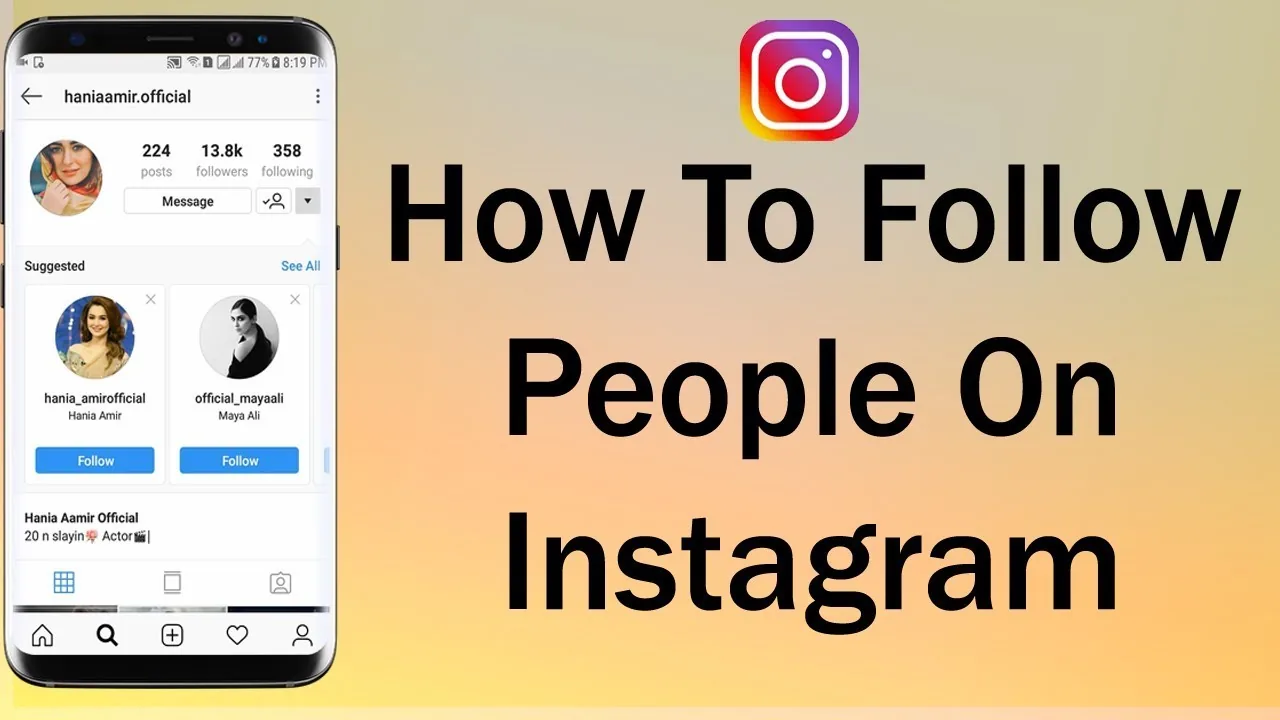
How Can I Follow People on Instagram?
Search their name or username in the app and tap Follow on their profile — or follow directly from a Suggested for You card, a post's likes list, or a Story — and Instagram caps how many follow actions you can take in a short period to deter spam.
 Tools & Privacy
How Can I Get in Contact With Instagram?
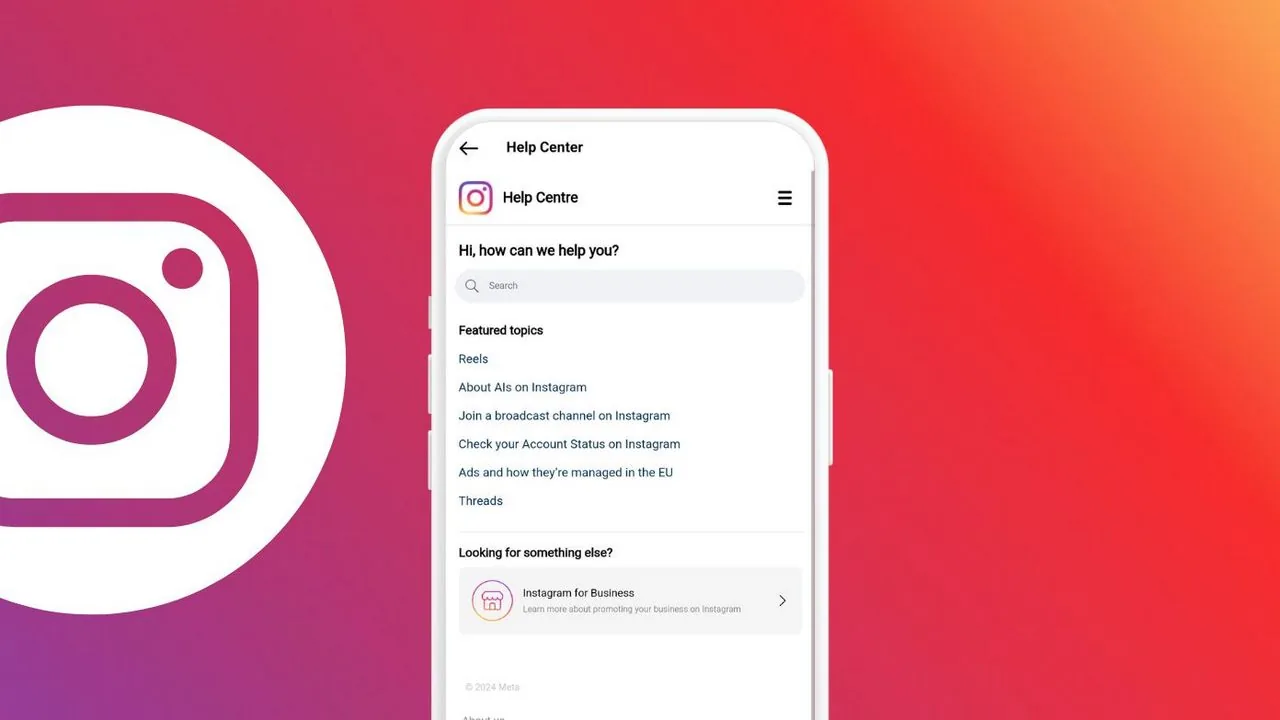
Instagram has no general phone line or public support email — for tool and account problems you go through in-app Report a Problem, the Help Center, or Meta Business Suite depending on what's broken.
 Explainers
Khloe Kardashian Instagram: Handle, Followers & Facts
Khloe Kardashian's Instagram is @khloekardashian, a verified account with roughly 293 million followers as of 2026. Here are the verified facts.
 Profile & Bio
How Can I Logout of Instagram?
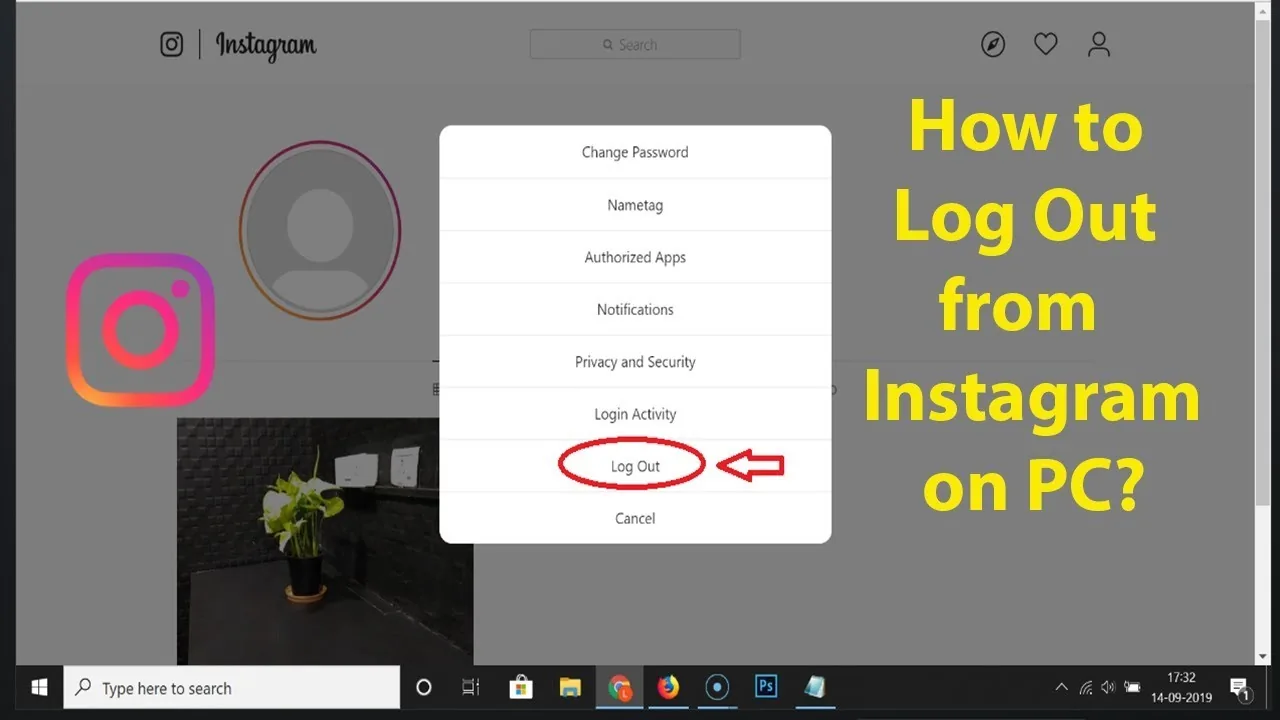
Tap your profile picture, open the menu (☰) in the top right, scroll to the bottom, and tap Log out — if you have multiple accounts logged in, you'll be asked whether to log out of just that account or all of them.
 Tools & Privacy
How to Add Links to Instagram Stories
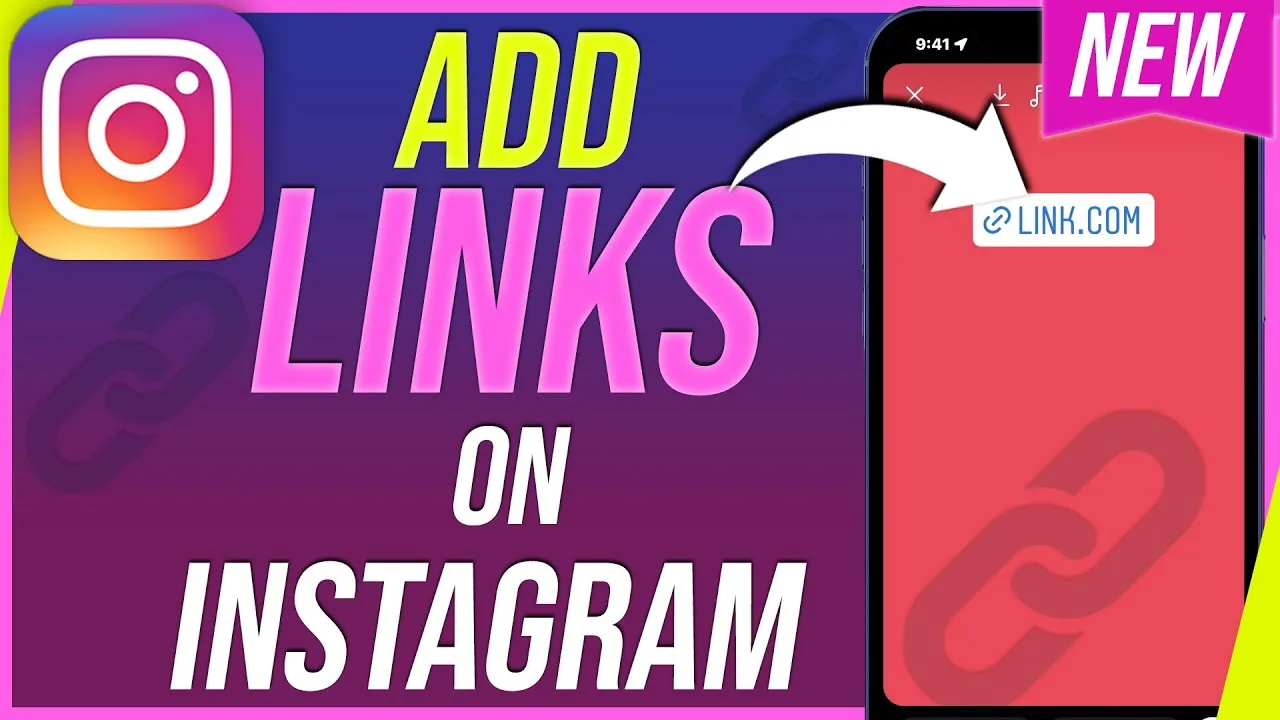
Tap the sticker icon while editing a Story, choose the chain-link Link sticker, type or paste the URL, customize the display text, then place it anywhere on your Story before posting.
 Explainers
Instagram Customer Service Number 24/7: Does It Exist?
Is there an Instagram customer service number that works 24/7? No. Here are the real support channels and how to spot the phone-number scams.
 Content Strategy
How Can You Hack Instagram?
There is no legitimate way to hack an Instagram account — doing so is illegal and against Instagram's rules, and most "hacking" sites you'll find are phishing scams designed to steal your own login instead.
 Reels
ReelsHow to Temporarily Disable Your Instagram Account
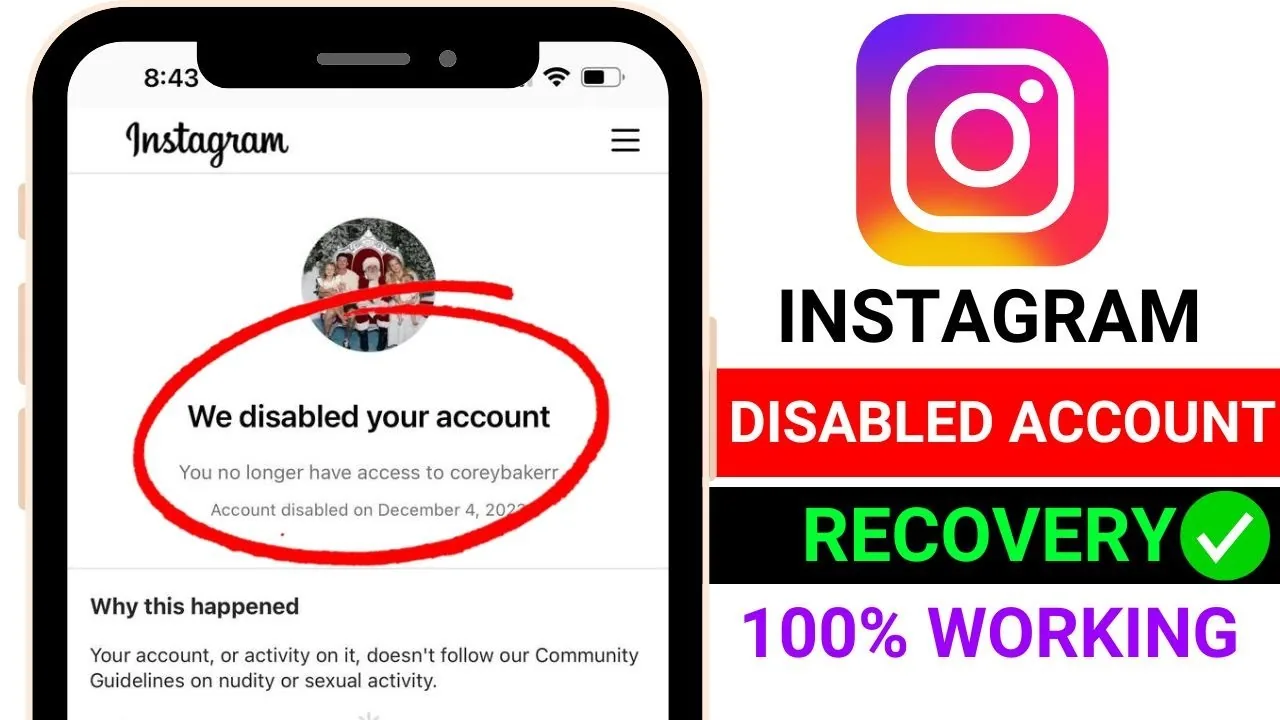
Temporarily disabling (deactivating) your account hides your profile, posts, and comments until you log back in - it's fully reversible and instant, unlike permanent deletion. Do it through Accounts Center > Personal details > Account ownership and control > Deactivation or deletion.
 Profile & Bio
How Do I Change My Instagram Profile Pic?
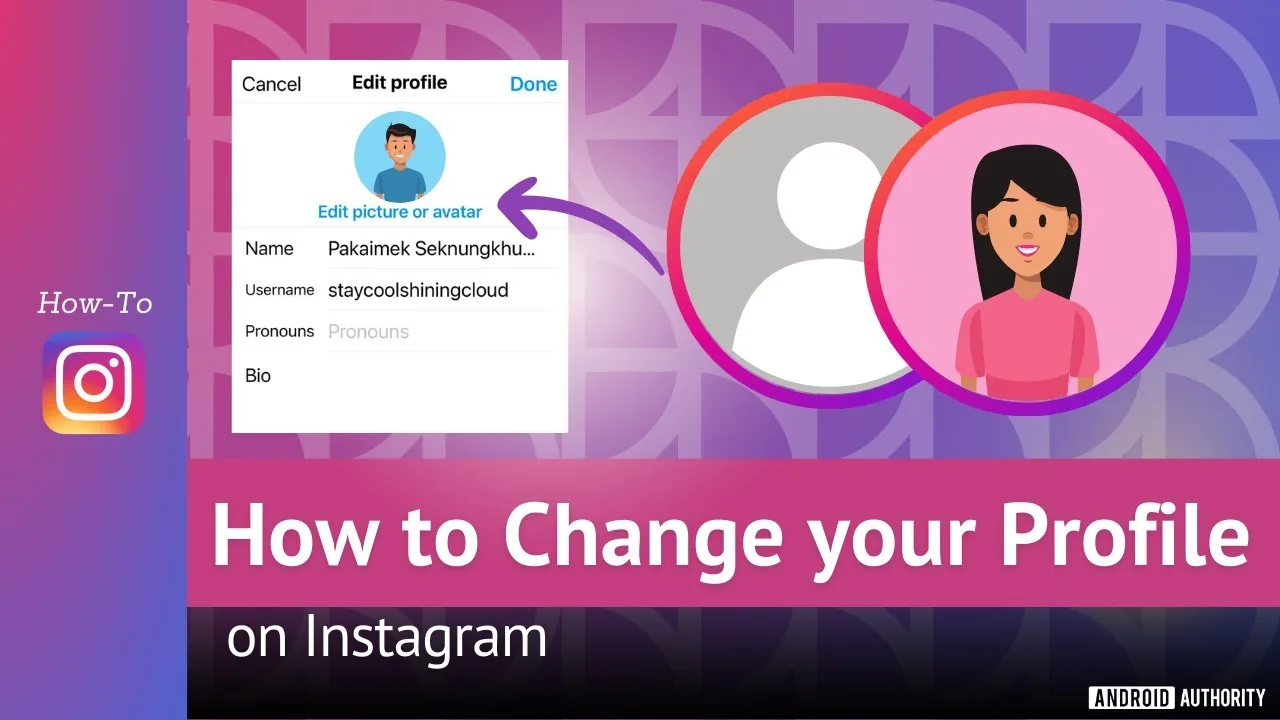
Tap your profile picture, choose Edit profile, then Edit picture, and pick a new photo, take one on the spot, or import your connected Facebook photo - keep the subject centered since Instagram displays it in a circular frame.
 Explainers
How Do I Do Instagram Live?
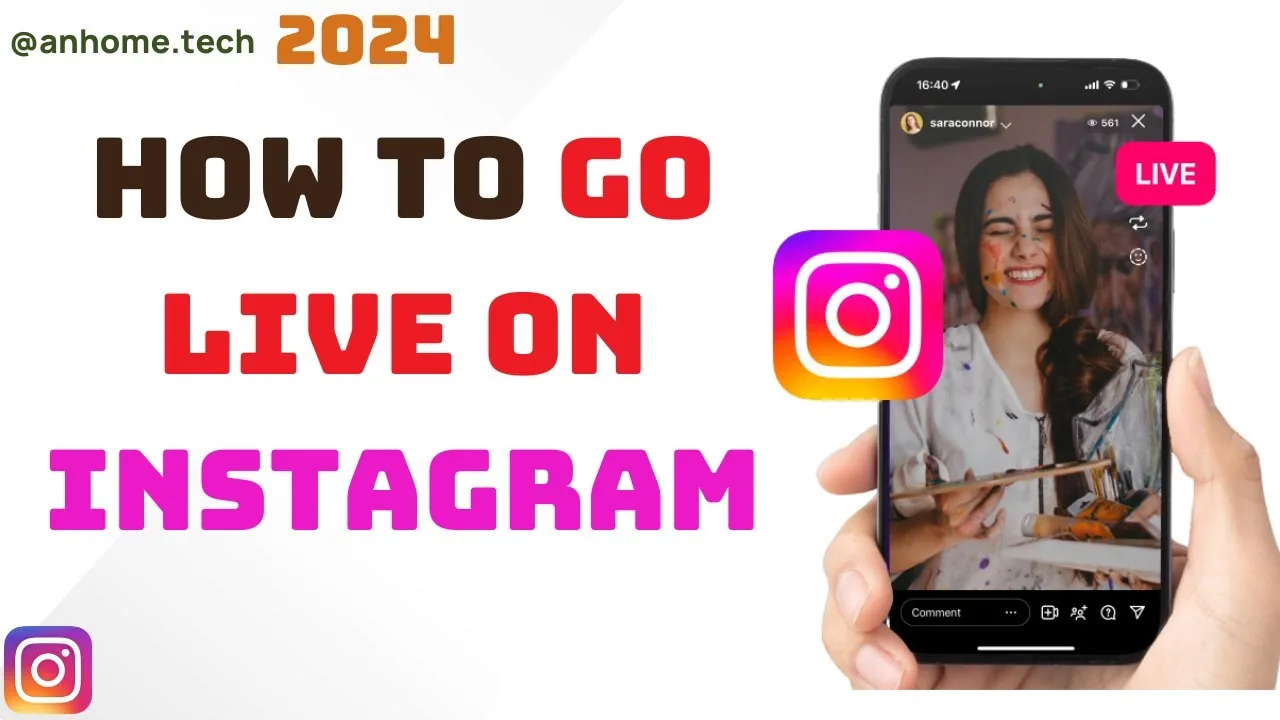
To go live on Instagram, tap the plus icon, swipe to Live in the camera options, add a title, and tap Start Live Video — anyone you haven't blocked can join and comment in real time, and you can invite a guest or save the replay to your Stories afterward.
 How-To
How Do I Find My Instagram Password?
Instagram never lets you view your existing password in plain text, even in your own account settings — if you've forgotten it, your only real option is to reset it via email, SMS, or your linked Facebook account.
 Tools & Privacy
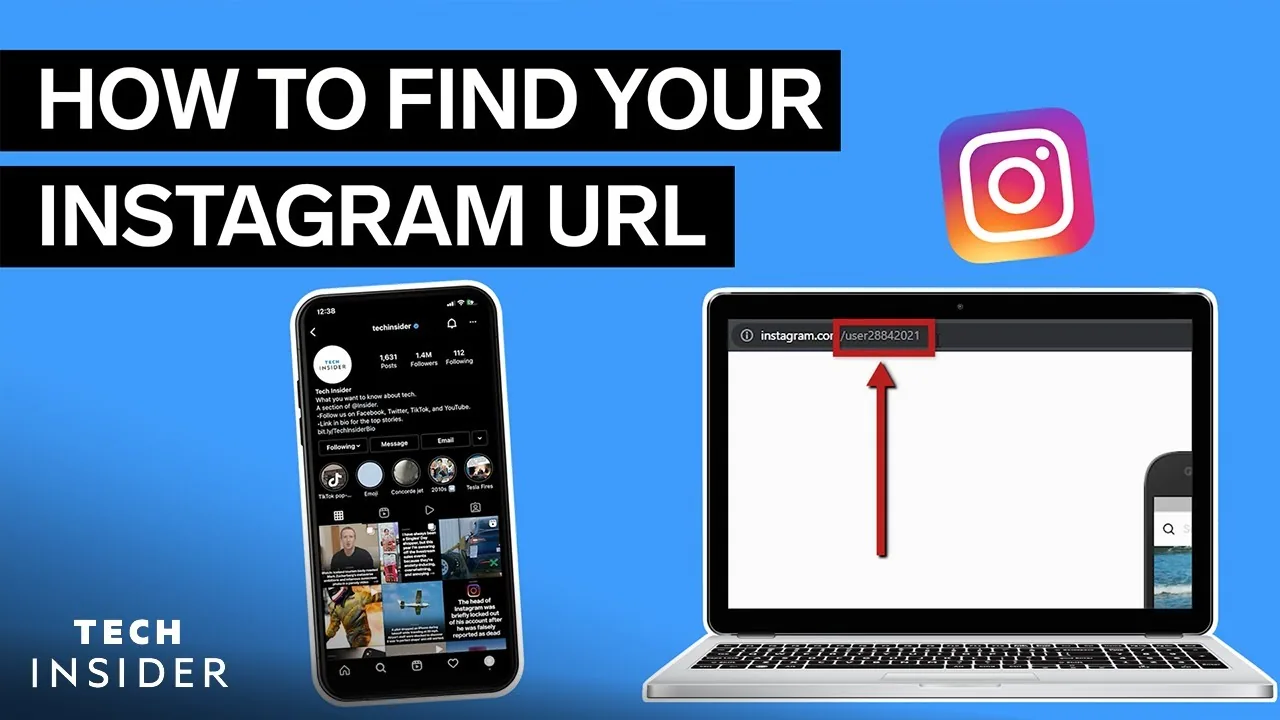
How Do I Find My Instagram Url?
Your Instagram profile URL always follows the pattern instagram.com/yourusername — find your exact username on your profile page (below your display name), or tap Share Profile > Copy Link from your own profile to get the full URL instantly without typing anything.
 Explainers
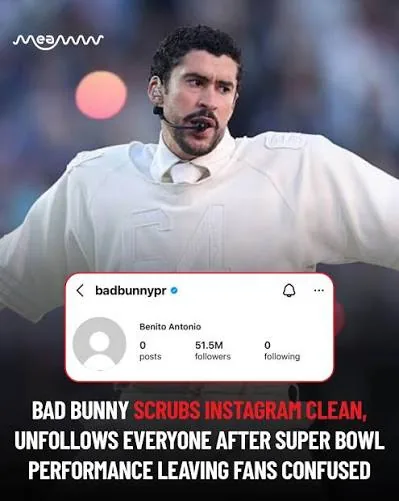
Bad Bunny Instagram: Handle, Followers & Wiped Account
What is Bad Bunny's Instagram? His handle is @badbunnypr with roughly 54 million followers as of 2026 — and he wiped every post after Super Bowl LX.
 Explainers
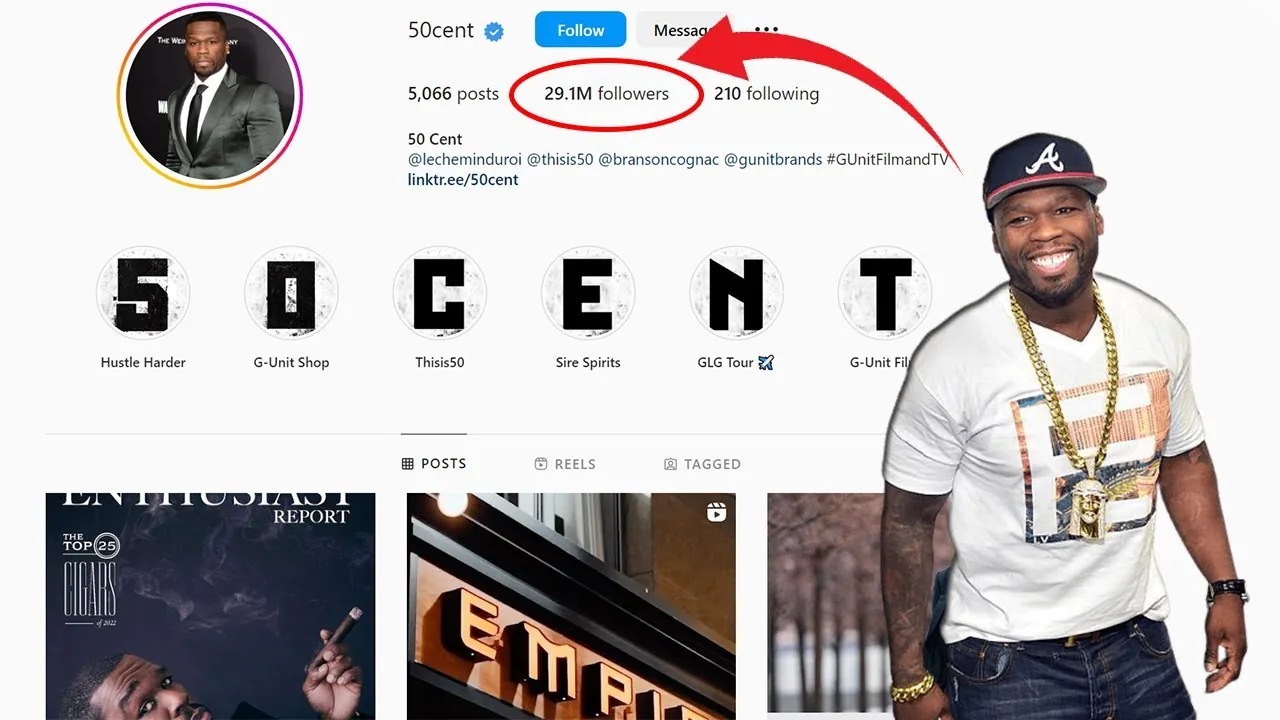
50 Cent Instagram: Official Handle and 2026 Profile
Find the official 50 Cent Instagram handle, his verified 2026 follower count, what he posts, and how to avoid impersonator accounts.
 Growth
How Do You Add Photo to Instagram?
Adding a photo to Instagram means something different depending on where you want it: swipe right for a Story photo, tap the plus icon for a feed post, or use Select Multiple to layer several photos into one Story or carousel — each format has its own editing tools once the photo's in place.
 Content Strategy
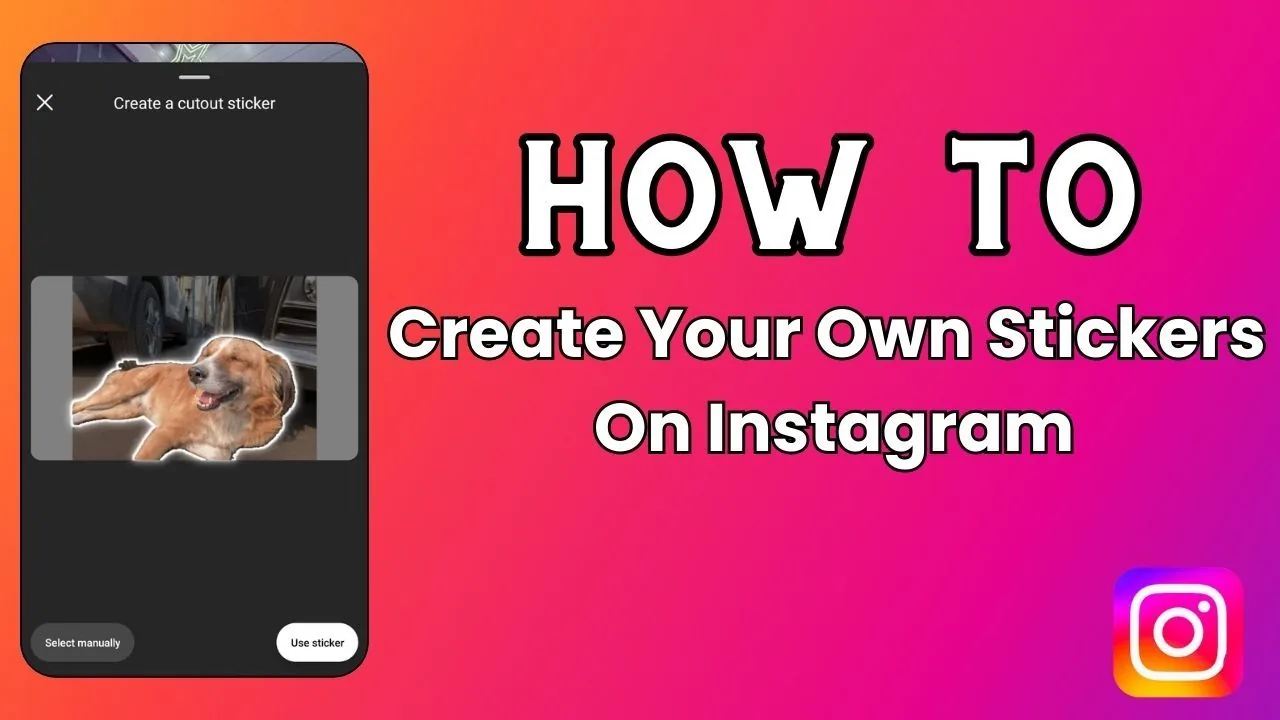
How Do You Add Stickers on Instagram?
Stickers are added to Instagram Stories (not the main feed) by tapping the sticker icon in the top toolbar after opening the Story camera — from there you can add polls, questions, location, music, countdowns, GIFs, and dozens of other interactive elements.
 Monetization
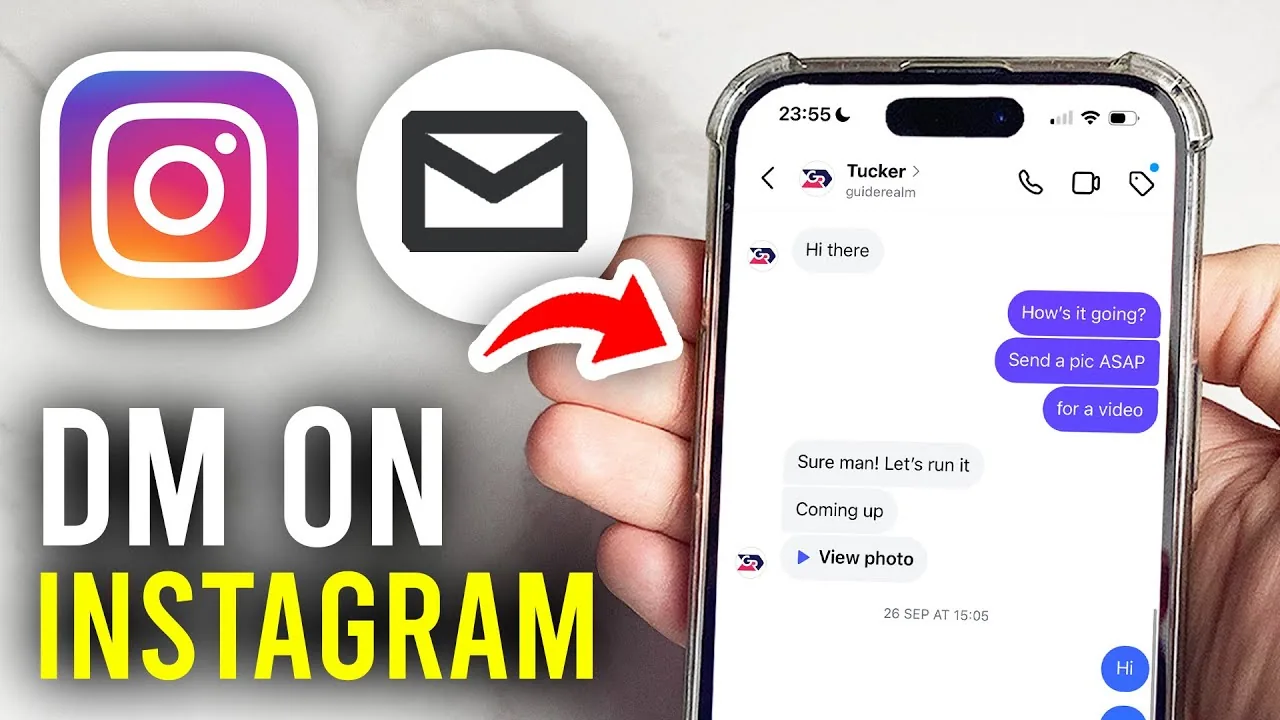
How Do You Dm on Instagram?
To send a direct message on Instagram, tap the paper-plane icon at the top of your feed, select a person or group (or search their username), then type and send your message — text, photos, videos, voice notes, and disappearing messages are all supported.