How Do You Dm on Instagram?
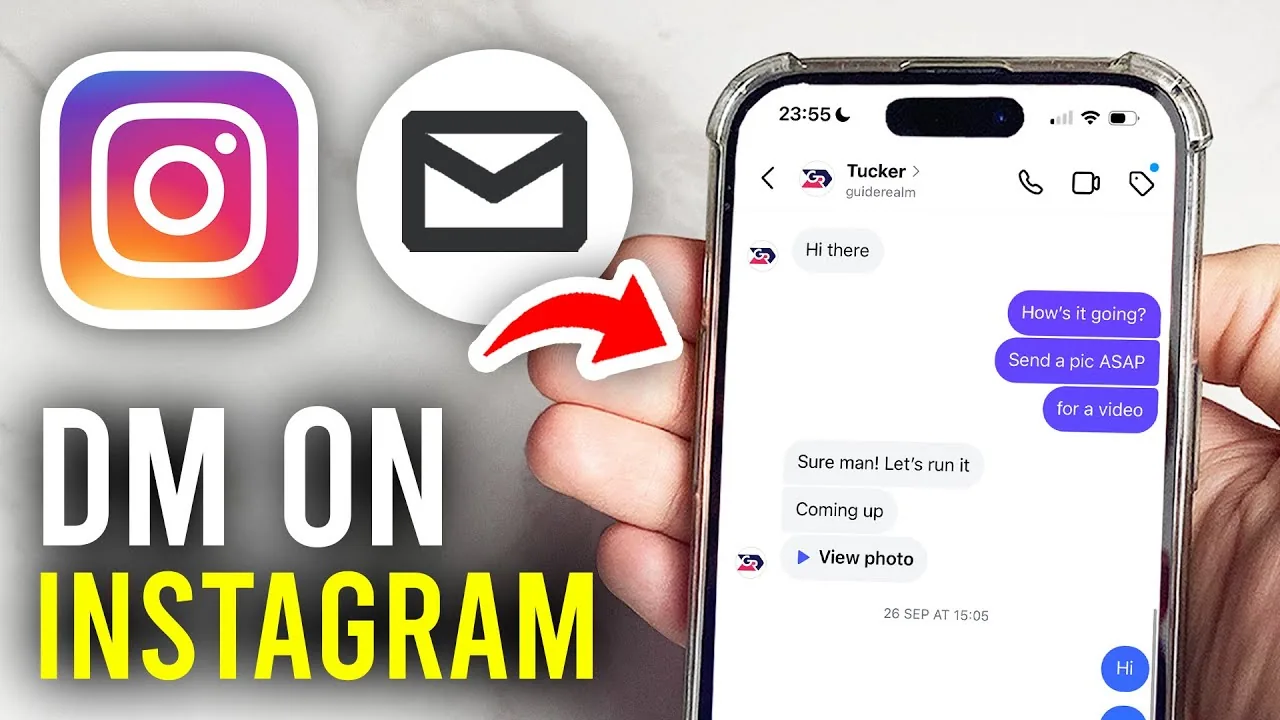
To send a direct message on Instagram, tap the paper-plane icon at the top of your feed, select a person or group (or search their username), then type and send your message — text, photos, videos, voice notes, and disappearing messages are all supported.
Short answer
Tap the paper-plane icon in the top-right of your feed, choose a person to message (or start a new chat and search their username), then type your message and hit send — you can also send it directly from someone's profile via the Message button.
Quick answer
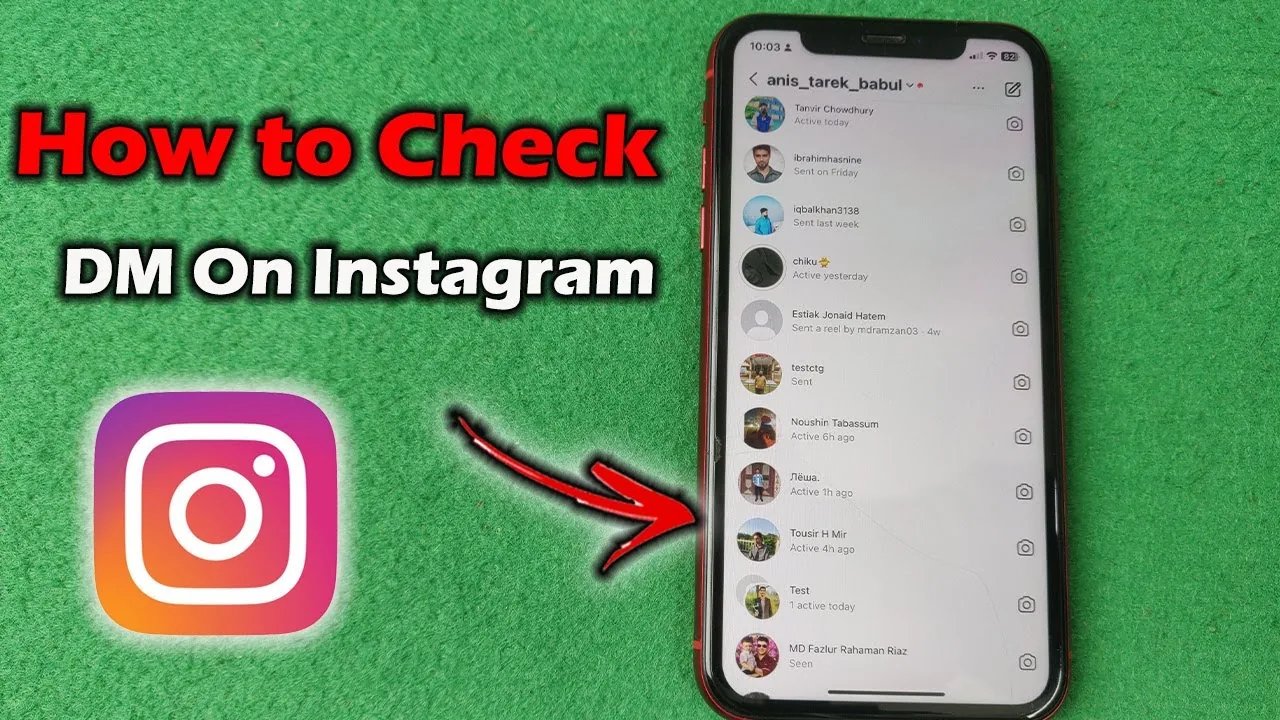
To send a DM, tap the paper-plane icon in the top-right corner of your Instagram feed. This opens your inbox — tap an existing conversation or the compose icon to start a new one, search for the person's username, select them, and type your message. You can also go directly to someone's profile and tap the Message button beneath their bio to jump straight into a chat with them.
Key takeaways
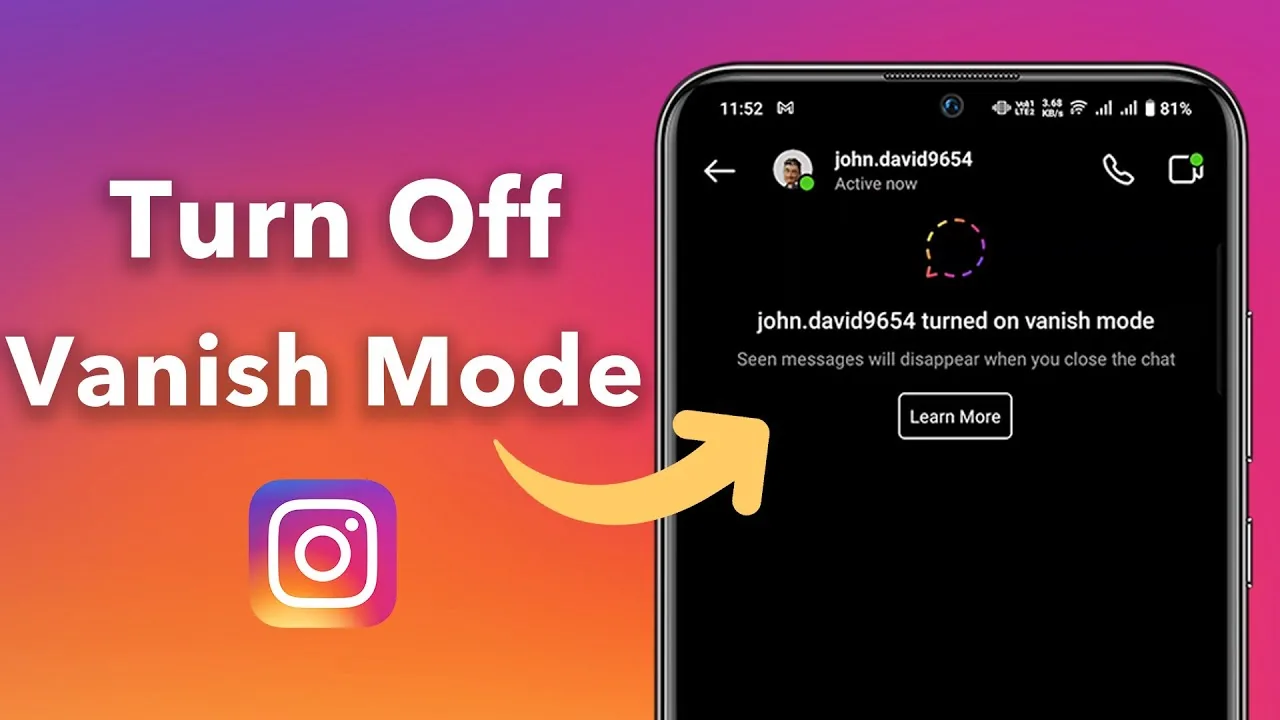
- DMs support text, photos, videos, voice messages, GIFs, shared posts/Reels, and disappearing "vanish mode" messages that delete after being seen.
- Anyone you don't follow (or who doesn't follow you) who messages you typically lands in a separate Requests folder until you accept the conversation, depending on your privacy settings.
- Group chats support multiple participants and function similarly to one-on-one DMs, with the same media-sharing options.
- Message requests from accounts you don't follow can be filtered further using Instagram's restrict feature, which limits what a restricted account can see of your activity without blocking them outright.
- Business and Creator accounts can use quick replies and automated responses in DMs, a feature not available on standard personal accounts.
How to send a DM step by step
- Open Instagram and tap the paper-plane icon at the top of your feed (or your profile's message icon if you're a Business/Creator account).
- To message someone you've messaged before, just tap their existing conversation.
- To start a new conversation, tap the compose/pencil icon, search for their username, select them (or select multiple people for a group), and tap Chat.
- Type your message in the text box, or tap the camera, microphone, or GIF icons to send other media types.
- Tap the send arrow to deliver the message.
Alternatively, from any profile page, tap Message directly below their follow button to skip straight to a chat with that person.
Message requests vs. regular DMs
If someone messages you who you don't follow, their message typically arrives in a separate Requests tab rather than your main inbox, and they won't know you've seen it until you open the conversation. You can accept, decline, or delete the request, or report it if it looks like spam or harassment.
Common mistakes to avoid
- Assuming a message you sent to someone who doesn't follow you appeared in their main inbox — it likely sat in their filtered Requests folder instead, which many people check less often.
- Forgetting that opening a message request marks it as seen, even if you don't reply, which can be relevant if you want to respond thoughtfully before the sender knows you've read it.
- Sending sensitive information over DM assuming it's fully private — while DMs aren't public, they aren't end-to-end encrypted by default for every conversation type (encryption depends on your settings and conversation), so treat highly sensitive data carefully.
- Not realizing group chats can include people you didn't intend, especially if someone else adds participants — check the member list before sharing anything sensitive.
Tips
- If you're getting unwanted messages from someone without wanting to fully block them, consider using restrict on Instagram instead, which limits their visibility into your activity without alerting them.
- Turn off read receipts if you don't want senders to know exactly when you've seen their message — see how to turn off read receipts on Instagram.
- For business accounts, setting up saved quick replies for common questions can save significant time managing high DM volume.
Frequently asked questions
Yes, you can message anyone whose account isn't set to receive messages only from followers. If they don't follow you, your message typically lands in their separate Requests folder rather than their main inbox until they accept it.
Sources
Keep reading
More guides to grow your account.