How to Repost a Story on Instagram (2026 Guide)
How to repost a story on Instagram in 2026: reshare tags, feed posts, and other people's stories with credit, music, and stickers - step by step.

Short answer
To repost a story you are tagged in, open the DM and tap "Add this to your story," then customize and share. To reshare someone's feed post or reel, tap the paper-plane icon and choose "Add post to your story"; for a story you were not tagged in, screenshot it or use a repost app - with the creator's permission and credit.
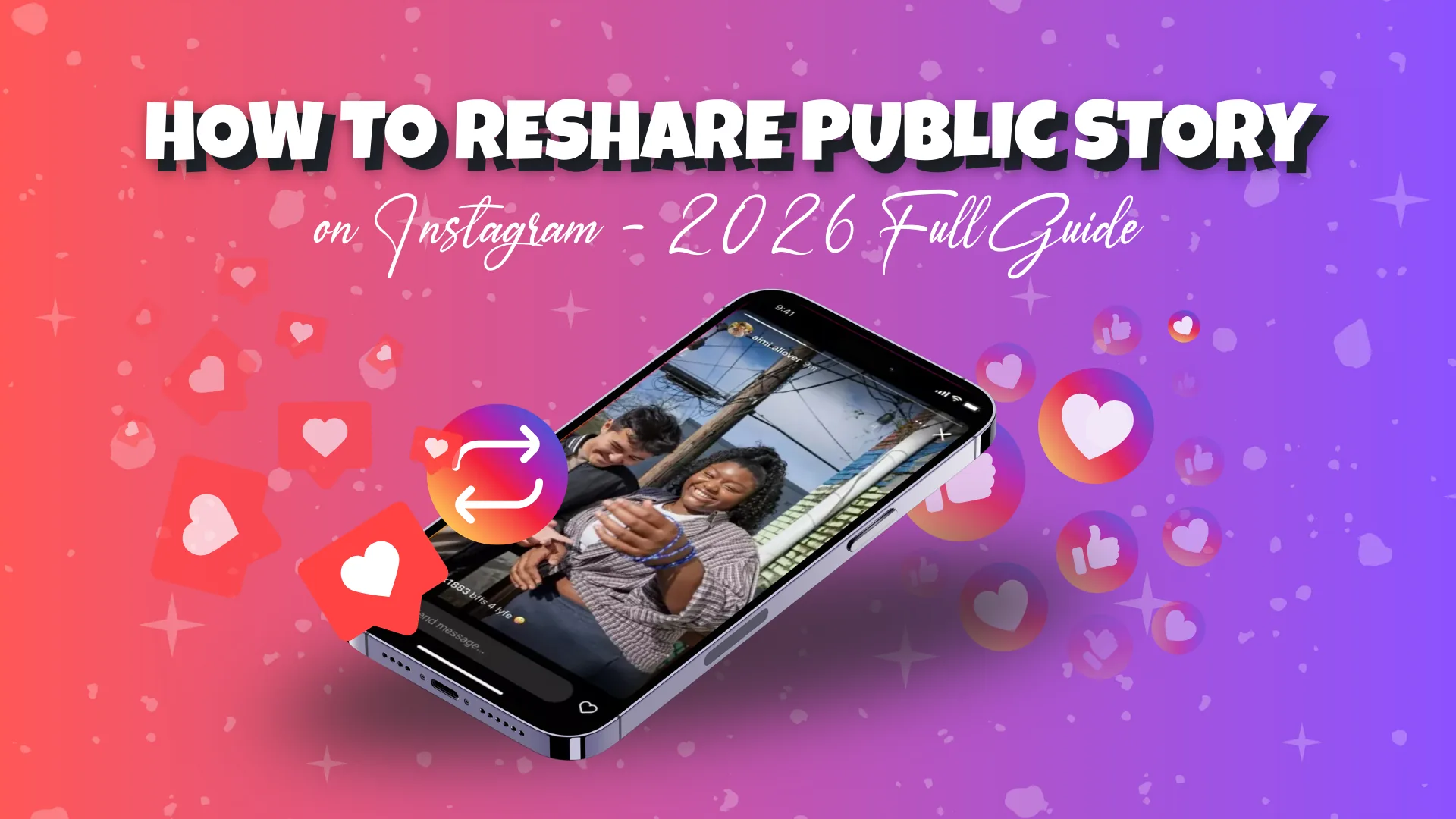
Reposting on Instagram fills your Stories with fresh content in seconds - no shooting required. In 2026 the method depends on what you are resharing: a story you were tagged in uses a native one-tap button, a public feed post or reel uses the share icon, and an untagged story needs a screenshot or app plus the creator's permission.
Key takeaways
- Tagged in a story? Open the DM and tap Add this to your story - Instagram credits the creator automatically, no apps needed.
- Public feed post or reel? Tap the paper-plane icon, choose Add post to your story, and it becomes a tappable sticker linking back to the original.
- Not tagged in a story? There is no native button - you must screenshot or use a repost app, and you should get the creator's permission first.
- Screenshotting a story triggers no notification, but resharing a public feed post can appear in the original poster's activity.
- Reposting only works when the source account is public and has resharing enabled in privacy settings.
- Always add a mention sticker or "via @username" credit - it protects you from copyright complaints and builds goodwill.
Which repost method should I use?
Use the native button for tags, the share icon for public posts, and a screenshot or app for untagged stories. The table maps each scenario to its method and whether permission is needed.
| Scenario | Method | Permission needed? |
|---|---|---|
| You are tagged in a story | Tap Add this to your story in your DMs | No - tagging implies consent |
| Resharing a public feed post or reel | Tap paper-plane icon, then Add post to your story | No - built for public accounts |
| Reposting someone else's story (not tagged) | Screenshot or third-party repost app | Yes - ask the creator first |
If you are new to publishing at all, our how to post on Instagram guide walks through the full Story editor first.
How do I repost a story I was tagged in?
Open the DM notification and tap Add this to your story - this is the fastest, cleanest method. When someone mentions your handle, Instagram sends a message reading "[Username] mentioned you in their story," and the native button appears only when you were genuinely tagged.
- Open your Direct Messages inbox and tap the notification to view the story.
- Tap Add this to your story at the bottom of the screen.
- Instagram pulls the content into your Story editor with the original creator credited via a sticker.
- Add text, GIFs, stickers, or a background, then tap Your Story or Share.
The "Add this to your story" button only appears when you have actually been tagged. If the account is private or the mention was removed, the option disappears.
Because the creator's handle attaches automatically, this method needs no third-party tools. Reposting shout-outs like this is a simple growth habit covered in our Instagram growth guide for beginners.
How do I reshare a feed post or reel to my story?
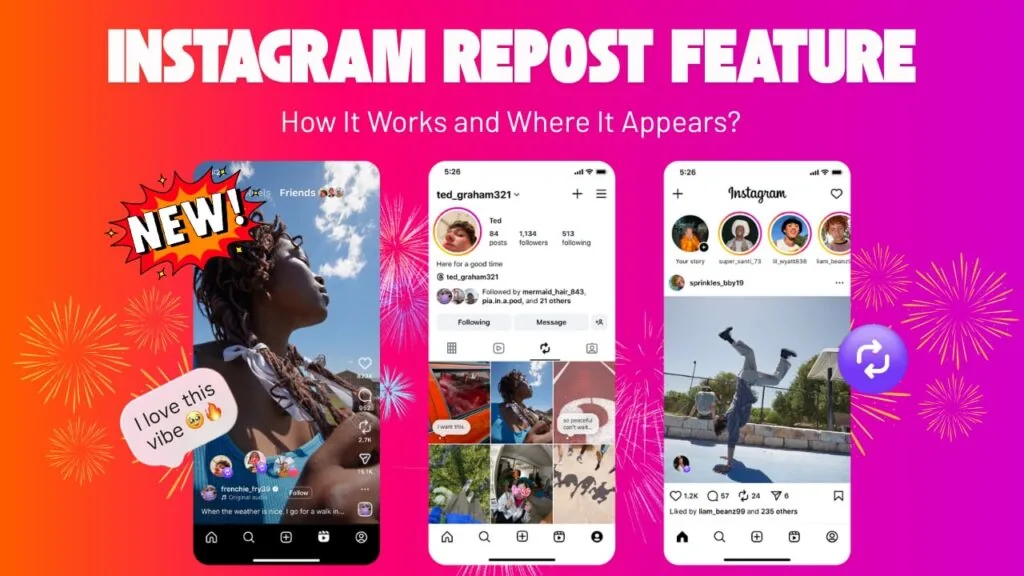
Tap the paper-plane icon under any public post and choose Add post to your story - it becomes a tappable sticker that links back to the original. This works for almost any public feed post or reel.
- Open the feed post or reel you want to share.
- Tap the paper-plane (share) icon below the media.
- Select Add post to your story (or Add reel to your story).
- The post appears as a clickable sticker. Resize it, reposition it, and layer on text or stickers.
- Tap Share to publish. When followers tap the sticker, they land on the original post.
If the option is missing, the account owner disabled resharing or the account is private - you can only reshare public content. Amplifying strong reels is smart; use the viral reels hook formula to spot which ones are worth sharing, and see how the Instagram algorithm works to understand why reshares can boost reach.
How do I repost someone else's story if I am not tagged?
Instagram has no native button for a story you were not mentioned in, so you have two workarounds - both requiring the creator's permission. Screenshotting is quiet and manual; repost apps automate the credit banner.
- Ask first. Send a quick DM requesting permission. This is basic etiquette and protects you legally.
- Screenshot method. Capture the story or record it, crop out the interface, upload it to your own Story, and tag the creator with a mention sticker.
- Third-party apps. Tools like Repost for Instagram or Story Reposter grab the content and keep a credit banner attached.
Worried about getting caught? Read does Instagram notify when you screenshot a story - the short answer is no. If you would rather view quietly without engaging, our guide on watching Instagram stories anonymously explains the safe options.
How do I give credit and get permission?
Add a mention sticker with the creator's @handle, or type "via @username" over the content - credit is non-negotiable even when a repost is technically allowed. For business accounts, secure written permission through DMs before resharing user-generated content. This builds goodwill and keeps you clear of copyright complaints. Featuring creators pairs well with real-time content - learn how to go live on Instagram to spotlight them directly, or tighten your profile with our optimize your Instagram bio tips so new visitors know who to follow.
How do I add music and stickers to a repost?
Once the content sits in your Story editor, tap the sticker icon to layer on music and interactive elements - a plain reshare should never look copy-pasted. These touches turn a reshare into on-brand content.
- Tap the sticker icon and choose the Music sticker to add a licensed track.
- Layer on poll, question, or countdown stickers to boost engagement.
- Use text and GIFs to add your own commentary or reaction.
- Adjust the background color by pinching the reshared post smaller and picking a fill.
If reposting is part of a bigger rhythm, batch your reshares alongside original posts with a content calendar batch week, and publish when your audience is online using our best time to post on Instagram data.
Quick recap
Use Add this to your story for tags, the paper-plane icon for public posts and reels, and the screenshot or app route - with permission and credit - for untagged stories. Add music and stickers to make each repost feel intentional.
Frequently asked questions
Open the DM that says someone mentioned you in their story and tap it to view. Then tap "Add this to your story," customize it, and share. Instagram credits the original creator automatically.
Sources
- How to share Instagram posts - Instagram Help Center
- How to Repost an Instagram Story in 2026: A Step-by-Step Visual Guide - Sendible
- How to Repost Any Instagram Story in 2026 (Step-by-Step) - Eclincher
- How To Repost on Instagram: Tips for Reposting (2026) - Shopify
- Create an Instagram post, story, or reel - Hootsuite Help Center
Keep reading
More guides to grow your account.