Maya Chen
26 published guides
 Content Strategy
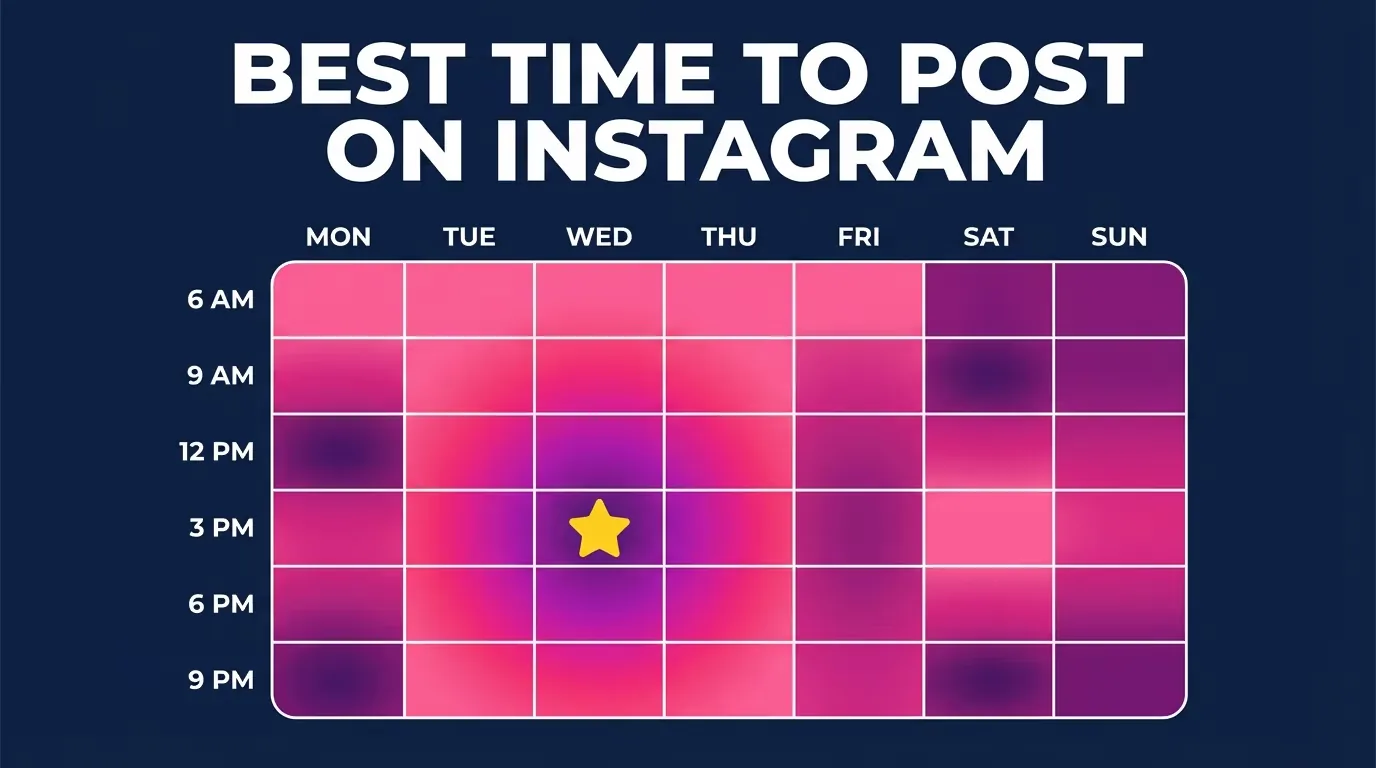
Optimal Instagram Posting Time: Find Yours in 2026
What is the optimal Instagram posting time? Generic charts help, but your real optimal time lives in Instagram Insights. Here's how to find it in 2026.
 How-To
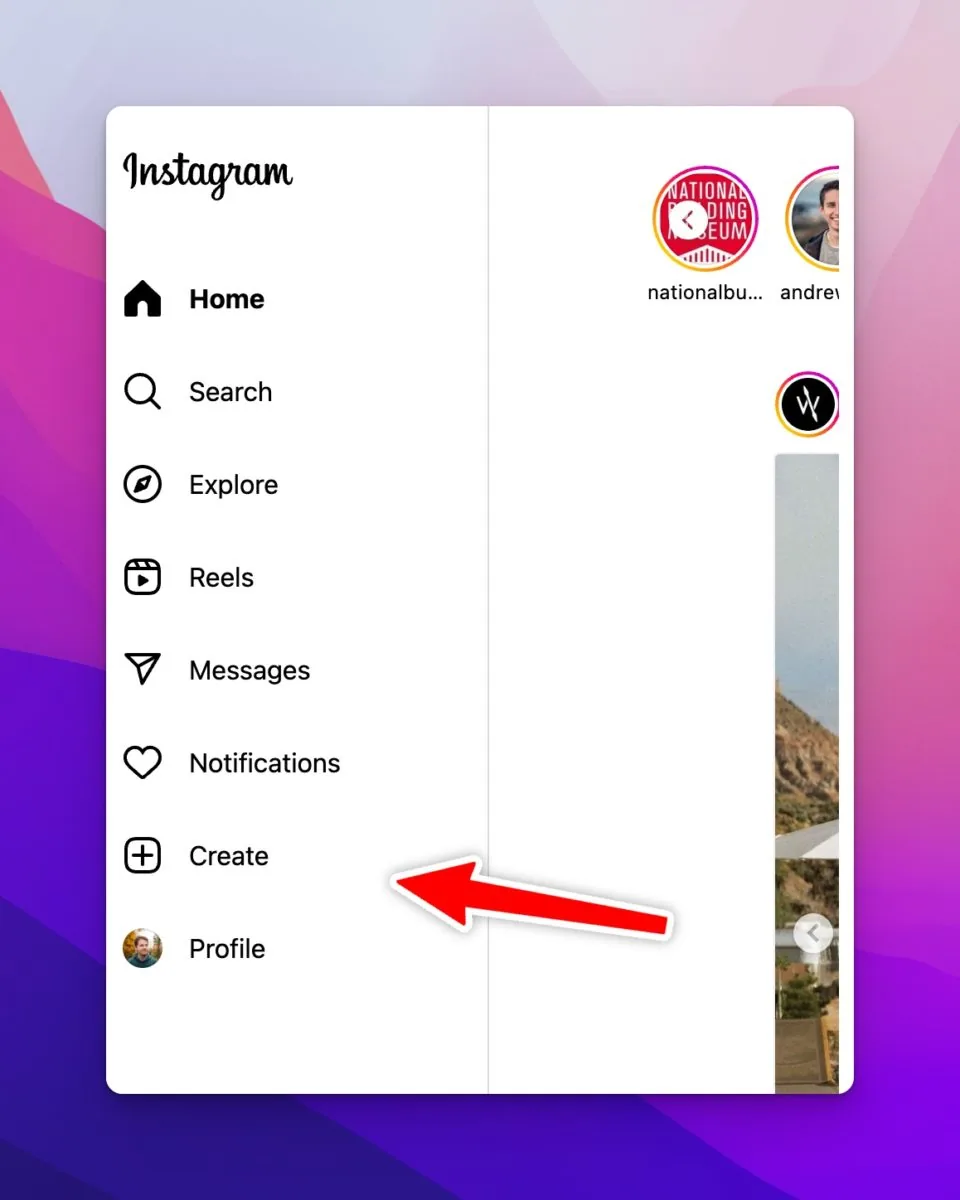
How Do You Upload on Instagram? Phone & Desktop (2026)
How do you upload on Instagram in 2026? Tap the + icon on your phone or click + on instagram.com, pick a photo or video, edit, add a caption, and Share.
 How-To
How to Post on Instagram: Step-by-Step Guide (2026)
How do you post on Instagram in 2026? Tap the plus (+), pick a photo, edit, add a caption, then Share. Steps for posts, carousels, Reels, and Stories.
 Content Strategy
Can You Schedule Instagram Posts? 2026 Guide
Schedule Instagram posts and Reels natively, understand Story scheduling limits, and prevent failed drafts, wrong time zones, or missing music.
 Content Strategy
How Can I Post a YouTube Video to Instagram Legally?
How can i post a video from youtube to instagram: Post a YouTube video to Instagram only when you own it or have permission: export the original file, edit it...
 How-To
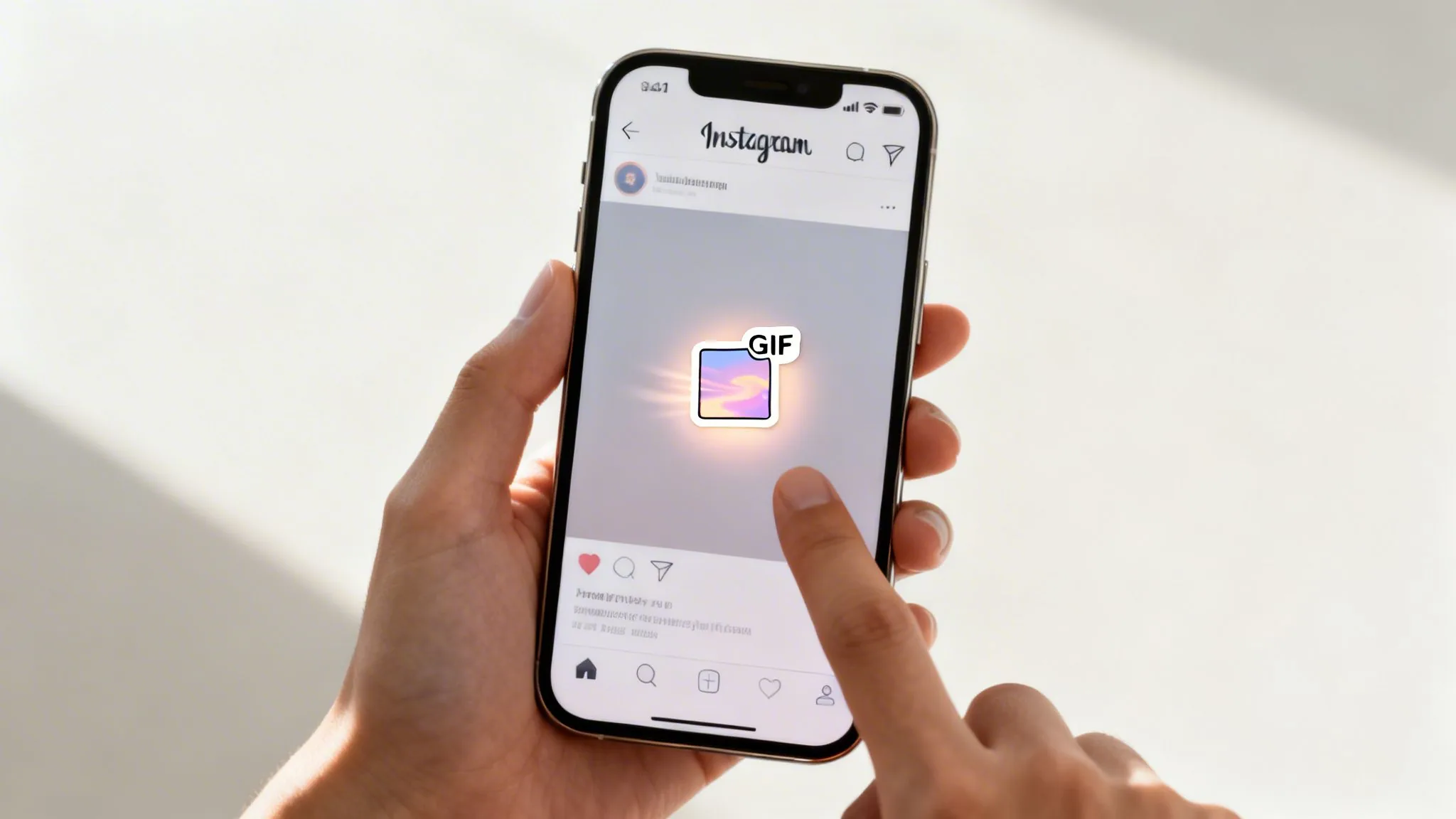
How to Upload a GIF to Instagram in 2026
You cannot upload an animated GIF as a normal feed image. Convert it to video, use a Story GIF sticker, or send it in an Instagram chat.
 How-To
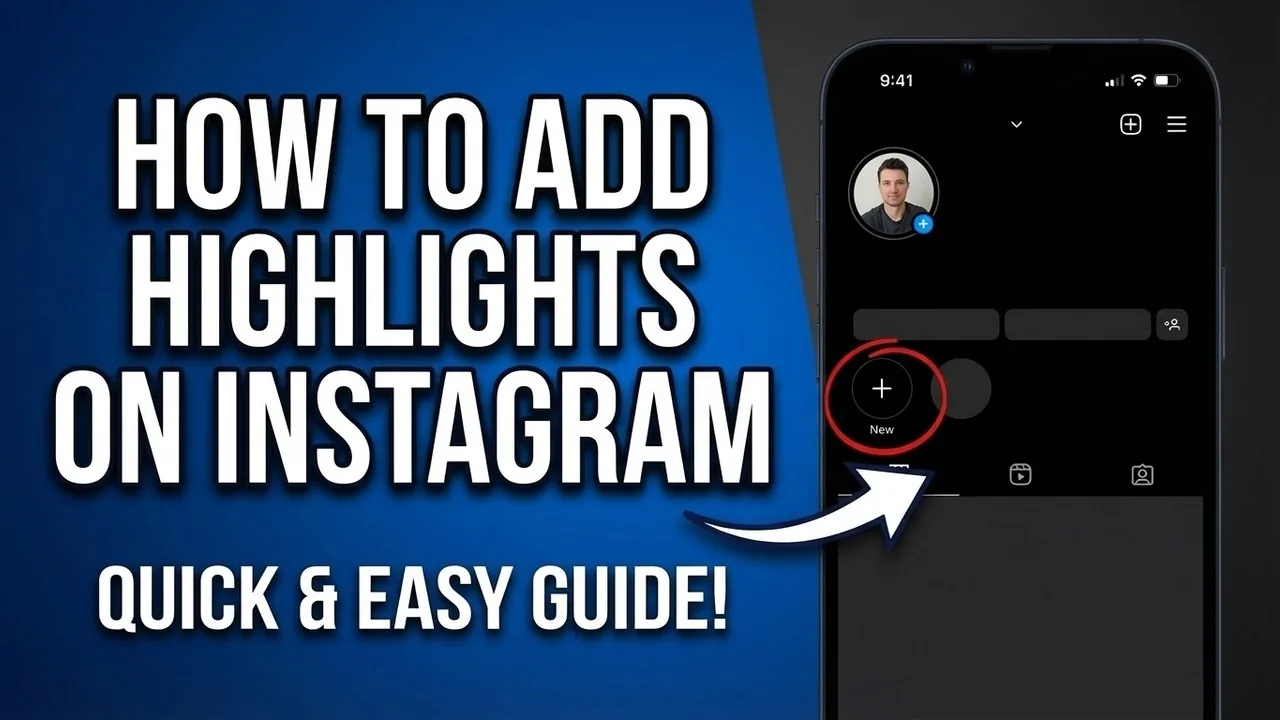
How to Add Highlights on Instagram in 2026
Create Instagram Highlights from current or archived Stories, choose a cover, control visibility and fix a missing Highlight or Story archive.
 How-To
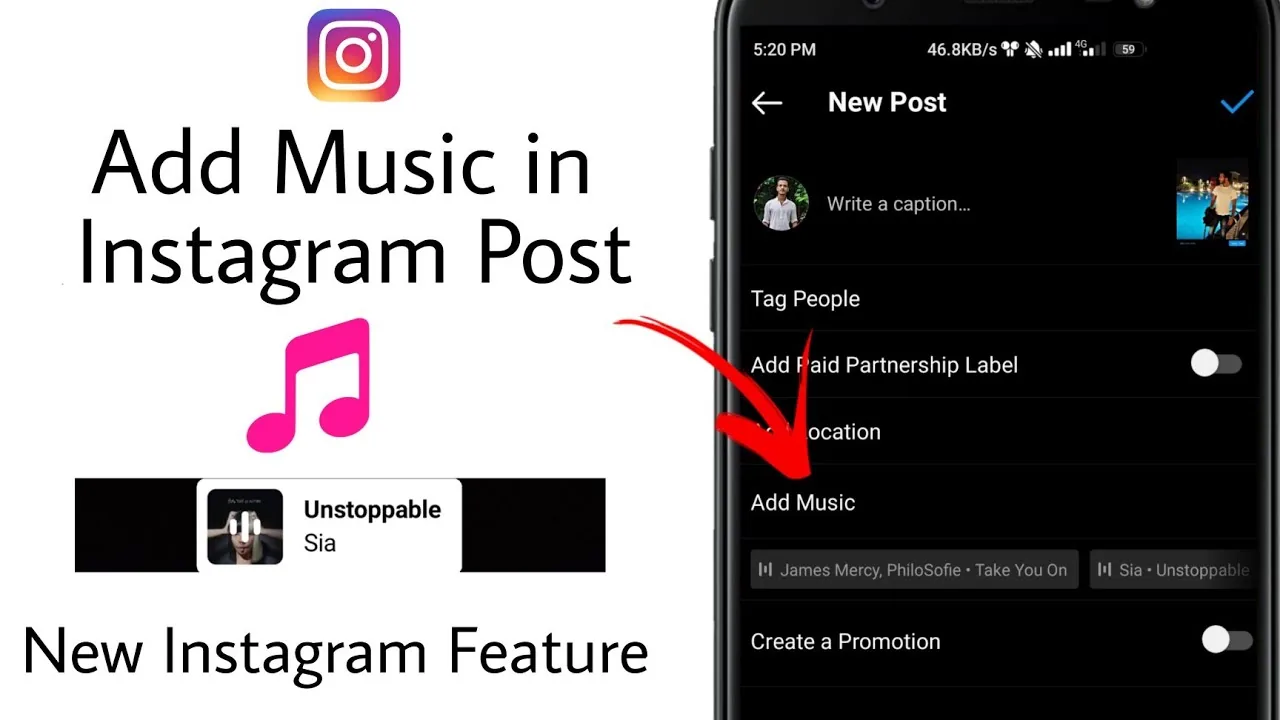
How to Add Music to an Instagram Post or Story
Add licensed music to an Instagram photo post or Story, choose a clip and display, and fix missing tracks, muted audio, or business-account limits.
 Content Strategy
How to Add Videos and Photos to One Instagram Story
Select multiple photos and videos at once from your camera roll when creating a Story to build an ordered sequence of frames, or use the Photo sticker to layer a still image on top of a video background — each still counts as a separate Story card even though it plays as one continuous sequence.
 Content Strategy
How to Collaborate on Instagram With Collab Posts (2026)
How to collaborate on instagram: Create a Collab by making a Post or Reel, choosing Tag people, selecting Invite collaborator, and publishing; the invited...
 How-To
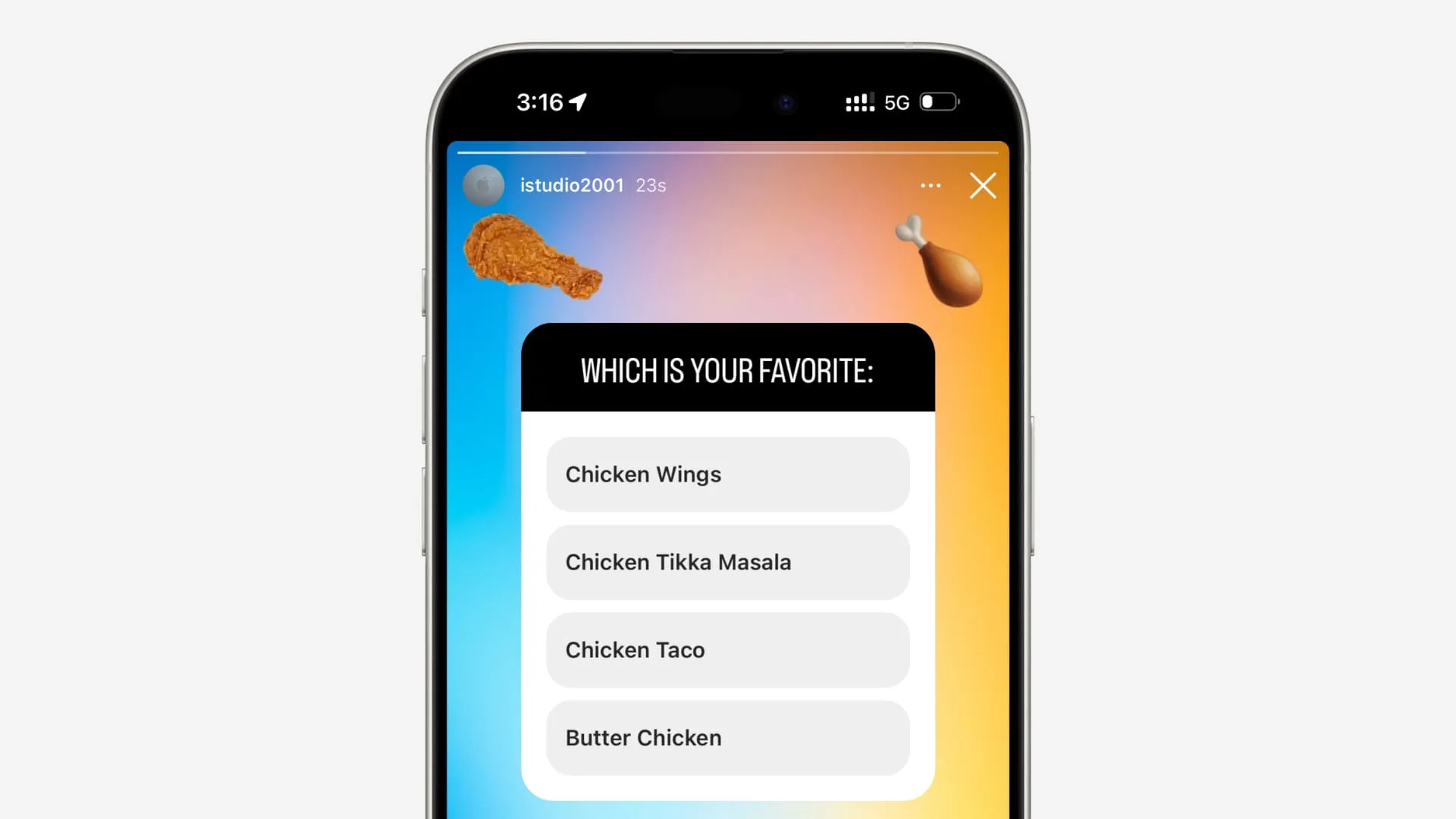
How to Create a Poll on Instagram Stories
Add a poll sticker to an Instagram Story, write neutral options, review results responsibly, and troubleshoot missing stickers or misleading responses.
 How-To
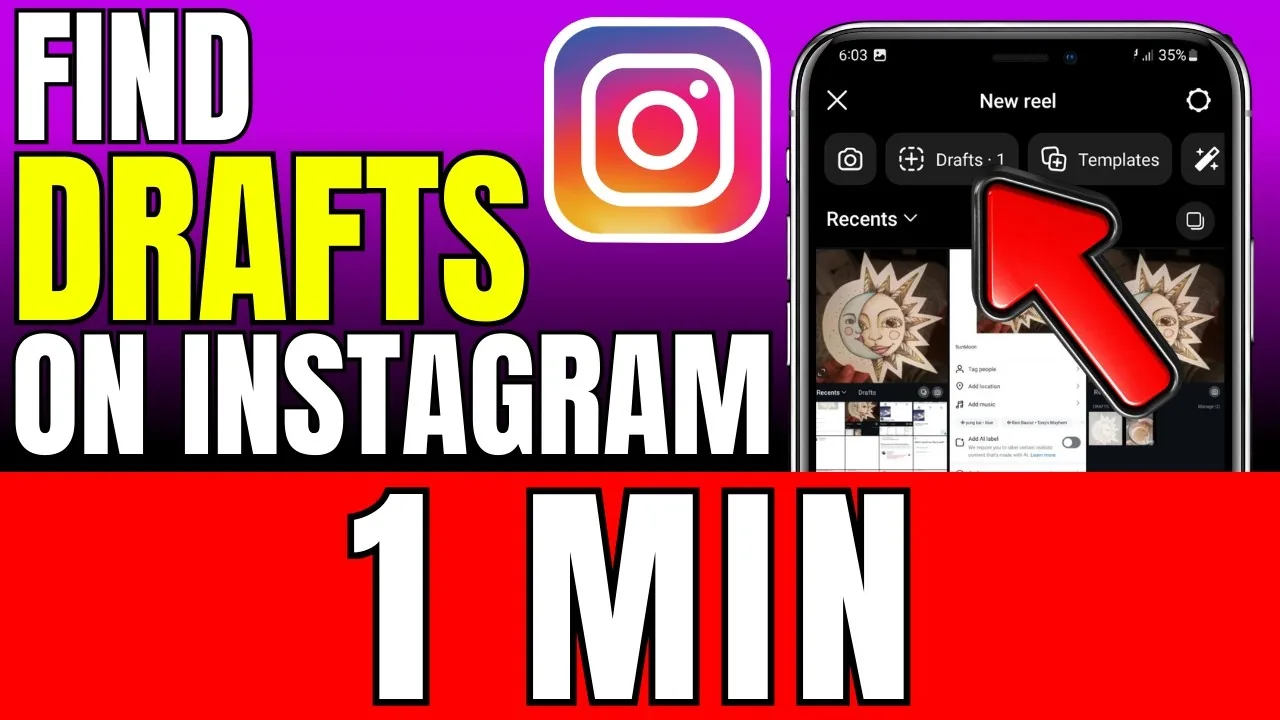
How to Find Drafts on Instagram in 2026
Find saved Reel, post, and Story drafts, understand where each format stores them, and avoid losing device-local work during logout, reinstall, or phone changes.
 Growth
How to Get More Followers on Instagram Organically
How to get more followers on instagram: You get more Instagram followers by publishing for one clear audience, making posts that earn watch time and shares, and...
 Content Strategy
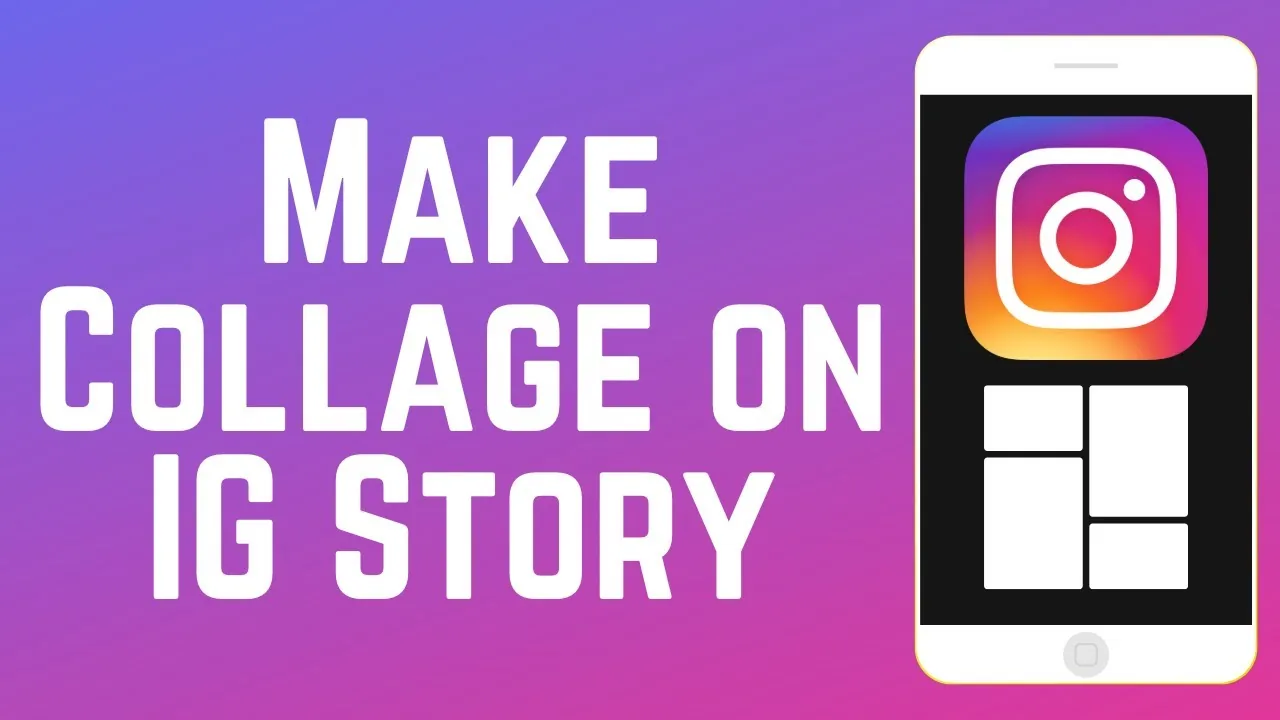
How to Make a Collage on an Instagram Story in 2026
How to make a collage on instagram story: Make a Story collage with Instagram’s Layout mode or the Photo sticker: choose a grid for evenly sized images, or place...
 Content Strategy
How to Make Tarantino-Style Movie Posts PG on Instagram
Adapt a Tarantino-inspired Instagram edit for a general audience by replacing graphic clips, strong language, weapons, copyrighted footage, and misleading ratings.
 Growth
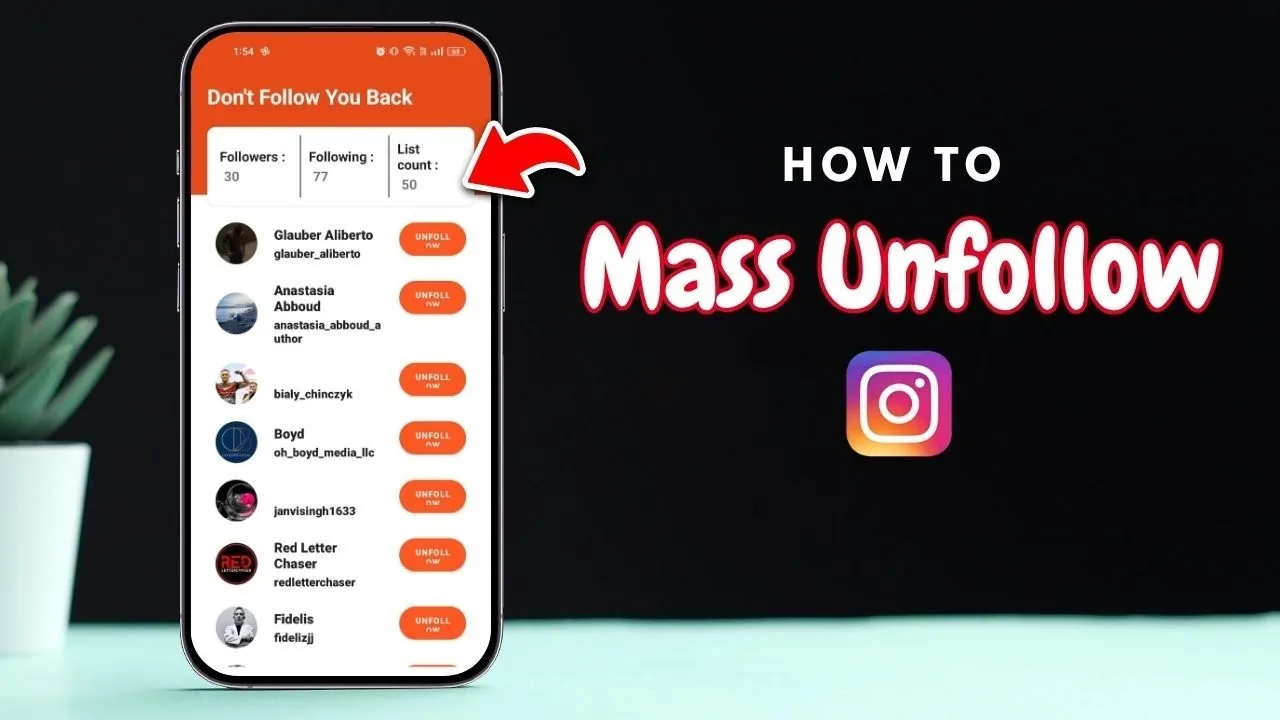
How to Mass Unfollow on Instagram Without Account Risk
How to mass unfollow on instagram: Instagram has no official one-tap unfollow-all button. Review Following in small manual batches and avoid automation tools...
 Reels
ReelsHow to Pause, Rewind or Fast-Forward Instagram Reels
Instagram Reel playback controls vary by account and app version in 2026. Try tap-to-pause or the progress bar, then troubleshoot missing controls safely.
 Content Strategy
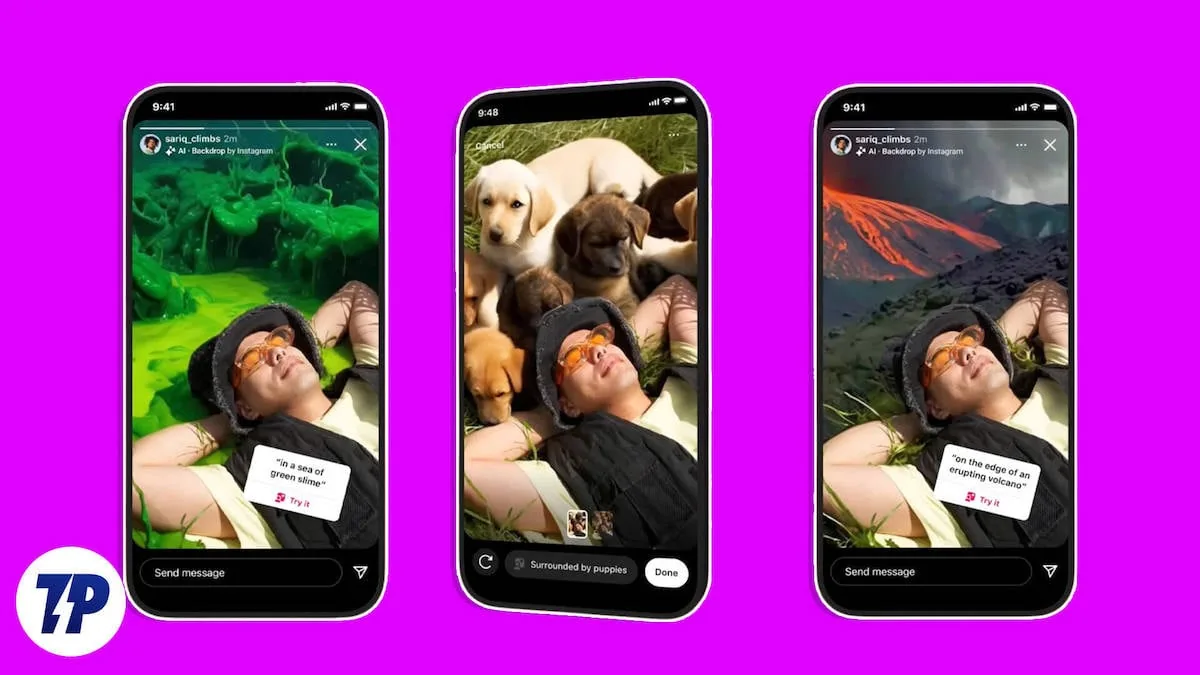
How to Put a Wallpaper Background on Instagram Stories
How to put wallpaper on instagram: Instagram does not offer a universal app wallpaper setting; you can create a wallpaper-style background inside a Story with a...
 Growth
How to Start a Teacher Instagram Page Safely
Create a useful teacher Instagram page with a clear audience, professional account setup, repeatable content, student privacy, and sustainable boundaries.
 Explainers
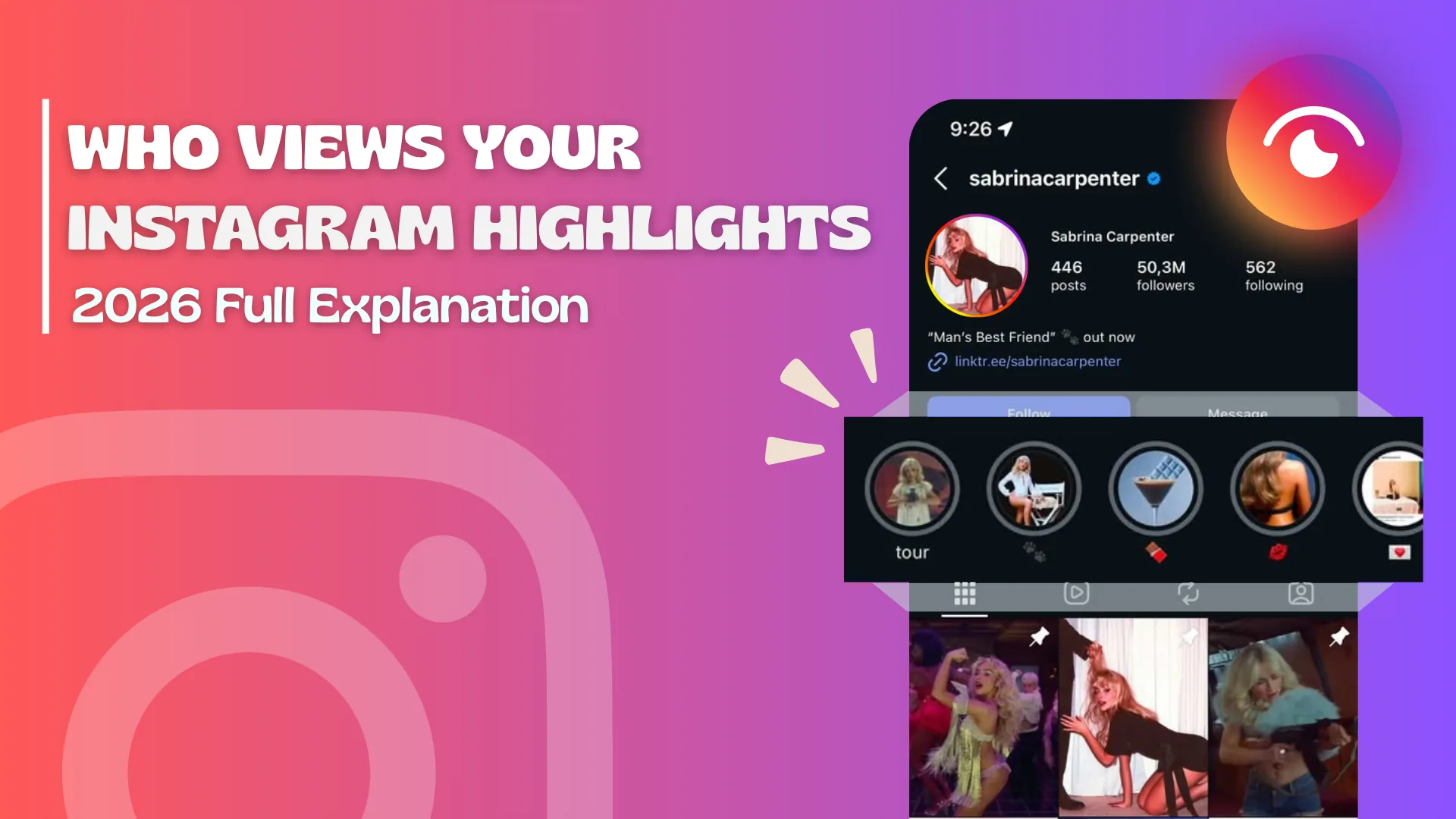
Is Instagram Removing Highlights? 2026 Update
Instagram has redesigned where Highlights appear, but official Help pages still support creating, editing and deleting them. Check profile visibility controls.
 Content Strategy
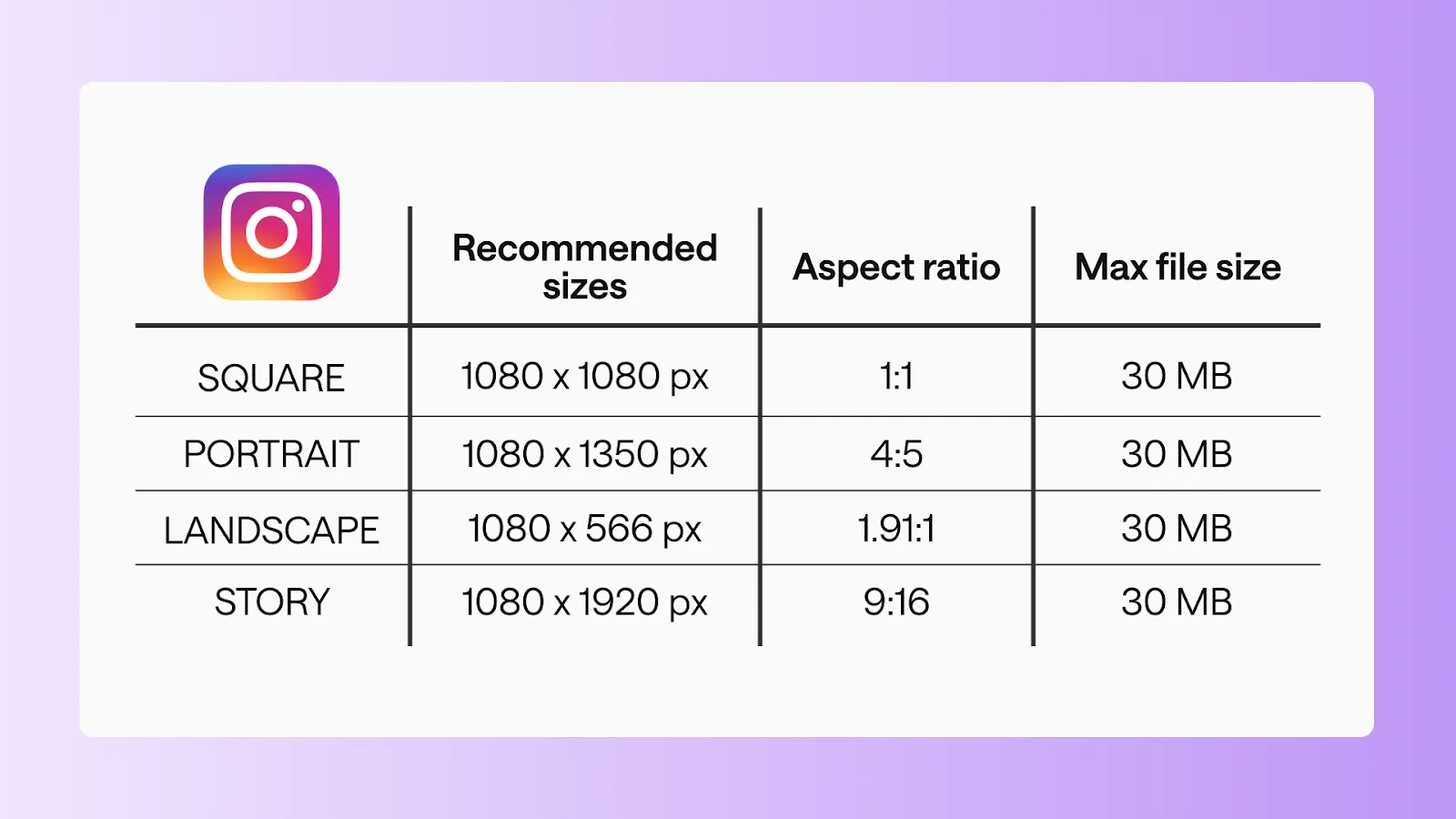
What Instagram Aspect Ratio Should You Use in 2026?
What aspect ratio is instagram: Use 4:5 for portrait feed posts, 1:1 for square posts, and 9:16 for Stories and Reels; keep important text and faces away from...
 Content Strategy
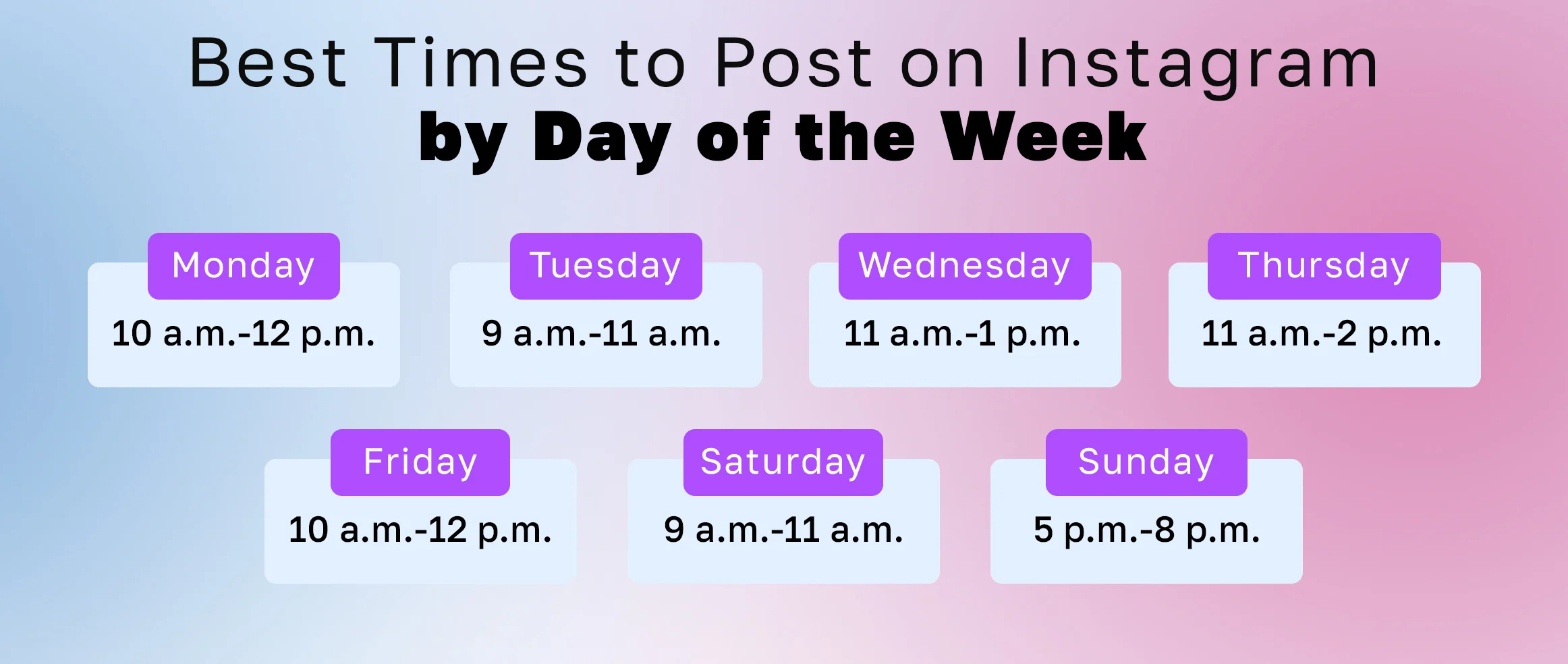
Best Time to Post on Instagram in 2026 (Data-Backed)
What is the best time to post on Instagram in 2026? The data says midweek afternoons, 11 a.m. to 6 p.m. See the per-day best times and worst windows.
 Profile & Bio
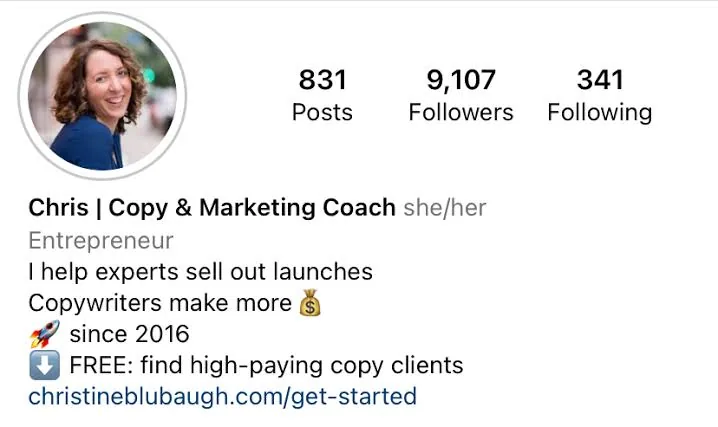
How to Write a Good Instagram Bio (Formula + Examples)
A repeatable 3-line bio formula, the searchable Name-field trick, and 5 copy-paste examples that turn profile visitors into followers.
 How-To
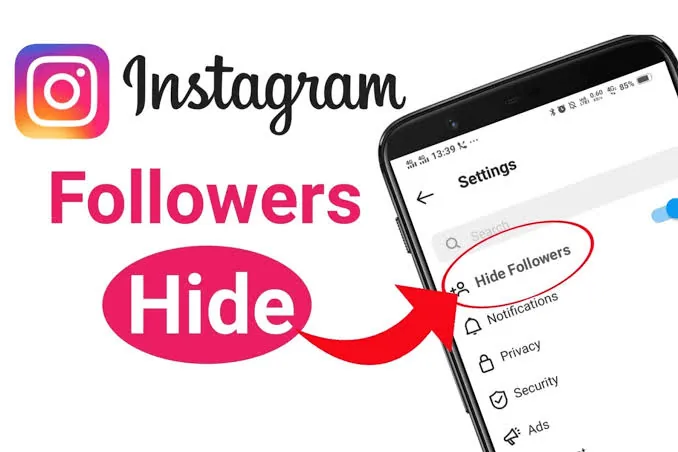
How to Hide Your Instagram Followers: What's Possible?
You can't hide your follower count, but you can hide the list. Here's exactly what's possible in 2026 — going private, removing, blocking, and restricting.