How to Hide Your Instagram Followers: What's Possible?
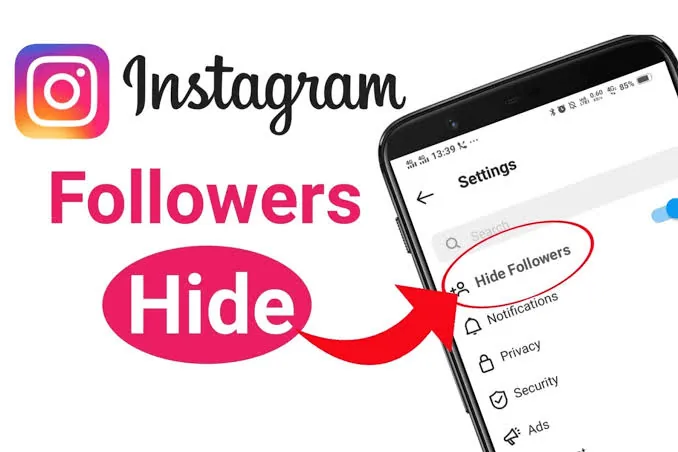
You can't hide your follower count, but you can hide the list. Here's exactly what's possible in 2026 — going private, removing, blocking, and restricting.
Short answer
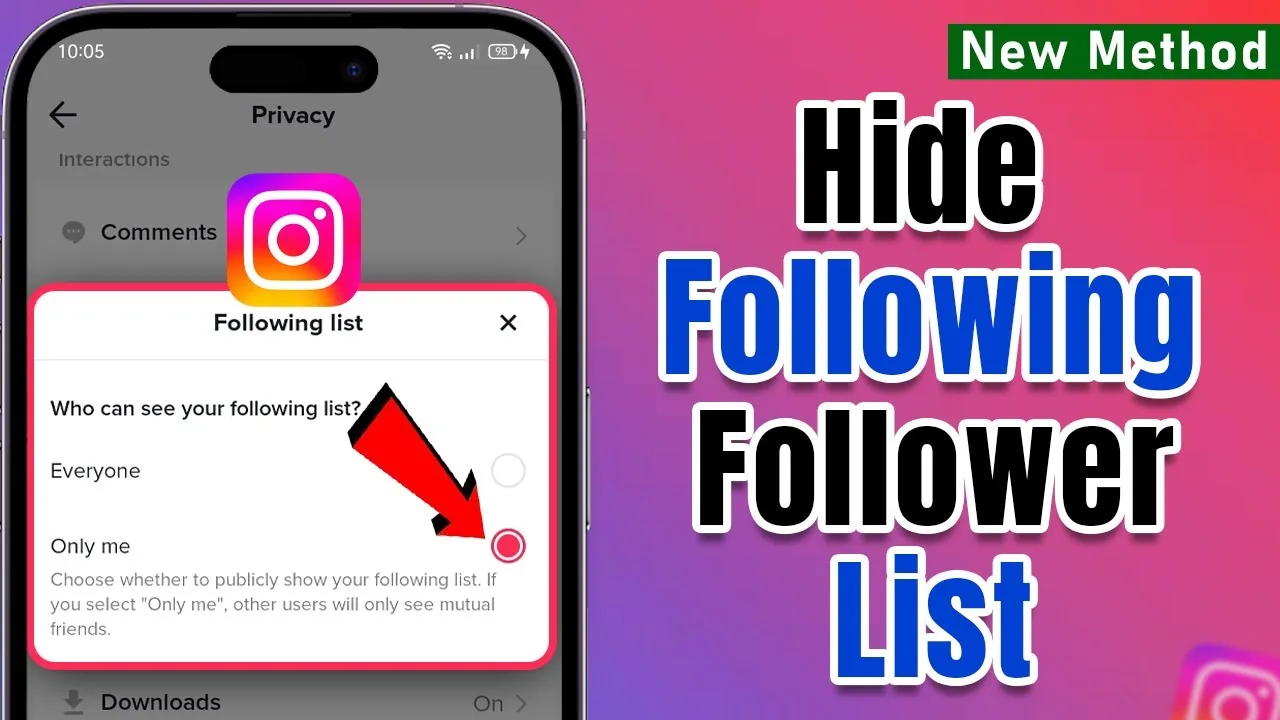
On a public account you can't fully hide your followers/following list or the follower count. Your only real way to hide the list is switching to a private account, so only approved followers can see it — the numeric count stays visible to everyone.
What you can and can't hide
Instagram gives you less control here than most guides suggest, so separate what's possible from what isn't.
You cannot hide your follower/following count (the numbers) — they stay visible to anyone who can view your profile, even on a private account. You cannot hide your followers/following list from people you've already approved, and there's no setting to hide it from specific individuals.
You can hide your list from strangers by switching to a private account, and you can remove, block, or restrict individuals. That's the honest scope. (Note: hiding like counts is a real, separate feature — but there's no equivalent for follower counts.)
Switch to a private account
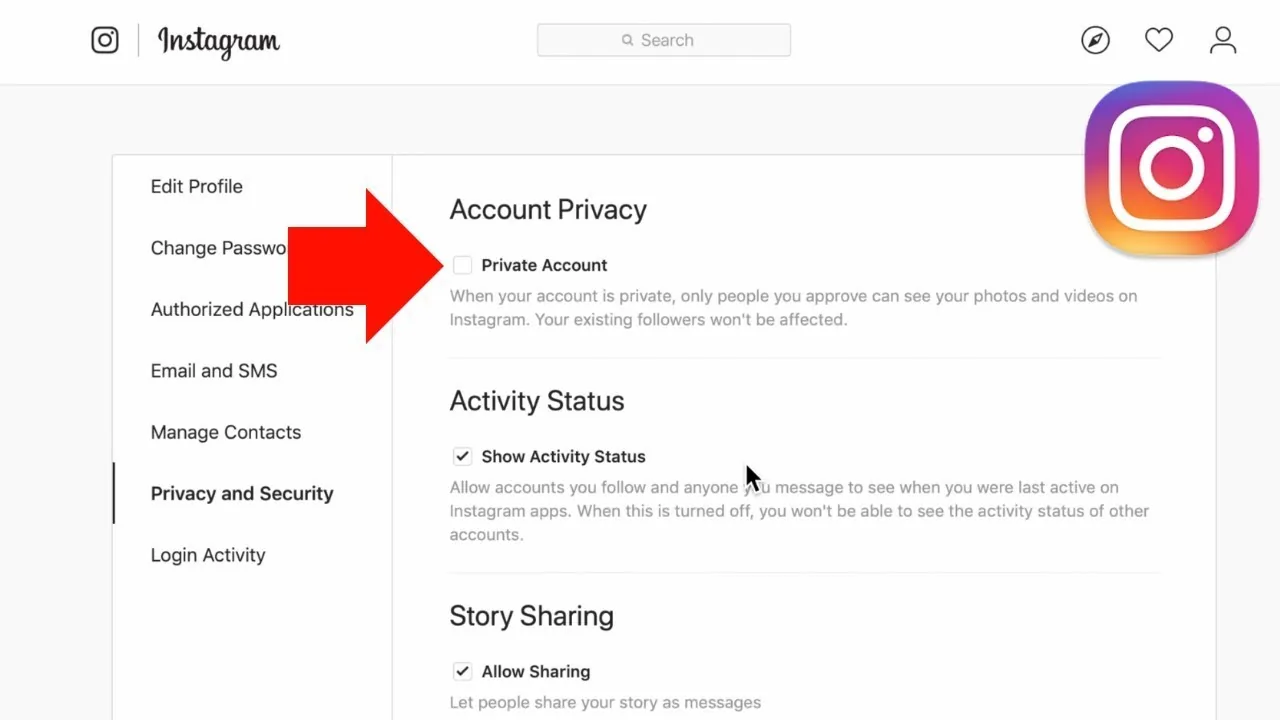
Going private is the single most effective move. When private, only approved followers see your posts, Stories, and your followers/following list. Everyone else sees just your username, photo, bio, and the follower/following numbers.
- Open your profile and tap the menu (☰).
- Tap Settings and privacy.
- Tap Account privacy.
- Toggle Private account on and confirm.
People who already follow you will still see your lists — private only walls off non-followers. If you want to go further, you can always delete or deactivate your account.
Remove or block followers
Remove a follower: profile → Followers → find the person → Remove. They aren't notified, but on a public account nothing stops them re-following or viewing your profile — removal only sticks combined with a private account.
Block: their profile → three dots → Block. Blocking removes them from your followers/following, hides your content entirely, and stops them finding you in search. They aren't notified.
Restrict someone quietly
Restrict is a discreet option mainly for unwanted comments and DMs. A restricted person's comments are visible only to them unless you approve them, their messages move to Message Requests, and they can't see when you're active. Open their profile → three dots → Restrict. Caveat: a restricted person can still visit your profile and, if you're public, still see your followers and following.
Hiding the count vs. hiding the list
This trips people up. Hiding the list (who follows you) is achievable by going private. Hiding the count (the number) is not possible on Instagram for any account type — there's no toggle, and third-party apps claiming to do it are unreliable and can violate Instagram's terms. Curious whether anyone can even see who views you? Short answer, no — see the profile-viewer truth.
Business and creator accounts vs. personal
Account type matters. Business and creator accounts can't be private — they're public by design. So the private-account method is unavailable to them; anyone can see their followers. If privacy is your priority, switch back to a personal account first (Settings and privacy → Account type and tools → Switch to personal account), then enable Private account. You'll lose Insights, but gain the ability to hide your list. Blocking and restricting work on all account types. While you're optimizing, it's a good time to rewrite your bio.
Frequently asked questions
No. Instagram has no setting to hide your follower or following count, and it stays visible on both public and private profiles. Only the list of who follows you can be hidden, by going private.
Sources
Keep reading
More guides to grow your account.