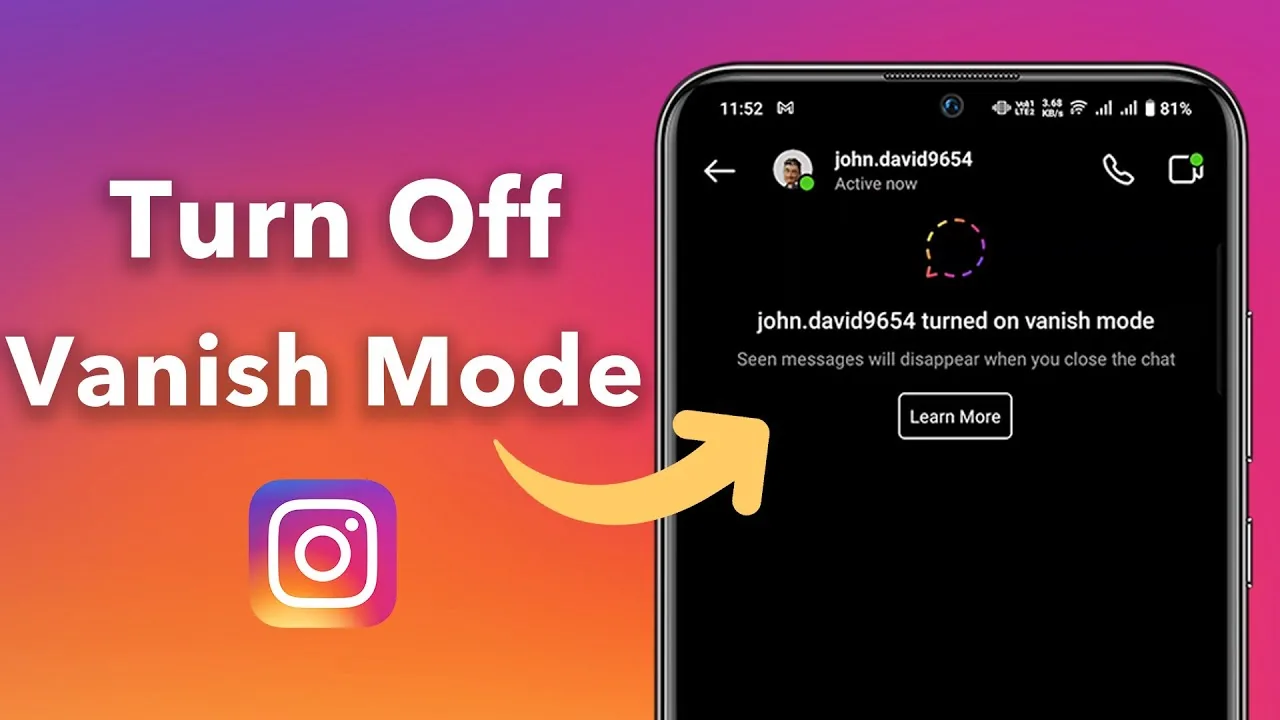
How to Turn Off Disappearing Messages on Instagram
Turn off vanish or disappearing chat behavior, understand view-once media, preserve evidence safely, and fix a conversation that keeps switching modes.
Short answer
In a chat using vanish-style disappearing messages, open the conversation and turn off the disappearing-message setting shown in Chat privacy and safety, or use the interface prompt provided in that chat. View-once photos and videos are separate: their replay behavior is chosen when the media is sent and cannot be converted into a normal message afterward.
Key takeaways
- Disappearing chat mode and view-once photo or video messages are related but separate features.
- Turn off the chat mode from that conversation's privacy settings or current mode control; labels can vary by rollout.
- Messages already designed to disappear may not become permanent merely because the setting is turned off later.
- Screenshot or screen-recording status can differ for disappearing media, so do not promise invisible capture.
- Use normal messages or an approved record system for contracts, instructions, payments, safeguarding, or other information that must persist.
What are disappearing messages or vanish mode on Instagram?
They are chat behaviors designed to remove eligible messages after viewing or after the conversation is closed, depending on the current feature version. Instagram also offers separately sent disappearing photos and videos with view or replay controls.
A chat can visibly change appearance or show a notice when disappearing mode is active. The exact name and gesture have changed over time, so follow the current in-chat label rather than an old swipe tutorial. Ordinary DMs, disappearing chat messages, and view-once media have different retention and screenshot behavior.
For useful context, compare turn off Instagram read receipts with control Instagram activity status.
How do you turn off disappearing messages in an Instagram chat?
Open the affected conversation, enter its privacy or chat settings, and disable the disappearing-message mode shown there. Confirm the conversation returns to normal before sending important information.
- Open Instagram Messages and select the exact conversation where messages disappear.
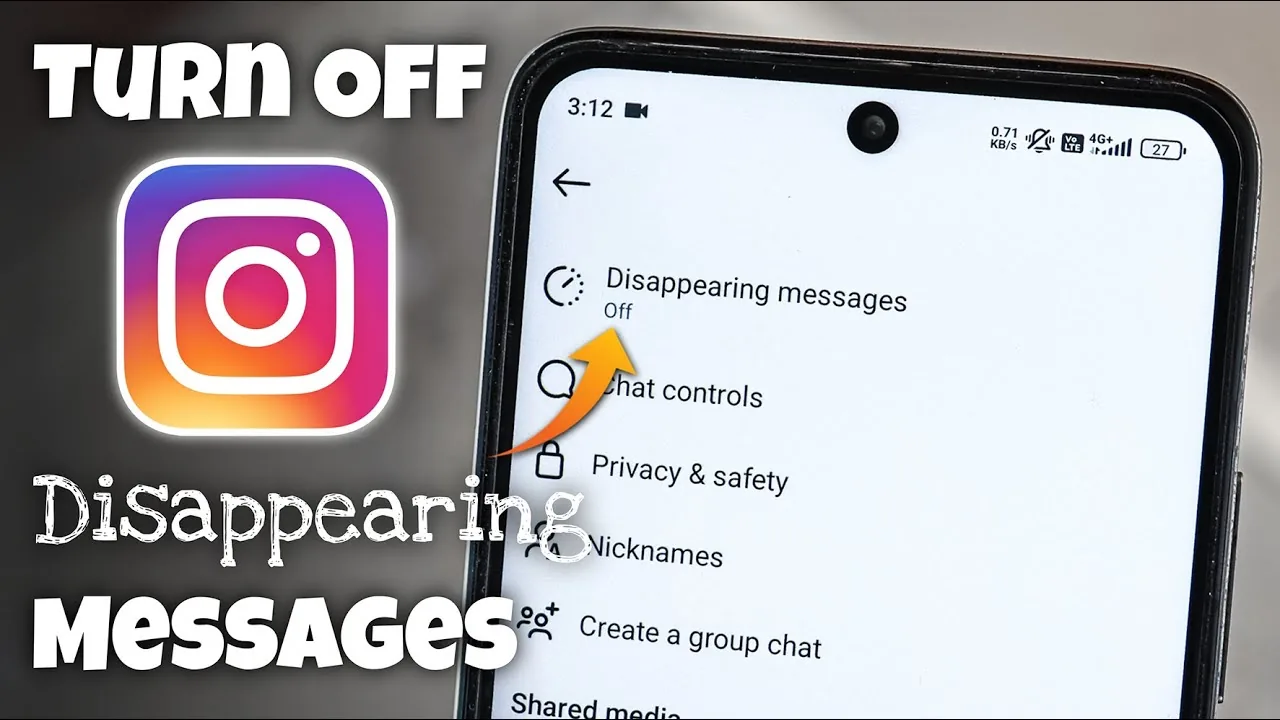
- Tap the chat name or information control to open Chat privacy and safety or the equivalent settings.
- Find Disappearing messages, Vanish mode, or the current temporary-message control.
- Choose Off or the normal message duration and return to the conversation.
- Look for the mode-off notice or normal chat appearance before sending a test message.
- For view-once media, send a new normal message or regular attachment instead of expecting an old item to persist.
If another participant changes the mode again, the chat should display a system notice. Discuss the intended record rather than relying on a setting neither person has agreed to maintain.
These steps also pair well with understand screenshot notices and compare Story screenshot behavior.
What is the difference between normal DMs, disappearing chat, and view-once media?
Normal DMs remain until deleted or unsent, disappearing chat changes eligible conversation retention, and view-once media applies a playback rule to a specific photo or video.
| Message type | Typical persistence | Sender choice | Best use |
|---|---|---|---|
| Normal text DM | Remains unless deleted or unsent | Send normally | Everyday conversation |
| Disappearing chat message | Temporary under mode rules | Enable chat mode | Low-stakes temporary chat |
| View once photo/video | One opening | Select View once | Ephemeral visual |
| Allow replay media | Limited replay | Select replay option | Temporary visual needing another look |
| Keep in chat media | Visible in conversation | Choose persistent option if offered | Information meant to remain |
No Instagram DM should be the sole record for emergencies, financial instructions, legal agreements, student records, medical information, or workplace decisions. Use an approved durable channel.
To choose the right option, keep fix Instagram message display issues and mute unwanted Instagram activity nearby.
Why do Instagram messages keep disappearing?
The chat mode may still be active, the sender chose view-once media, someone unsent the message, the app is not refreshing correctly, or you are confusing a notification preview with chat history.
- Disappearing mode was enabled separately in that conversation.
- The photo or video was sent as View once or Allow replay.
- The sender used Unsend, which removes a message from the conversation.
- An outdated app or sync issue shows an incorrect chat state.
- A connected account, device, or participant changed the mode and generated a notice you missed.
Update and reopen Instagram, compare the chat on another authorized device, and check the message-type label. Do not install an unofficial message-recovery tool; it can expose your account and other people's private communications.
If you hit a related problem, consult understand blocking signs and make Instagram private.
Are disappearing Instagram messages private or recoverable?
Disappearing reduces ordinary chat persistence but does not guarantee secrecy, deletion from every system, or freedom from capture. Recipients can use another device, and Meta may retain information for safety, legal, backup, or technical purposes.
Never send passwords, recovery codes, intimate images, financial information, or evidence of abuse because a mode claims to disappear. If a message involves harassment or threats, preserve lawful evidence before blocking or reporting, and seek appropriate support. Screenshots of some disappearing media may produce status indicators, but behavior can change and is not a privacy guarantee.
For privacy and account safety, also review avoid fake Instagram support and clear Instagram cache safely.
When should you use normal messages instead?
Use normal DMs when both people need continuity, search, context, or accountability. Use an external approved record when the information carries legal, safety, educational, medical, or financial importance.
- Confirm the chat mode before sending.
- Use normal attachments for information that must remain.
- Move formal decisions to an approved durable channel.
- Review message privacy and account sessions regularly.
Temporary messaging can be useful for casual conversation, but it should never pressure someone into sharing content they would not send normally. Consent and judgment matter more than the retention label.
Frequently asked questions
Open the chat's privacy or information settings, find the current disappearing-message or Vanish control, choose Off, and confirm the mode notice.
Sources
Keep reading
More guides to grow your account.