How to Unfollow Someone on Instagram: Limits and Steps
A complete guide on how to unfollow someone on Instagram in 2026, manage your following list, and avoid action blocks.
Short answer
Unfollow someone on Instagram by navigating to their profile and tapping the Following button, or by browsing your following list and tapping Unfollow next to their username. Keep in mind the daily action limits to avoid account restrictions.
Key takeaways
- Unfollowing is silent; Instagram never notifies the user that you unfollowed them.
- Accounts you unfollow will no longer show up on your home feed or story carousel.
- Instagram imposes daily limits (typically 150-200 actions) to block spam automation.
- The Following list sorting categories help identify accounts you interact with least.
- Unfollowing private accounts requires a new follow request if you change your mind.
How can you unfollow someone on Instagram?
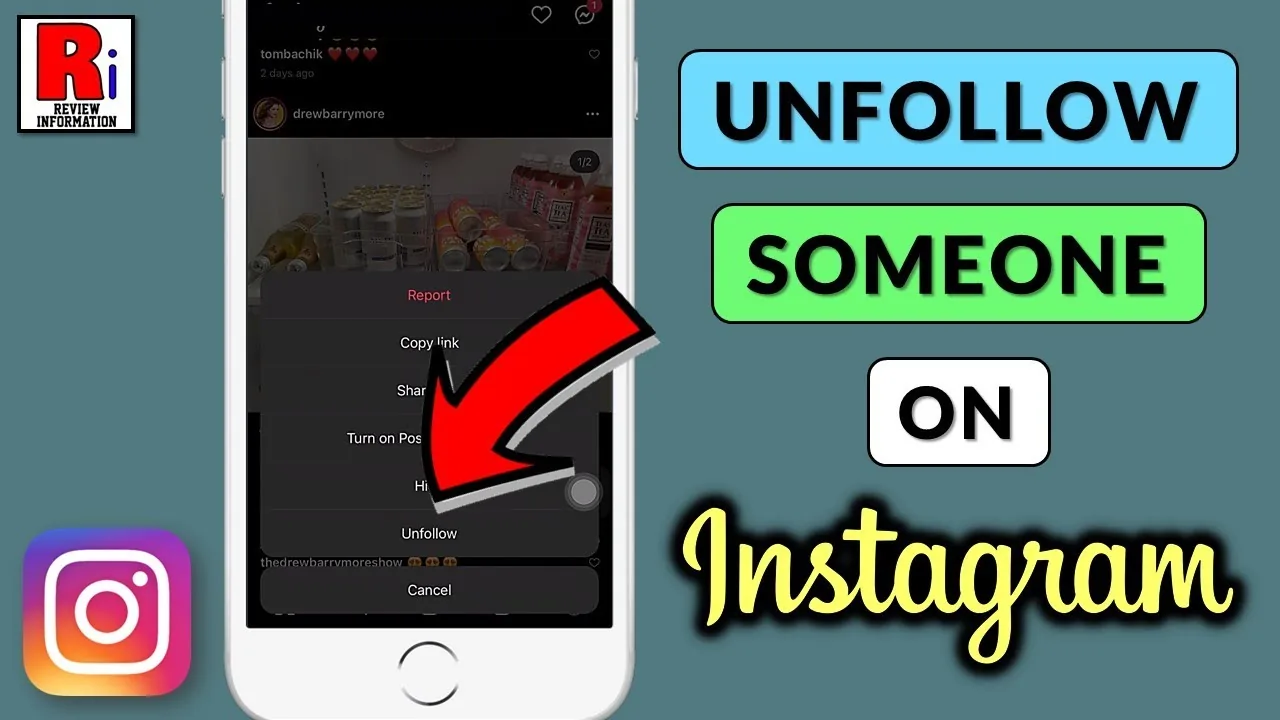
You can unfollow someone on Instagram by going to their profile, tapping the Following dropdown button, and selecting Unfollow. This instantly removes them from your following count.
To unfollow from your following list, tap your profile avatar, click Following, scroll to find the target user, and tap the Unfollow button next to their name. This is a quick way to clean up your feed. To see how your following ratio affects account reach, read the Instagram algorithm explained guide.
Cleaning your following list keeps your home feed relevant. If you are executing a Instagram growth guide, maintain a balanced follow ratio. Clear calls to action on your page are important; read the how to write Instagram bio guide to optimize your profile layout.
What are the daily unfollow limits on Instagram?
The daily unfollow limits on Instagram range from 150 to 200 actions per day, depending on your account age, history, and behavior patterns. Exceeding these limits triggers a temporary action block.
Instagram enforces these limits to combat spam and automated follower tracker apps. If you unfollow too many profiles in a short window, the app will block you from taking further actions. If you encounter bugs during this cleanup, you can clear app cache files on your phone to refresh settings. For publishing content, use how to post on Instagram to manage your uploads.
| Action type | Safe daily limit | Timing recommendation | Violation penalty |
|---|---|---|---|
| Single Unfollow | Not applicable | Pause 10-15 seconds between accounts | Action Block |
| Bulk Unfollow | 150-200 accounts | Spread actions across 24 hours | Account Warning |
| New Follows | 100-150 accounts | Pause 10-15 seconds between accounts | Action Block |
| Mute Accounts | Unlimited | No strict limit | None |
For users looking to manage profile visibility during list cleanup, you can secure your profile configuration to hide your posts. For an automated feed cleanup, look at how to hide following list or learn to repost on Instagram natively to keep updates clean. If you want a complete break, you can disable account temporarily or use the how to delete Instagram account guides.
How do you use Following list sorting tools?
To use the Following list sorting tools, open your Following list, tap the sort arrows icon, and choose Least Interacted With to view accounts you rarely engage with. This helps you identify who to unfollow.
- Open your Instagram profile page.
- Tap the Following number at the top.
- Tap the sorting icon (up and down arrows).
- Select Least Interacted With or Earliest followed.
- Review the profiles listed and tap Unfollow to clean up.
This built-in filter makes curating your feed quick and efficient. When managing these settings, remember that other interface features remain private; read does Instagram show screenshots or look into whether does Instagram have profile views to understand visitor tracking boundaries.
Frequently asked questions
No. Instagram does not send notifications when you unfollow an account, and they will only find out if they inspect their follower count manually.
Sources
Keep reading
More guides to grow your account.