How to Follow or Unfollow Someone on Instagram
Follow or unfollow one Instagram account, understand private requests and notifications, and choose mute or restrict when unfollowing is not the right tool.
Short answer
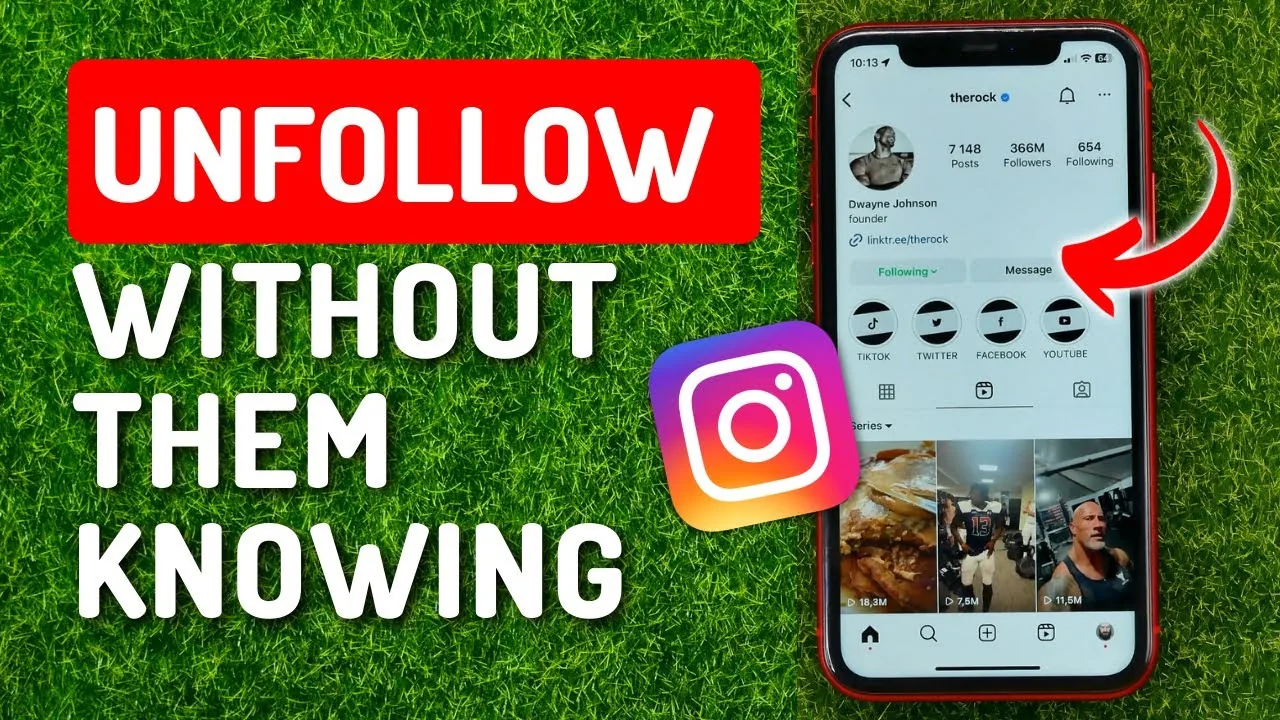
Open the person's Instagram profile and tap Follow to follow them or Following, then Unfollow, to remove the connection. Private accounts must approve a new follow request, and Instagram does not normally send a direct unfollow notification, although the person may notice the changed follower list.
Key takeaways
- Follow is immediate for public accounts; private accounts receive a request they can approve or decline.
- Unfollowing stops their posts from appearing through the follow relationship but does not remove them as your follower.
- Instagram does not normally send a dedicated unfollow alert, yet the account owner can notice manually.
- Mute keeps the follow relationship while hiding selected posts or Stories from your main experience.
- Mass-following tools and rapid follow-unfollow behavior can trigger limits and damage account security.
What happens when you follow or unfollow on Instagram?
Following adds an account's eligible content to your relationship signals and Feed; unfollowing removes that relationship from your side. It does not automatically block, remove, or notify the other person.
Public profiles accept a follow immediately. Private profiles show Requested until the owner approves, and canceling a request removes it. When you unfollow, old likes, comments, messages, and tags remain. If the person follows you, they continue doing so unless you remove them from your followers or block them.
For useful context, compare make Instagram private with control follower visibility.
How do you follow or unfollow one Instagram account?
Use the button on the person's profile and verify the label afterward. This direct method is safer than follower-management apps.
- Find the correct profile through its exact username, a trusted link, or a verified mutual context.
- Tap Follow; if the account is private, wait for Requested to change after approval.
- To unfollow, open the profile and tap Following.
- Choose Unfollow and confirm when prompted; the button should return to Follow.
- If you want less content without changing the relationship, open Following and choose Mute instead.
- For unwanted access to your private profile, remove the person as a follower or block them using the appropriate control.
On a busy follower list, use Instagram's built-in Following view and search rather than exporting credentials to a tracker. Handle one account at a time and do not use rapid automation to manipulate follower counts.
These steps also pair well with understand following-list privacy and check unfollows safely.
Should you unfollow, mute, restrict, remove, or block?
Choose based on whether you want to change what you see, what they see, or how they can interact. Each control solves a different relationship problem.
| Action | Follow relationship | What changes | Good use |
|---|---|---|---|
| Unfollow | You stop following | Their content is no longer followed | You no longer want updates |
| Mute | Stays | Selected content is hidden from your Feed | Quietly reduce exposure |
| Restrict | May stay | Comments and messages receive limits | Manage uncomfortable interaction |
| Remove follower | They stop following you | Private-profile access is removed | Control your audience |
| Block | Both connections end | Strong visibility and contact barrier | Safety or harassment |
Unfollow is not a punishment and does not need an explanation. For harassment, threats, impersonation, or repeated unwanted contact, use block and report rather than relying on unfollow.
To choose the right option, keep avoid risky follower trackers and recognize account-viewer scams nearby.
Why can you not follow or unfollow someone?
The account may be unavailable, you may have reached a temporary action limit, the app may be stale, or the relationship may be affected by a block. Avoid repeating the action rapidly.
- Too many follows, unfollows, likes, or comments in a short period triggered a temporary limit.
- The account changed username, deactivated, was disabled, or blocked your profile.
- The Follow button is showing a pending private-account request rather than an error.
- The app has a connection or cache problem and the button state has not refreshed.
- A third-party automation service is repeatedly changing relationships without your intent.
Pause activity, remove unsafe automation, secure the account, and retry later through the official app. No legitimate service can guarantee removal of an Instagram action limit for payment.
If you hit a related problem, consult understand profile-viewer limits and learn what profile visits reveal.
Does Instagram notify someone when you unfollow them?
Instagram does not normally send a dedicated notification naming an unfollower. The person can still notice by checking their list, your profile, or legitimate account changes.
Third-party unfollower trackers often request broad account access and may violate platform rules or expose credentials. Do not install one merely to make an unfollow invisible; no method can guarantee another person will not notice. If personal safety is involved, combine appropriate privacy controls and preserve evidence before blocking or reporting.
For privacy and account safety, also review turn off active status and mute an account without unfollowing.
What is a healthy follow-management routine?
Follow accounts that consistently add value, mute temporary noise, and unfollow without using manipulative churn. A smaller intentional Feed is more useful than a large artificial network.
- Review a few accounts at a time.
- Use mute when the relationship matters but the content does not.
- Avoid follow-for-follow promises and bulk tools.
- Use remove, restrict, block, and report for the problems they actually solve.
If you are growing a professional account, build discovery through useful content and genuine interaction rather than repeated follow-unfollow cycles. Manipulative patterns can reduce trust even when they do not trigger an immediate limit.
Frequently asked questions
Open the profile, tap Following, choose Unfollow, and confirm. The button should return to Follow.
Sources
Keep reading
More guides to grow your account.