How to Get Rid of Your Instagram Account for Good (2026)
Deciding between deactivating and deleting Instagram? Here's the real difference, plus the fastest official path to walking away for good.
Short answer
Getting rid of an Instagram account means choosing between temporary deactivation, which hides your profile but keeps everything intact, and permanent deletion, which erases your data after a 30-day grace period. Both are done through Settings and Accounts Center, and the right choice depends on whether you might want the account back.
Key takeaways
- Deactivation hides your profile temporarily and is fully reversible by logging back in.
- Deletion is permanent after a mandatory 30-day grace period and cannot be undone once complete.
- Both options live under Settings, then Accounts Center, then Account ownership and control.
- Download your data first if you want a backup of photos, messages, and posts.
- Third-party apps that promise instant account removal are unnecessary and often unsafe.
What's the difference between deactivating and deleting Instagram?
Deactivating hides your profile, posts, and comments from other users but keeps all your data stored, and you can restore everything simply by logging back in. Deleting, on the other hand, starts a countdown toward permanent removal of your photos, videos, followers, and account history, and once the grace period ends there's no getting it back, which is why it's worth being certain before you choose that path.
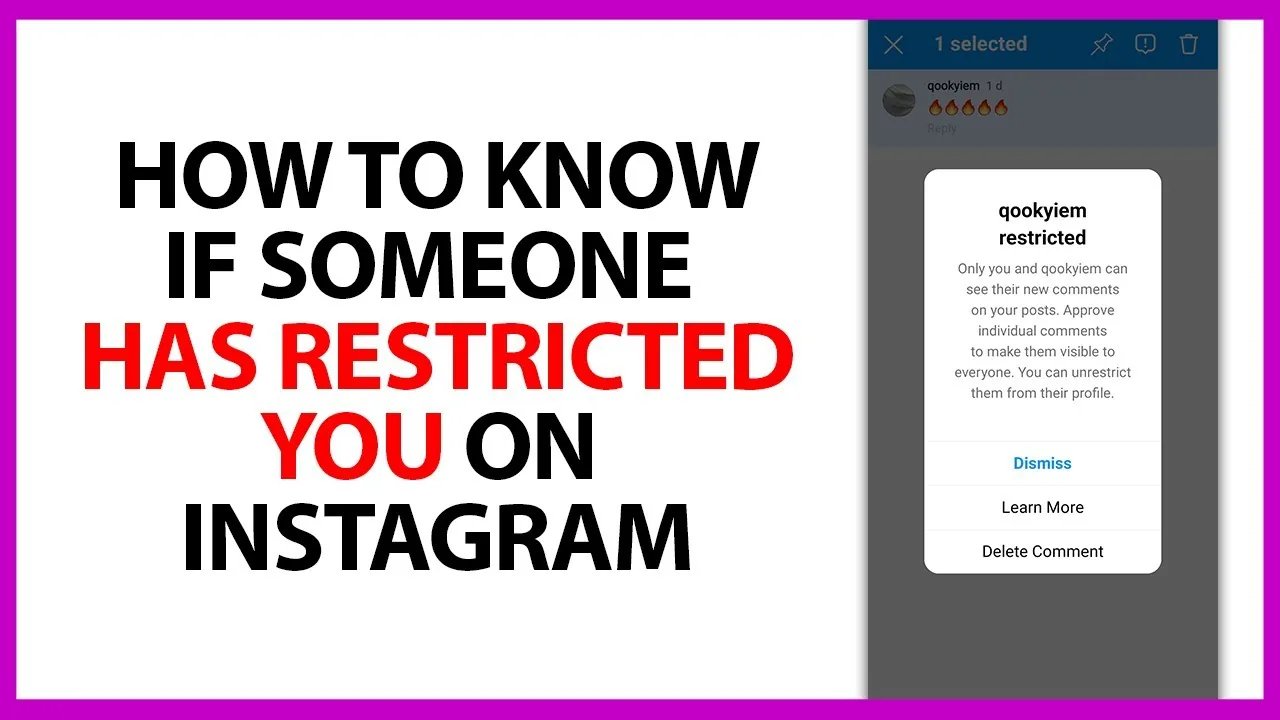
How do you deactivate your Instagram account temporarily?
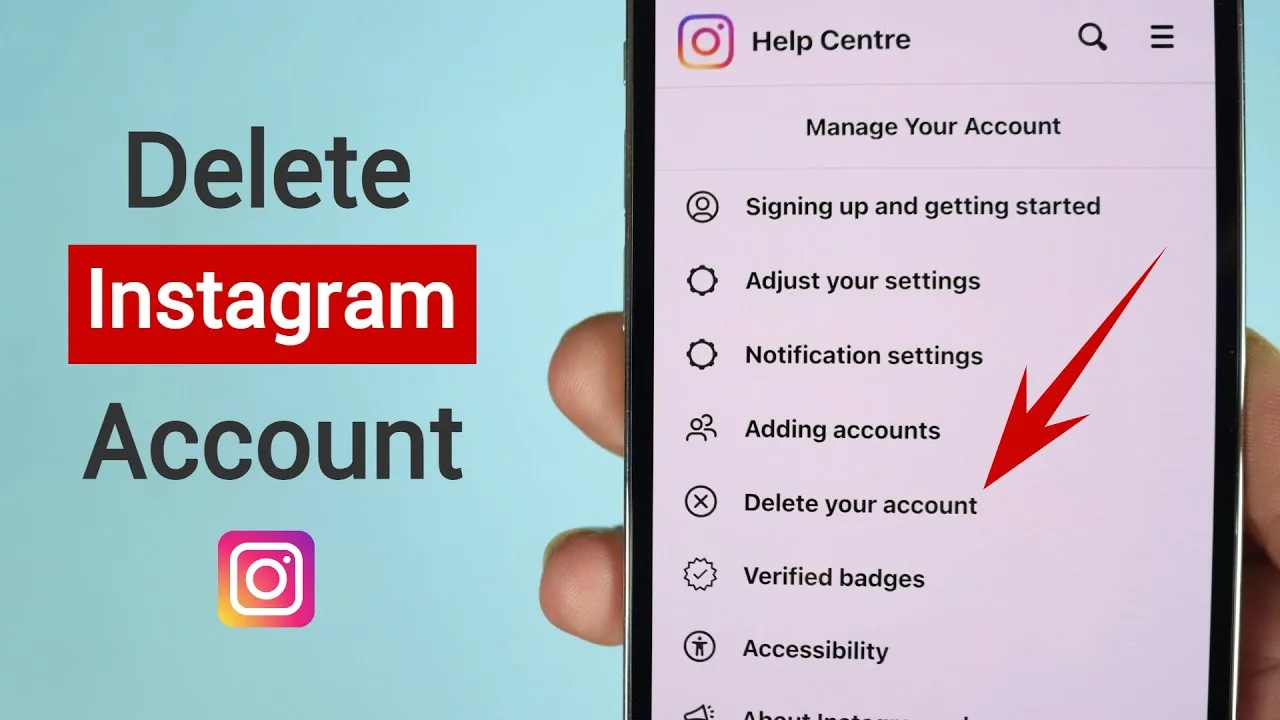
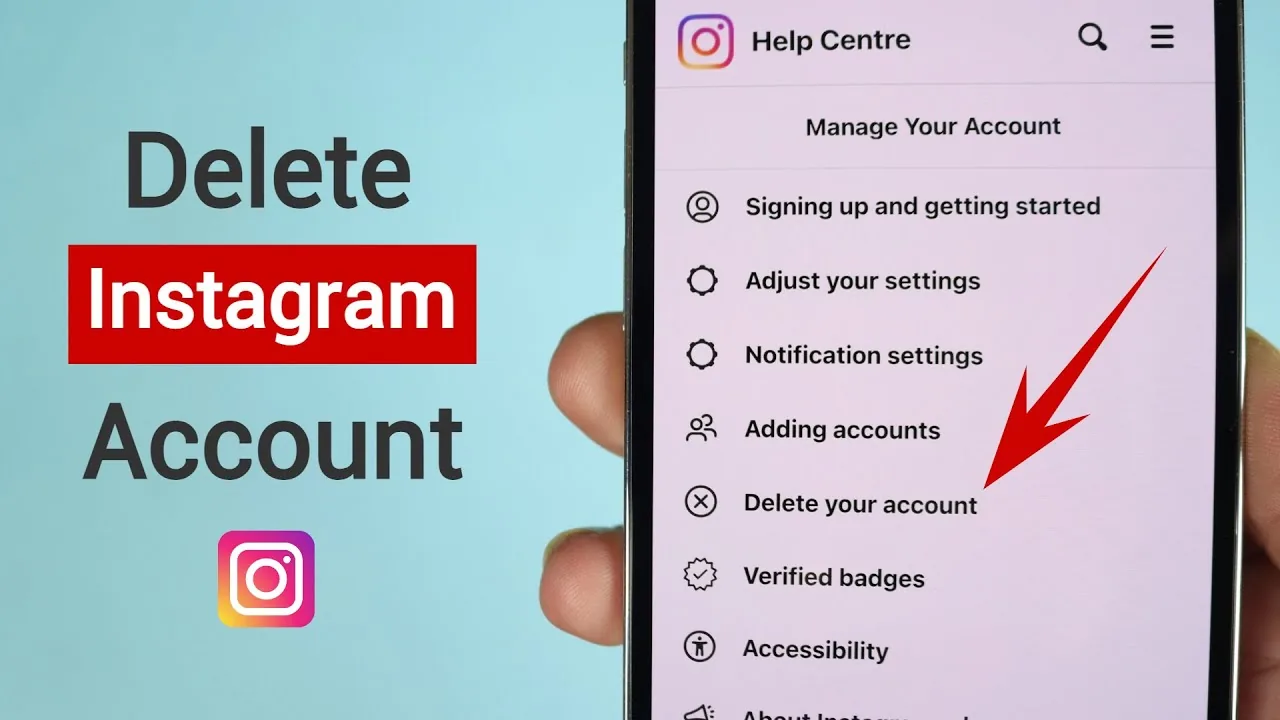
Go to your profile, tap Settings, then Accounts Center, then Personal details, then Account ownership and control, then Deactivation or deletion, and select Deactivate account. Instagram will ask for a reason and your password to confirm, and your profile disappears from search and other users' feeds until you log back in, at which point everything reactivates exactly as it was.
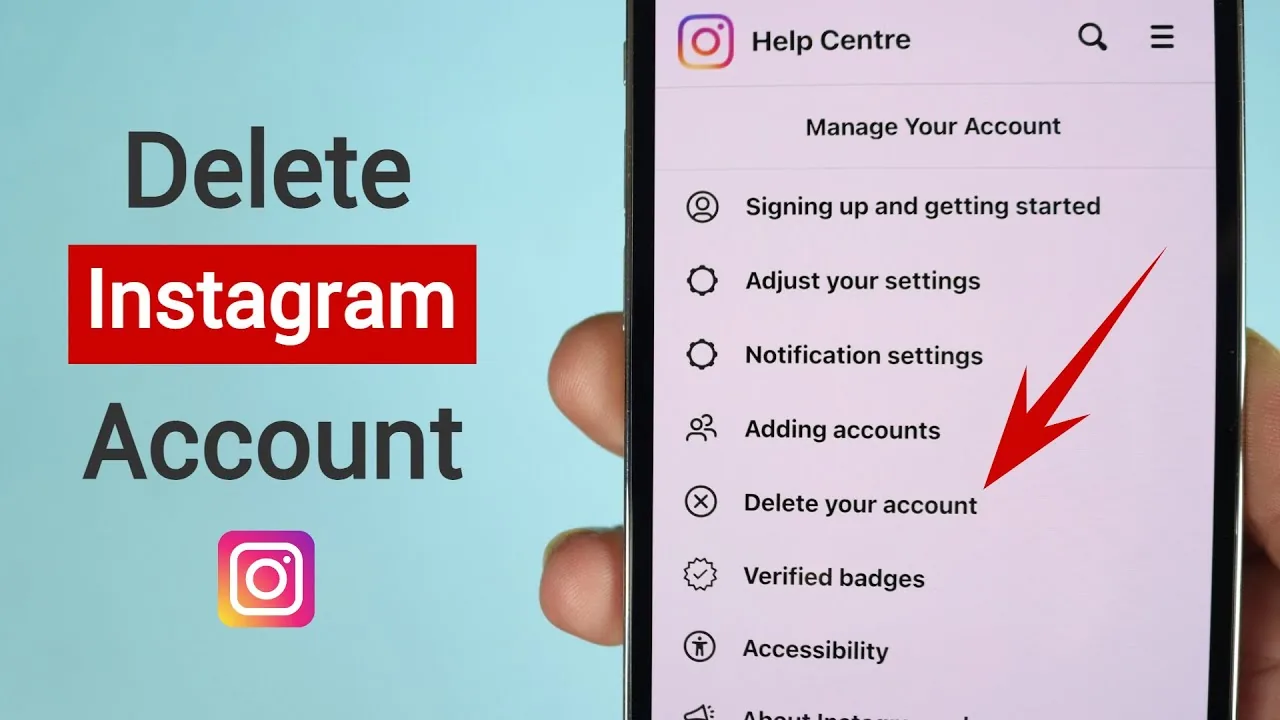
How do you delete your Instagram account for good?
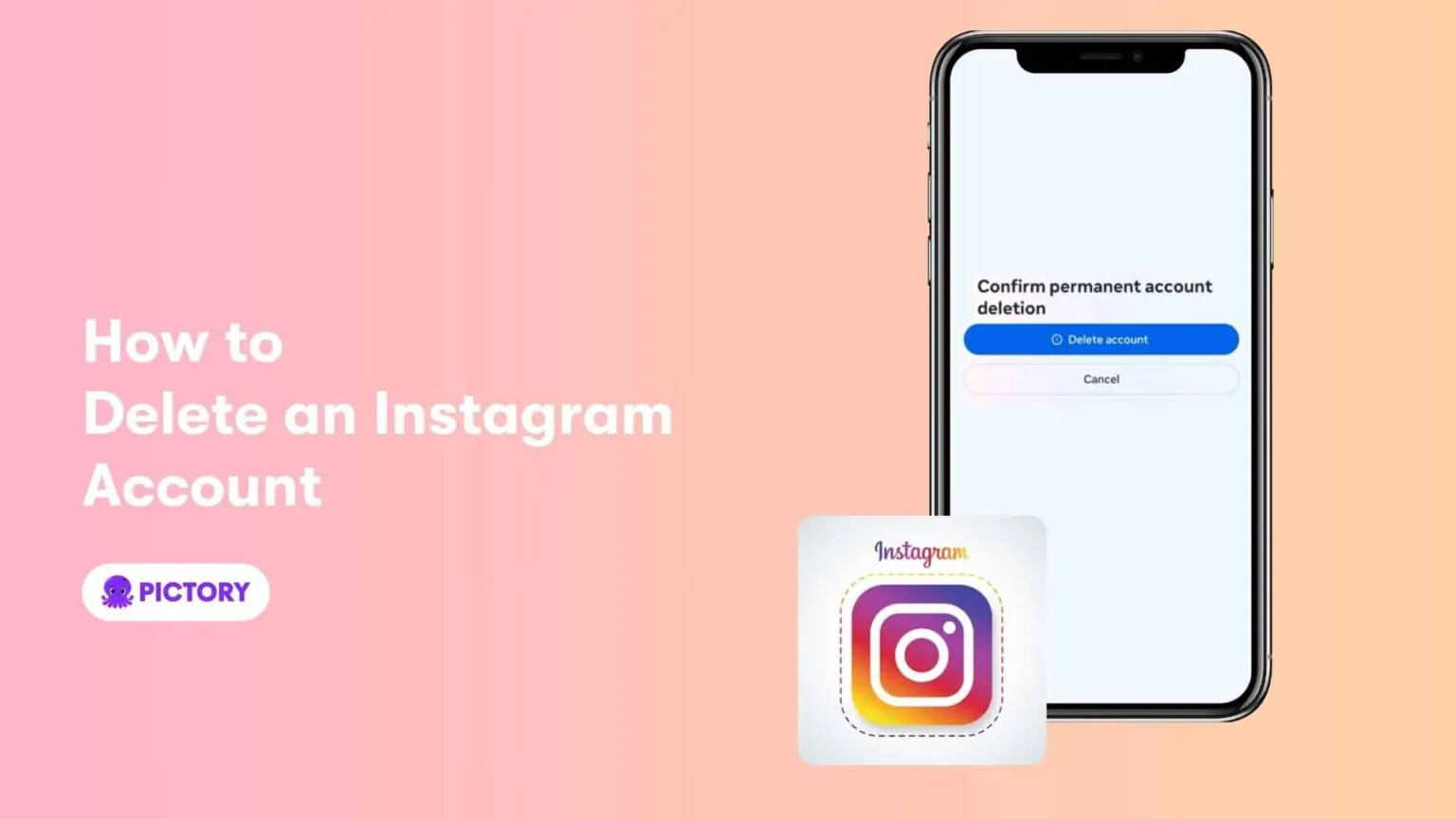
Follow the same path through Settings and Accounts Center, but select Delete account instead of deactivate, choose a reason, and enter your password to confirm. Your account enters a 30-day grace period during which it's hidden from other users, and if you log back in during that window the deletion is automatically canceled, but after 30 days everything including posts, comments, likes, and your how to see private instagram accounts history is gone permanently.
Should I deactivate or delete if I just need a break?
Deactivate rather than delete if there's any chance you'll want the account back, since deactivation is instant and fully reversible with zero data loss. Many creators use deactivation during burnout periods or after a rough news cycle, then return later without having lost followers, saved posts, or how to add highlights on instagram content they'd built up.
Do I need to download my data before getting rid of my account?
Yes, if you want a personal archive, go to Settings, Accounts Center, Your information and permissions, and request Download your information before you deactivate or delete. This exports your photos, videos, messages, and profile data as a file you keep, which matters most for the deletion path since that data becomes unrecoverable after the 30-day window closes, similar to how you'd approach how to download instagram data for any other backup reason.
Are there lighter options than deactivating or deleting entirely?
Yes, if the goal is just more privacy or less noise rather than disappearing completely, options like how can i make instagram private, muting specific accounts, or turning off how to turn off active status on instagram can solve the underlying frustration without giving up the account. These are worth trying before you commit to deactivation or deletion, especially if you'd miss your how to see liked reels on instagram saved history.
| Action | Reversible | Data kept | Grace period |
|---|---|---|---|
| Deactivate | Yes, instantly | Fully kept | None |
| Delete | Only within 30 days | Erased after grace period | 30 days mandatory |
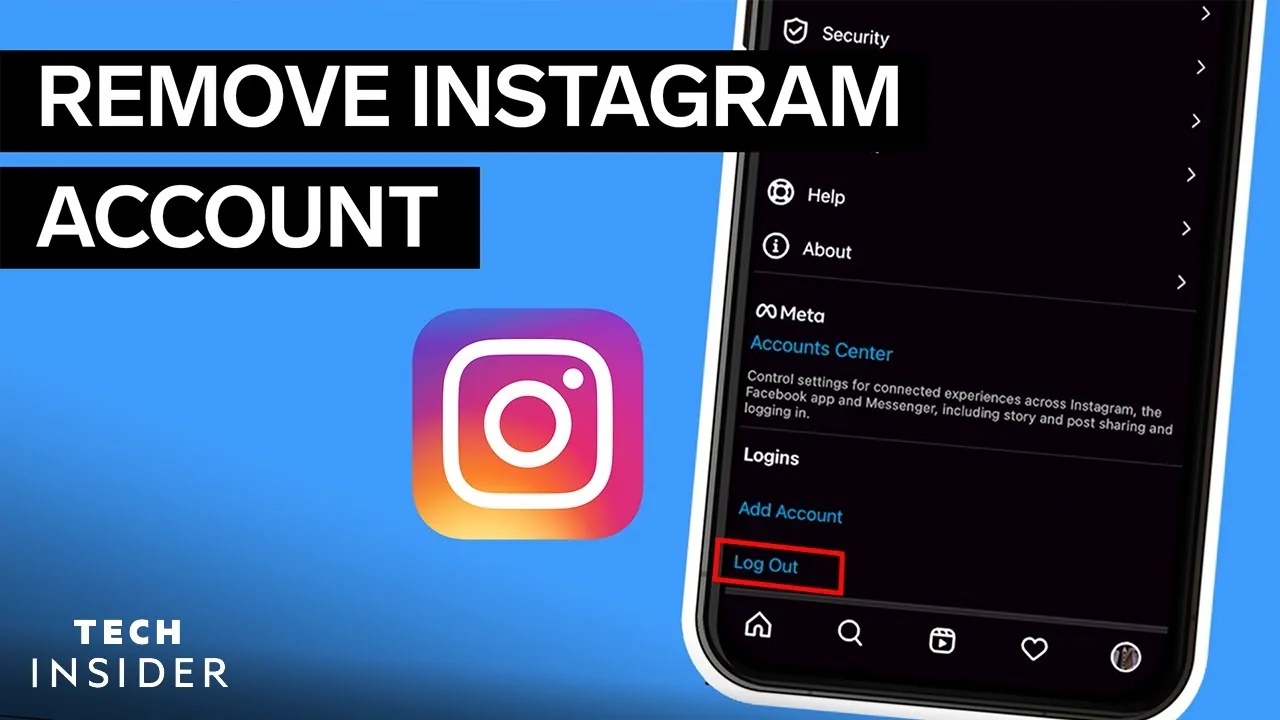
Whatever you choose, do it through Instagram's own Accounts Center rather than a third-party app claiming to delete accounts faster, since those tools typically just phish for your login and offer no real advantage over the two-minute official process.
Frequently asked questions
Your followers stay exactly as they were, since deactivation doesn't remove any data, it only hides your profile temporarily. Everything reappears once you log back in.
Sources
Keep reading
More guides to grow your account.