How to Download Your Instagram Data Safely
Export Instagram information through Accounts Center, choose date range, format and media quality, then protect the archive and understand what it omits.
Short answer
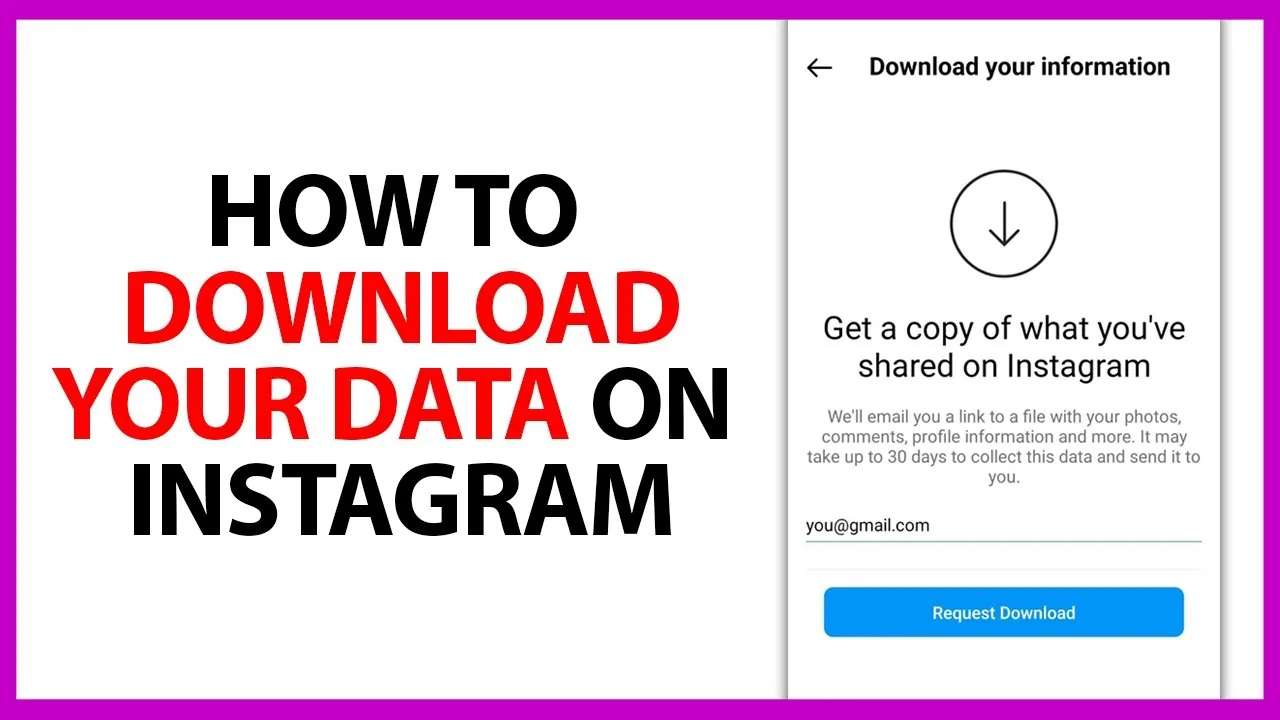
Open Accounts Center → Your information and permissions → Export your information, create an export, select the Instagram profile and choose a device or supported external service. Customize the data, date range, format and media quality; Meta says preparation can take up to 30 days and a ready download is available for four days.
Key takeaways
- Instagram exports are requested through Accounts Center under Your information and permissions.
- You can choose specific information, date range, format, notification email and media quality.
- Meta says an export link may take up to 30 days to arrive.
- Once ready, the export is available in the downloads area for four days.
- Unsent messages and some deleted information do not appear in a normal export.
How do you download Instagram data?
Download Instagram data by opening Accounts Center, choosing Your information and permissions, selecting Export your information and creating an export. Choose the Instagram profile, then Export to device or a supported external service. Customize the categories, date range, format, notification email and media quality before starting. Use only the official app, instagram.com or Meta Accounts Center; an export service does not need your password outside that flow.
For the neighboring workflow, use How to Delete Your Instagram Account before changing another setting. The related guide to How to Delete an Instagram Account Permanently explains the control users most often confuse with this one.
What should you include in the export?
Include only the categories and time period needed for your purpose. A complete high-quality video archive can be very large, while a messages-only or account-history export is smaller. HTML is convenient for human browsing and JSON is better for structured analysis, depending on the options currently offered. If the export supports a legal, business or safety need, document the request date and preserve the original compressed files unchanged.
- Open Accounts Center from Instagram settings.
- Choose Your information and permissions, then Export your information.
- Select the Instagram profile and export destination.
- Choose categories, date range, format and media quality.
- Start the export and download it from Available downloads within four days.
If your goal is broader account management, How to Disable Instagramin 2026 is the practical next step. You can compare the result with Instagram Customer Service Number 24/7: Does It Exist? so you do not solve the wrong problem.
How long does an Instagram export take?
Meta says it may take up to 30 days to email an export link, although smaller requests can arrive sooner. Once prepared, the files are available for four days in the Available downloads section. Do not submit many duplicate requests merely because the first is not instant. Check the notification email carefully, then sign into Accounts Center independently rather than opening a suspicious attachment.
| Choice | Smaller export | Larger export |
|---|---|---|
| Data categories | One or two selected types | All available information |
| Date range | Recent period | Entire account history |
| Media quality | Lower quality | High-quality originals where available |
| Format | Task-dependent HTML or JSON | Can include multiple files |
Request the narrowest export that satisfies the purpose to reduce preparation time and privacy exposure.
For a safer fallback, follow How to Clear Instagram Cache on iPhone and Android instead of handing credentials to an unknown service. Creators should also review How to Make Instagram Private in 2026: Steps and Limits because the same choice can affect reach or presentation.
What information is not in the download?
An export is a copy of information Meta makes available, not a universal recovery of everything ever deleted. Instagram states that unsent messages are excluded, and some deleted information may be temporarily retained for safety without appearing in access or download tools. Encrypted-message data can have a separate computer-only secure-storage download. A missing item does not prove another person possesses it or that a third-party tool can retrieve it.
- Use only official Accounts Center export tools.
- Store archives in encrypted, access-controlled locations.
- Do not upload private messages to an unknown analyzer.
- Respect other participants’ privacy and content rights.
The platform behavior makes more sense alongside How to Know If Someone Blocked You on Instagram. For the privacy side of the decision, read How to Turn Off Active Status on Instagram and keep the two settings separate.
How should you protect the Instagram archive?
Treat the archive as sensitive because it can contain messages, contacts, media, search or account history and technical identifiers. Store it in an encrypted location, avoid a shared Downloads folder and delete unnecessary copies after verification. Do not upload the entire archive to an unknown analyzer. For professional work, follow the organization’s retention and access policy, and redact unrelated personal data before sharing a relevant excerpt.
- Check available device storage before a high-quality export.
- Use the newest notification and official Accounts Center page.
- Request fewer categories if a complete export is unwieldy.
- Use the separate secure-storage flow for eligible encrypted messages.
A complete setup also benefits from How to Turn Off Read Receipts on Instagram in 2026, especially after an app update. When this action changes what other people see, Instagram Profile Viewer: Can You See Who Viewed Your Profile? provides useful context.
What can you use Instagram data for?
Use an export to preserve your media, review account history, migrate authorized records, inspect retained messages or support a personal privacy request. It is not permission to republish other people’s messages or copyrighted media. Analytics in the export can differ from live Insights and should be labeled with the request period. If account access is lost, Meta says you can contact it about exporting, but identity verification may be required.
Frequently asked questions
In Accounts Center, open Your information and permissions, then Export your information. Labels can vary slightly by device.
Sources
Keep reading
More guides to grow your account.