Is Instagram Removing Highlights? 2026 Update
Instagram has redesigned where Highlights appear, but official Help pages still support creating, editing and deleting them. Check profile visibility controls.
Short answer
Instagram has not announced a universal removal of Story Highlights as of July 13, 2026. The feature still has current official create, edit and delete instructions, but profile placement has changed through a dedicated Highlights tab, grid options and account-by-account tests.
Key takeaways
- Instagram’s current Help Center still documents creating, editing and deleting Story Highlights.
- A redesigned Highlights tab or grid placement can make the old circular row appear missing.
- Rollouts differ by account, region, device and app version, so profiles can look different on the same phone.
- A Story must remain in Archive to be added after its normal 24-hour lifespan.
- Do not delete or rebuild collections until you check Edit Highlight and profile visibility controls.
Is Instagram getting rid of Highlights?
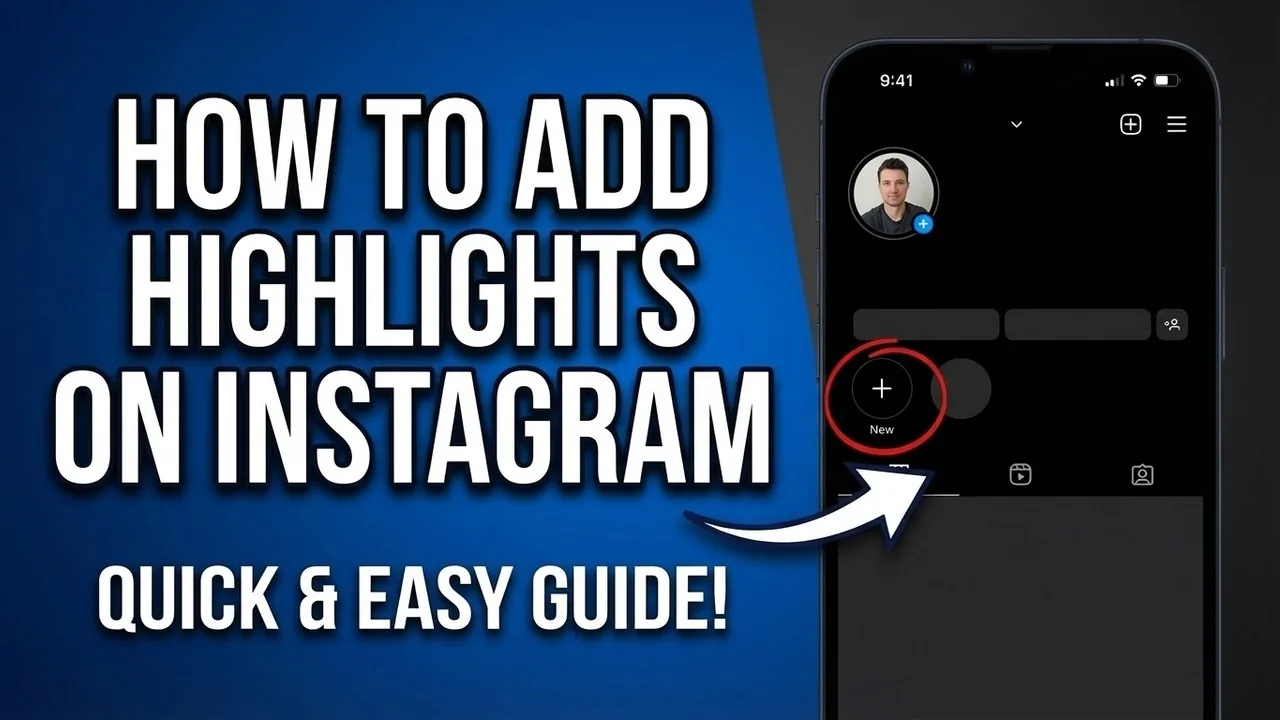
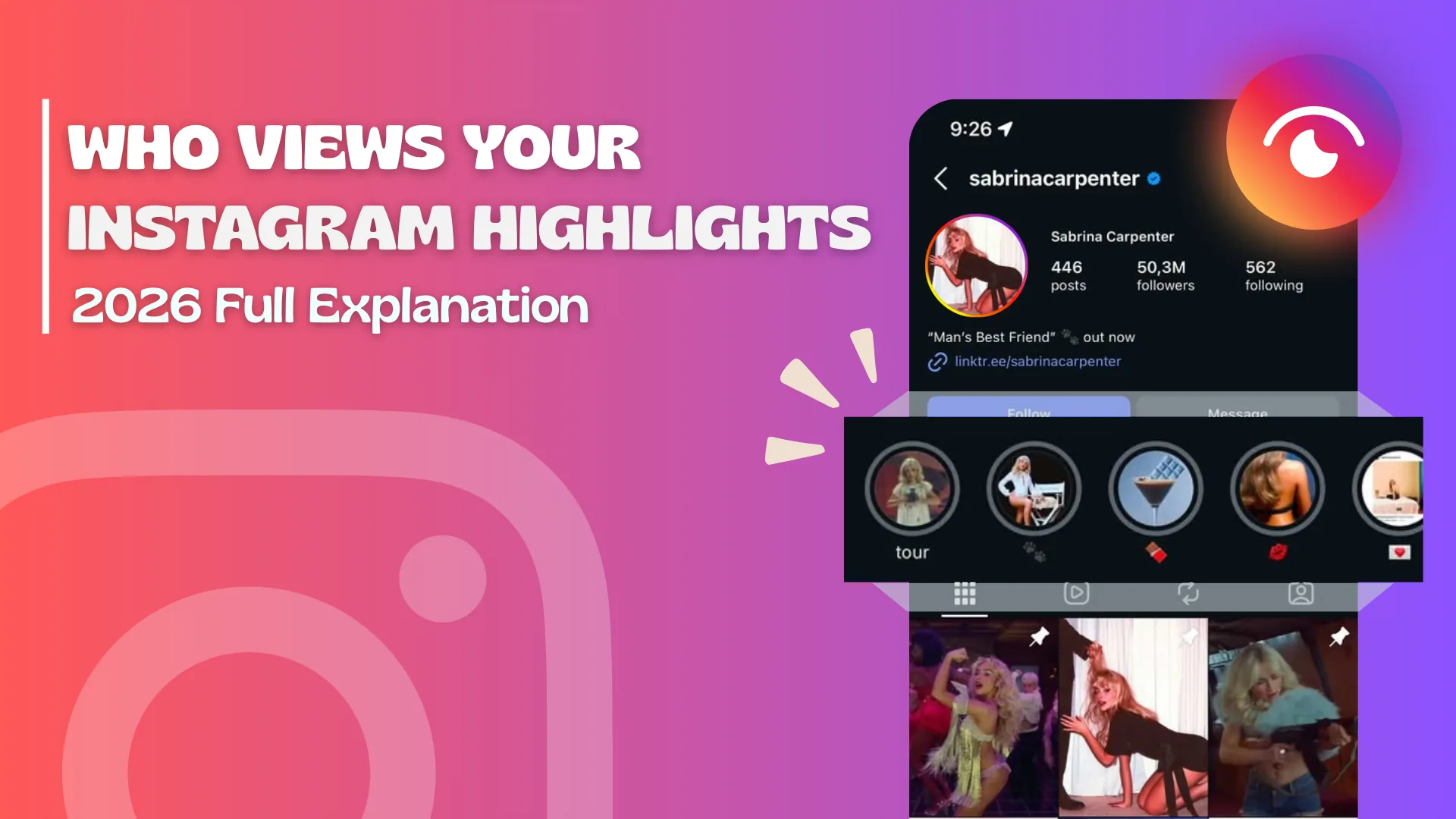
No universal removal of Instagram Highlights has been announced as of July 13, 2026. Instagram’s official Help Center still explains how to add Stories to Highlights and how to edit or delete a collection. What has changed is presentation: Instagram has tested a dedicated Highlights tab, Story-like placement and options controlling whether Highlights appear on the main profile grid. A missing circle can therefore reflect redesign or visibility, not erased Stories.
For the neighboring workflow, use How to Post on Instagram: Step-by-Step Guide before changing another setting. The related guide to How Do You Upload on Instagram? Phone & Desktop explains the control users most often confuse with this one.
Why did Highlights disappear from your profile?
Highlights may seem to disappear because the account received a new profile layout, the collection is hidden from the grid, the app is outdated, Story audience settings changed or a temporary bug affects rendering. Open the profile’s Highlights tab and Edit Highlight before taking action. Compare the same profile from another current app and instagram.com. If the Stories still exist in Archive, the underlying media is more likely retained.
- Update Instagram and view the profile from another account.
- Open the current Highlights tab or profile section.
- Edit the collection and check selected Stories and profile visibility.
- Verify the original Stories remain in Story Archive.
- Report a reproducible missing collection only after these checks.
If your goal is broader account management, How to Repost on Instagram: Every Method for 2026 is the practical next step. You can compare the result with How to Repost a Story on Instagram so you do not solve the wrong problem.
What has changed about Instagram Highlights?
Instagram has been moving Highlights away from a single fixed row of circular covers. Some profiles show a dedicated tab, some allow a Highlight to be shown on the main grid, and some retain the familiar placement. The rollout has been uneven and can reverse during testing. These interface changes do not alter the core concept: a Highlight keeps selected Stories available on the profile until the account removes them.
| What you see | Likely explanation | What to check |
|---|---|---|
| No circular row | New tab or grid layout | Highlights tab |
| Collection missing from grid | Show-on-profile setting | Edit Highlight |
| Story missing inside collection | Archive or selection changed | Story Archive |
| Different layout on two accounts | Staged rollout | App version and account test |
Interface differences are expected during staged rollouts and are not proof of permanent removal.
For a safer fallback, follow Captions for Instagram: 60 Ideas That Drive Engagement instead of handing credentials to an unknown service. Creators should also review How to Batch an Instagram Content Calendar in One Day because the same choice can affect reach or presentation.
How do you restore a missing Highlight?
Restore a missing Highlight by opening the current Highlights tab or profile menu, selecting the collection and checking Edit and Show on profile options where available. Verify that the Stories remain selected and that Story Archive is on. If the collection itself was deleted, recovery options may be time-limited and content-specific. Do not use a third-party viewer or hand over credentials to someone promising to restore profile layout.
- Back up business-critical Story media outside Instagram.
- Do not delete collections while testing a display problem.
- Avoid third-party restoration tools requiring credentials.
- Use dated language when documenting a current layout.
The platform behavior makes more sense alongside Best Time to Post on Instagram in 2026. For the privacy side of the decision, read Viral Reels Hook Formula: Nail the First 3 Seconds and keep the two settings separate.
Will old Stories be deleted by the redesign?
A redesign does not by itself mean archived Stories are deleted. Story Archive is the storage feature that retains Stories for the account, while Highlights are curated profile collections drawing from that material. Review Archive directly and export important media if it has lasting personal or business value. Instagram is not a permanent records system, and any content needed for compliance or ownership should have an independent backup.
- Restart and update the official app.
- Check the dedicated tab and Edit Highlight controls.
- Compare Story Archive with the collection selection.
- Report the device, account and screenshots through Instagram.
A complete setup also benefits from How the Instagram Algorithm Works in 2026, Explained, especially after an app update. When this action changes what other people see, How to Grow on Instagram in 2026: A Beginner Guide provides useful context.
How should creators respond to Highlight changes?
Creators should audit the profile from a visitor’s perspective and update navigation rather than panic. Put essential links and claims in the bio or website, keep Highlight names short and make covers understandable in both grid and tab layouts. Remove expired offers and verify Story links. Because placement can change, avoid instructions such as “tap the circles below” in long-lived marketing; say “open our Highlights” instead.
Frequently asked questions
Instagram has not announced a universal deletion. Current official Help pages still document Highlight creation and editing.
Sources
Keep reading
More guides to grow your account.