How to Write a Good Instagram Bio (Formula + Examples)
A repeatable 3-line bio formula, the searchable Name-field trick, and 5 copy-paste examples that turn profile visitors into followers.
Short answer
Write your bio in three lines using Identity + Value + CTA: who you are, the value you offer, and one clear call-to-action. Keep it under 150 characters, put a searchable keyword in your Name field, and add up to five links.
Use a simple 3-line bio formula
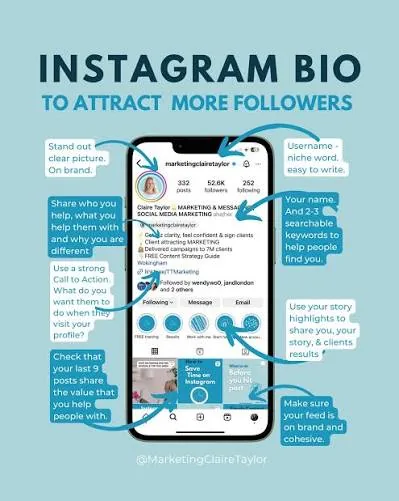
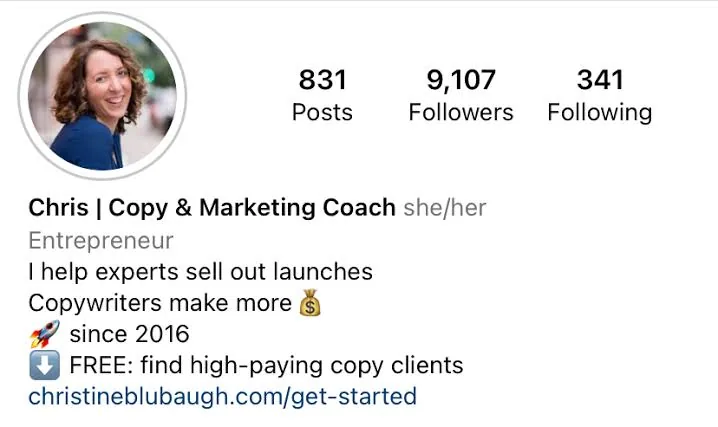
The fastest way to write a bio that converts visitors into followers is a repeatable formula: Identity + Value + CTA — who you are, what you offer (and for whom), and the one action you want next. You get 150 characters, so every word must earn its place.
Line 1: What you do + who it's for Line 2: Proof or personality (a result, credential, or vibe) Line 3: A single clear call-to-action ↓
This pairs perfectly with our deeper walkthrough on optimizing your bio for conversions.
Optimize your Name field for search (Instagram SEO)
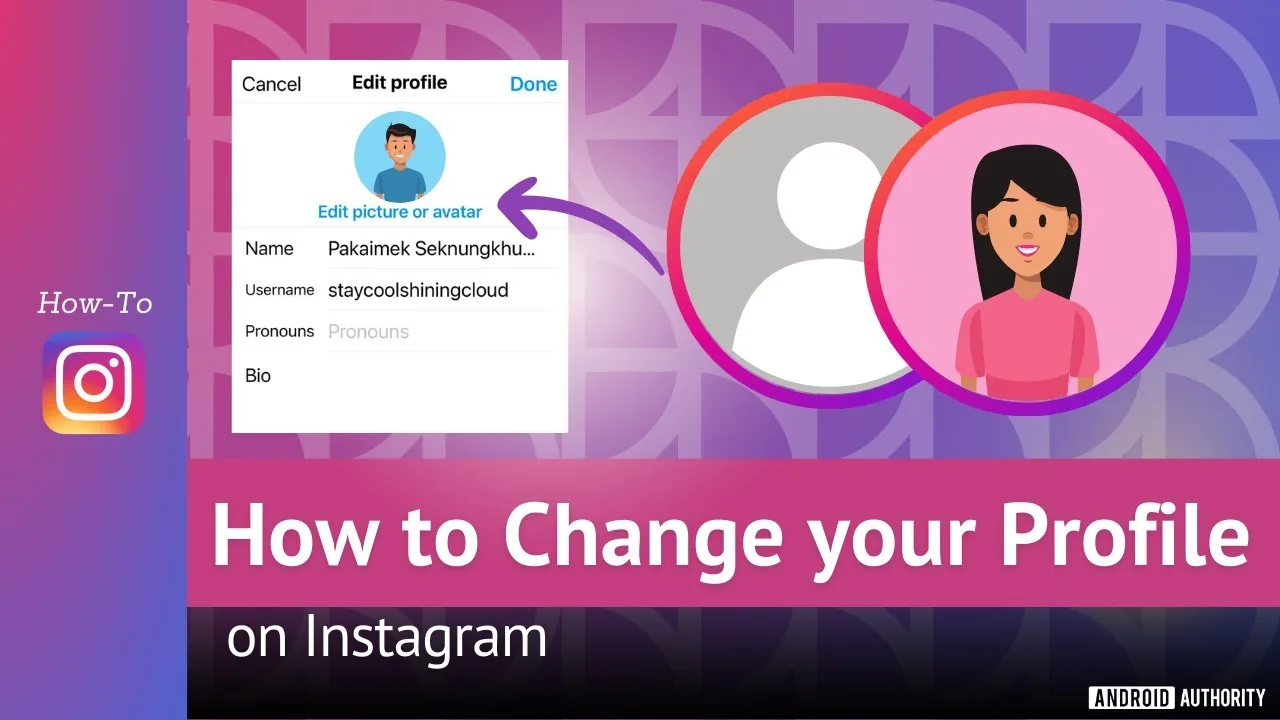
This is the most overlooked lever on your profile. Your Name field (the bold text) is different from your @username. The username is for tagging; the Name field is searchable and weighted heavily by Instagram's search algorithm. Adding a keyword here directly improves discoverability.
Don't just repeat your name — pair it with the term your ideal follower would type. "Maya | Vegan Recipes" ranks far better than "Maya" alone.
Choose keywords around your niche
Instagram search leans on the actual words in your Name field and bio, so keyword choice matters. Work one or two relevant terms — your niche plus a location or specialty — in naturally. Avoid keyword stuffing; it reads as spam and hurts trust. Think of your bio as answering "who is this for and what will they get" in searchable language.
Format with line breaks and emojis
White space makes a bio scannable. Use line breaks to separate identity, value, and CTA. Instagram's in-app editor sometimes strips spacing, so type your bio in your phone's Notes app first, then copy-paste it. Use emojis as visual bullets (📍 location, ✉️ contact, ↓ pointing to your link) — purposefully. One emoji that adds meaning beats five that clutter, and emojis save characters.
Add links and a clear CTA
Instagram now lets you add up to five links directly in your bio (Edit Profile → Links). For more destinations, use a link-in-bio landing page that also gives you click analytics.
Your CTA should ask for one action, not three. Be specific: "Book a free call," "Shop the new drop," or "DM me GUIDE." Keyword CTAs like "DM me PLAN" often convert better than a generic "link in bio." End with a downward arrow (↓ or 👇).
5 bio examples to model
- Fitness coach: "Strength training for women 40+ 💪 No gym, no fad diets. DM me PLAN for a free 4-week program ↓"
- Business coach: "Helping solopreneurs hit $10K/mo 📈 150+ clients coached. Book your free strategy call 👇"
- Photographer: "Portrait & wedding photographer 📸 Based in Austin, TX. Booking 2026 dates — inquire below ↓"
- E-commerce brand: "Handmade ceramic mugs 🍵 Small-batch, shipped worldwide. Shop the new collection 👇"
- Food creator: "Easy vegan recipes 🌱 5 ingredients or less. Grab my free meal-prep guide ↓"
Each names the niche (searchable keyword), offers clear value, and ends with one specific CTA. Once your bio is dialed in, focus on growing your first 1,000 followers.
Frequently asked questions
The Instagram bio has a 150-character limit. Your Name field and username each allow 30 characters separately from the bio.
Sources
Keep reading
More guides to grow your account.