How to Recover a Deleted DM on Instagram (2026)
You can pull deleted Instagram DMs back for up to 30 days using Download Your Information — here's the real recovery process and its limits.
Short answer
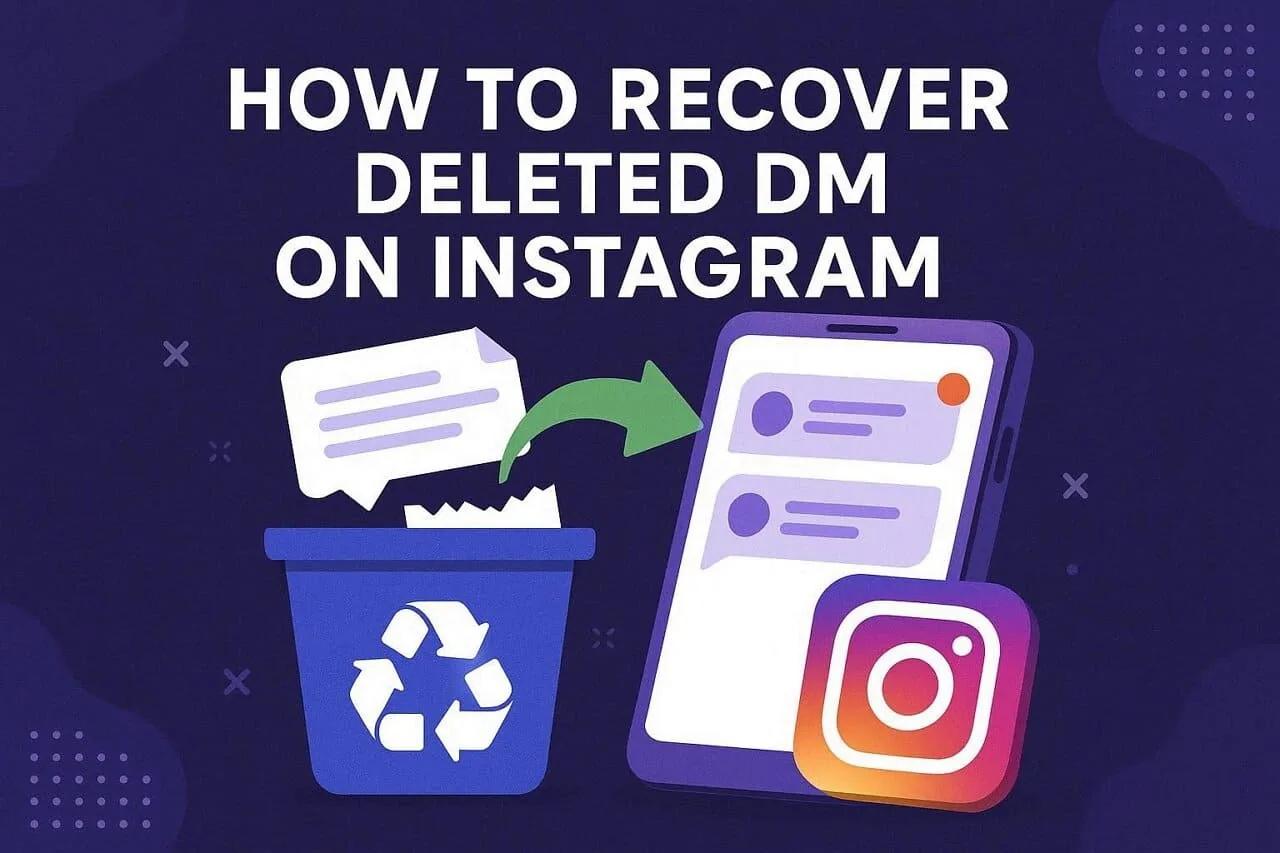
Instagram keeps deleted direct messages on its servers for roughly 30 days, and you can retrieve them through the official Download Your Information tool. After that window closes, the messages are purged for good and no app can bring them back.
Key takeaways
- Instagram stores deleted DMs on backup servers for about 30 days before permanently purging them
- The only official recovery path is Accounts Center > Download Your Information, requesting Messages in JSON format
- Business and creator accounts can also check Meta Business Suite for a separate copy of conversations
- Linked Facebook inboxes sometimes retain a read-only copy of messages that vanished from Instagram
- Never trust third-party apps that ask for your Instagram password to "recover" messages — they are scams
- Act fast: recovery odds drop the longer you wait past the 30-day retention window
How do you recover a deleted DM on Instagram?
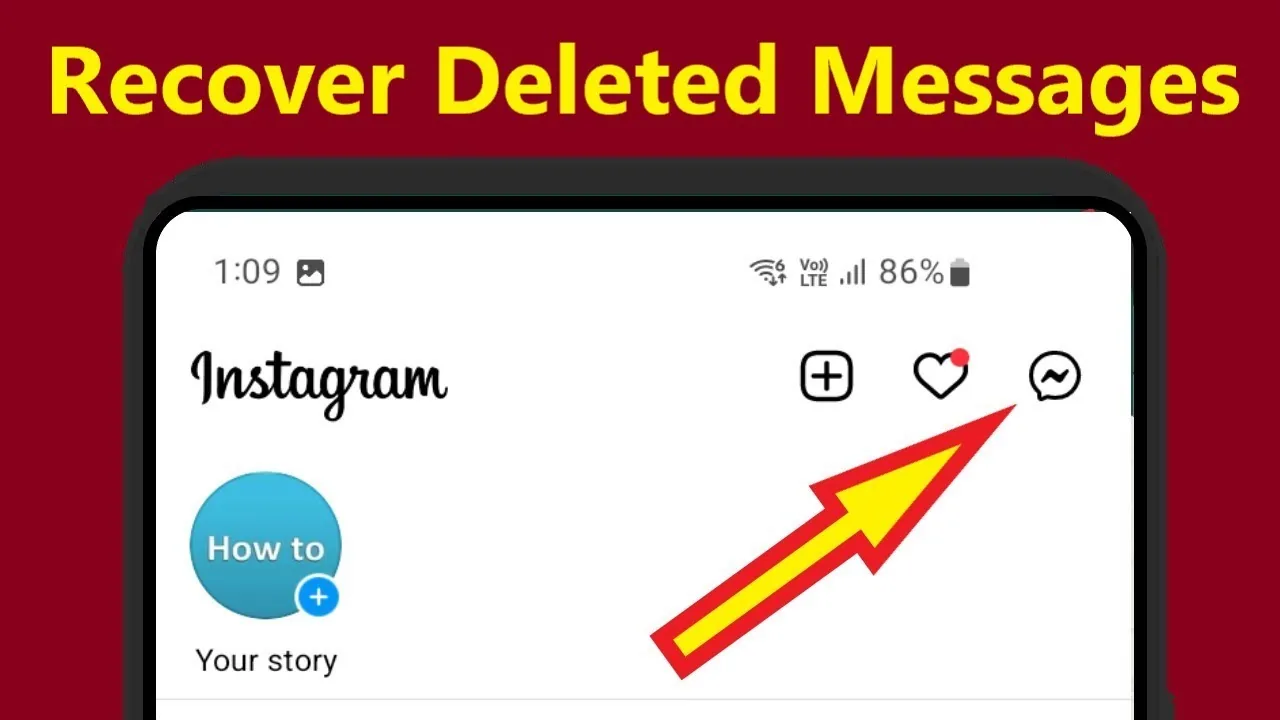
The fastest legitimate route is Instagram's Download Your Information tool, which pulls a backup archive that can still include messages you deleted from the app. Open Instagram, tap your profile picture, go to the menu icon, then Accounts Center, and select Your Information and Permissions. Choose Download or Transfer Information, pick Messages, and request the file in JSON format. Meta typically emails a download link within 24 to 72 hours, and the ZIP file's message folders sometimes include content no longer visible in the app — the same underlying process covered in how to download Instagram chat history.
Why does the 30-day window matter?
Instagram only retains deleted message data on backup infrastructure for up to about 30 days, after which it's purged and unrecoverable. The sooner you request your data, the better your odds — learning how to check DMs on Instagram across linked devices helps you catch a deletion before it's permanent.
Can Meta Business Suite recover messages for business accounts?
Yes, if the deleted DM went to a business or creator account, since Meta Business Suite keeps its own conversation log separate from the Instagram app. Log in at business.facebook.com, open Messages in the sidebar, and scan the list; recovered threads sometimes appear with an archived label instead of disappearing. Worth checking before you're also due for a password reset on that same account.
Is checking a linked Facebook account worth trying?
It can be, since some threads sync to a unified inbox when accounts are connected. Open Facebook Messages and search the sender's name — it won't always work, but it costs nothing to check, the same low-effort logic behind who can see your DM screenshots.
Are third-party DM recovery apps safe to use?
No, most apps claiming instant deleted-message recovery are scams that steal login credentials. Legitimate recovery only happens through Download Your Information or Meta Business Suite, neither of which asks for your password elsewhere — the same caution worth applying before trying to find someone's Instagram through unofficial tools.
| Method | Works after deletion? | Time to access | Best for |
|---|---|---|---|
| Download Your Information | Yes, within ~30 days | 24-72 hours | Personal accounts needing full history |
| Meta Business Suite | Yes, if business/creator account | Immediate | Business DMs and customer messages |
| Linked Facebook inbox | Sometimes | Immediate | Accounts with connected Facebook |
| Third-party recovery apps | No (scam risk) | N/A | Avoid entirely |
Frequently asked questions
How to Recover a Deleted DM on Instagram?
Use Instagram's Download Your Information tool under Accounts Center to request your Messages data in JSON format; Meta emails a download link within 24-72 hours that may include DMs no longer visible in the app.
Is it safe to try recovering a deleted DM on Instagram?
Yes, as long as you stick to Instagram's official Download Your Information feature or Meta Business Suite. Avoid any third-party app or site that asks for your Instagram login.
Does DM recovery work on both mobile and desktop?
Yes, you can request your data through the app or through instagram.com on desktop, and the resulting archive is identical either way.
Do I need a business or creator account for this?
No, any account type can use Download Your Information, though business and creator accounts also have Meta Business Suite as a backup option.
What if my deleted DM is older than 30 days?
Once the roughly 30-day retention window passes, the message is generally purged from backup servers and cannot be recovered through any official method.
Can I recover a DM the other person deleted, not me?
If they deleted it only on their end, it likely still exists in your inbox. If both parties deleted it, you'd need your own data export, similar to the trail left when someone learns how to delete Instagram messages in the first place.
How long does a data download request take?
Most requests are ready within 24-72 hours, though it can take longer during busy periods. The download link expires about 4 days after Instagram notifies you.
Will recovering old DMs affect my account security?
No, requesting your own data through Accounts Center is built-in and doesn't put your account at risk, unlike third-party tools that request your password directly.
Can I recover deleted DMs if my account was later deleted or disabled?
It's much harder — you'd first need to restore the account within the deactivation window, and message retention still follows the same roughly 30-day rule.
What's the difference between archiving and deleting a DM?
Archiving hides a conversation but keeps it fully intact and reversible. Deleting removes it from your inbox and starts the countdown toward permanent purging, which is why some people prefer checking whether Instagram notifies screenshots of a DM instead of deleting sensitive messages outright.
Frequently asked questions
Use Instagram's Download Your Information tool under Accounts Center to request your Messages data in JSON format; Meta emails a download link within 24 to 72 hours that may include DMs no longer visible in the app.
Sources
Keep reading
More guides to grow your account.