Does Instagram Notify When You Screenshot a DM?
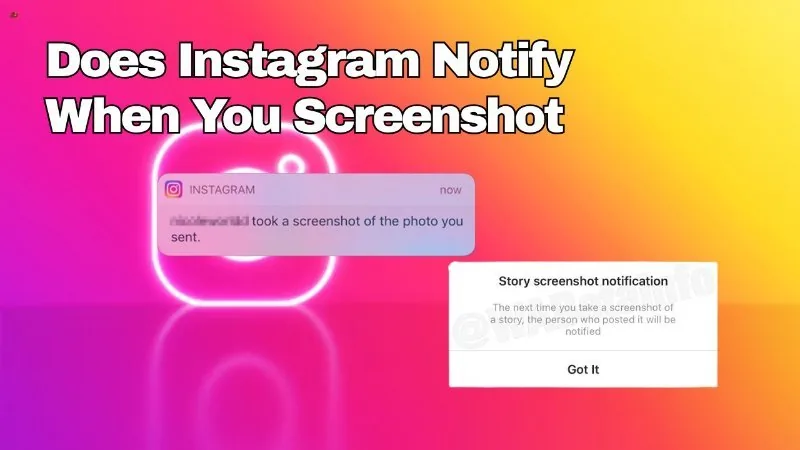
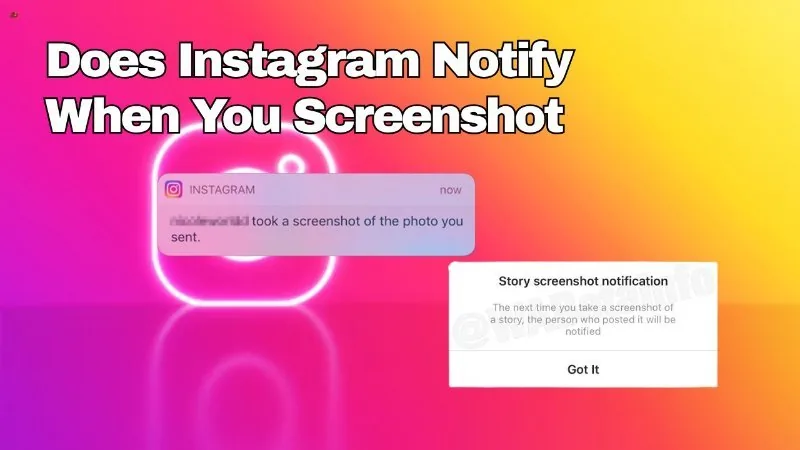
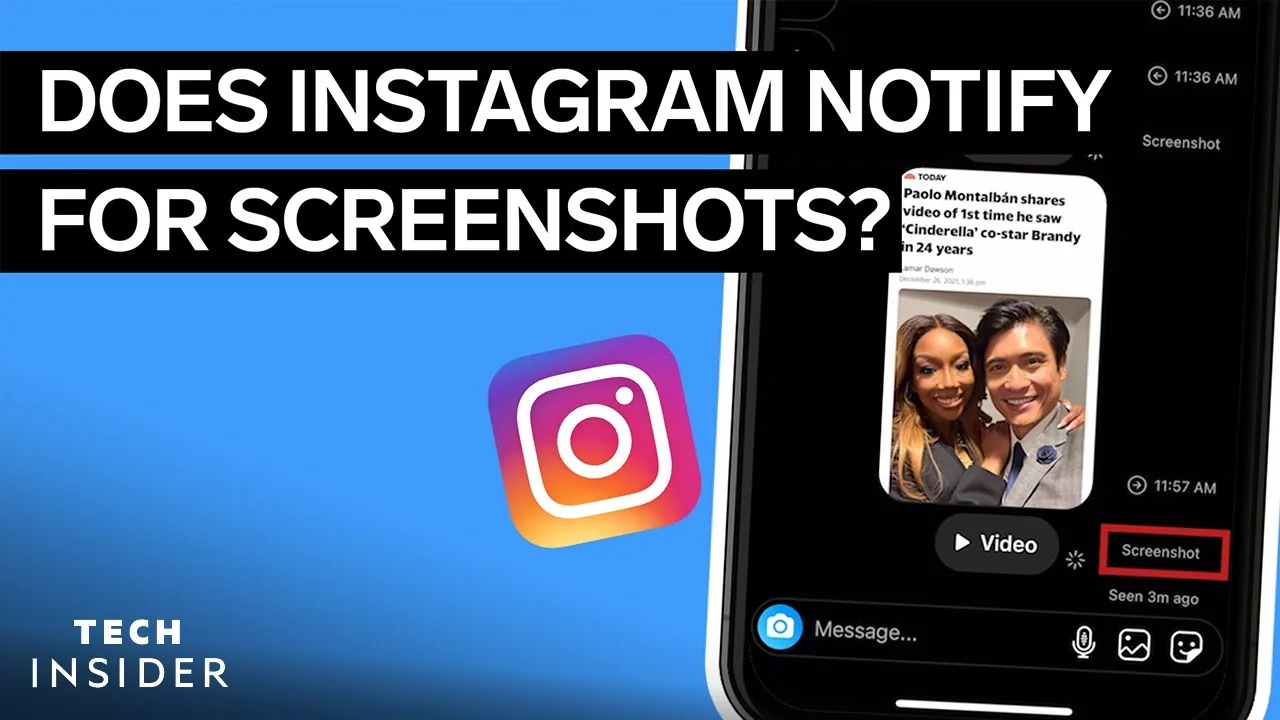
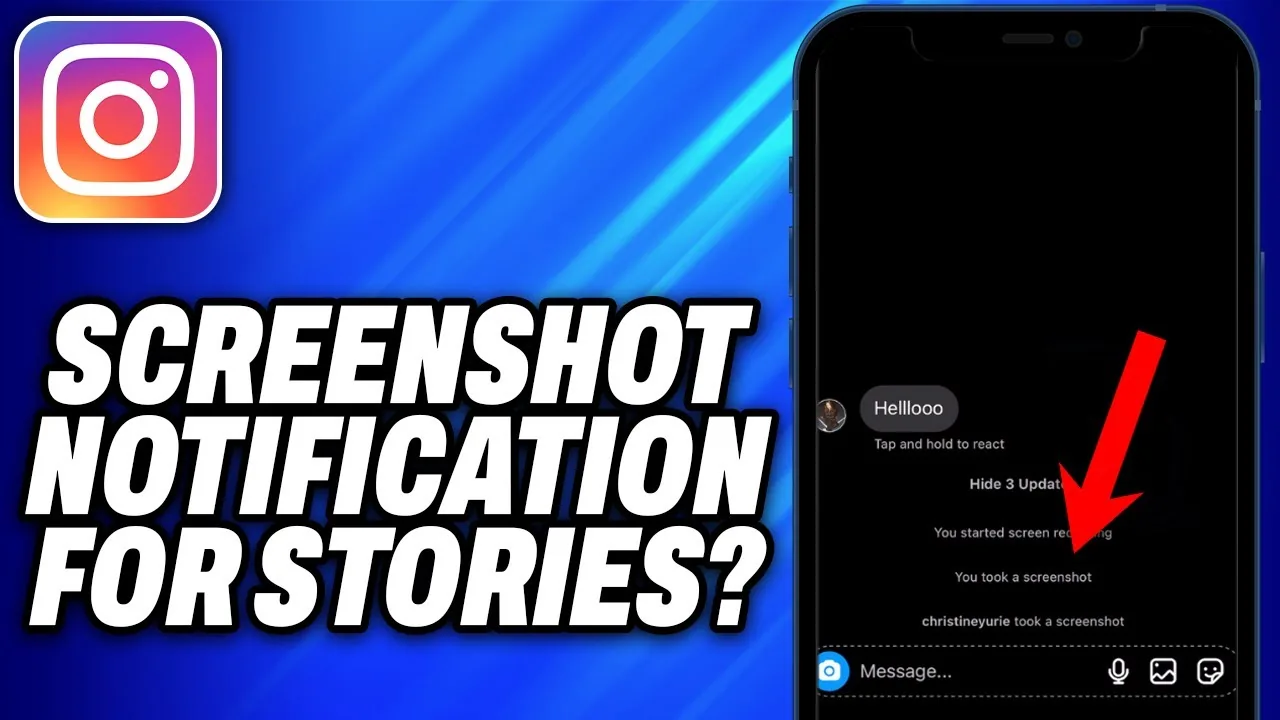
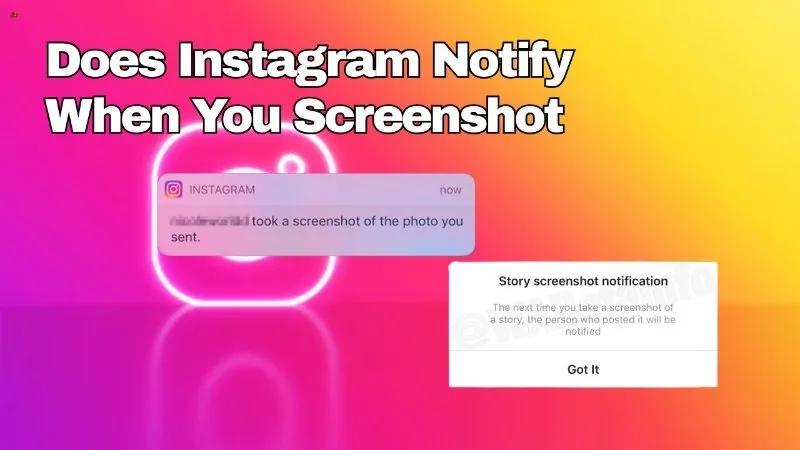
No — Instagram does not alert someone when you screenshot a regular DM conversation. The one exception is disappearing "view once" photos and videos sent in chat, where the sender is told if you screenshot or screen-record it.
Short answer
Screenshotting a normal Instagram DM thread — text, photos, memes, voice notes — sends no alert to the other person. Only disappearing view-once media triggers a screenshot notice.
Quick answer
Go ahead and screenshot that funny reply or save a photo someone sent you in a normal Instagram chat — no notification goes out. Instagram only tells the sender when you screenshot or screen-record a disappearing ('view once') photo or video. Everything else in DMs — text, regular photos, voice notes, shared posts — can be captured silently.
Key takeaways
- Regular DM messages (text, standard photos/videos, shared Reels, voice memos) can be screenshotted with zero notification
- Only disappearing/view-once media sent in chat triggers a screenshot alert to the original sender
- Screen recording a view-once message triggers the same alert as a screenshot
- This is one of the few genuinely accurate 'Instagram tells on you' rules — most other screenshot myths are false
- People often assume Instagram works like Snapchat, where every screenshot in every chat gets flagged — it doesn't
Why people mix this up
A lot of the confusion around screenshotting DMs traces back to Snapchat habits. Snapchat built its entire reputation on screenshot alerts — take a screenshot of practically anything in a Snapchat conversation and the other person finds out instantly. Instagram never adopted that blanket approach. When Meta added disappearing photos and videos to Instagram direct messages, it borrowed the 'you'll get caught' mechanic specifically for that one feature, not for chat as a whole. So if you're used to Snapchat's rules and casually screenshot a normal Instagram conversation expecting the same warning to fire, you're applying the wrong app's logic — Instagram simply doesn't watch regular chat that closely.
What actually triggers the alert
The notification only fires for media sent using the disappearing message option — the one where the photo or video is meant to vanish after it's viewed (sometimes called 'view once' or vanish mode). If someone sends you one of those and you screenshot it, or use your phone's screen recorder to capture it, Instagram tells them a screenshot or recording happened. That's it. A regular photo attached in chat, a voice message, a shared post link, a text exchange about weekend plans — none of that carries any screenshot detection.
Common mistakes to avoid
- Assuming that because Snapchat flags everything, Instagram must too — it doesn't
- Confusing view-once DM media with regular photos sent in the same thread — only the former is tracked
- Forgetting that screen recording a view-once message is treated the same as a screenshot
- Treating this behavior as fixed forever — Meta has adjusted messaging privacy features before and could again
Tips
- If privacy matters for a specific photo or video, send it as a disappearing message rather than assuming a regular one is automatically private
- Keep your Instagram app updated, since messaging features and their behavior can shift between versions
- When in doubt about a specific edge case, check Instagram's own Help Center rather than relying on word of mouth
Frequently asked questions
Not for regular messages. Instagram only sends a screenshot notification when someone screenshots a disappearing (view-once) photo or video sent in chat.
Sources
Keep reading
More guides to grow your account.