How to Edit Bio on Instagram: Formatting and Links
A step-by-step guide on how to edit and format your Instagram bio in 2026, add multiple links, and choose categories.
Short answer
Edit your Instagram bio by clicking Edit Profile on your profile tab, selecting Bio, entering your text, and saving changes. You can add up to 5 external links and select a profile category to clarify your brand statement.
Key takeaways
- The Instagram bio is limited to exactly 150 characters, excluding profile category fields.
- You can add up to 5 external clickable links directly via the Link settings screen.
- Formatting bio text with line breaks requires editing the text in the app or a notes pad.
- Profile categories (e.g. Creator, Entrepreneur) require switching to a Professional account.
- Adding hashtags or profile tags (@username) creates clickable links inside your bio text.
How do you edit your bio on Instagram?
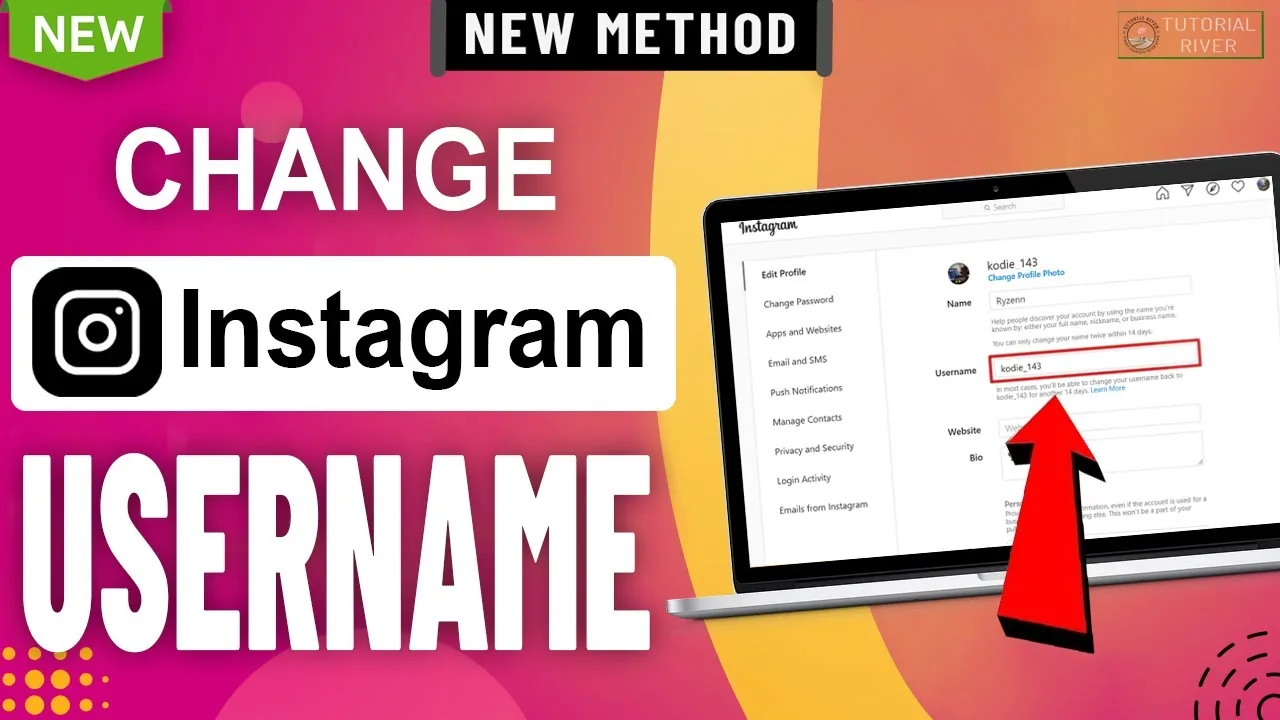
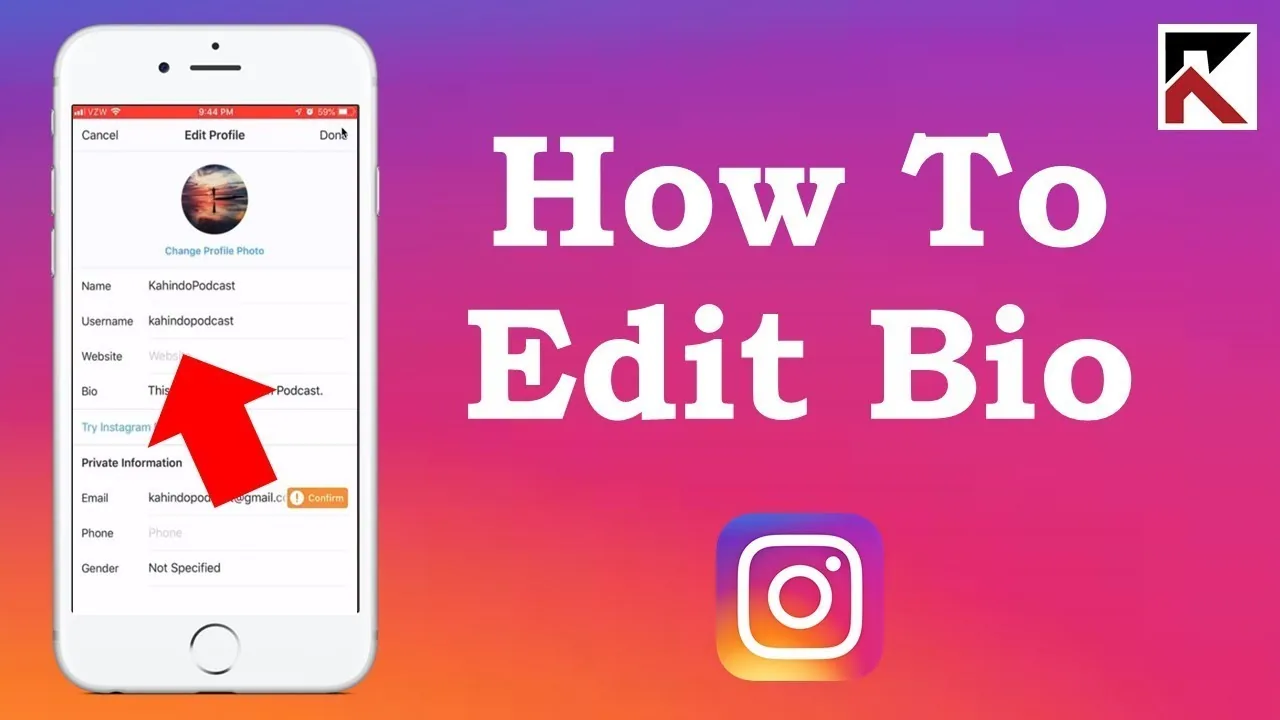
You can edit your Instagram bio by selecting Edit Profile under your avatar, tapping the Bio text field, writing your content, and saving changes. This updates your public description immediately.
To make a change, open the Instagram app, tap your profile icon, and select the Edit Profile button. Tap Bio to enter the editor, type your new description, and tap the checkmark icon to confirm. If you want to check how your description aligns with target keyword patterns for SEO, read the Instagram algorithm explained guide.
Optimizing your bio is essential for turning visitors into followers. If you are starting an Instagram growth guide, your bio is your elevator pitch; consult how to write Instagram bio for formulaic writing models. A strong profile description keeps your presentation clean.
How do you add multiple links to your profile?
To add multiple links, open the Edit Profile screen, tap Links, choose Add external link, paste the URL, and write a descriptive title. You can add up to five external links natively.
Historically, users had to use third-party tools to stack links in their profile. Natively managing multiple links displays a clean dropdown link list when a visitor clicks your primary link. When designing your landing options, check how upload settings can coordinate with link traffic; consult how to post on Instagram to align calls to action.
| Setting option | Character limit | Formatting options | Visibility controls |
|---|---|---|---|
| Bio description | 150 characters | Emojis, hashtags, mentions | Public (always visible) |
| External links | 5 URLs | Customizable link titles | Public (always visible) |
| Profile category | Not applicable | Standard pre-selected labels | Optional toggle hide |
| Business contact | Not applicable | Phone, email, address | Toggle display option |
For accounts focused on security, you can secure your profile configuration to hide your posts. For feed curation, you can check how to hide following list or learn to repost on Instagram natively. If the app is too distracting, you can disable account temporarily or review the how to delete Instagram account guides.
How do you format line breaks, hashtags, and mentions?
To format line breaks, write your bio text inside a notes editor using the return key for line spacing, then copy and paste the text into the Instagram bio text box.
If you type line breaks directly in the mobile app, Instagram's interface can sometimes ignore them and compress the text into a single line. Mentions and hashtags must be prefixed with '@' or '#' symbols to activate as links. This routes visitors to other profiles or tags you manage.
Formatting is highly important for profile conversion. If your app is glitching during copy-paste operations, you can clear app cache on your phone to refresh device settings. This ensures the app processes the pasted unicode format correctly.
What safety and visibility rules apply to profiles?
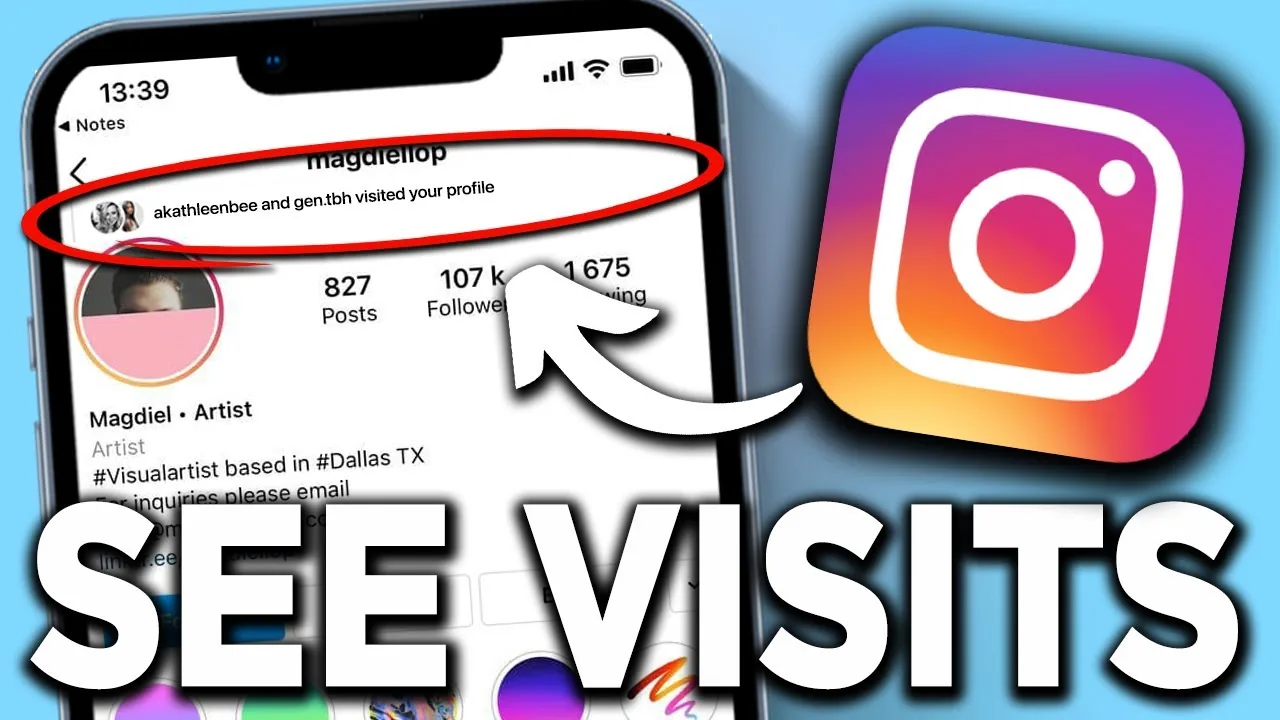
Changing your bio does not trigger notifications to your followers, but the text is immediately public even if your account is private. Meta does not notify you when someone views your bio.
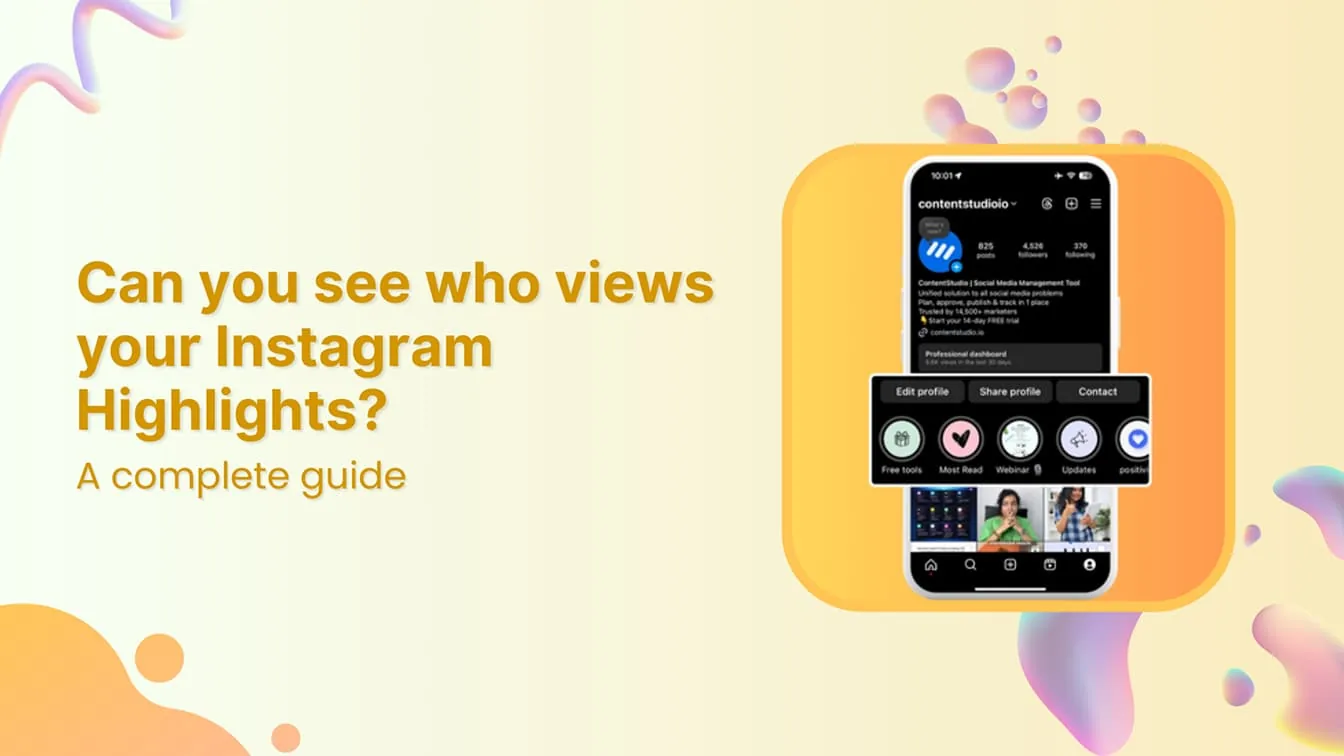
Any user who opens your profile can read your bio and click your links. If you are worried about who is tracking your updates, read does Instagram show screenshots or look into whether does Instagram have profile views to understand visitor tracking capabilities.
Frequently asked questions
The bio is limited to exactly 150 characters. This character count includes spaces, letters, numbers, and emojis.
Sources
Keep reading
More guides to grow your account.