How to Reactivate Instagram After Deactivation
Reactivate a temporarily deactivated Instagram account by logging back in, and distinguish deactivation from deletion, disability and account compromise.
Short answer
Reactivate a voluntarily deactivated Instagram account by logging back in with its username, email or phone and password. This does not restore a permanently deleted account or bypass a platform disability; those cases require different official flows.
Key takeaways
- Logging back in reactivates an account you temporarily deactivated.
- Temporary deactivation hides the profile, photos, comments and likes until reactivation.
- A disabled-account message means Instagram took action and may offer a review process.
- An account deleted by you or someone with your password cannot be restored through reactivation.
- Use instagram.com/hacked if access changed or someone else controlled the account.
How do you reactivate a deactivated Instagram account?
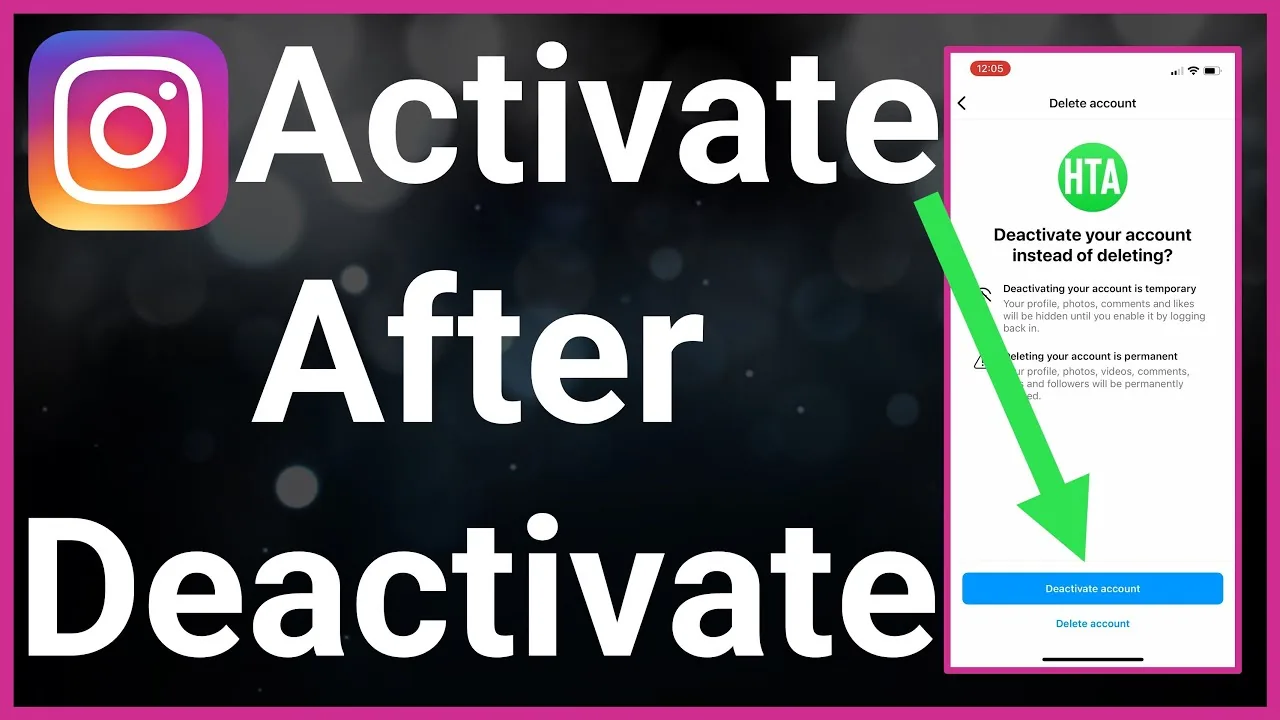
Reactivate a temporarily deactivated Instagram account by logging in again through the official app or instagram.com. Enter the same username, email address or phone number and password associated with the account, then complete any security check. Instagram’s Help Center states that a voluntarily deactivated profile, photos, comments and likes remain hidden until you log back in. Do not create a replacement account before confirming the original status.
For the neighboring workflow, use How to Delete Your Instagram Account before changing another setting. The related guide to How to Delete an Instagram Account Permanently explains the control users most often confuse with this one.
Why can’t you reactivate Instagram immediately?
Reactivation may fail because the deactivation has not finished processing, the password is wrong, the username changed, the app is cached or the account is disabled rather than deactivated. Wait briefly, try instagram.com and use the official password reset if needed. Repeated login attempts can trigger security checks, so do not keep guessing. Check the exact message on screen; it is the best clue to the correct recovery route.
- Open the official Instagram app or instagram.com.
- Enter the original username, email or phone and password.
- Complete any security or identity confirmation.
- Wait for the profile and content to refresh.
- Review privacy, login activity and two-factor authentication before posting.
If your goal is broader account management, How to Disable Instagramin 2026 is the practical next step. You can compare the result with Instagram Customer Service Number 24/7: Does It Exist? so you do not solve the wrong problem.
Is the account deactivated, disabled or deleted?
A deactivated account was hidden voluntarily and normally returns after login. A disabled account shows a platform message and may allow an appeal or review. A deleted account has entered permanent removal and cannot be restored through ordinary reactivation once deletion is complete. A hacked account may look missing because the username, email or password changed. These states require different actions and should not be treated as synonyms.
| Account state | Normal sign | Correct next step |
|---|---|---|
| Temporarily deactivated | Profile hidden after your choice | Log back in |
| Disabled | Instagram displays a disabled message | Request review if offered |
| Deleted | Deletion was confirmed or completed | Cannot reactivate after completion |
| Compromised | Credentials or profile changed unexpectedly | Use instagram.com/hacked |
Read the exact login message before choosing a recovery method.
For a safer fallback, follow How to Clear Instagram Cache on iPhone and Android instead of handing credentials to an unknown service. Creators should also review How to Make Instagram Private in 2026: Steps and Limits because the same choice can affect reach or presentation.
What returns after reactivation?
The profile and retained photos, comments and likes become visible again according to the account’s privacy settings. Some feeds, follower counts, notifications or cached search results can take time to refresh. Connected apps and scheduled workflows should be reviewed rather than assumed to resume safely. If the break was for privacy or wellbeing, change notifications, activity status and contact settings before returning to normal use.
- Use only official Instagram or Meta recovery pages.
- Never pay a stranger to reactivate or unban an account.
- Do not share a login link or two-factor code.
- Review connected apps after a long inactive period.
The platform behavior makes more sense alongside How to Know If Someone Blocked You on Instagram. For the privacy side of the decision, read How to Turn Off Active Status on Instagram and keep the two settings separate.
How do you reactivate a disabled account?
You do not reactivate a disabled account by repeatedly logging in. Instagram says a disabled account displays a message and may let you request review by entering credentials in the app and following the on-screen instructions. Submit truthful information only through official Meta or Instagram pages. People selling “unban” access in DMs do not have a legitimate back door and often steal money or credentials.
- Reset the password using the original contact method.
- Try instagram.com if the app loops or caches an old screen.
- Use the disabled-account review only when that message appears.
- Visit instagram.com/hacked for unexpected credential or profile changes.
A complete setup also benefits from How to Turn Off Read Receipts on Instagram in 2026, especially after an app update. When this action changes what other people see, Instagram Profile Viewer: Can You See Who Viewed Your Profile? provides useful context.
How can you return safely after a break?
Return safely by changing a reused password, enabling two-factor authentication, reviewing login activity and removing unfamiliar connected apps. Confirm the email address and phone number still belong to you. Recheck privacy, Story audience, mentions, tags and message requests before publishing. If deactivation was part of a wellbeing break, turn on Sleep mode or limit notifications instead of relying on repeated weekly deactivation.
Frequently asked questions
Log back into the temporarily deactivated account with its usual credentials. Complete any security check Instagram presents.
Sources
Keep reading
More guides to grow your account.