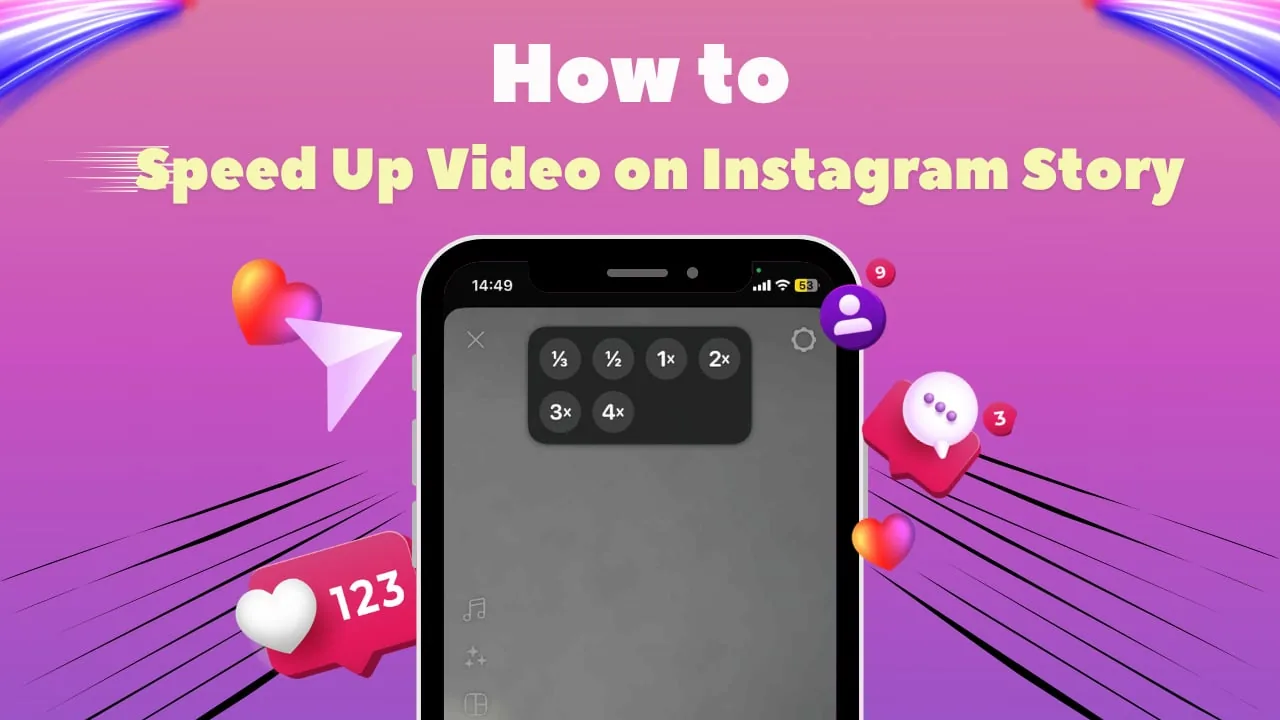
How to Post a Video on Instagram (Feed, Reels, Story)
Learn how to upload a video to your Instagram feed, turn it into a Reel, or share it to your Story, plus the length limits for each format in 2026.
Short answer
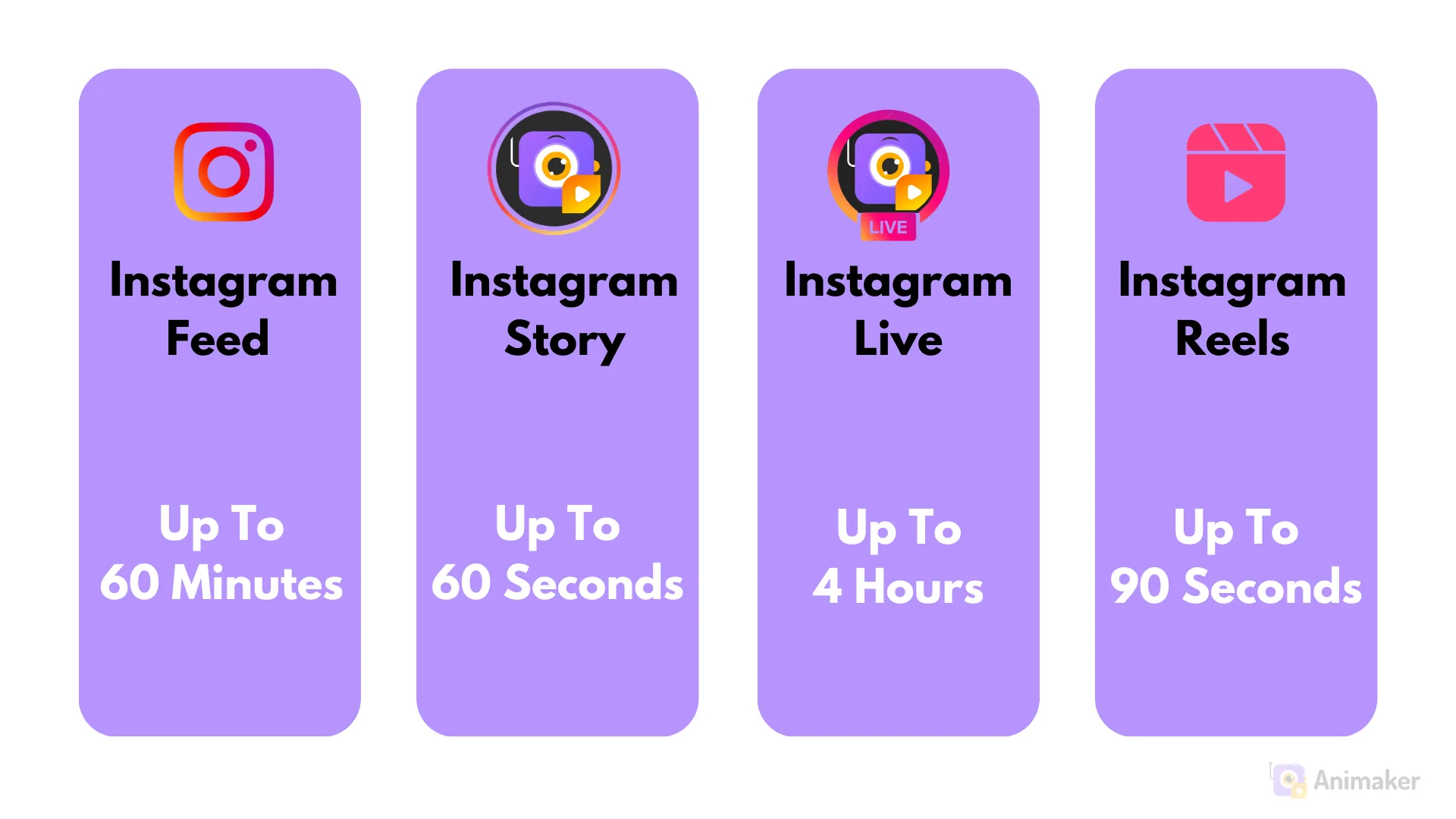
To post a video on Instagram, tap the plus icon, select your video, choose whether it goes to your feed, Reels, or Story, then edit and share. Feed videos can run up to 60 minutes on desktop, but mobile uploads over about 15 minutes are usually converted into Reels automatically.
Key takeaways
- Tap the plus icon on the app, pick a video, then choose Post, Reel, or Story before sharing
- Feed videos can technically run up to 60 minutes long, but that requires uploading from Instagram Desktop
- Mobile uploads longer than about 15 minutes are usually auto-converted into Reels
- Only the first roughly 60 seconds show in the main feed before viewers must tap to watch more
- Shorter videos, generally 15 to 30 seconds, tend to see stronger engagement in the feed
- You can add music, captions, filters, and covers to any video format before posting
How do you post a video to your Instagram feed?
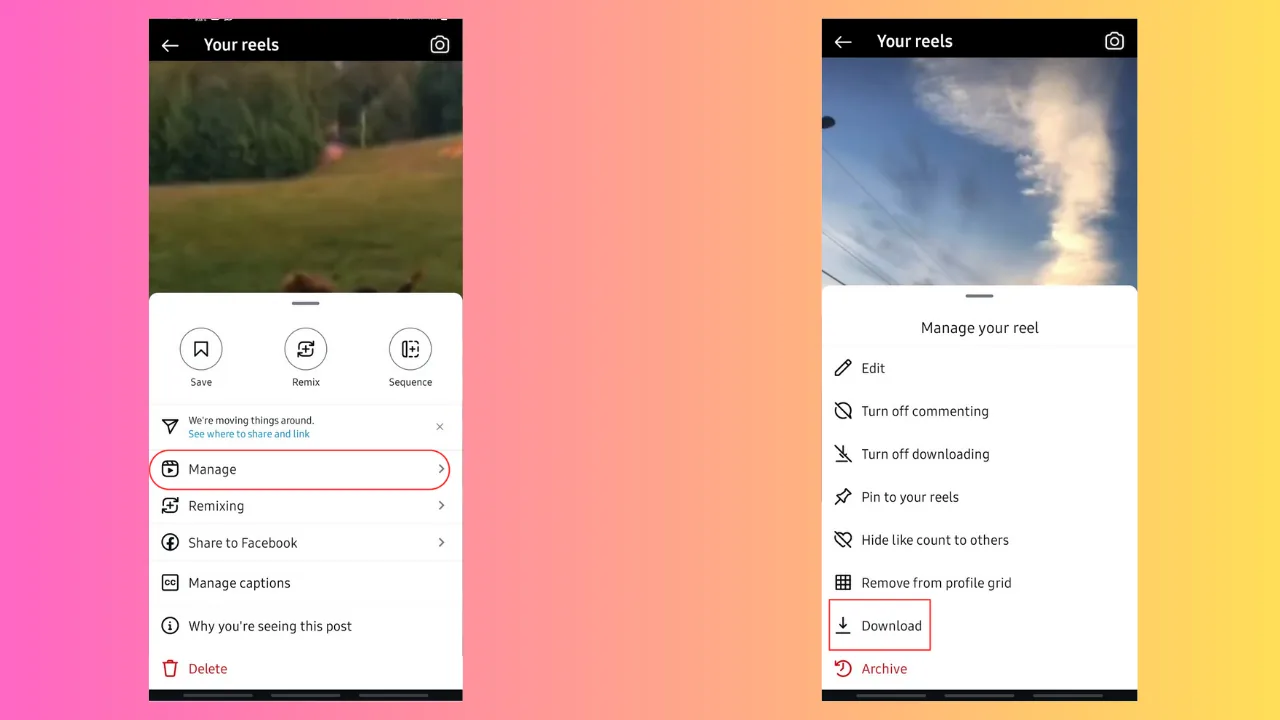
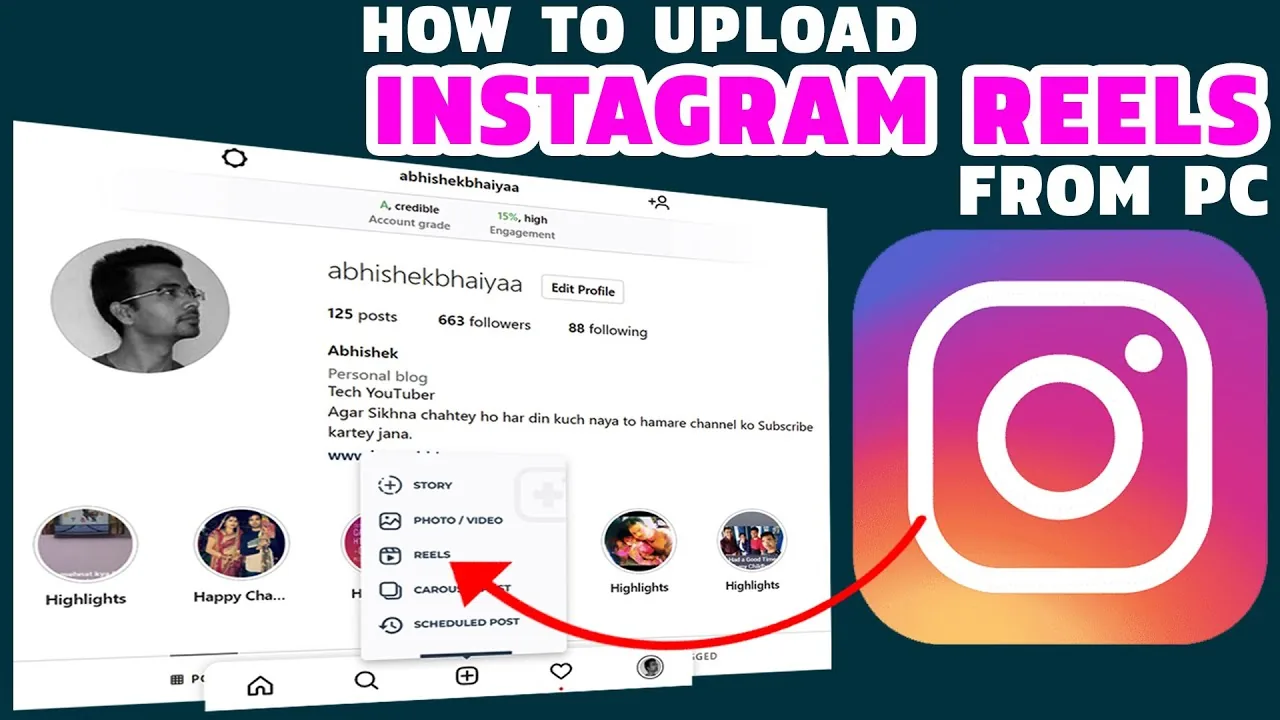
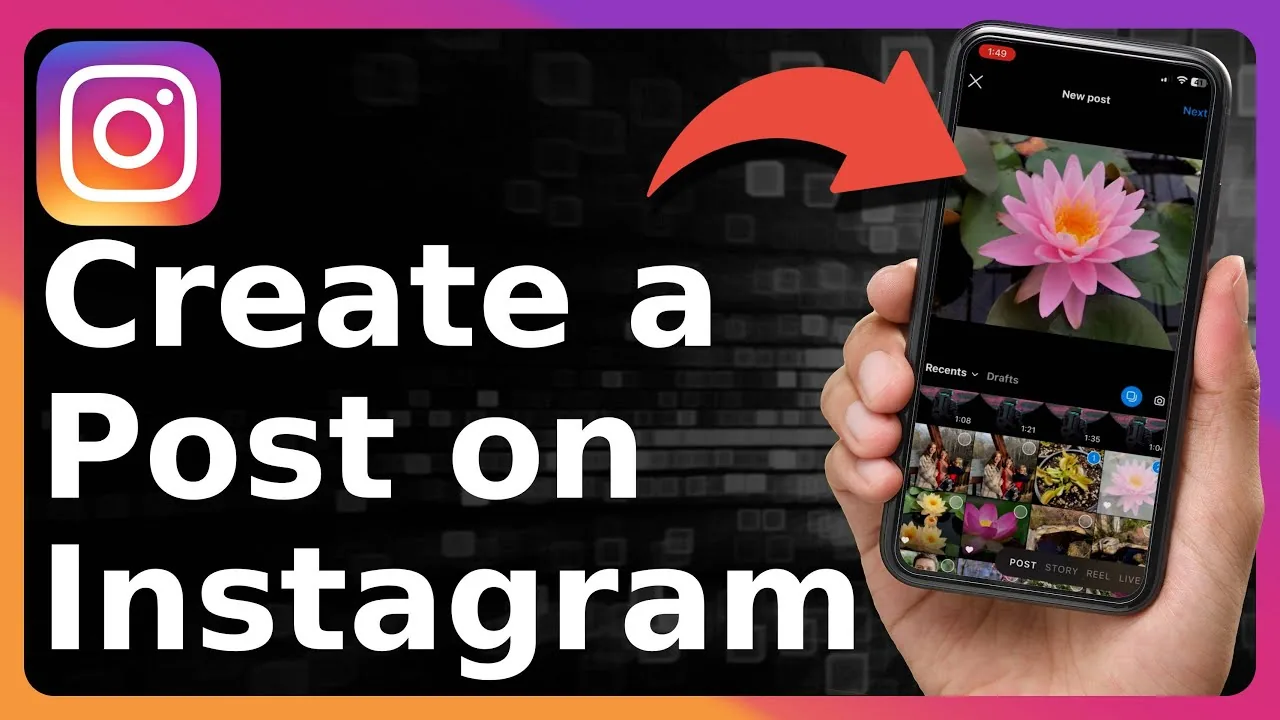
Tap the plus icon at the top or bottom of the app, select a video from your camera roll or record a new one, then choose Post as the format before tapping through the editing screens. You'll be able to trim the clip, add a cover image, write a caption, and tag people before sharing it to your main feed.
If you're uploading a longer video meant to stay in the traditional feed format rather than become a Reel, it's best to do this from Instagram Desktop, since mobile automatically reroutes longer clips. For general upload mechanics across formats, see how do you add videos to instagram for a broader rundown.
What's the maximum length for a video on Instagram?
Feed videos can run up to 60 minutes when uploaded through Instagram Desktop, though performance strongly favors much shorter clips. On mobile, uploads longer than roughly 15 minutes typically get automatically processed and published as Reels instead of traditional feed posts.
Even within that 60-minute ceiling, only about the first 60 seconds display automatically in the main feed — viewers have to tap "watch more" to see the rest. If you're planning a long-form video, check how long can instagram reels be to compare against the Reels format specifically, since the two systems now overlap heavily.
Should you post a video as a Reel instead of a feed post?
In most cases, yes — Reels generally get significantly more distribution than traditional feed video posts, since Instagram's discovery algorithm favors the Reels format for reach. To post a video as a Reel, select Reel instead of Post on the upload screen, then use the editing tools for trimming, audio, and text overlays.
If you're aiming for a punchy hook that keeps people watching, the structure covered in viral reels hook formula applies directly here, since the first few seconds determine whether Instagram keeps recommending your video to new viewers.
Can you post a video to your Story instead?
Yes — select Story on the upload screen, or swipe right from the main feed to open the Story camera directly, then choose a video from your gallery or record a new clip. Story videos longer than a minute or so get automatically split into multiple Story segments that viewers tap through in sequence.
Stories are a good option for casual, lower-effort video content that doesn't need to stay on your profile permanently. For managing what happens after you post, see what does archived mean on instagram to understand where your video content ends up once the Story expires.
What file formats and specs does Instagram accept for video?
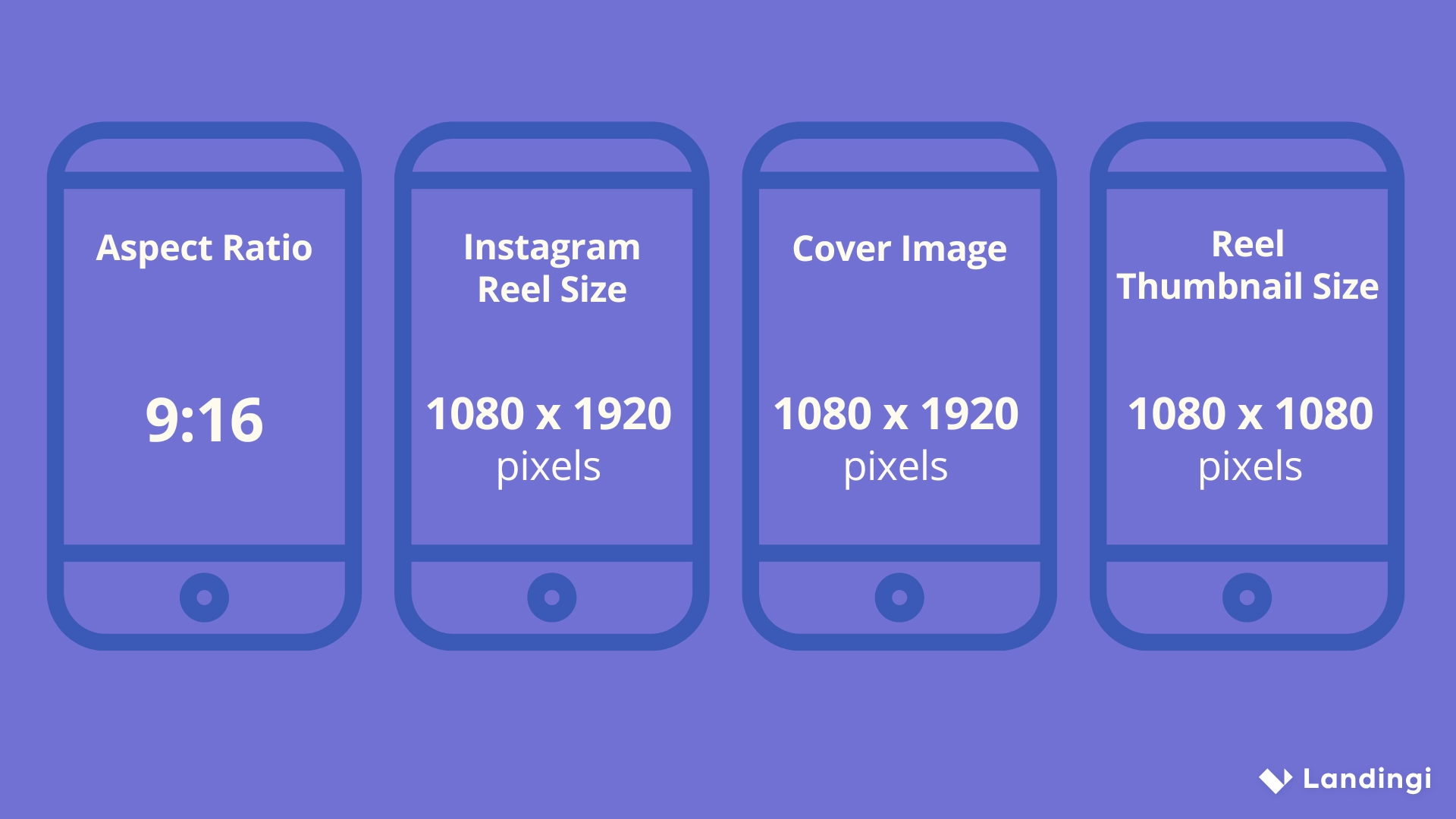
Instagram generally accepts MP4 and MOV files, with a strong preference for vertical 9:16 video for Reels and Stories, and square or vertical formats for feed posts. Videos with a resolution of at least 1080 pixels tend to look sharpest, and keeping file sizes reasonable helps avoid long upload times or compression artifacts.
Matching the right aspect ratio to the right placement matters more than most creators realize — see what aspect ratio is instagram for a breakdown of exact dimensions across feed, Reels, and Stories. If you're building out a content pipeline rather than posting one-off clips, content calendar batch week can help you plan multiple videos across formats at once.
How do the three video formats compare?
| Format | Max length | Best upload method | Typical reach |
|---|---|---|---|
| Feed post | Up to 60 min (desktop) | Desktop for long clips | Moderate, limited by feed algorithm |
| Reel | Up to 3 minutes | Mobile app | Highest, favored by discovery algorithm |
| Story | Auto-splits after ~1 min per segment | Mobile app | Followers only, 24-hour lifespan |
Conclusion
Posting a video on Instagram comes down to picking the right format for your goal — feed for permanence, Reels for reach, and Stories for quick, casual updates. Keep an eye on length limits and aspect ratios for each format, and lean toward shorter, hook-driven clips if discovery is your priority.
Frequently asked questions
Tap the plus icon, select your video, choose Post as the format, then edit, add a caption, and share. Longer videos are best uploaded from Instagram Desktop.
Sources
Keep reading
More guides to grow your account.