What Does Restrict Mean on Instagram? (2026 Guide)
Instagram Restrict quietly limits someone’s comments, messages and activity visibility without notifying them. Learn what changes and what does not.
Short answer
Restrict is a quiet boundary-setting tool. A restricted person cannot see your online or read status, their new comments are hidden from everyone else until you approve them, and their messages move to requests without notifying them.
Key takeaways
- Instagram does not notify a person when you restrict or unrestrict them.
- Restricted accounts cannot see when you are online or whether you read their messages.
- Their new comments are visible only to them until you approve, delete or ignore them.
- Restricted chats move from the main Direct inbox to Message Requests.
- Restrict does not unfollow, block or hide all of your public content from the person.
What happens when you restrict someone on Instagram?
Restrict quietly reduces how an account can interact with you without fully cutting contact. The account’s new comments are hidden from other people unless you approve them, its messages move to requests, and it cannot see your activity or read status. The person is not notified. Restrict is therefore useful when you want distance, evidence or moderation control without the visible break created by blocking.
For the neighboring workflow, use How to Make Instagram Private in 2026: Steps and Limits before changing another setting. The related guide to How to Hide Your Instagram Followers: What's Possible? explains the control users most often confuse with this one.
How do you restrict or unrestrict an account?
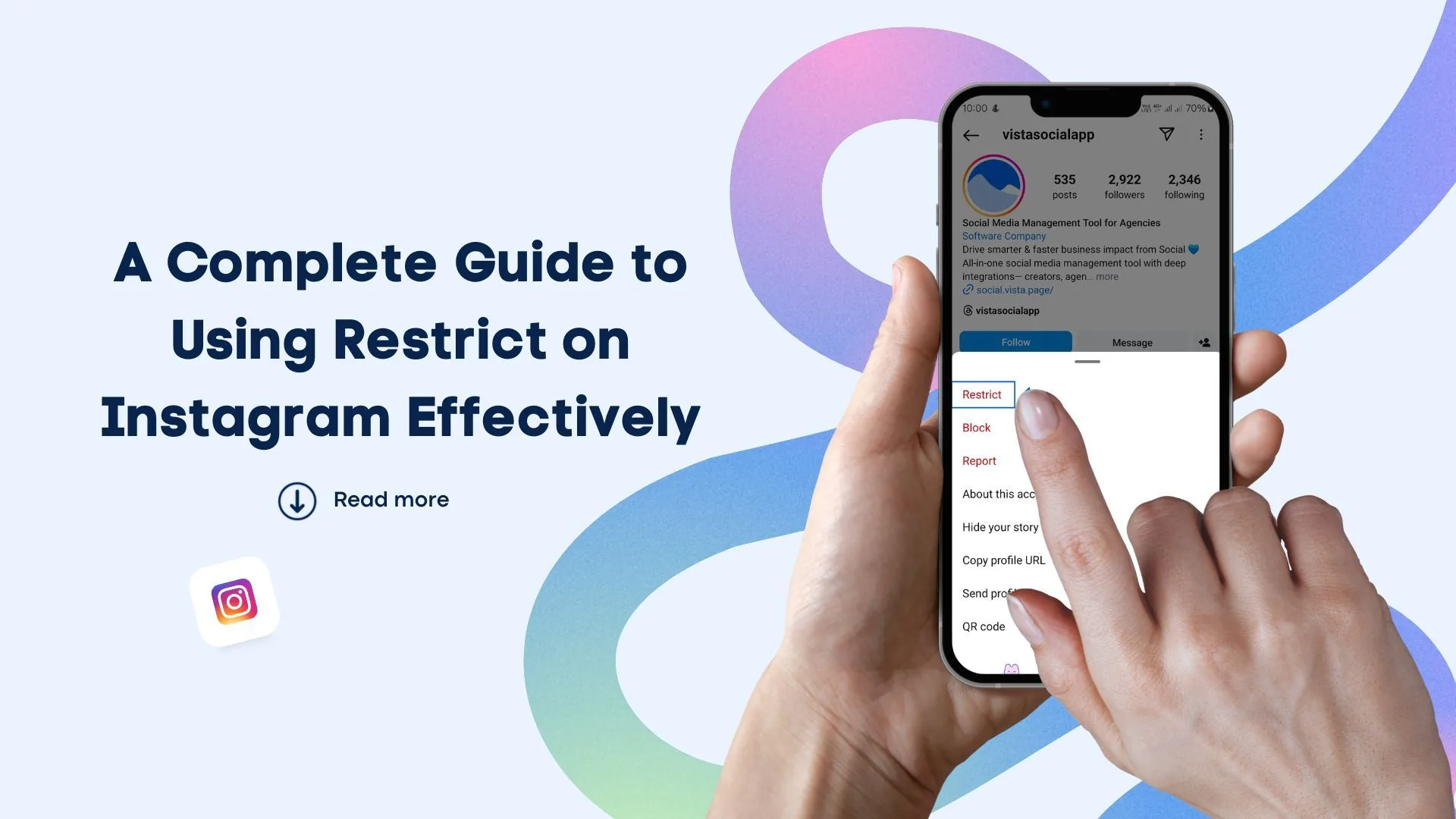
You can restrict an account from its profile, a comment, a chat or the Restricted list in settings. The exact menu label may move, but Instagram’s official flow is designed to be reversible. Review the account first so you do not restrict a lookalike by mistake. Unrestricting restores normal routing for future interactions, but it does not automatically approve comments you previously left hidden.
- Open the person’s profile, comment or chat.
- Open the options menu and choose Restrict.
- Confirm the action and check the Restricted list in settings.
- Review any future comments before approving them publicly.
- Use Unrestrict from the same surfaces when you want normal interaction again.
If your goal is broader account management, Does Instagram Have Profile Views? The 2026 Answer is the practical next step. You can compare the result with Does Instagram Show Screenshots? 2026 Notification Guide so you do not solve the wrong problem.
How is Restrict different from Block and Mute?
Restrict controls comments, message routing and visibility of your status; Block prevents much broader contact; Mute changes what you see without changing the other person’s access. These tools solve different problems. Use Restrict for low-conflict boundaries, Mute for feed noise and Block for unwanted access or harassment. Reporting is separate and should be used when content or behavior may violate platform rules.
| Control | What changes | Are they notified? |
|---|---|---|
| Restrict | Comments, message routing, active/read status | No |
| Mute | What you see in Feed, Stories or Notes | No |
| Block | Access, contact, mentions and tags | No direct notice |
| Report | Sends content or account for review | No direct notice |
A person may infer that a control changed, but Instagram does not send a Restrict notification.
For a safer fallback, follow How to Know If Someone Blocked You on Instagram instead of handing credentials to an unknown service. Creators should also review How to Mute Someone on Instagram because the same choice can affect reach or presentation.
Can a restricted person still see your Instagram?
A restricted person can still see content they were already allowed to view. If your account is public, they can generally see public posts; if it is private and they are an approved follower, Restrict does not remove them. They may also mention you unless another control prevents it. Restrict is not a secrecy tool, and it does not make Stories or profile information invisible.
- Restrict does not remove an approved follower.
- Existing public comments may need separate moderation.
- Group chats can expose interactions that one-to-one controls do not.
- Use reporting or emergency help for credible threats.
The platform behavior makes more sense alongside How to Turn Off Active Status on Instagram. For the privacy side of the decision, read How to Turn Off Read Receipts on Instagram in 2026 and keep the two settings separate.
How can you tell whether Restrict is working?
Restrict is working when the chat appears in requests, read or active indicators are hidden from that account, and its new comments require your approval. Testing with a second account is more reliable than relying on screenshots from old tutorials. If comments still appear publicly, confirm that you restricted the correct profile and check whether the comment predates the restriction.
- Update Instagram if Restrict is missing from the expected menu.
- Search the Restricted list to confirm the exact username.
- Check comment approval status from the original post.
- Use Block if Restrict does not provide enough separation.
A complete setup also benefits from Instagram Account Viewer: Do They Work?, especially after an app update. When this action changes what other people see, Anonymous Instagram Story Viewer: What Actually Works? provides useful context.
When should you use Restrict instead of another tool?
Use Restrict when you want to reduce pressure from an acquaintance, customer or persistent commenter without announcing a hard boundary. Use Block when contact itself is unsafe or unwanted, and report threats, impersonation or abuse. Do not keep monitoring a harmful account merely because Restrict is subtle. Your safety matters more than avoiding an awkward notification that Instagram does not send anyway.
Frequently asked questions
No, Instagram does not send a Restrict notification. The person may still infer a change from message or comment behavior.
Sources
Keep reading
More guides to grow your account.