How to Speed Up a Video on Instagram Reels
Instagram's Reels editor has a built-in speed slider from .3x to 5x — here's how to use it on new recordings and existing video uploads.
Short answer
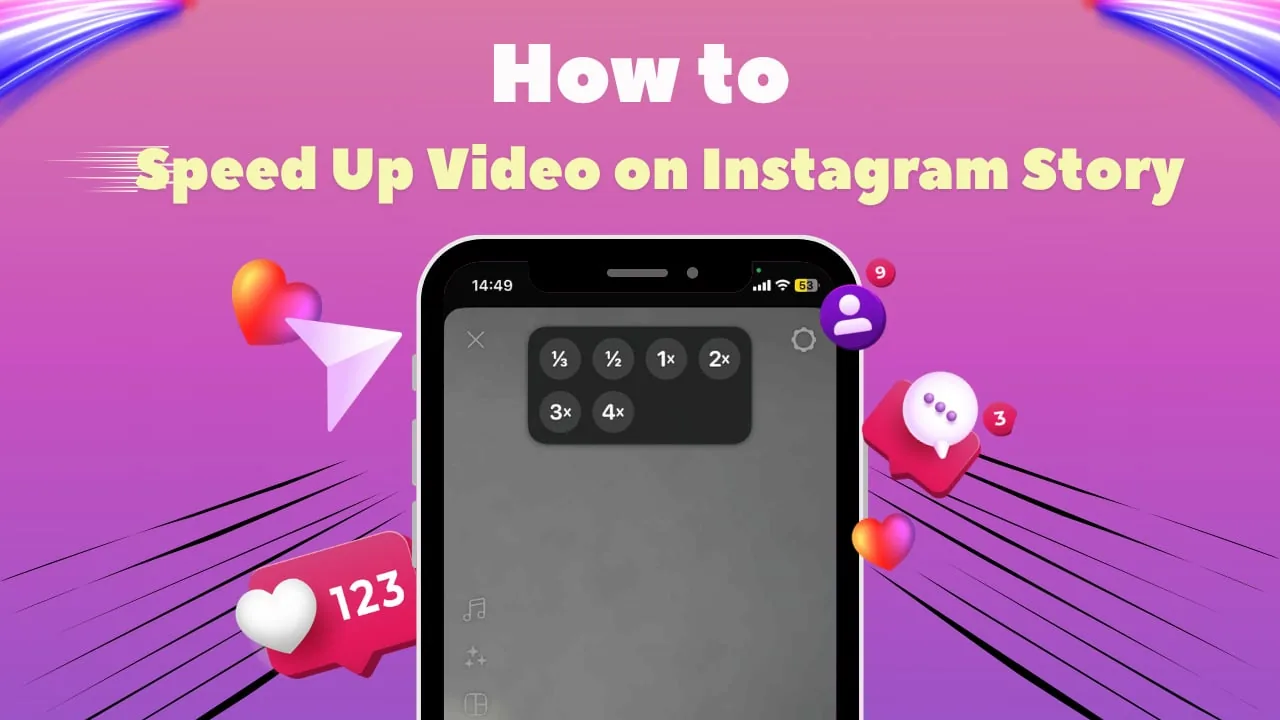
Open the Reels camera or upload a clip, tap the speed icon on the left toolbar, and choose a setting between .3x and 5x. Speeding up also speeds the original audio, so many creators strip it and add a fresh voiceover or music track afterward.
Key takeaways
- The Reels editor's speed control ranges from .3x (slower) to 5x (faster), including 2x, 3x, and 4x presets
- Set your speed before recording a new clip, or apply it to an already-uploaded video from your gallery
- Speeding up footage also speeds up the original audio, which can make voices sound unnaturally high
- Removing the original audio and adding new music or a voiceover afterward fixes the pitch problem
- Third-party editors like CapCut give finer speed control if Instagram's presets feel too limited
- Faster speeds work well for transitions and hooks, while slower speeds suit dramatic or detail shots
Where exactly is the speed control in Instagram's Reels editor?
Open the Reels camera and look on the left side of the screen for a speed icon showing 1x by default — tapping it reveals the full range of options. This sits alongside other editing tools you'd use when learning how to make a reel on instagram from scratch, so it's easy to find once you're in the standard recording flow.
How do I speed up a video I already recorded or downloaded?
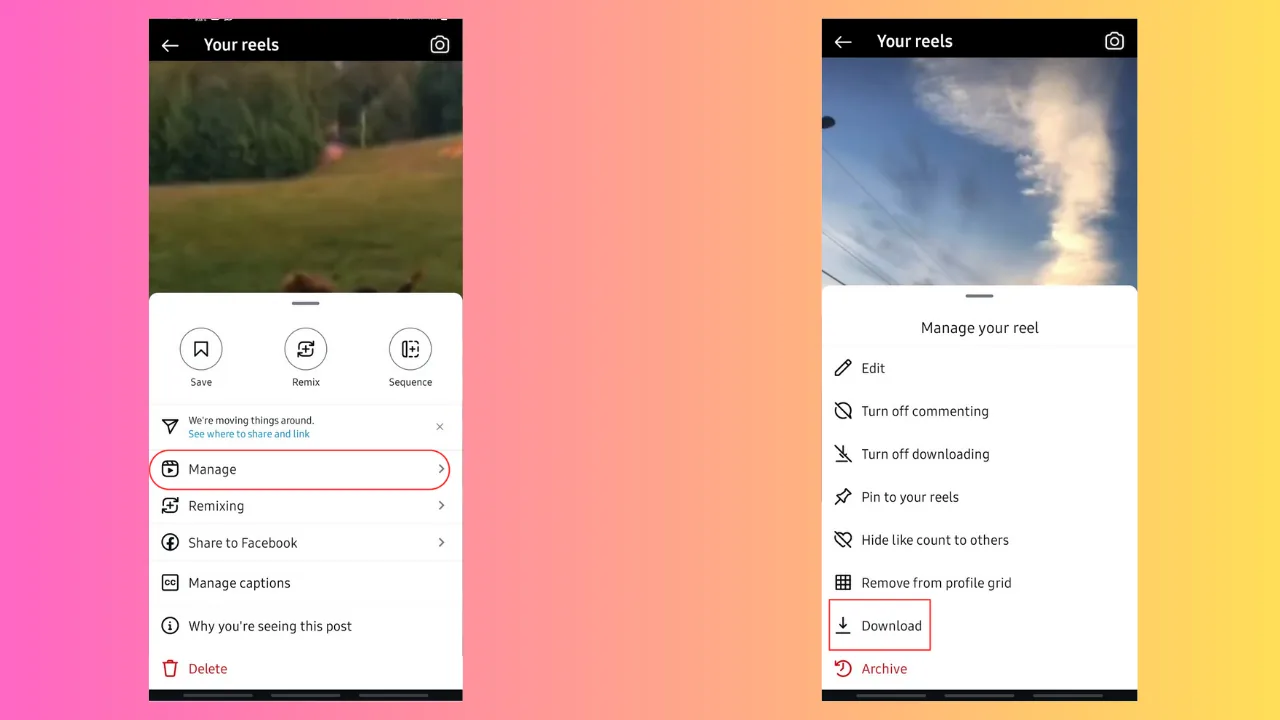
Tap the gallery icon to select an existing video from your camera roll, then tap the same 1x speed option and choose 2x, 3x, or 4x before confirming with Add. This works whether the clip came straight from your phone or was pulled in after you figured out how can i download instagram videos for repurposing footage into a new Reel.
Why does my voice sound weird after speeding up a video?
Instagram speeds the audio track along with the video by default, which raises the pitch and can make speech sound unnaturally squeaky. The fix is to mute or remove the original audio track entirely and layer in a separate voiceover or trending audio afterward, keeping the visual speed change without the pitch issue.
Can I slow down a video instead of speeding it up?
Yes — the same speed menu includes options below 1x, down to .3x, which stretches the clip out for a slow-motion effect. This pairs well with dramatic reveals or product close-ups, and it's the same tool you'd reach for when experimenting with pacing described in viral reels hook formula content.
Do I need a third-party app for more precise speed control?
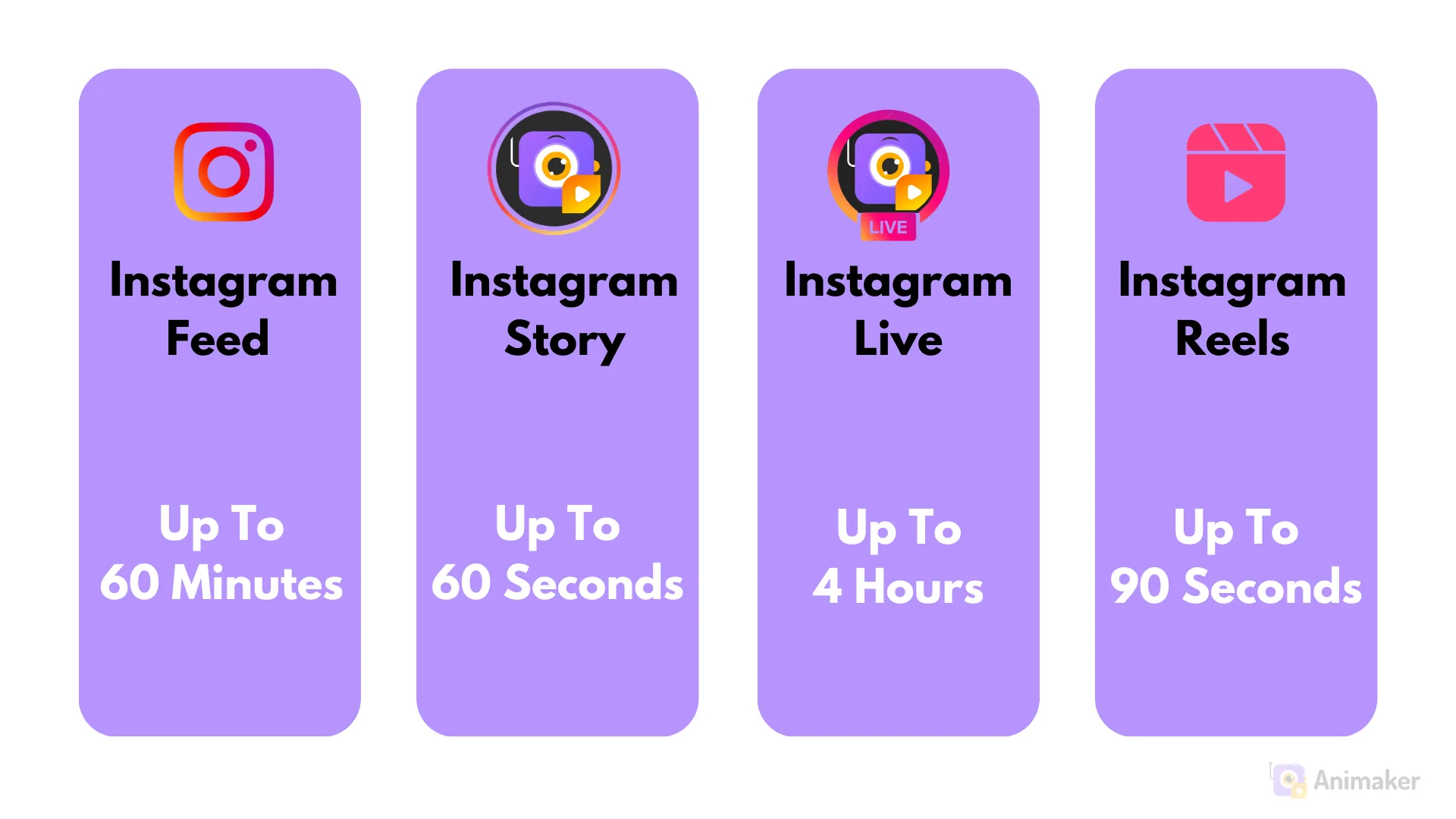
Not usually — Instagram's presets cover most common use cases, but apps like CapCut or Adobe Premiere Rush let you set custom, non-preset speeds and apply speed ramps within a single clip. If you're regularly producing longer or more complex edits, checking how long your final clip is allowed to run via how long can instagram reels be is worth doing before you commit to an edit.
Does changing speed affect video quality or file size?
Speeding up a video shortens its total duration, which can slightly reduce file size, while slowing it down stretches duration and may introduce minor frame interpolation artifacts. Neither typically causes a major quality drop within Instagram's own compression, but exporting from a third-party app first generally preserves sharper detail, similar to how you'd protect quality when following how to post a video on instagram for a longer upload.
| Speed setting | Effect | Best for |
|---|---|---|
| .3x – .5x | Slow motion | Dramatic reveals, detail shots |
| 1x | Normal speed | Standard footage |
| 2x | Slightly faster | Quick transitions, montages |
| 3x – 4x | Noticeably faster | Time-lapse style clips, hooks |
| 5x | Maximum speed | Very short, punchy cuts |
Once you've nailed the speed effect, pairing it with solid captions from captions for instagram helps the edited clip land the way you intended.
Frequently asked questions
Open the Reels editor, tap the 1x speed icon on the left toolbar, and select a faster speed such as 2x, 3x, 4x, or up to 5x.
Sources
Keep reading
More guides to grow your account.