What Does Reporting Someone on Instagram Actually Do?
Learn what Instagram reviews after a report, what the reported account can see, how outcomes and appeals work, and when to block or contact authorities.
Short answer
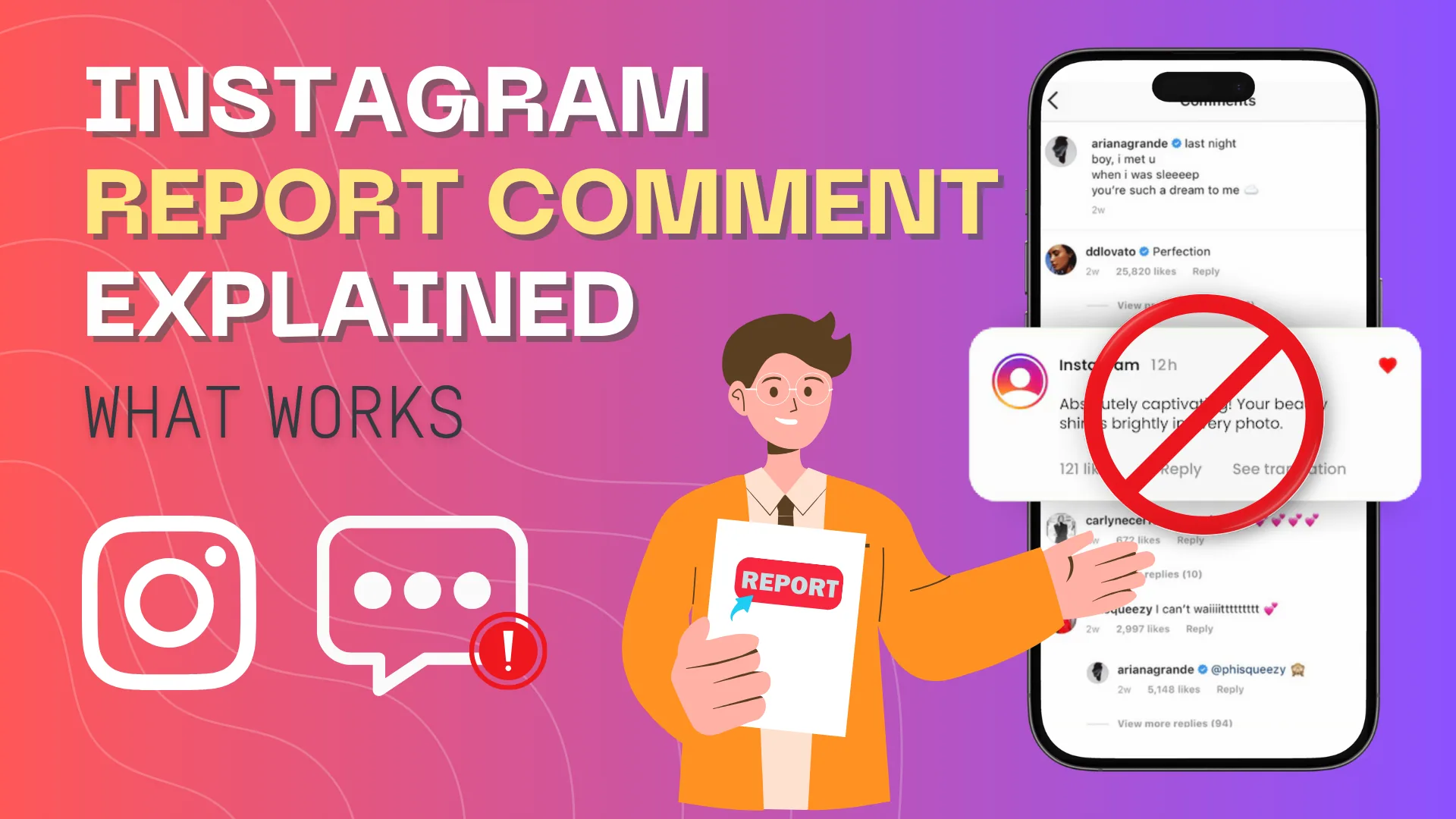
Reporting sends the selected account, post, message, comment, Story, or other content to Instagram for review against its rules. The reported person generally is not told who submitted the report, but a report does not guarantee removal; Instagram may remove, restrict, leave up, or request more context depending on the evidence and policy.
Key takeaways
- A report requests policy review; it is not an automatic deletion button or a public vote.
- Report the specific violating item when possible because it gives reviewers clearer context than reporting an entire profile.
- Instagram generally keeps the reporter's identity private, except in some intellectual-property processes with different legal requirements.
- Block, restrict, mute, or remove a follower separately because reporting alone may not stop contact.
- For credible threats, exploitation, stalking, or immediate danger, preserve evidence and contact appropriate local authorities or emergency services.
What does an Instagram report actually trigger?
A report places the selected content or account into Instagram's enforcement workflow for review against Community Guidelines, Terms, or another applicable policy. The platform decides the outcome; the reporter does not.
Review may use automated systems, human reviewers, or both. The available reason matters: spam, harassment, impersonation, hate, nudity, self-harm, scams, and intellectual-property claims follow different evidence and policy paths. A disagreement, criticism, or unpopular opinion is not automatically a rules violation. Describe the closest accurate reason instead of selecting an extreme category to force action.
For useful context, compare mute someone on Instagram with understand Instagram blocking signals.
How do you report someone effectively and safely?
Report the narrowest violating content, choose the accurate reason, preserve independent evidence, and add a contact boundary such as block when needed. Do not organize false mass reports.
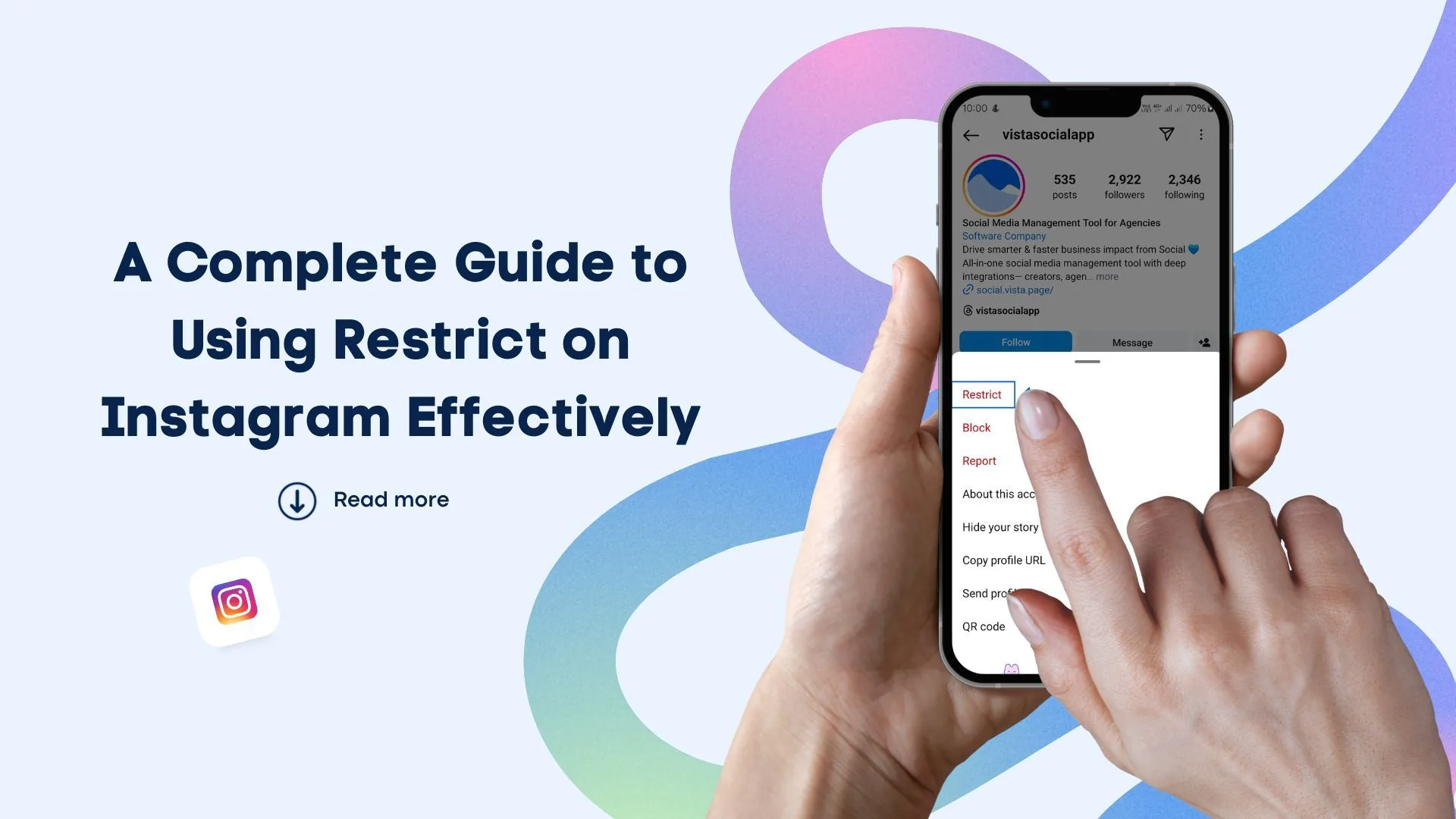
- Open the post, comment, message, Story, Reel, or profile connected to the problem and tap its three-dot or report control.
- Choose Report and select the most accurate policy reason rather than guessing strategically.
- Complete any questions about who is targeted, what happened, or why the content is dangerous.
- Save lawful screenshots, URLs, usernames, dates, and message context outside Instagram if future evidence may be needed.
- Use block, restrict, mute, remove follower, or message controls to stop exposure while the review is pending.
- Check Support Requests or Account Status for available decisions, review information, or appeal options.
Do not respond to threats by posting private information or encouraging followers to retaliate. That can create new safety and policy violations and may destroy useful context.
These steps also pair well with make your Instagram account private and control follower visibility.
Should you report, block, restrict, mute, or remove a follower?
Report asks Instagram to enforce policy, while the other controls change your direct relationship and visibility. Serious situations often require both a report and a boundary.
| Action | Primary purpose | Does Instagram review policy? | Does it stop contact? |
|---|---|---|---|
| Report | Request enforcement review | Yes | Not necessarily |
| Block | Create a strong account boundary | No, unless also reported | Usually across that account |
| Restrict | Limit comments and message visibility | No | Partially |
| Mute | Hide content from your experience | No | No |
| Remove follower | End their approved follow on private profile | No | Removes current follower access |
A report about self-harm or immediate safety may also surface specialized resources, but it is not a replacement for emergency response. Use local support services when delay could cause harm.
To choose the right option, keep turn off active status and understand screenshot notifications nearby.
Why might Instagram say a reported item does not violate rules?
The content may not meet the policy threshold, may lack context, may have changed before review, or the initial decision may be wrong. Use available review options and report the specific behavior accurately.
- The report targeted the whole profile instead of the violating message or post.
- The selected reason does not match the conduct shown in the evidence.
- The content is offensive or misleading but not prohibited under the cited rule.
- A disappearing item expired and the available context is incomplete.
- Automated or human review made an error that qualifies for another review or appeal.
Do not repeatedly submit identical reports from many accounts as a substitute for evidence. If a decision can be reviewed, use that process and explain the relevant context concisely.
If you hit a related problem, consult avoid profile-viewer scams and avoid account-viewer scams.
Is reporting anonymous, and can it be abused?
Instagram generally does not identify ordinary safety reporters to the reported account, but absolute anonymity should not be promised and legal intellectual-property notices can work differently. False reporting is not a safe harassment tactic.
The person may infer who reported a private exchange from context. Keep your own evidence and tighten privacy rather than relying on secrecy. Coordinated malicious reports, fabricated evidence, impersonation, and threats can violate platform rules and laws. Copyright and trademark forms may share claimant details with the responding party, so read the notice before submitting.
For privacy and account safety, also review review Instagram location settings and use legitimate Instagram support.
What should you do after reporting an Instagram account?
Secure your account, preserve evidence, monitor the support decision, and escalate outside Instagram when the risk is beyond a content-policy dispute.
- Block or restrict contact when continued interaction is unsafe.
- Review tags, mentions, messages, followers, location, and account privacy.
- Document new incidents without engaging or retaliating.
- Contact local authorities, a lawyer, school, employer, or support service when appropriate.
Tell a trusted person when harassment is affecting your safety or judgment. Platform enforcement can help, but a complete response may require legal, workplace, school, financial, or mental-health support.
Frequently asked questions
Instagram reviews the selected content or account against its policies and may remove, restrict, leave up, or request more information.
Sources
Keep reading
More guides to grow your account.