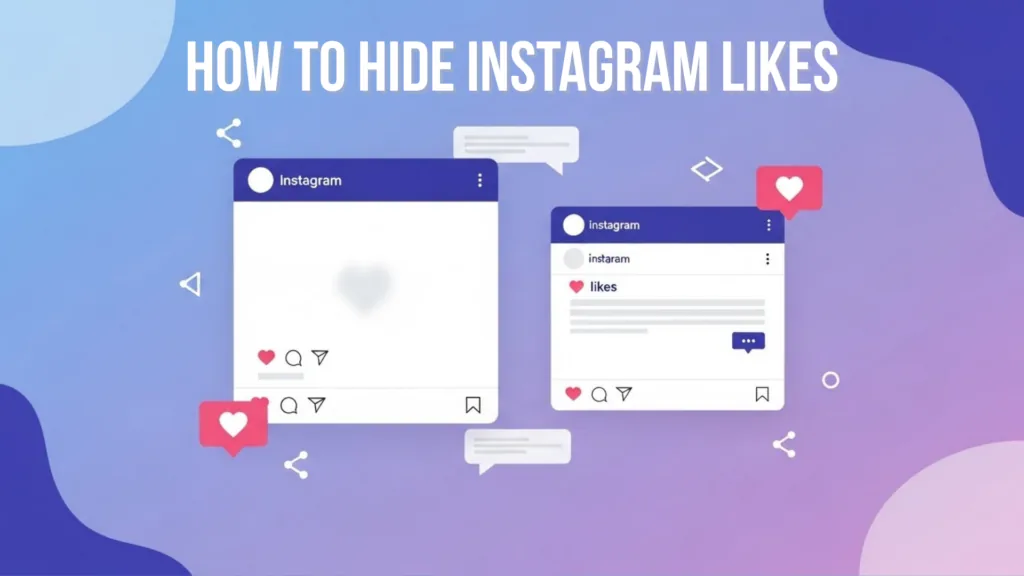
How to Hide Likes on Instagram in 2026
Hide like counts on posts you view or on your own Instagram posts before or after publishing, and understand what the setting does not conceal.
Short answer
Instagram lets you hide like and view counts on posts from other accounts and hide the public count on your own posts. For your post, use Advanced settings before sharing or the post's three-dot menu afterward; hiding the count does not erase likes or make the liker list private to you.
Key takeaways
- There are separate controls for counts on posts you see and counts displayed on posts you publish.
- Hiding a count changes presentation; it does not remove likes, prevent new likes, or undo notifications.
- You can usually hide or unhide the count on an existing post from its three-dot menu.
- Professional Insights may still show engagement data to the account owner even when a public count is hidden.
- A hidden count does not conceal which posts you personally liked from every relevant surface or data record.
What does hiding likes on Instagram actually do?
It removes the visible numeric like count from selected post surfaces, reducing social-comparison cues. It does not delete engagement, stop people from liking, or make the post itself private.
Instagram offers a viewing preference for like and share counts and a per-post publishing control. The wording can vary by region and app build. On your own post, you can still review engagement and professional Insights where available. Other people may see wording such as liked by a named account and others rather than a total.
For useful context, compare make Instagram private with control follower visibility.
How do you hide like counts on Instagram?
Use Settings for counts on posts you browse, and use Advanced settings or the post menu for your own content. Treat those as separate switches.
- To change browsing, open Settings and activity and find Like and share counts or the equivalent content preference.
- Turn on the option to hide counts on posts and Reels from other accounts.
- For a new post, finish the media and caption, open Advanced settings, and enable Hide like and view counts.
- For an existing post, open its three-dot menu and choose Hide like count when available.
- Repeat the per-post action for other published items; one post setting may not retroactively change every old post.
- Check the post from another account if public presentation matters, and unhide later through the same menu if desired.
If a control is missing, update Instagram and check whether you are editing a supported post format. Do not confuse hiding like counts with hiding your Stories, followers, activity status, or account.
These steps also pair well with understand following-list privacy and check unfollows safely.
Which Instagram privacy setting hides which signal?
Like-count controls address numbers, while private accounts, activity status, and interaction tools address different kinds of visibility.
| Control | What it hides | What remains | Scope |
|---|---|---|---|
| Hide counts you see | Visible totals while browsing | Posts and interactions | Your viewing experience |
| Hide count on your post | Public numeric total | Likes still exist | That post |
| Private account | Posts from non-followers | Approved followers can view | Whole personal account |
| Turn off activity status | Online/last-active signal | Other interactions | Messages and activity surfaces |
| Mute account | Their content in your feed | Follow relationship | Your viewing experience |
Use the smallest control that solves the concern. Making an account private solely to hide a number changes discovery and follower approval far more than a like-count setting.
To choose the right option, keep avoid risky follower trackers and recognize account-viewer scams nearby.
Why can people still see likes after you hide the count?
The setting may hide the total but not every indication of engagement, and it may apply only to one post or one viewing account. Confirm which switch you changed.
- You hid counts on posts you view, not the count on your own post.
- The setting applies to one post while other posts remain unchanged.
- Instagram still shows a liker preview or the phrase and others without a number.
- A professional owner can still view engagement in Insights.
- The app or cached page has not refreshed after the setting change.
Force-close and reopen the app or inspect the post from a separate account. Avoid deleting and reposting content just to change this display option; the post menu is normally sufficient.
If you hit a related problem, consult understand profile-viewer limits and learn what profile visits reveal.
Does hiding likes improve privacy or mental health?
It can reduce visible comparison pressure, but it is not a complete privacy or well-being control. Likes remain account activity and Instagram still processes engagement.
Choose the setting if public totals distract you, then pair it with time-management tools, Following or Favorites feeds, muted accounts, and notification controls. For a business, hiding totals may change social proof but does not alter the need for honest reporting. Do not use hidden counts to misrepresent sponsored performance or sell fabricated engagement.
For privacy and account safety, also review turn off active status and mute an account without unfollowing.
Should you hide Instagram like counts?
Hide them when the number distracts from the content or conflicts with the experience you want. Keep them visible when transparent public engagement is useful and not harmful.
- Test the setting on one representative post.
- Ask whether the goal is focus, privacy, design, or performance.
- Use Insights rather than public totals for professional decisions.
- Review the choice after several weeks instead of toggling daily.
There is no reliable evidence that the toggle itself produces a ranking advantage. Make the decision for audience experience and your own focus, then improve the content based on saves, shares, replies, watch time, and meaningful outcomes.
Frequently asked questions
Before posting, use Advanced settings; after posting, use the three-dot menu and choose Hide like count when available.
Sources
Keep reading
More guides to grow your account.