How to Find Contacts and People on Instagram
Find someone by username, name, mutual connections, or optional contact syncing while respecting privacy and avoiding fake people-search tools.
Short answer
Search Instagram by exact username, display name, or known profile details first. Contact syncing can suggest accounts associated with phone numbers in your address book, but it does not guarantee a match and uploads contact information to Meta for discovery purposes.
Key takeaways
- An exact @username is the most reliable way to find the correct Instagram account.
- Display names are not unique, so confirm the bio, profile photo, links, mutual followers, and public context.
- Contact syncing is optional and privacy-sensitive; review the permission and uploaded-contact controls before enabling it.
- Instagram will not reveal the private owner of an unknown phone number or email as a guaranteed lookup service.
- Avoid people-search pages that demand Instagram credentials, payment, or private-account access.
What is the safest way to find someone on Instagram?
Search the person's exact username and confirm multiple public details before following or messaging. If the username is unknown, try the display name, known organization, location, mutual accounts, or an optional contact suggestion.
Common names can return hundreds of accounts, including fan pages and impersonators. A blue badge can help identify some notable accounts but is not available to everyone and does not prove every claim in a bio. Match several independent details and ask the person through an existing trusted channel when identity matters.
For useful context, compare make Instagram private with control follower visibility.
How do you find phone contacts on Instagram?
Enable contact syncing only if you understand that address-book data will be used for suggestions, then review Discover people. Disable syncing and delete uploaded contacts when you no longer want that use.
- Ask the person for their @username or profile link before using broad discovery methods.
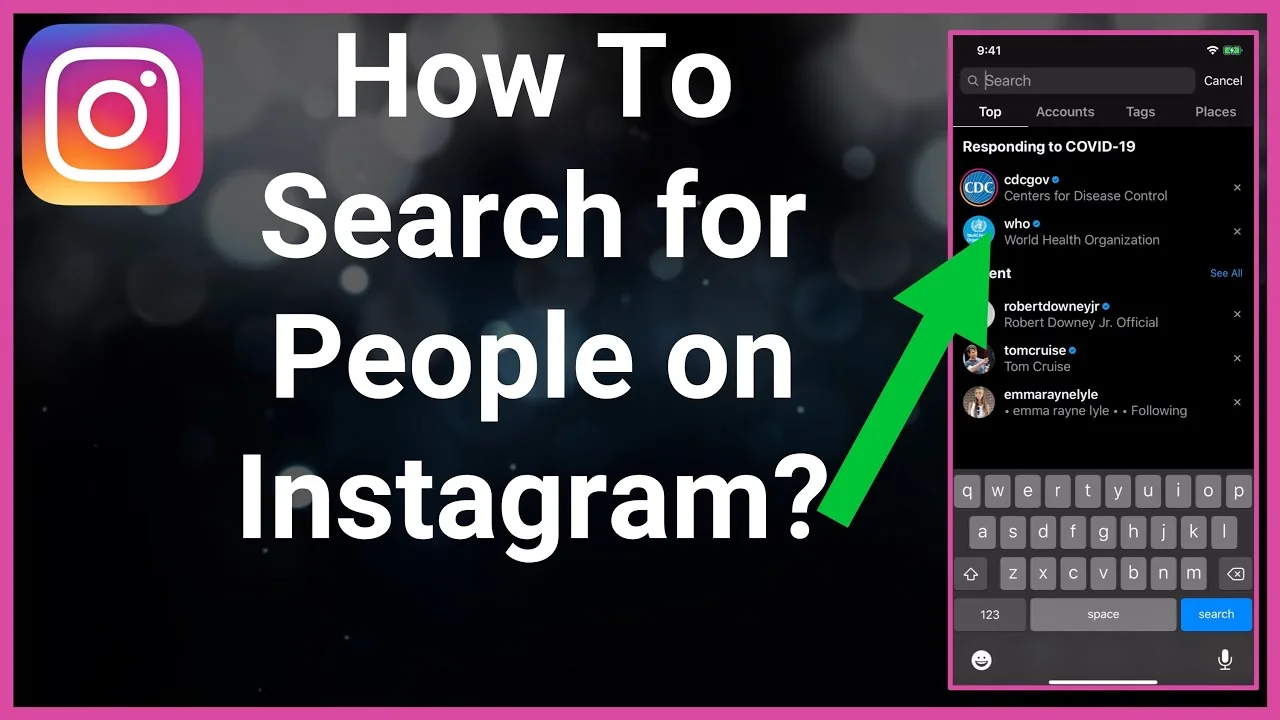
- In Instagram Search, enter the username without extra punctuation and inspect the Accounts tab.
- For contacts, open Accounts Center or Follow and invite friends, then review the contact-syncing explanation.
- Grant contact permission only if you choose to upload the address book for suggestions.
- Open Discover people and verify each suggested profile rather than assuming every match is correct.
- To stop, disable contact syncing, review device contact permission, and use Meta's uploaded-contact management control.
Syncing is not instant, universal, or reciprocal. A contact may use another number, restrict discoverability, have no Instagram account, or appear under an unrelated username. Never pressure someone who chose not to share their profile.
These steps also pair well with understand following-list privacy and check unfollows safely.
Which Instagram people-search method should you use?
Use direct profile links or exact usernames first; broader signals become less reliable and more privacy-sensitive.
| Method | Reliability | Privacy impact | Best use |
|---|---|---|---|
| Profile link or QR code | Very high | Low | Someone shares it directly |
| Exact @username | High | Low | Known handle |
| Display name plus mutuals | Medium | Low | Confirming a likely account |
| Contact syncing | Variable | Uploads address-book data | Finding opted-in acquaintances |
| Third-party people finder | Unreliable | High risk | Avoid |
Reverse image search and mass people-search tools can misidentify someone and create harassment risk. Use public information proportionately and stop when a person has not consented to contact.
To choose the right option, keep avoid risky follower trackers and recognize account-viewer scams nearby.
Why can you not find someone on Instagram?
The username may have changed, the account may be private, deactivated, deleted, blocked, misspelled, or outside the signals available to your account. Absence from search does not prove one specific cause.
- The @username contains punctuation, repeated letters, or a spelling different from the person's name.
- The account changed its handle and old links no longer resolve.
- One account blocked the other, limiting search and profile visibility.
- The person deactivated or deleted the account, or Instagram disabled it.
- Contact syncing is off, incomplete, or linked to a different phone number than your address book entry.
Do not create alternate accounts to evade a block or use a private-viewer service. If contact is legitimate, ask through an existing channel for the current profile link.
If you hit a related problem, consult understand profile-viewer limits and learn what profile visits reveal.
What privacy rules matter when finding Instagram accounts?
Use discovery to reconnect, not to identify, monitor, or pressure someone who has chosen privacy. Contact data and mutual connections can expose relationships, so handle them carefully.
Get permission before uploading a shared business, client, school, or family address book. Separate professional contacts from a personal phone when possible, and delete uploaded contacts after the purpose ends. Do not publish a person's handle, phone number, location, workplace, or relationship map without consent. Report impersonation rather than organizing public accusations against a suspected profile.
For privacy and account safety, also review turn off active status and mute an account without unfollowing.
How do you confirm you found the right profile?
Confirm at least two or three public details and, for anything important, verify through a trusted channel. One matching photo or name is not enough.
- Compare the exact handle and any linked official site.
- Check bio, mutuals, recent context, and consistent identity signals.
- Look for impersonation warnings or copied content.
- Ask the person directly before sharing sensitive information.
When messaging, introduce yourself and explain how you know the person rather than sending links or asking for codes. A cautious first contact protects both sides from impersonation and phishing.
Frequently asked questions
Search their exact @username or open a profile link they shared. Verify public details before assuming a name match is correct.
Sources
Keep reading
More guides to grow your account.