What Is an Instagram Handle and Profile URL?
An Instagram handle is the unique @username used for identity, mentions and the profile URL. Learn where to find, share and change it safely.
Short answer
An Instagram handle is the account’s unique username, written as @username. It identifies the profile in mentions and forms the public address instagram.com/username; it is different from the non-unique display name.
Key takeaways
- An Instagram handle is the unique @username attached to one profile at a time.
- The handle forms the profile URL: instagram.com/username.
- A display name can be duplicated, but a username must be unique.
- Changing the username changes the profile URL and can break old links or tags.
- Name, username, profile picture, bio and links remain public profile information even on private accounts.
What is an Instagram handle?
An Instagram handle is the unique username that identifies an account, usually written with an @ sign such as @example. It appears in mentions, tags, search and Direct conversations and forms the account’s public profile URL. The handle is not the display name shown in larger profile text. Several people can use the same display name, but only one active profile can hold a particular username at a time.
For the neighboring workflow, use How to Post on Instagram: Step-by-Step Guide before changing another setting. The related guide to How Do You Upload on Instagram? Phone & Desktop explains the control users most often confuse with this one.
How do you find your Instagram handle?
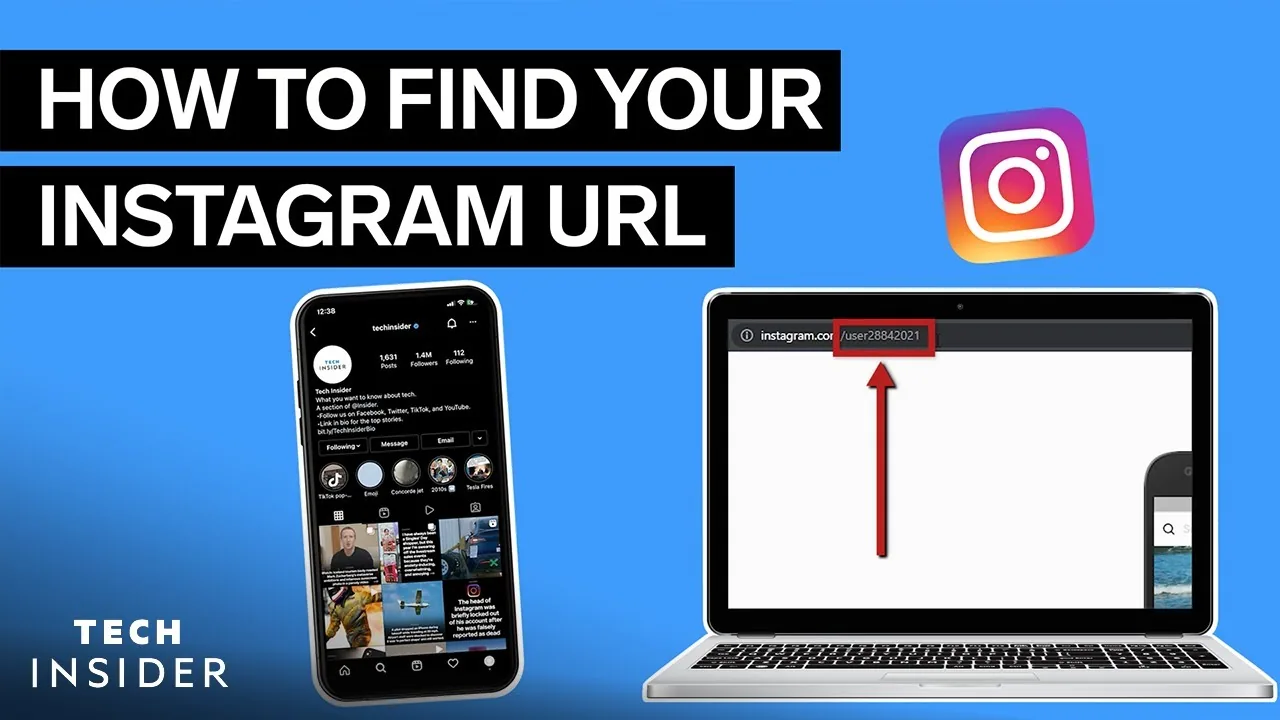
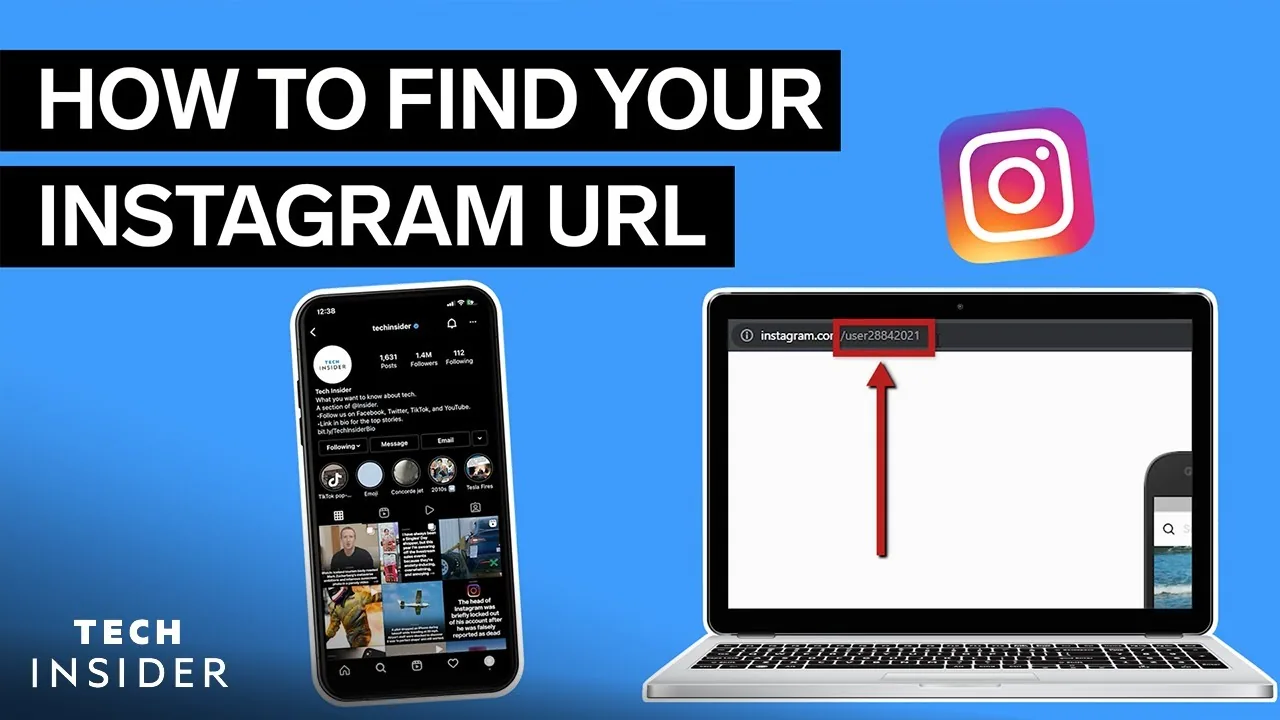
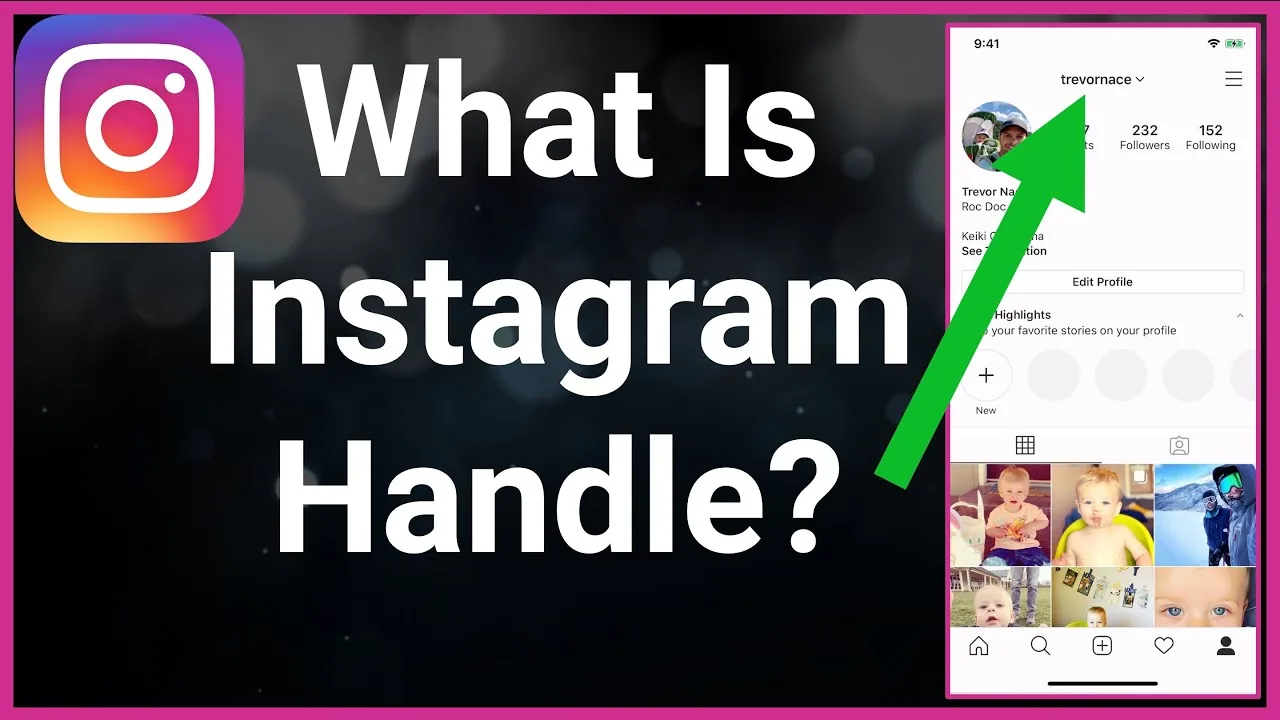
Find your handle by opening your profile and reading the username shown at the top. You can also view the profile in a browser, where the portion after instagram.com/ is the username. If you cannot log in, Instagram suggests asking a trusted friend to visit the profile and send a screenshot of the current username. Confirm exact punctuation because underscores and periods can distinguish different accounts.
- Open your profile and note the exact username at the top.
- Confirm the same handle in the browser profile URL.
- Use Share profile or copy instagram.com/username.
- Test the link while logged out and on another device.
- Update websites, QR codes and contacts whenever the username changes.
If your goal is broader account management, How to Grow on Instagram in 2026: A Beginner Guide is the practical next step. You can compare the result with How the Instagram Algorithm Works in 2026, Explained so you do not solve the wrong problem.
How do you share an Instagram profile URL?
Share the profile URL by using Instagram’s Share profile or QR-code option, or by copying https://www.instagram.com/username/ with the current handle. Test the link in a logged-out browser before printing it on packaging or campaigns. A private profile’s page can still be reached, but posts remain limited to approved followers. Do not use third-party shorteners for security-sensitive identity verification.
| Profile element | Must be unique? | Public on private accounts? |
|---|---|---|
| Handle or username | Yes | Yes |
| Display name | No | Yes |
| Profile URL | Derived from handle | Yes |
| Posts | Not applicable | Only approved followers |
Privacy protects post access, not the basic identity fields Instagram lists as public.
For a safer fallback, follow How to Optimize Your Instagram Bio for More Followers instead of handing credentials to an unknown service. Creators should also review How to Write a Good Instagram Bio because the same choice can affect reach or presentation.
What is the difference between handle and name?
The handle is the unique account identifier and URL component, while the display name is descriptive profile text that can include spaces and can be duplicated. Search may use both. A person can change either, but changing the handle affects mentions and external links more directly. Verification badges, account history, mutual connections and official websites help distinguish impersonators; a familiar display name alone is weak evidence.
- Verify exact spelling before sending money or information to an account.
- Avoid personal data inside a public username.
- Do not impersonate a person, business or institution.
- Plan redirects and campaign updates before changing a handle.
The platform behavior makes more sense alongside Captions for Instagram: 60 Ideas That Drive Engagement. For the privacy side of the decision, read How to Batch an Instagram Content Calendar in One Day and keep the two settings separate.
What happens when you change your username?
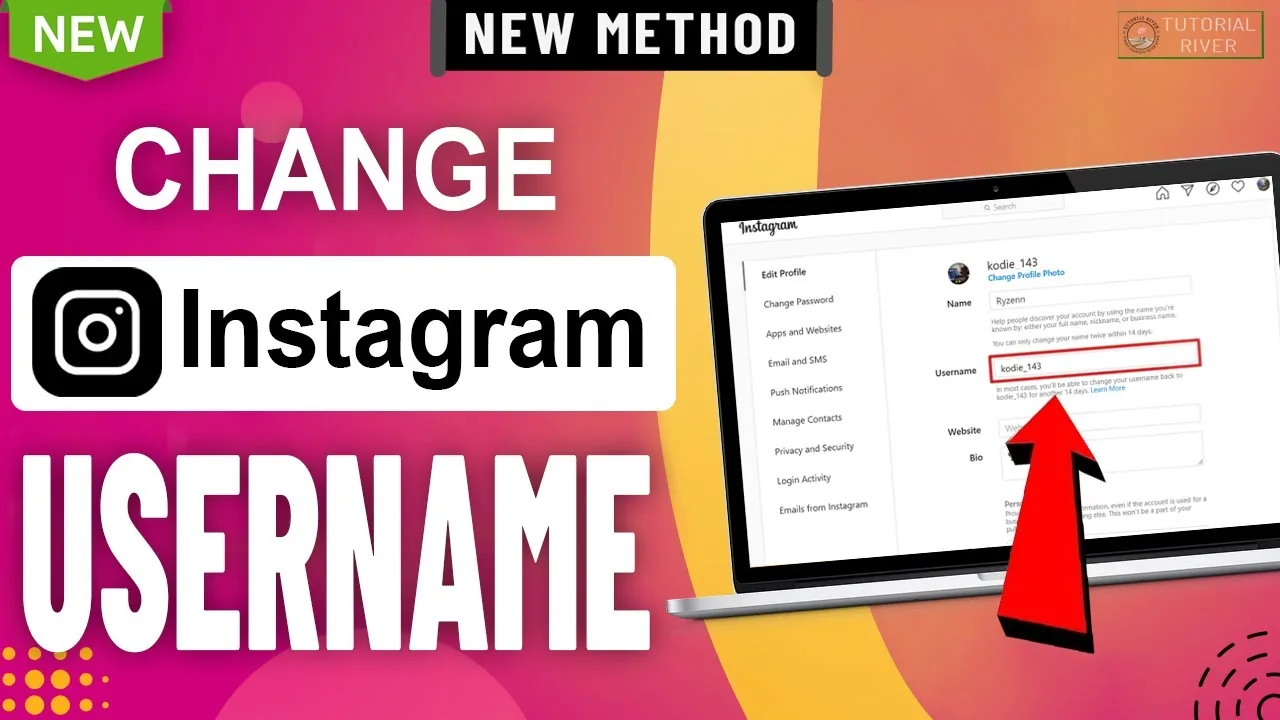
Changing the username changes the profile URL and may make old website links, QR codes, mentions and printed material outdated. The old handle may not remain reserved forever. Connected profile syncing can also affect related Accounts Center information. Before changing, inventory important links, notify partners and update authentication or social-login documentation. Meta Verified accounts may face review or frequency restrictions on profile changes.
- Ask a trusted person to confirm a forgotten username.
- Try the associated email or phone on the login screen.
- Update cached website links after a handle change.
- Report lookalike impersonation through official tools.
A complete setup also benefits from Best Time to Post on Instagram in 2026, especially after an app update. When this action changes what other people see, Instagram Search Queries Optimization: The 2026 SEO Guide provides useful context.
How do you choose a safe, useful handle?
Choose a handle that is easy to spell, consistent with the identity and free from misleading claims. Avoid adding “official,” a badge symbol or another person’s trademark in a way that creates impersonation. Businesses should document ownership so the username is not tied solely to a departing employee. Personal users should avoid embedding birth years, phone numbers or other unnecessary identifying data in a permanently public handle.
Frequently asked questions
Yes, handle commonly means the unique Instagram username. It is written with @ in mentions.
Sources
Keep reading
More guides to grow your account.