How to Get a Phone Number for Instagram: Verification Options
A complete guide on securing a phone number for Instagram verification in 2026, including VoIP, eSIM, and SIM setups.
Short answer
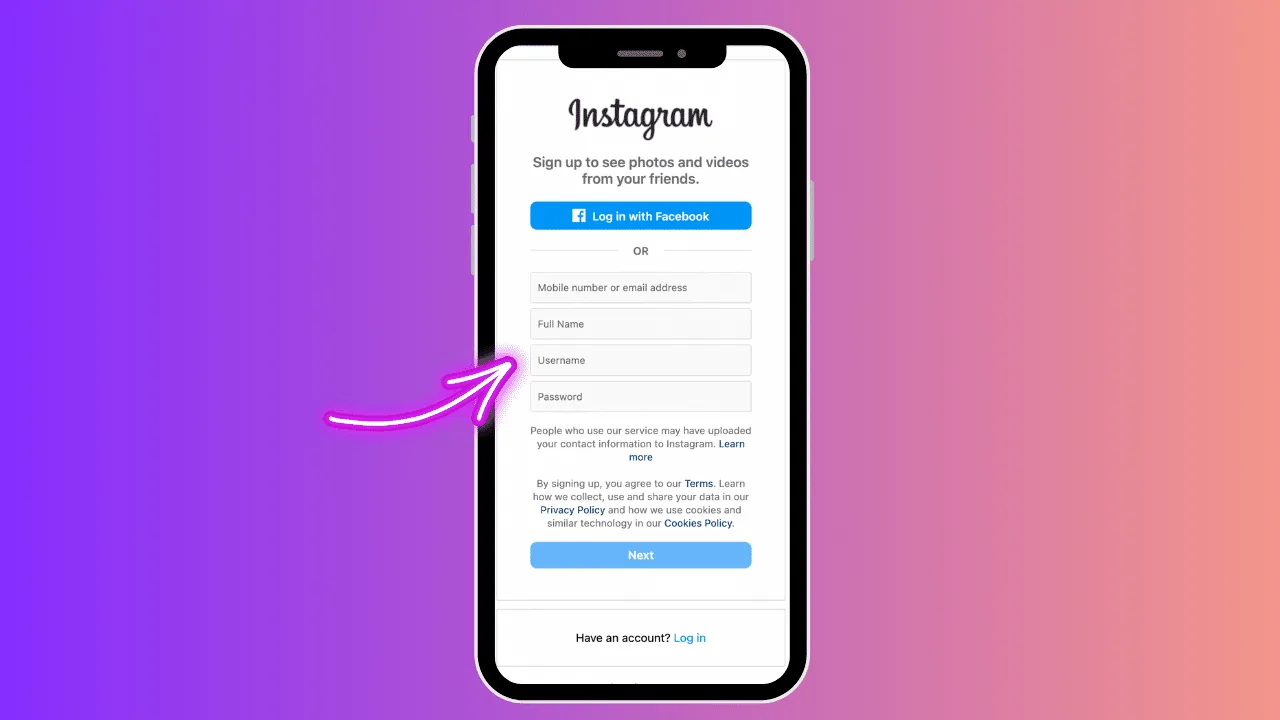
Secure a phone number for Instagram verification by purchasing a physical SIM card, activating a digital eSIM, or setting up a non-VoIP virtual number that supports automated SMS shortcode delivery.
Key takeaways
- Instagram blocks most free virtual VoIP numbers (e.g. Google Voice) for registration.
- Physical SIM cards and mobile carrier eSIMs are the most reliable options for verification.
- You can change your linked phone number under the Personal details menu in Accounts Center.
- Two-factor authentication (2FA) codes can be routed to your phone number or authenticator apps.
- A single phone number can verify multiple Instagram accounts, subject to platform limits.
How do you get a phone number for Instagram verification?
You can get a phone number for Instagram verification by purchasing a traditional prepaid SIM card or setting up a digital eSIM on your mobile device. This provides a real mobile number that receives verification SMS codes.
Most free texting apps use VoIP (Voice over IP) networks, which Instagram's registration systems detect and block to prevent spam accounts. Using a carrier-provided mobile line ensures that verification SMS codes are delivered successfully. To see how security and profile registration signals affect your reach, you can read the Instagram algorithm explained guide.
Linking a verified number is essential for account security. If you are starting an Instagram growth guide, you must protect your account from takeovers. Having your verification info updated helps you log in securely. A strong profile bio is also helpful; read how to write Instagram bio for optimization ideas.
What are the options for virtual numbers and eSIMs?
Options for virtual numbers and eSIMs include mobile app carriers, secondary line subscriptions, and virtual carrier services. The table below compares the options for verification compatibility.
| Number source | Technology type | SMS shortcode support | Verification reliability |
|---|---|---|---|
| Physical SIM | Mobile Carrier Network | Full support | Very High |
| Digital eSIM | Mobile Carrier Network | Full support | Very High |
| Paid VoIP | Secondary line app | Limited support | Medium |
| Free VoIP | Virtual number app | Blocked | Low |
For profiles focused on security, you can secure your profile configuration to hide your posts. For feed curation, you can check how to hide following list or learn to repost on Instagram natively. If you want a complete break from the app, you can disable account temporarily or review the how to delete Instagram account guides.
How do you change or update your phone number on Instagram?
To change your phone number, open Accounts Center in your Settings, select Personal details, tap Contact info, click on your phone number, and enter your new number to verify via SMS.
- Open Instagram on your mobile device.
- Tap your profile avatar, then tap the three-line settings menu.
- Open Meta Accounts Center and select Personal details under Account settings.
- Click Contact info, then tap Add new contact to input your number.
- Select the Instagram profile to link, then enter the SMS code received.
Updating your details prevents losing access if you change carriers. If you experience bugs when saving contact settings, you can clear app cache on your phone to refresh device parameters. For posting content, use how to post on Instagram to manage your uploads.
What security rules apply to verification numbers?
Instagram requires a verified phone number or email to log in from new devices, reset passwords, and enable two-factor authentication. SMS verification does not notify other users of your phone details.
Your number remains completely hidden from the public unless you choose to display it on a Business profile contact button. When configuring your security, check platform data limits; read does Instagram show screenshots or look into whether does Instagram have profile views for details.
Frequently asked questions
Usually no. Instagram blocks most VoIP numbers, including Google Voice, to prevent automated spam account creation.
Sources
Keep reading
More guides to grow your account.