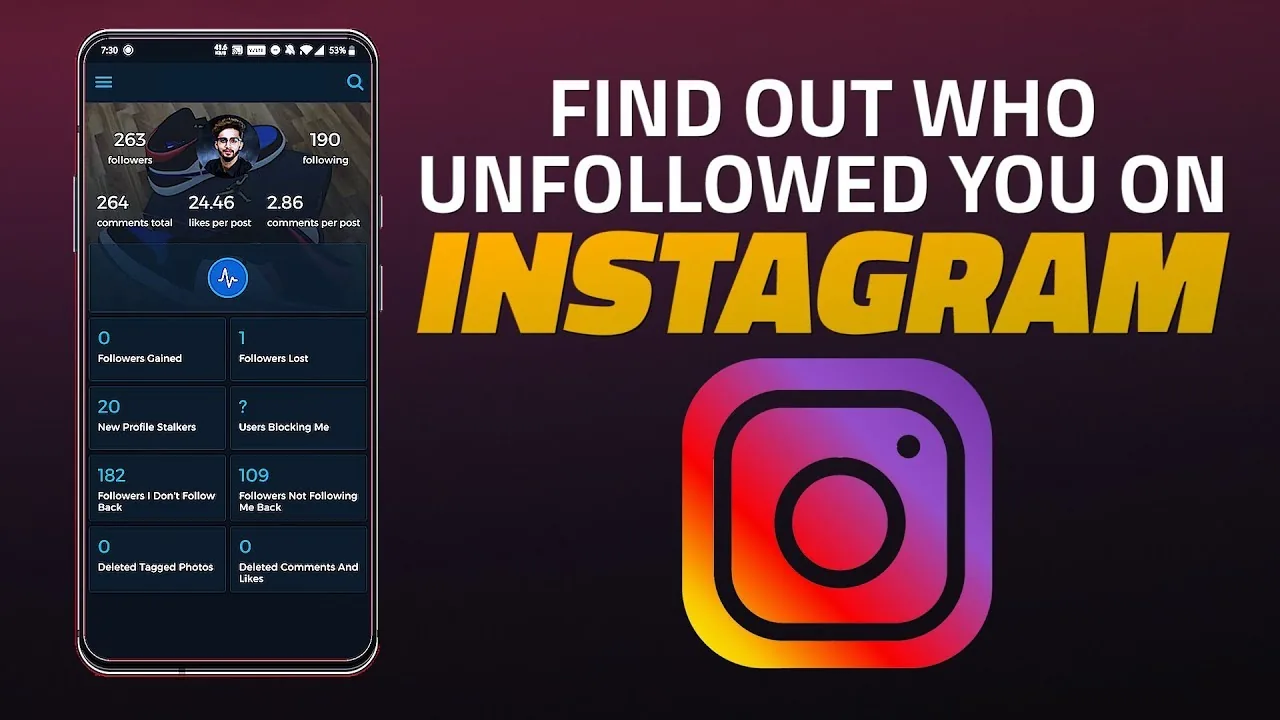
How to Tell Who Unfollowed You on Instagram (2026 Guide)
Instagram won't notify you, but you can spot unfollowers with a follower list check, data download, or tracker app.
Short answer
Instagram never sends an unfollow notification, so you have to compare follower snapshots yourself — either manually, through a data download, or with a third-party unfollower tracker. There is no official in-app list of who left.
Key takeaways
- Instagram does not tell you who unfollowed you — there's no alert, no list, and no setting that reveals it directly.
- The free manual method is checking your Followers list and searching for a specific username to see if it's still there.
- Downloading your account data lets you compare follower snapshots from different dates to spot changes.
- Third-party unfollower trackers automate the comparison but only work on public accounts, and you should never hand one your password.
- If you're focused on getting more followers on Instagram in the first place, losing a few unfollowers along the way is normal and rarely worth obsessing over.
Does Instagram notify you when someone unfollows you?
No. Instagram has never had a native unfollow notification, and there's no hidden menu that lists who left. All you see is your follower count quietly drop by one. This is intentional — surfacing that data could encourage unhealthy comparison, so the platform leaves it to you to track manually if you care.
How do you manually check who unfollowed you?
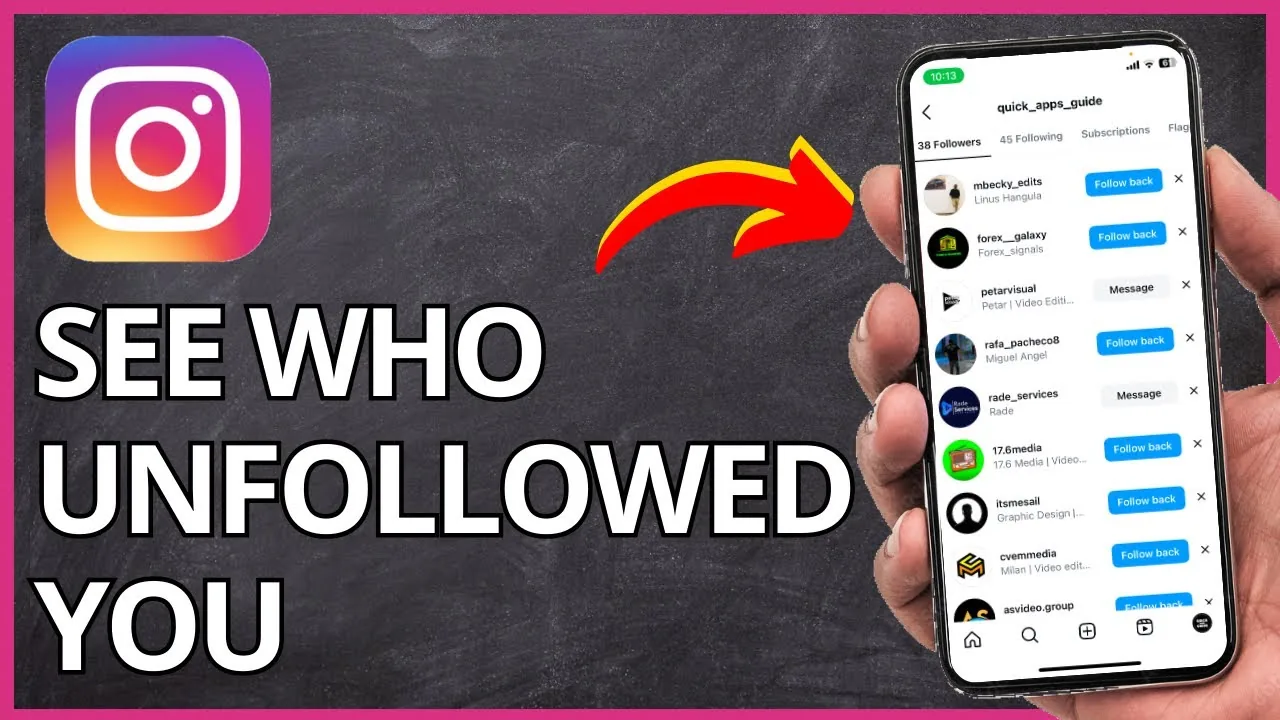
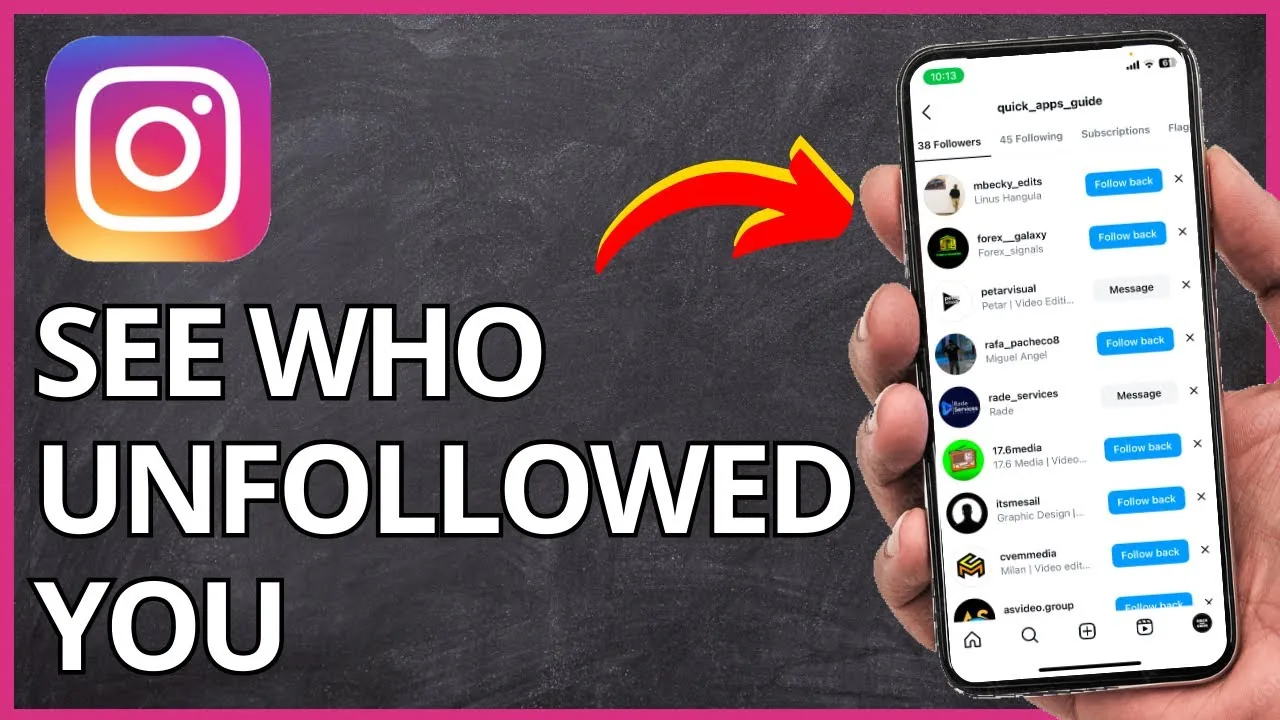
Open your profile, tap Followers, and search for the specific username you suspect stopped following you. If their name doesn't appear in the list anymore, they've unfollowed. This works fine for checking one or two specific people, but it falls apart once you have more than a few hundred followers, since Instagram reshuffles the order every time you reopen the list, making a full manual audit impractical.
Can you use Instagram's data download to find unfollowers?
Yes, and it's the safest method that doesn't involve a third-party app. Go to Settings, then Accounts Center, then Your Information and Permissions, and request a download of your data including your followers list. If you do this periodically, once a month is plenty, you can compare exported files to see exactly who dropped off between snapshots, the same kind of audit worth running before you buy Instagram followers or push any growth campaign.
Should you use a third-party unfollower tracker app?
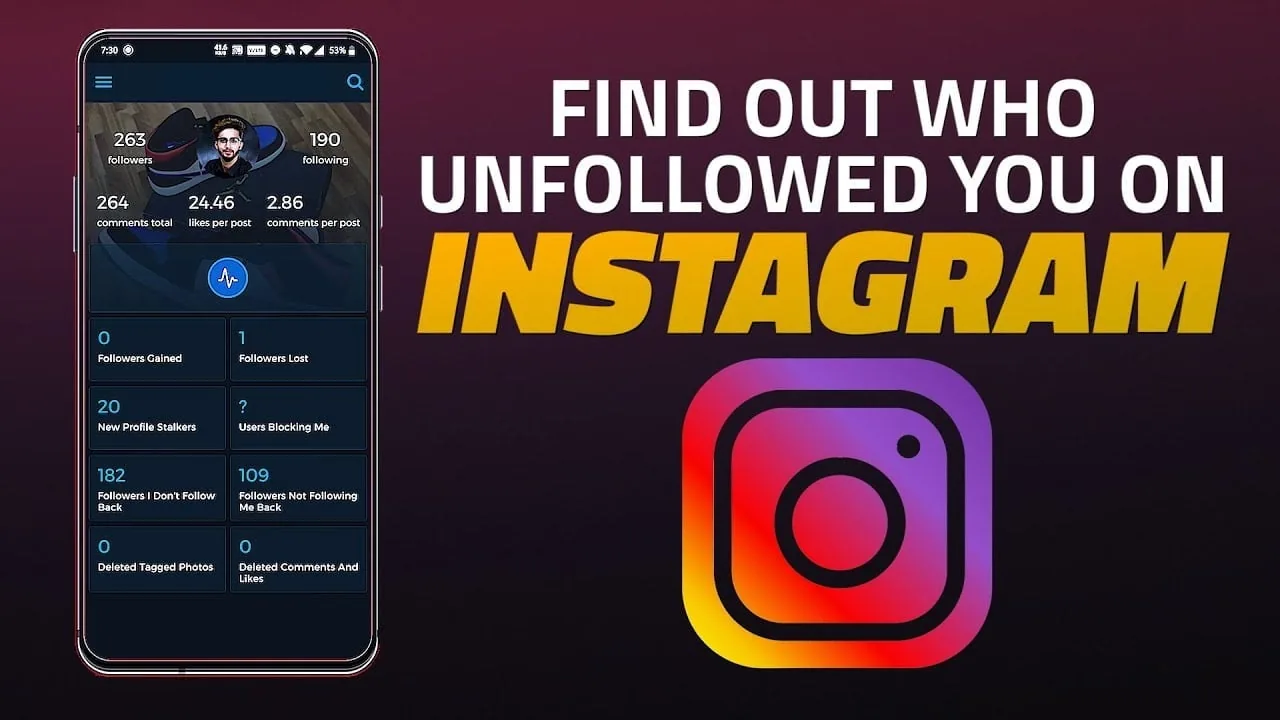
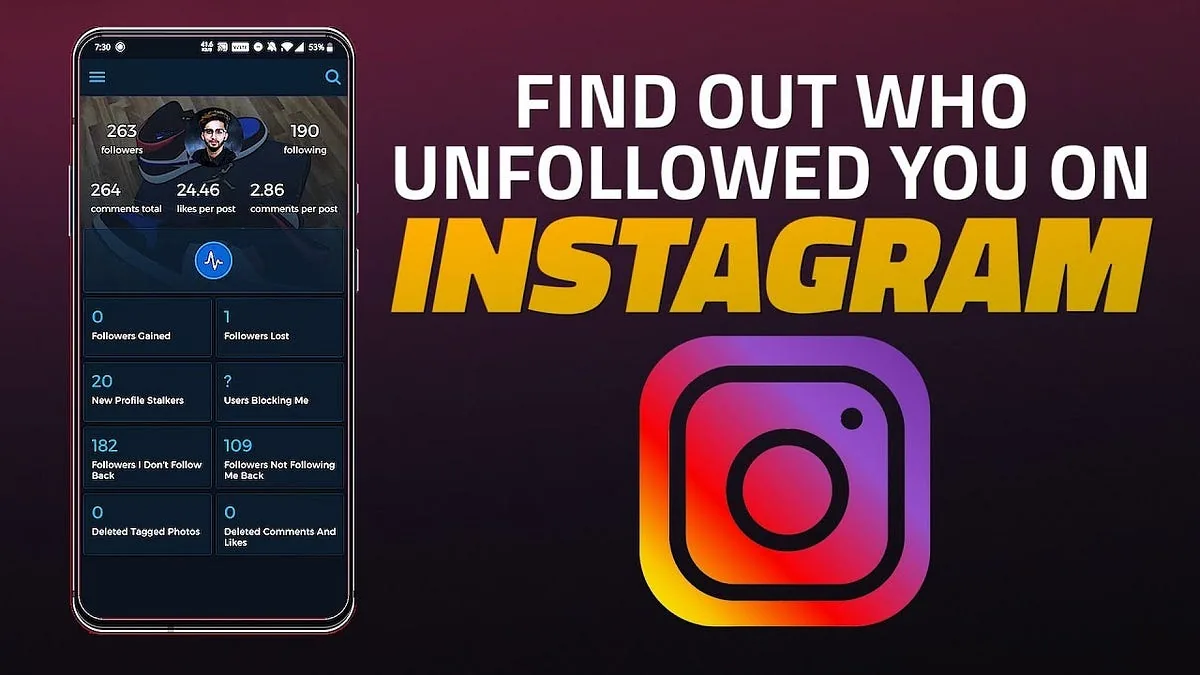
Only with caution, and only ones that don't ask for your Instagram password. Legitimate trackers take periodic snapshots of your public follower list and show you the difference over time, essentially automating the manual comparison. Never enter your Instagram login credentials into a third-party site, since that violates Instagram's terms and puts your account at risk of being compromised or banned.
Why did someone unfollow you on Instagram?
Unfollows usually aren't personal. People regularly prune accounts they've lost interest in, switch to a new account, or get removed automatically if their account was deactivated. If you're seeing consistent unfollows after every post, it's worth reviewing your content strategy the same way you'd study an Instagram algorithm breakdown, since posting frequency and relevance affect retention more than any single post.
What's the difference between an unfollow and a block?
An unfollow simply means someone no longer sees your posts in their feed; you can still view their public profile and they can still view yours. A block is more severe, hiding your content and profile entirely from that person. If you want to know whether someone unfollowed versus blocked you, check whether you can still see their profile at all, similar to the steps in how to see who blocked you on Instagram.
| Method | Cost | Accuracy | Works on private accounts |
|---|---|---|---|
| Manual follower search | Free | High for individuals | Yes (your own list) |
| Instagram data download | Free | High, needs periodic exports | Yes |
| Third-party tracker app | Free or paid | Depends on snapshot frequency | No, public only |
| Insights follower graph | Free (business or creator) | Shows trend, not names | Yes |
How can business or creator accounts track follower trends?
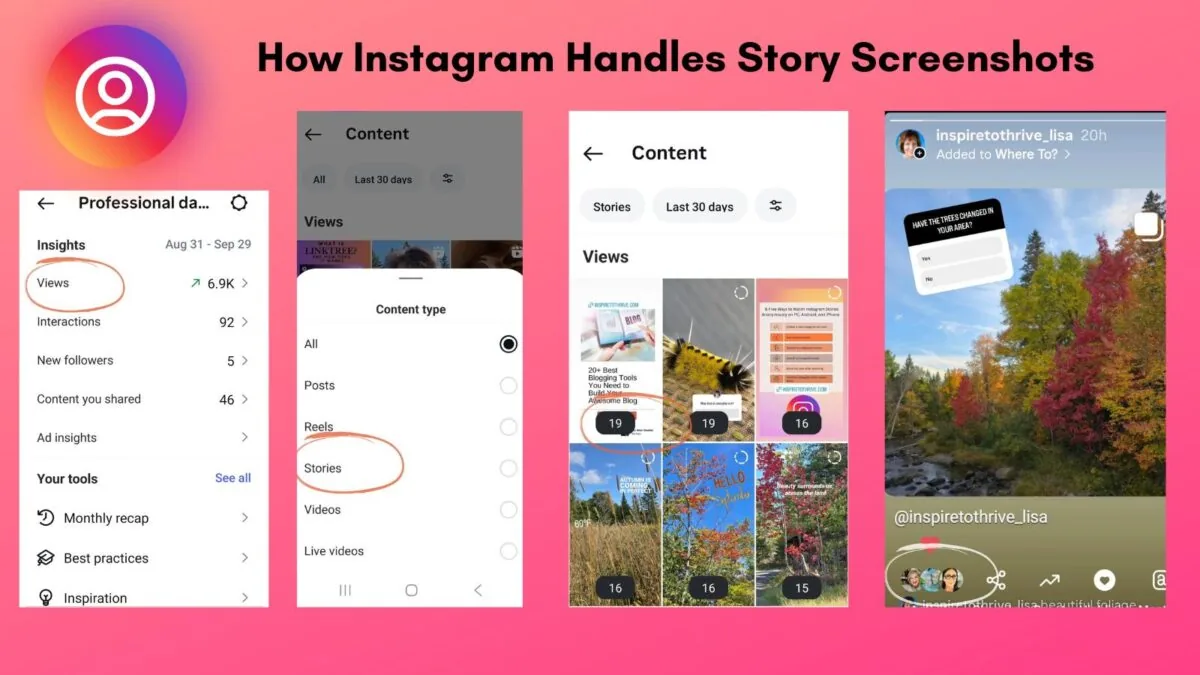
Professional accounts have access to Instagram Insights, which shows a Total Followers graph including gains and losses over a selected time period. It won't name individual unfollowers, but it does show whether a spike in unfollows lines up with a specific post, useful context if you're also tracking organic follower growth progress.
Losing followers is a normal part of running an active account, and no method, official or third-party, can retroactively reveal who unfollowed before you started tracking. Focus on steady content and genuine engagement rather than fixating on every single drop.
Frequently asked questions
No. Instagram has no notification or built-in list for unfollows. The only signal is a lower follower count, so you have to track it yourself through manual checks, data downloads, or a tracker app.
Sources
Keep reading
More guides to grow your account.